

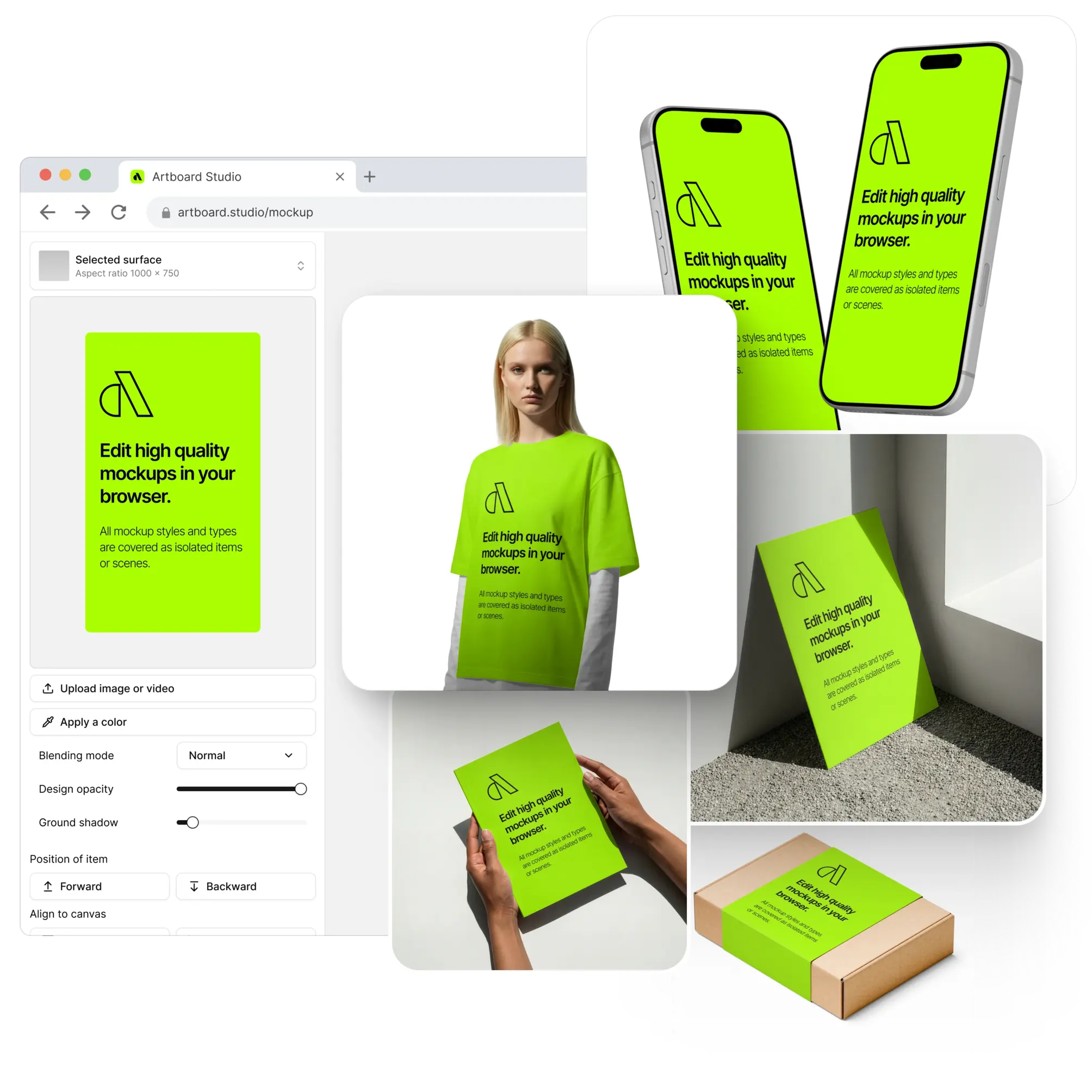
Device Mockups
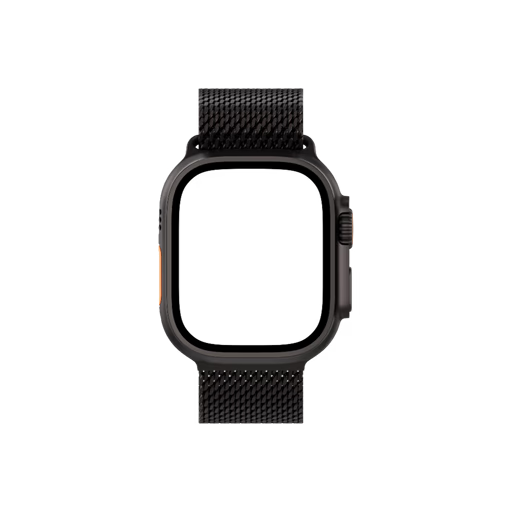
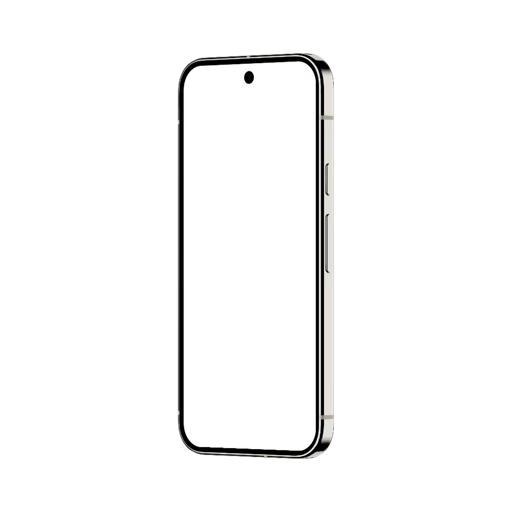
Apparel Mockups

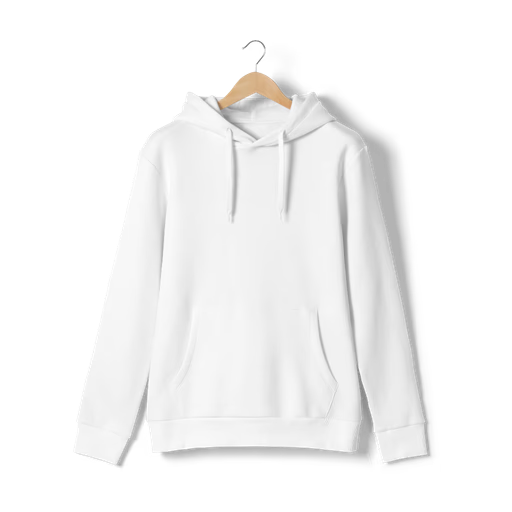
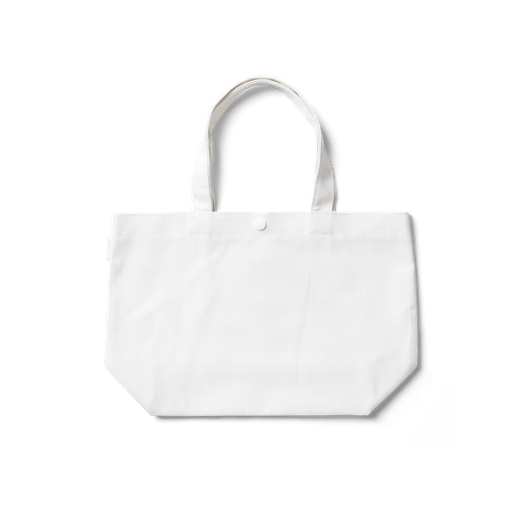
Packaging Mockups











Laptop Mockup Video
Drop your website recording, dashboard animation, or UI walkthrough directly onto a laptop video mockup with the online editor — no After Effects, no complex timeline, no setup. Upload your screen recording, apply it to the laptop frame, and export a high-quality MP4 or WEBM file ready for Dribbble, Behance, product landing pages, and client presentations. Video mockups let you showcase scrolling interactions, onboarding flows, and live product demos in a way static screenshots simply can't — giving your work the motion and context it deserves. The library covers laptop video mockups across multiple models, angles, and environments. Prefer Figma? The Artboard Studio plugin lets you render your video directly onto any laptop frame without leaving your canvas. High quality, high resolution, and built to be fast.
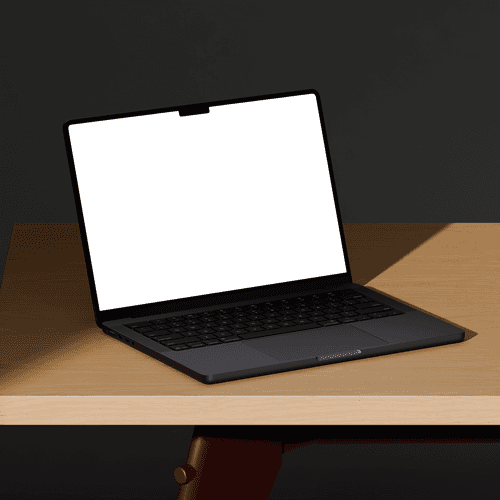
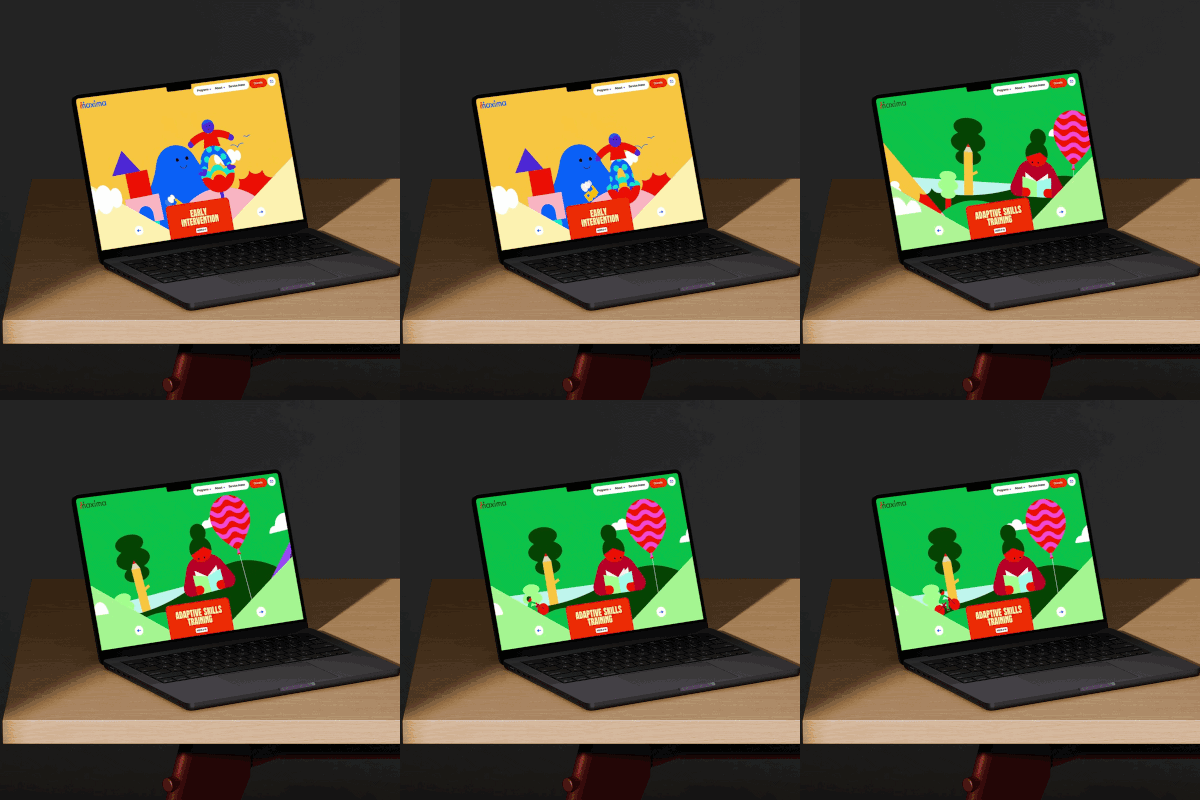
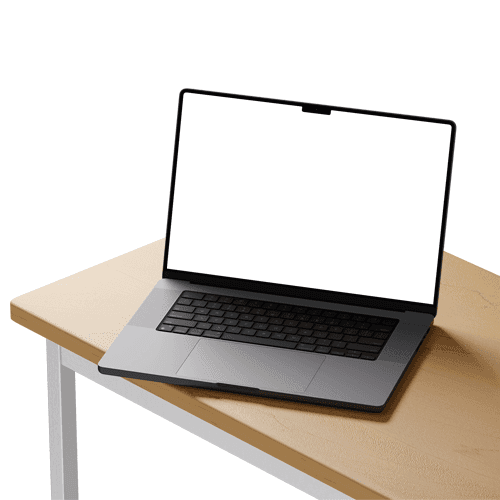

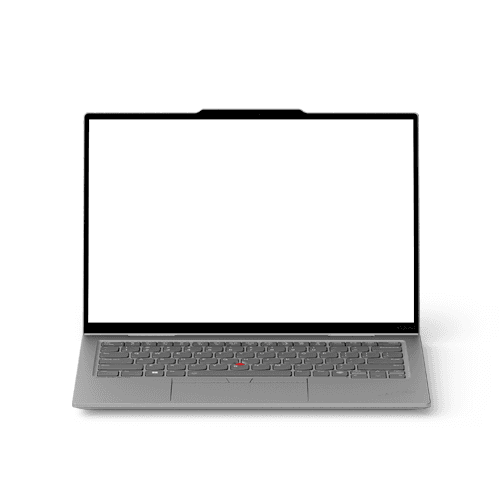

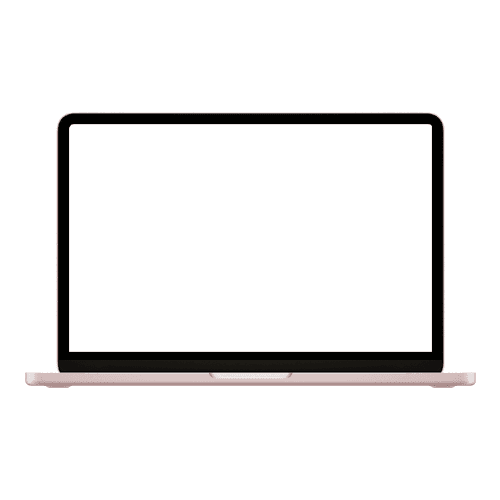
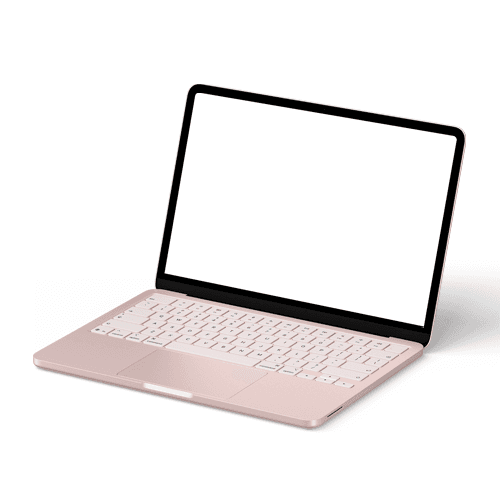
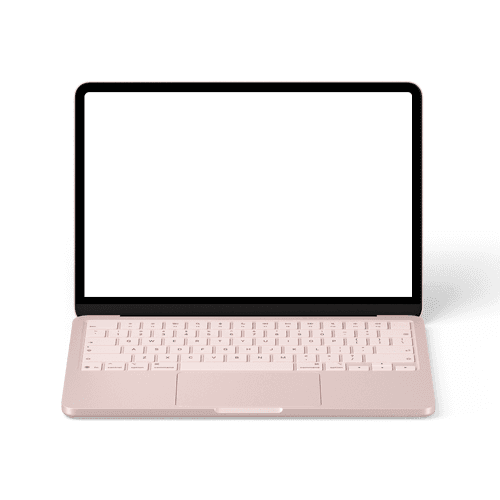
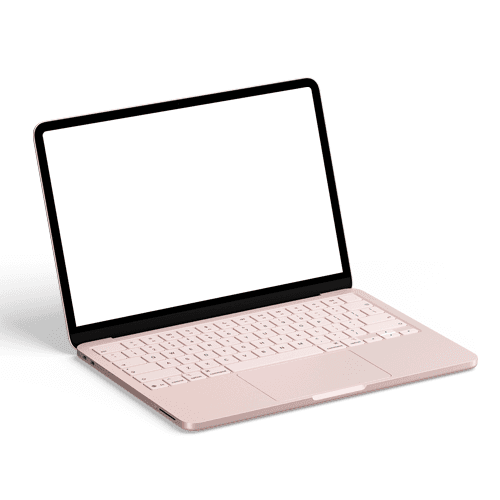
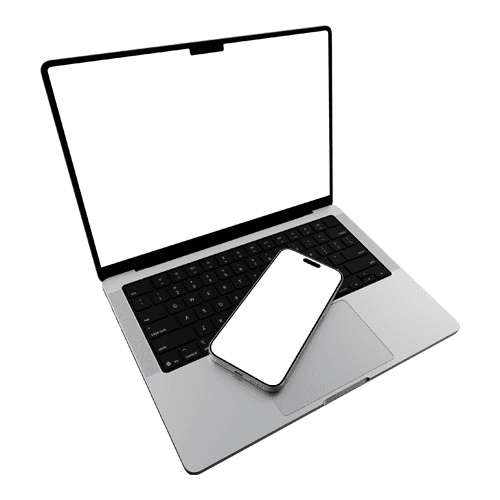
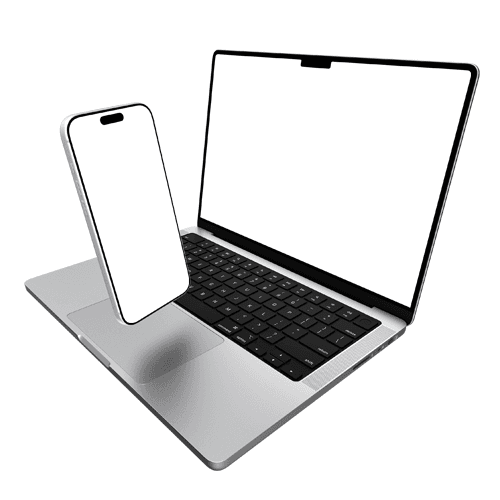
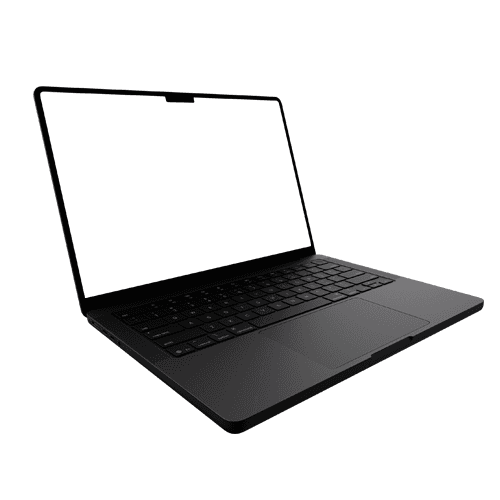
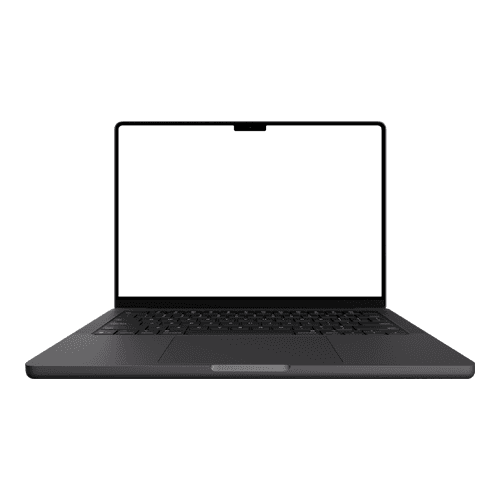
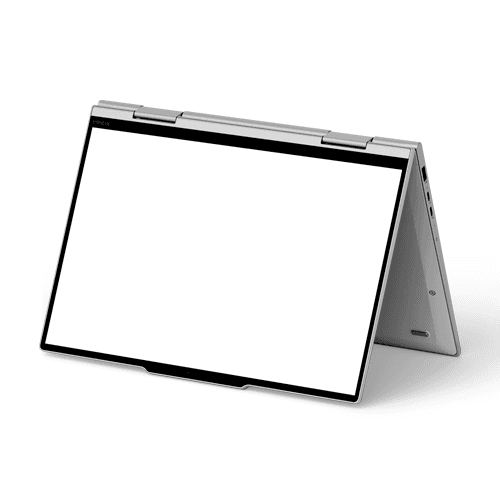


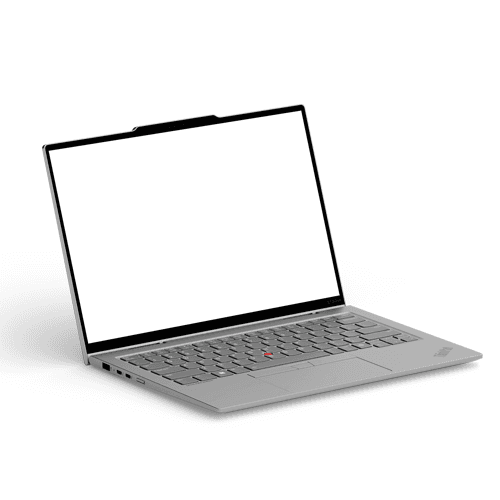
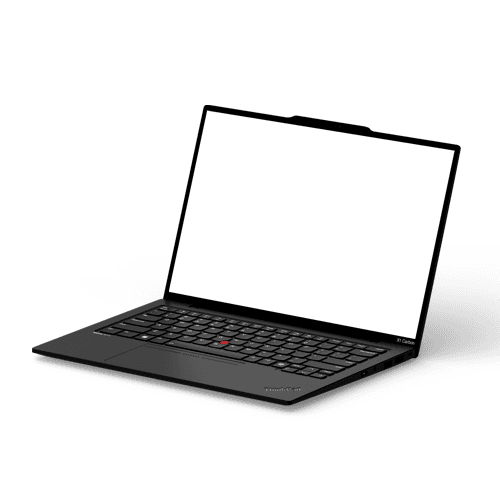


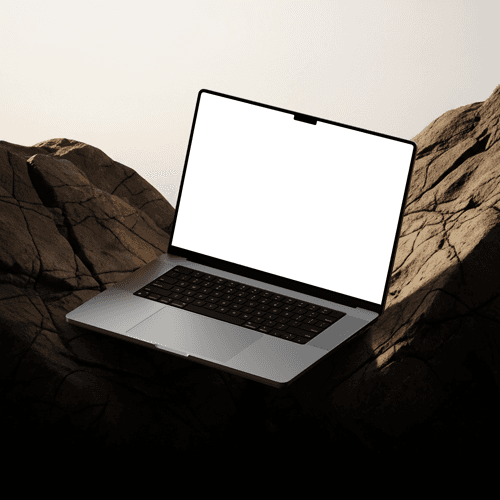
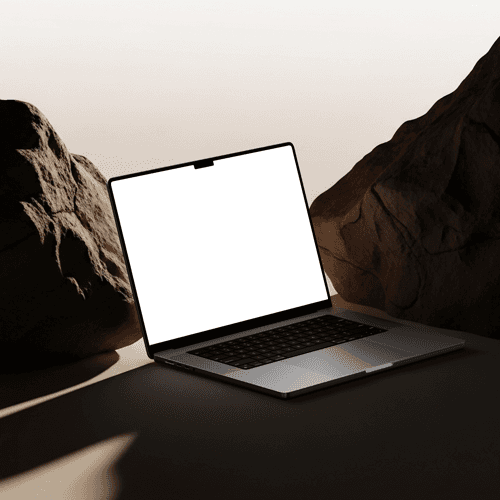
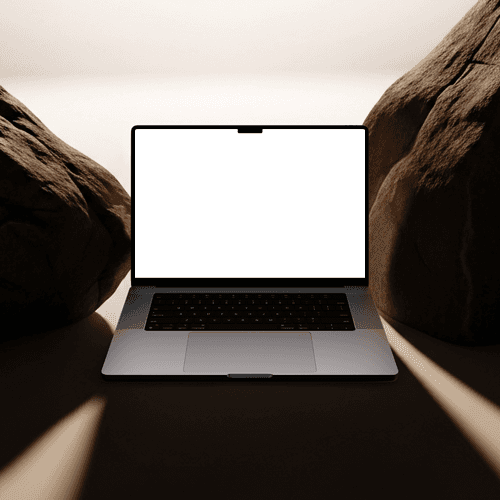
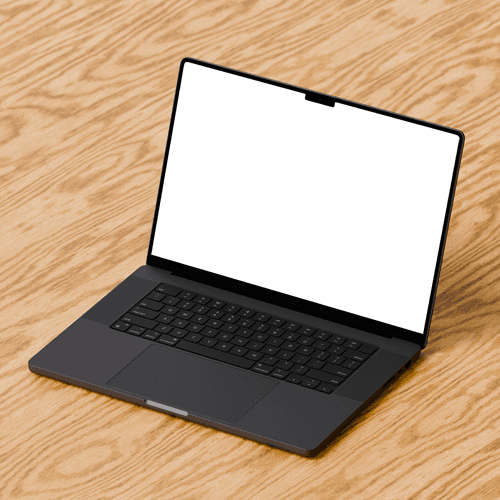


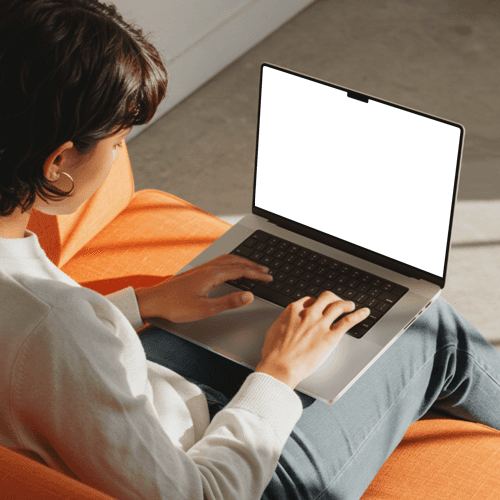

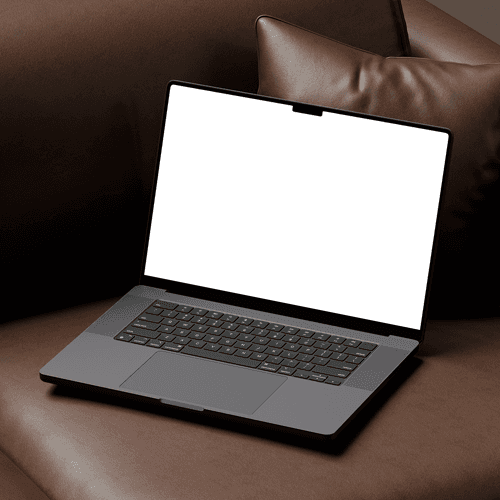
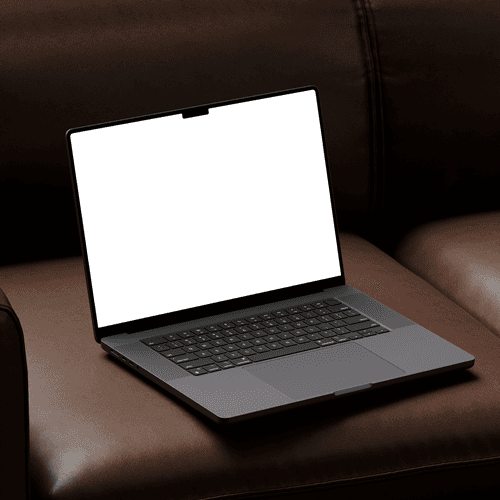
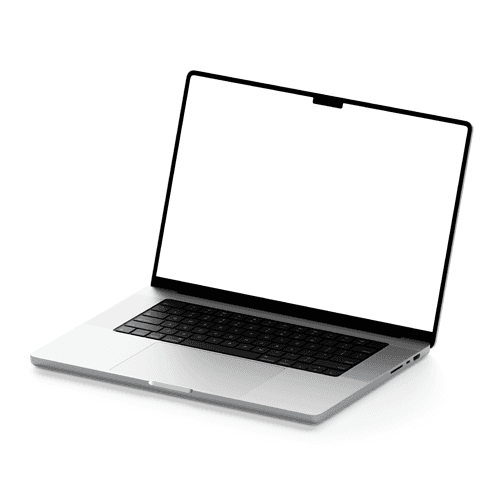
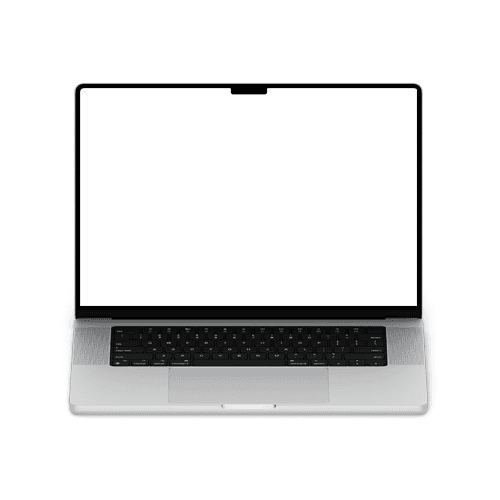
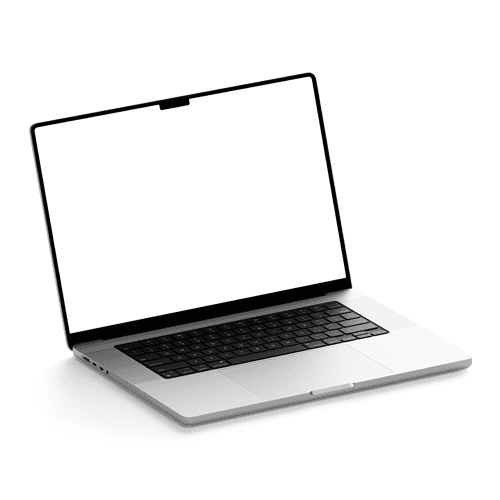
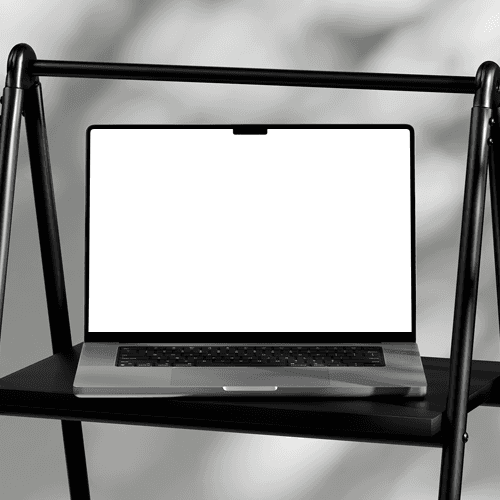
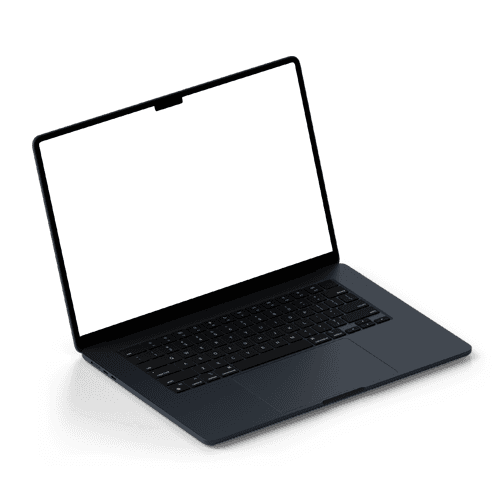
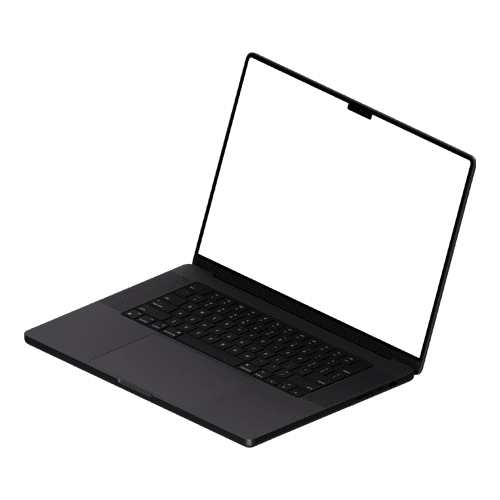
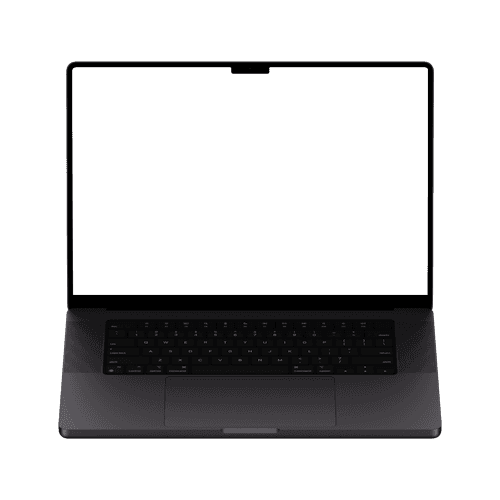
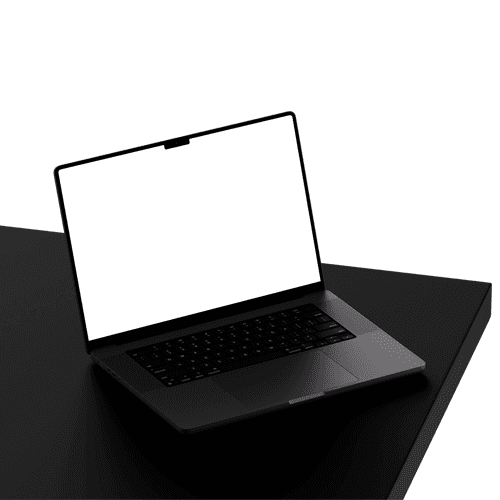
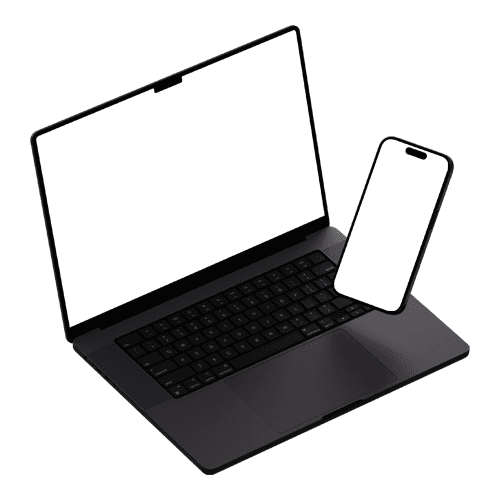
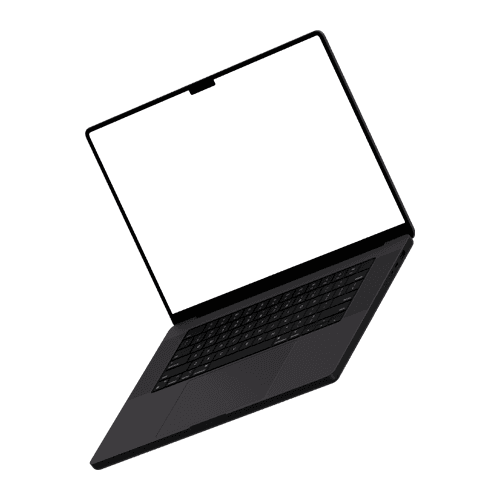
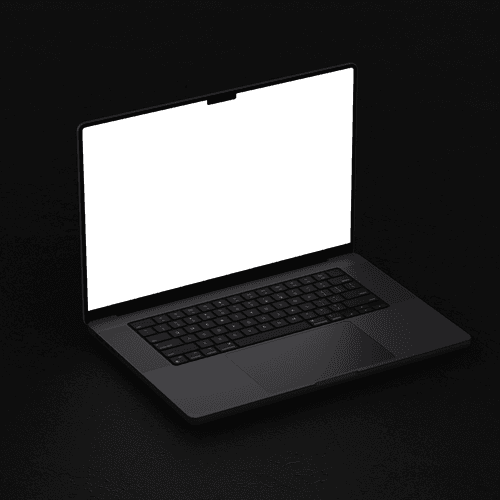
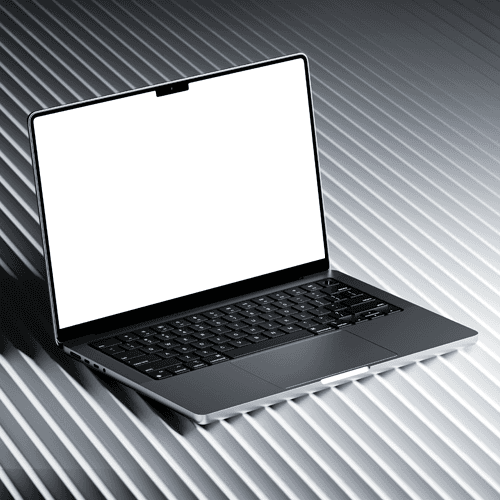
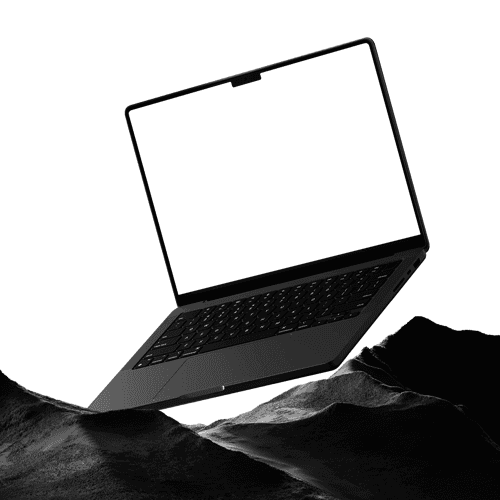
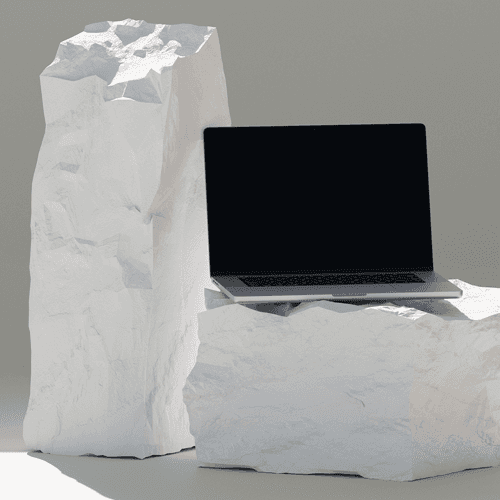
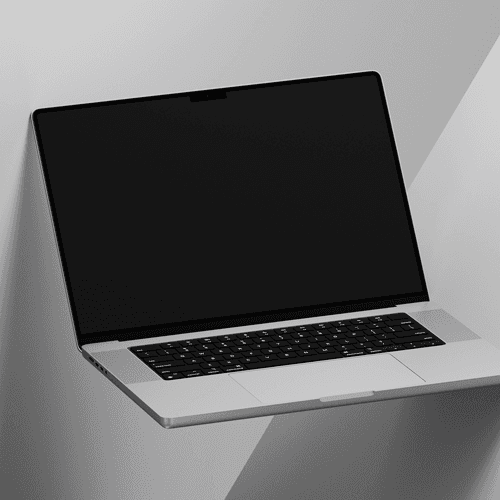
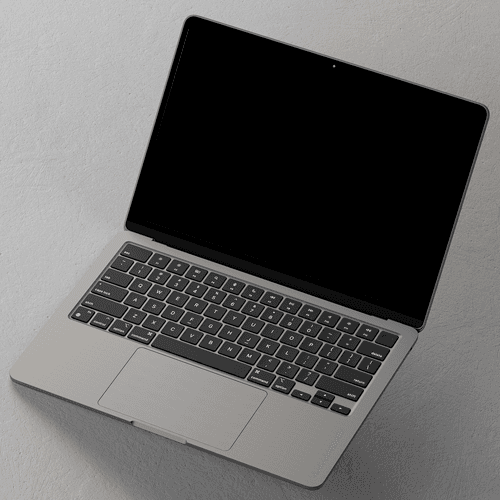


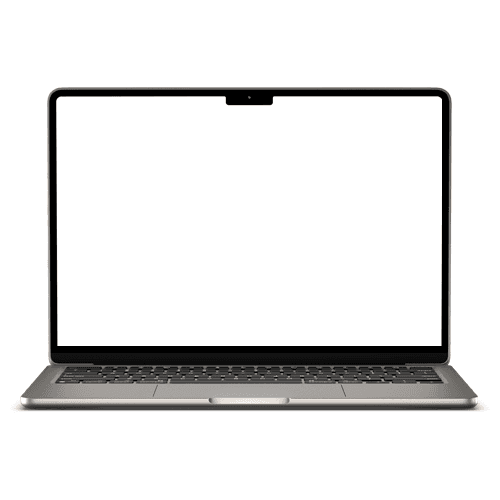
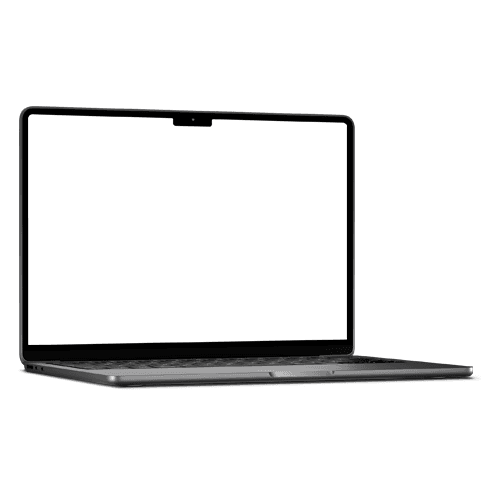

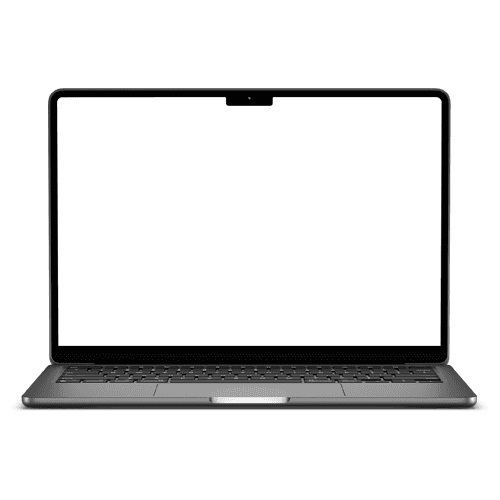
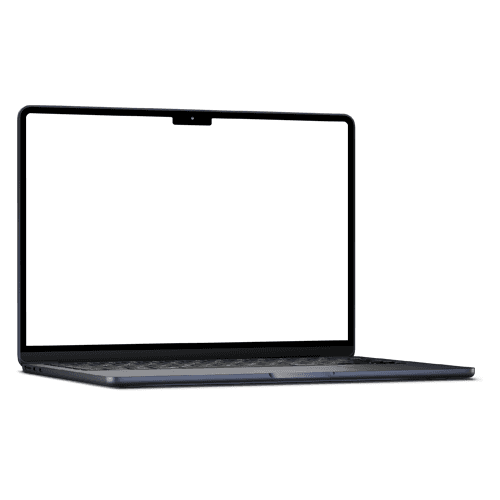


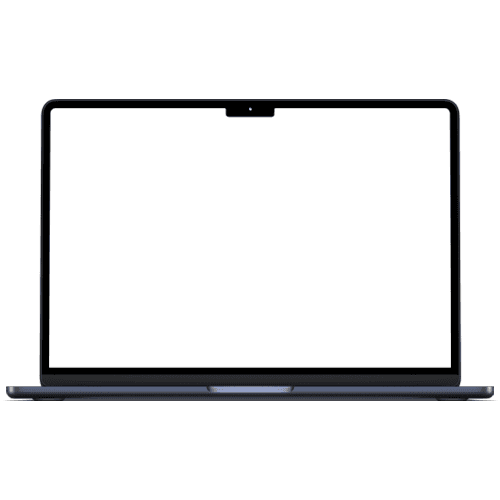

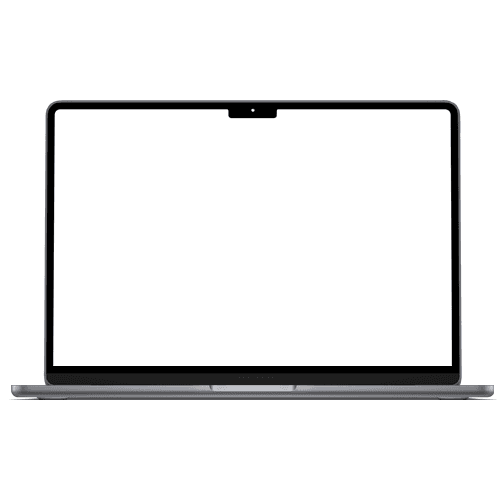
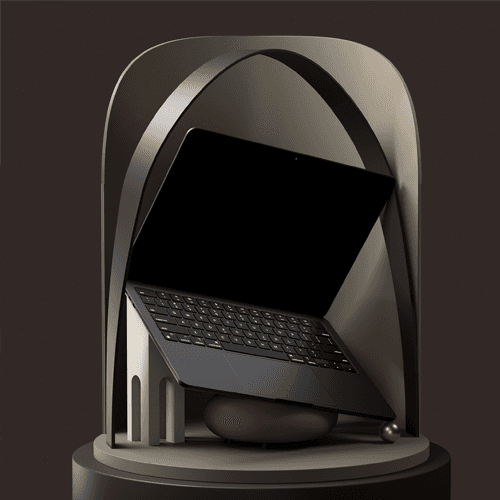

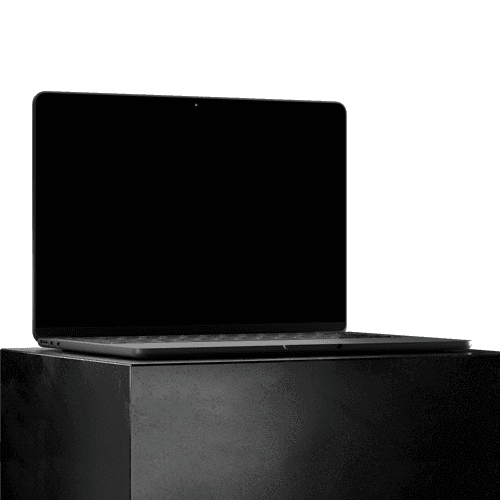


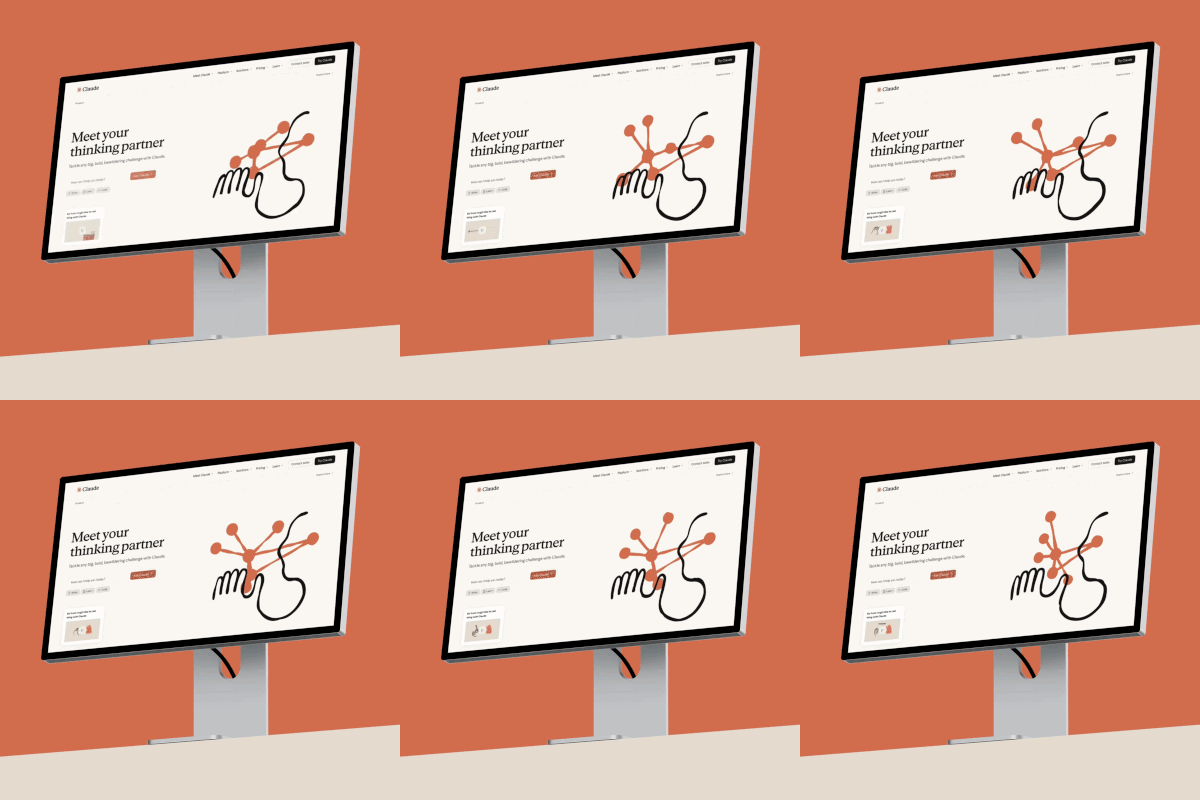
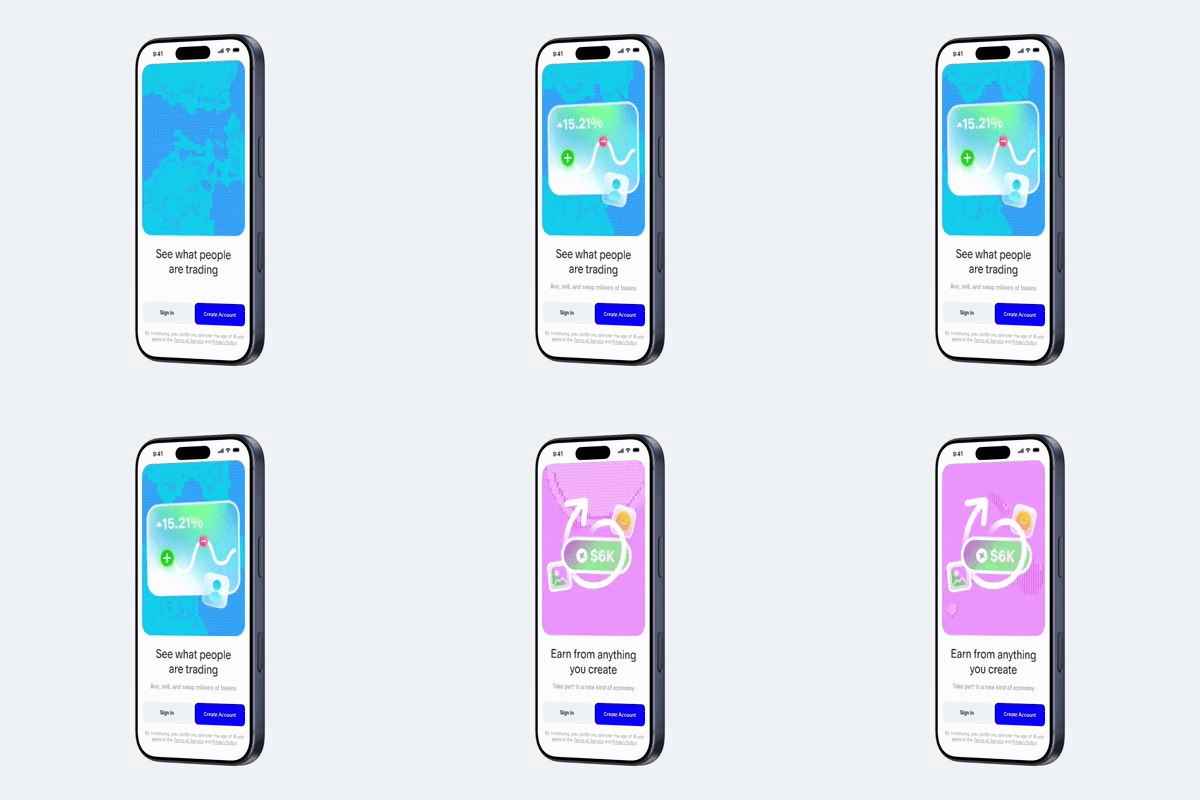
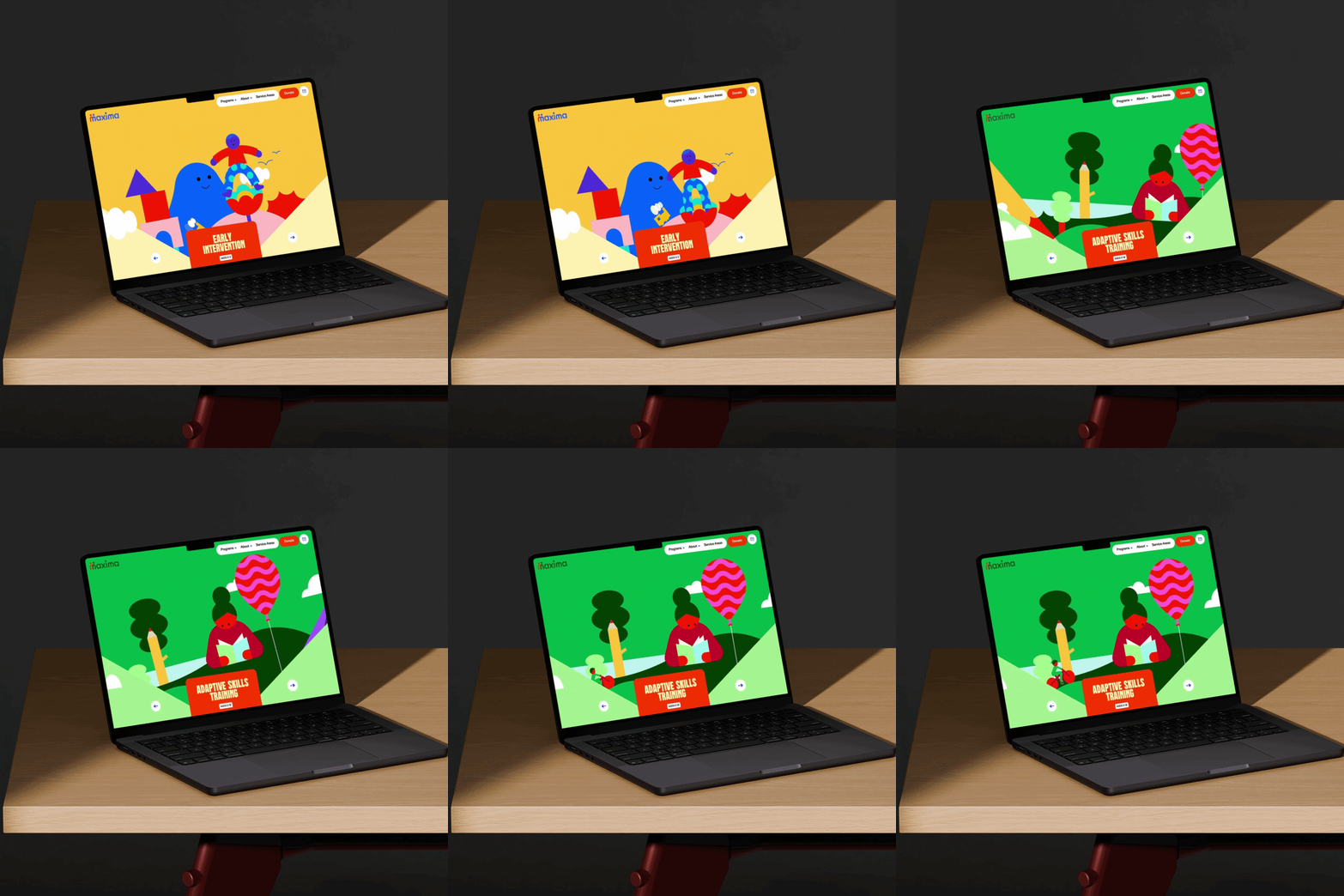

Static screenshots don't do motion justice. The most memorable portfolios, the pitches that close deals, and the case studies that go viral all have one thing in common — they show the product moving. Laptop video mockups give your screen recordings and UI walkthroughs the professional frame they deserve.
How to use laptop video mockup generator?
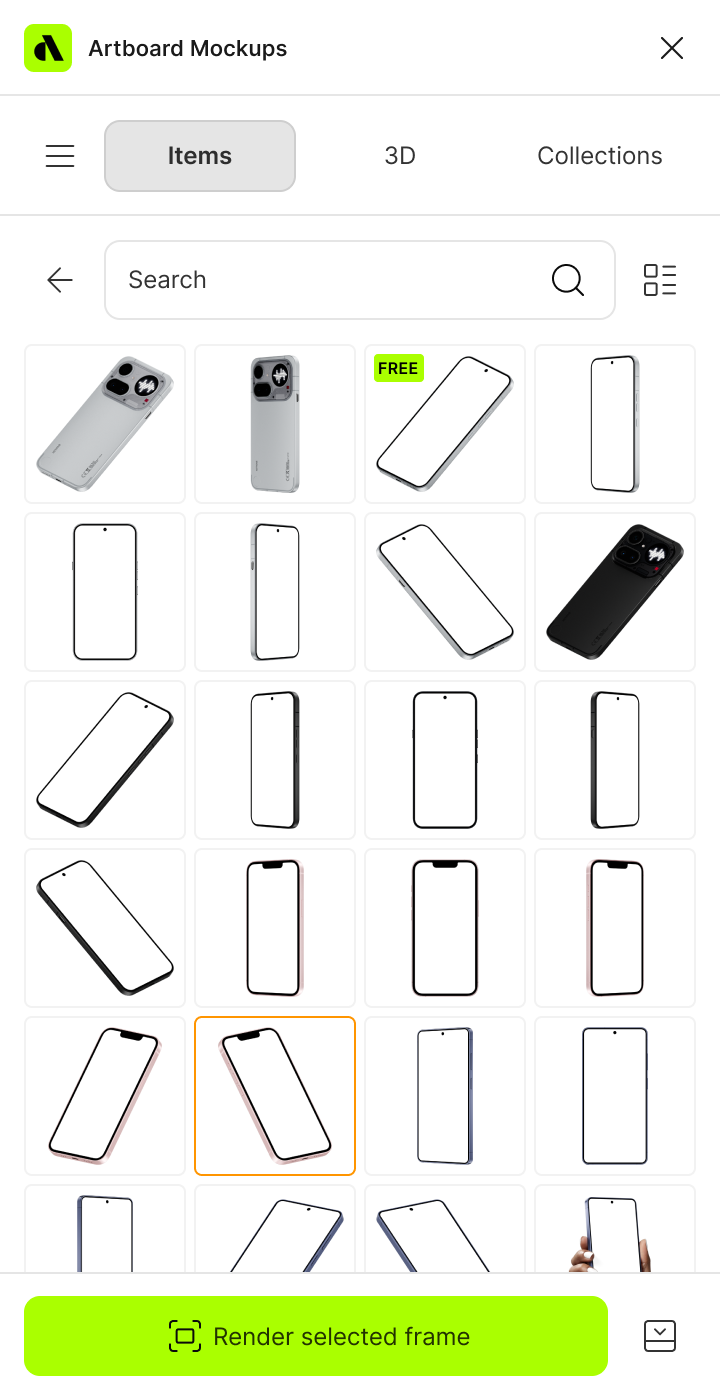
Select the laptop mockup and open editor
Browse the full collection, pick the mockup that fits your project, and jump straight into the editor.
Add your video to the laptop screen
Upload your image or video and watch it appear on the iPhone screen instantly — perfectly placed and ready to go.
Customize and export
Once you've applied your image or video, export it in high resolution — PNG, JPEG, or WEBP for images, MP4 or WEBM for video.
FAQs
What is a laptop video mockup?
A laptop video mockup is a pre-made template that lets you place your screen recording, website animation, or product walkthrough onto a realistic laptop frame and export it as a video file. It's the fastest way to present motion work in a polished, professional context without video editing software.
What video formats can I export from a laptop video mockup?
You can export your finished laptop video mockup as an MP4 or WEBM file — ready for Dribbble, Behance, product landing pages, client presentations, and social media.
Do I need After Effects to create a laptop video mockup?
No. The online editor lets you upload your video and apply it to any laptop frame directly in the browser — no After Effects, no Premiere, no plugins required.
What screen resolution should my video be for a laptop video mockup?
For best results, record your screen at the native resolution of the laptop model you're using. Each mockup in the library displays the recommended dimensions so your footage fits the frame perfectly without cropping or stretching.
Can I use laptop video mockups for product landing pages?
Yes. Laptop video mockups are widely used for SaaS and web product marketing — export your finished video as an MP4, drop it directly onto your landing page, and show your product in action in a context visitors instantly recognize.
Are there free laptop video mockups?
Yes, several laptop video mockups in the library are free to use with no account required. Premium mockups unlock a wider range of models, angles, and environments with higher resolution export options.
Still have questions?
We are always here to help. Use the chat in the bottom right corner.