


Device Mockups
Packaging Mockups


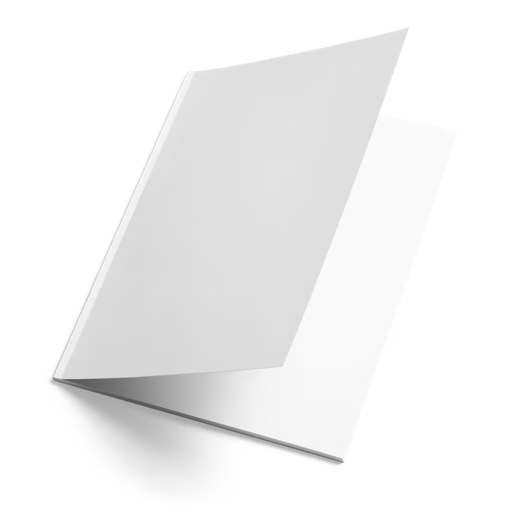
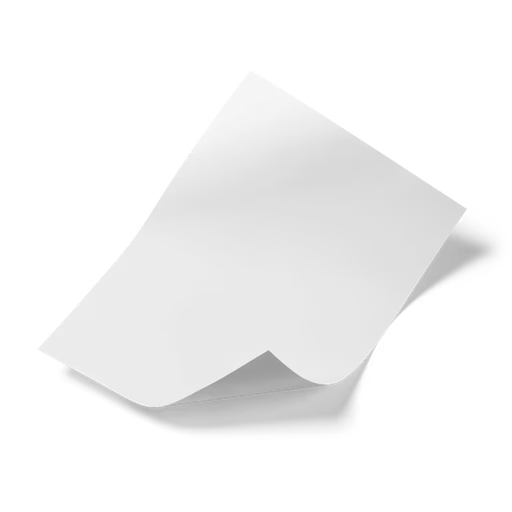


Flyer Mockup
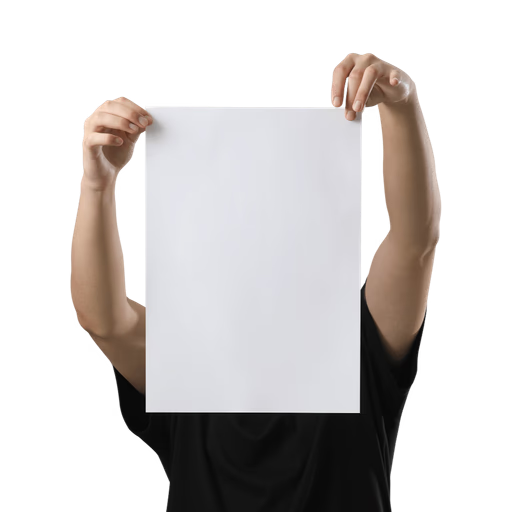
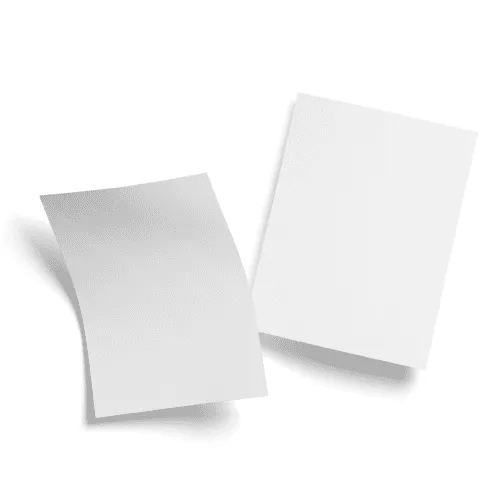
Print in the wild. Browse flyer mockups covering A4 single-sheet designs, DL and A5 compact formats, stacked flyer pile compositions, hand-holding presentations, flyers posted on street walls and bulletin boards, and clean studio flat lays — across both indoor and outdoor environments. Apply your event artwork, campaign visual, or promotional layout directly in our online mockup editor, or use the Figma and Adobe Express plugins. Built for flyer designers, event promotion creatives, advertising art directors, and brand designers.



From designers creating their first event promotion flyer to senior advertising creatives presenting large-scale print distribution campaigns to global brand clients — designers who take flyer presentation seriously use Artboard Studio to place their work in context, win client approval on the first review, and build portfolios that demonstrate real-world design thinking.
How to use the flyer mockup generator?
Choose your flyer mockup and open the editor
Browse the full collection, filter by environment — A4 studio flat lay, hand-holding, street wall, stacked, or bulletin board — pick the mockup that fits your design brief, and open it directly in the online mockup editor.
Apply your artwork to the flyer
Upload your flyer artwork, event visual, or campaign layout and watch it appear on the surface instantly — perspective-mapped, print-accurate, and true to the real-world context from the first second.
Customize and export
Adjust the background color or scene, fine-tune scale and placement, then export in high resolution — PNG, JPEG, or WEBP for client decks and campaign presentations, MP4 or WEBM for animated flyer reveals and motion portfolio content.
FAQs
What is a flyer mockup?
A flyer mockup is a pre-made design template that lets you place your artwork, event information, or campaign visual directly onto a realistic flyer without printing physical copies or organizing a photoshoot. You get a presentation-ready visual in seconds — accurate enough for client sign-off, campaign pitch decks, and flyer design portfolio case studies.
What flyer mockup types and environments are available?
Artboard Studio covers the full range of flyer presentation formats — A4 single-sheet flyers, DL and A5 compact formats, stacked flyer pile compositions, hand-holding flyer mockups, flyers posted on street walls and bulletin boards, and flat lay studio arrangements. Mockups span clean white studio settings, outdoor urban environments, and real-world distribution contexts — so you can present your design in exactly the setting it was built for.
Do I need Photoshop or Figma to use flyer mockups?
No. The online mockup editor lets you apply your flyer artwork directly in the browser — no software, no plugins, no print-ready files required. You can also use the Artboard Studio Figma plugin or Adobe Express plugin without leaving your design tool.
Who are flyer mockups best suited for?
Flyer mockups are an essential tool for graphic designers presenting event promotion concepts to clients, advertising creatives building print campaign pitch decks, and brand designers demonstrating how a visual identity system translates to distributed print collateral. Whether the brief is a nightclub event flyer, a retail promotion, a community notice, or a product launch handout — a high-quality flyer mockup places the design in a believable real-world context that a flat artwork file simply cannot replicate.
What file formats can I download or export?
You can export your finished mockup from the online editor as a high-resolution PNG, JPEG, or WEBP for static deliverables — client presentations, campaign pitch decks, design portfolio pages, and social media content — or as MP4 and WEBM for animated flyer reveal content and motion portfolio pieces.
Can I use flyer mockups for commercial projects?
Yes. Every mockup on Artboard Studio includes a commercial license — fully cleared for client deliverables, advertising agency pitch decks, event promotion campaigns, design portfolio publications, and design marketplace assets. No additional licensing steps required.
Still have questions?
We are always here to help. Use the chat in the bottom right corner.