


Device Mockups
Packaging Mockups






Pouch Mockup
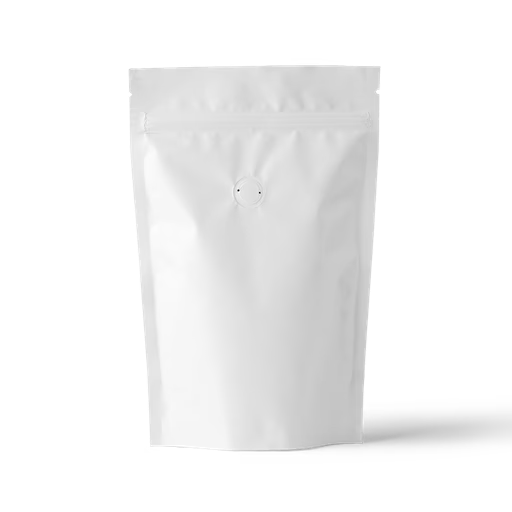
Where branding meets the shelf. Browse pouch mockups covering flat bottom coffee bags with degassing valve, kraft standing pouches, white paper standing pouches, side gusset bags, and resealable zip-lock variants — in front, back, and three-quarter views. Apply your label artwork or brand identity directly in our online mockup editor, or use the Figma and Adobe Express plugins. Built for specialty coffee roasters, artisan bakery brands, and food packaging designers.
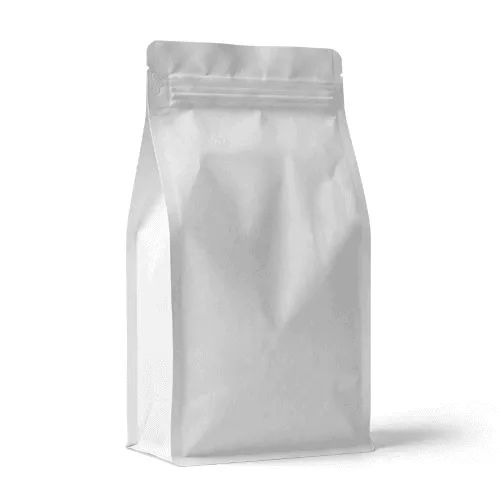
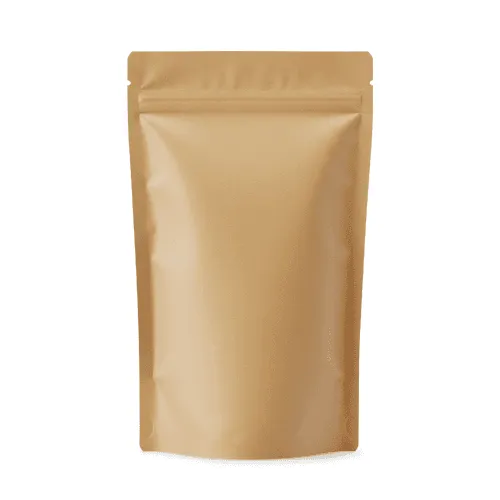
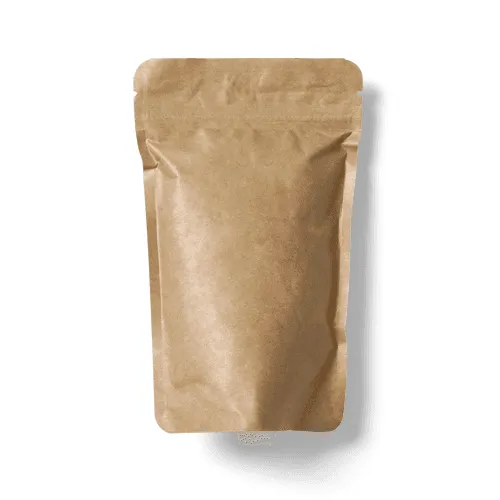
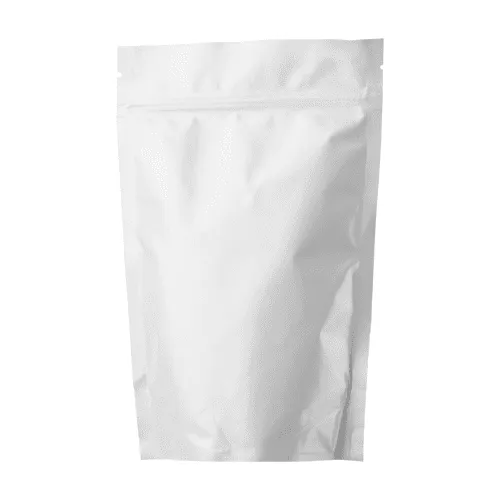

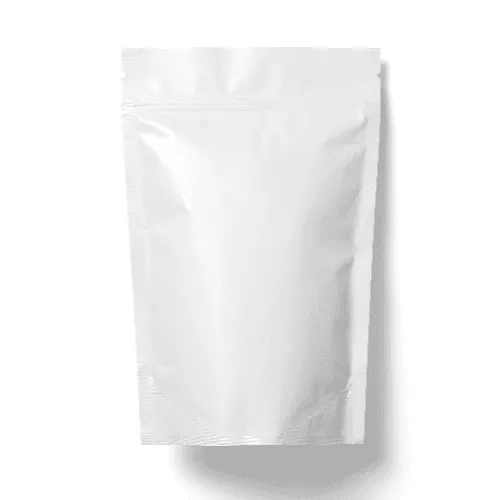
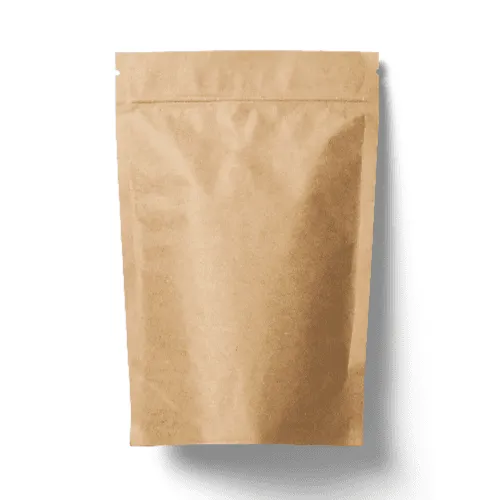
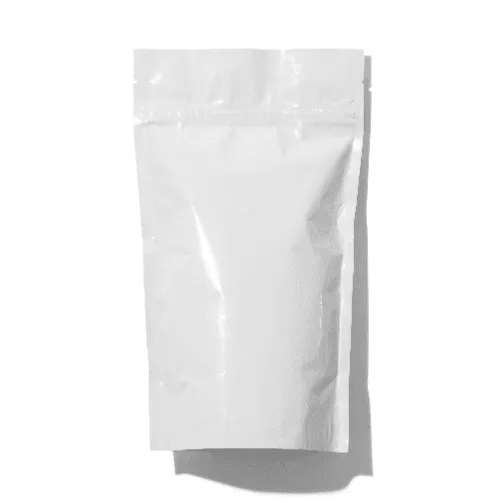
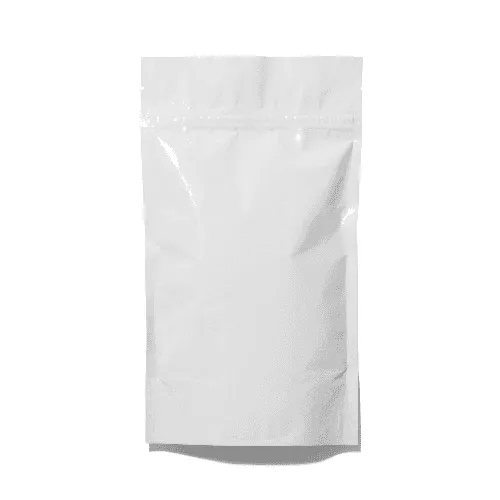
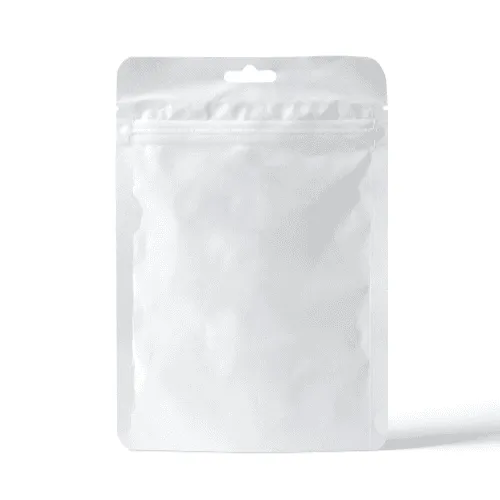
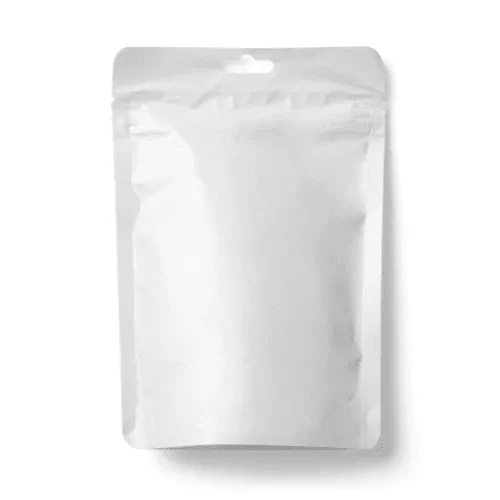
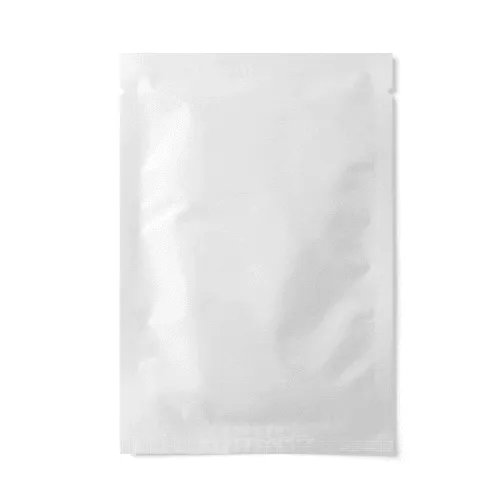
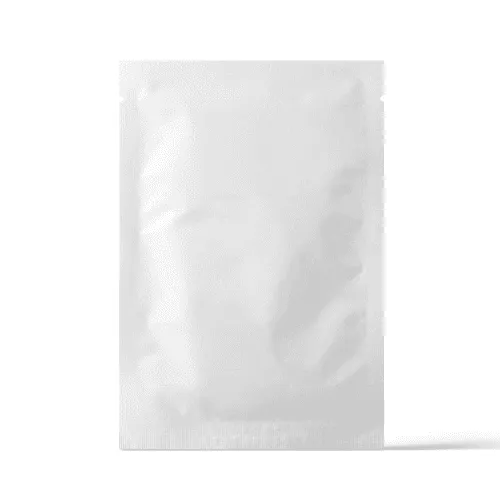
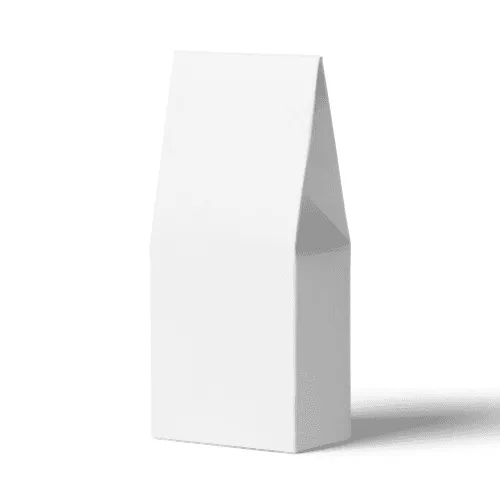
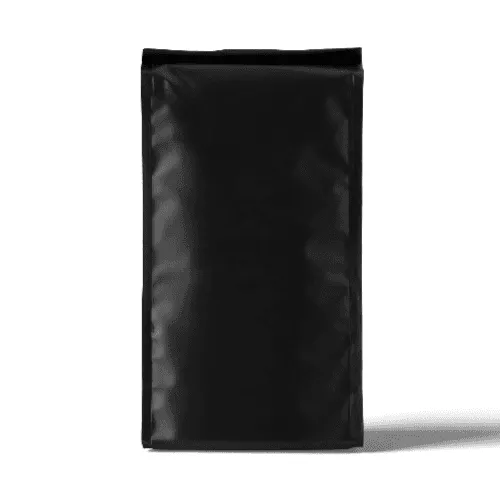
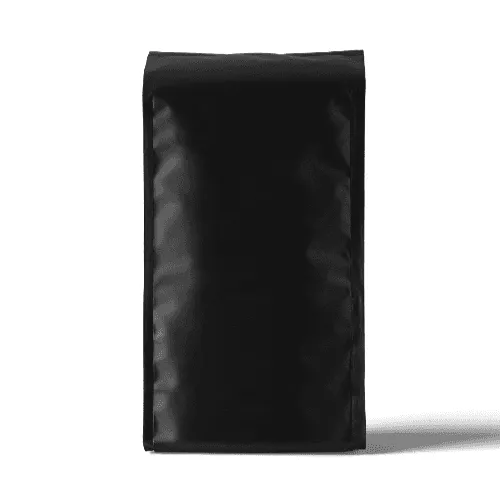


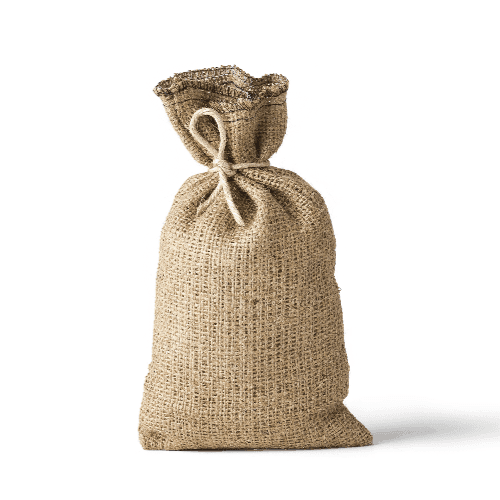


From single-origin coffee roasters launching their first retail bag to multi-SKU food brands rolling out seasonal packaging — designers and packaging studios who take pouch presentation seriously use Artboard Studio to present work that looks like it belongs on a specialty retail shelf. One upload, one export, and the concept is ready for client sign-off.
How to use the pouch mockup generator?
Choose your pouch mockup and open the editor
Browse the full collection, filter by pouch type — coffee bag, kraft standing pouch, paper pouch, or side gusset — pick the mockup that fits your packaging brief, and open it directly in the online mockup editor.
Apply your label artwork to the pouch
Upload your label artwork, brand identity, or packaging graphics and watch them appear on the pouch surface instantly — mapped to the print area, scaled accurately, and true to the finished product from the first second.
Customize and export
Adjust the background color or scene, fine-tune label placement and print coverage, then export in high resolution — PNG, JPEG, or WEBP for client decks and retail listings, MP4 or WEBM for motion product reveals and social content.
FAQs
What is a pouch mockup?
A pouch mockup is a pre-made design template that lets you place your label artwork, brand identity, or packaging graphics directly onto a realistic pouch bag without producing physical samples or organizing a photoshoot. You get a print-accurate, shelf-ready visual in seconds — precise enough for client sign-off, retail listings, and packaging portfolio case studies.
What pouch bag types and styles are available as mockups?
Artboard Studio covers a wide range of pouch bag styles — flat bottom coffee pouches with valve, kraft standing pouches, white paper standing pouches, side gusset bags, and resealable zip-lock variants. Mockups are available in front, back, and three-quarter views across kraft, white, black, and custom colorways — so you can validate label placement, finish treatment, and print coverage before committing to a production run.
Do I need Photoshop or Figma to use pouch mockups?
No. The online mockup editor lets you apply your packaging artwork directly in the browser — no software, no plugins, no print-ready files required. You can also use the Artboard Studio Figma plugin or Adobe Express plugin without leaving your design workflow.
Who are pouch mockups best suited for?
Pouch mockups are an indispensable tool for specialty coffee roasters presenting bag concepts to wholesale partners, artisan bakery brands building retail packaging systems, and food & beverage startups validating packaging design before the first production run. A high-quality pouch mockup communicates label layout, print finish, material feel, and shelf presence far more convincingly than a flat dieline or print-ready PDF ever could.
What file formats can I download or export?
You can export your finished mockup from the online editor as a high-resolution PNG, JPEG, or WEBP for static deliverables — product pages, retail pitch decks, and e-commerce listings — or as MP4 and WEBM for motion product showcases and animated social content.
Can I use pouch mockups for commercial projects?
Yes. Every mockup on Artboard Studio includes a commercial license — fully cleared for client deliverables, retail product listings, brand pitch decks, agency presentations, and design marketplace assets. No additional licensing steps required.
Still have questions?
We are always here to help. Use the chat in the bottom right corner.