


Device Mockups
Packaging Mockups


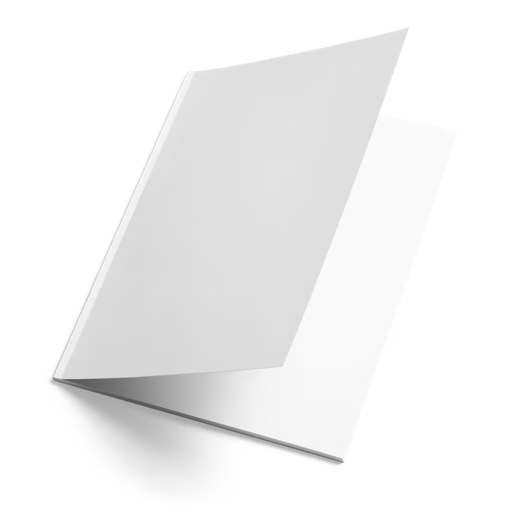


Brochure Mockup
The format that makes clients read every panel. Browse brochure mockups covering bi-fold and tri-fold designs, Z-fold and accordion styles, and flat single-sheet compositions — in A4, A5, DL, and square formats across open, closed, and partially-open views in portrait and landscape orientations. Apply your layout artwork, panel design, or brand identity directly in our online mockup editor, or use the Figma and Adobe Express plugins. Built for graphic designers, marketing creatives, and print collateral specialists.
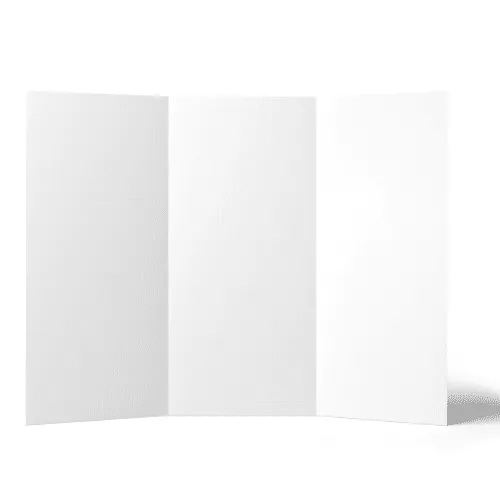





From freelance designers presenting their first tri-fold brochure to senior marketing creatives delivering multi-format print collateral systems for global brand campaigns — designers who take print presentation seriously use Artboard Studio brochure mockups to show clients exactly how the layout reads in hand, earn sign-off faster, and build portfolios that prove their print design credentials.
How to use the brochure mockup generator?
Choose your brochure mockup and open the editor
Browse the full collection, filter by fold type — bi-fold, tri-fold, Z-fold, or flat — and by size — A4, A5, DL, or square — pick the mockup that fits your print brief, and open it directly in the online mockup editor.
Apply your artwork to the brochure
Upload your brochure layout artwork, panel design, or brand identity and watch it appear on the folded surface instantly — panel-accurate, fold-true, and print-ready from the first second.
Customize and export
Adjust the background color or scene, fine-tune panel placement and fold angle, then export in high resolution — PNG, JPEG, or WEBP for client decks and print campaign presentations, MP4 or WEBM for animated brochure reveals and motion portfolio content.
FAQs
What is a brochure mockup?
A brochure mockup is a pre-made design template that lets you place your layout artwork, brand identity, or print design directly onto a realistic folded brochure without printing physical samples or organizing a photoshoot. You get a print-accurate, presentation-ready visual in seconds — precise enough for client sign-off, print campaign pitch decks, and editorial design portfolio case studies.
What brochure fold types and sizes are available as mockups?
Artboard Studio covers the full range of brochure formats — bi-fold (half-fold) brochures, tri-fold (letter-fold) brochures, Z-fold and accordion styles, and single-sheet flat compositions. Mockups are available in A4, A5, DL, and square formats across open, closed, and partially-open views in both portrait and landscape orientations — so you can present the complete panel layout system before a single proof goes to print.
Do I need Photoshop or Figma to use brochure mockups?
No. The online mockup editor lets you apply your brochure artwork directly in the browser — no software, no plugins, no print-ready files required. You can also use the Artboard Studio Figma plugin or Adobe Express plugin without switching tools.
Who are brochure mockups best suited for?
Brochure mockups are an essential tool for graphic designers presenting print collateral systems to brand clients, marketing agencies building campaign pitch decks that include folded print materials, and freelance designers showcasing direct mail, product catalogue, and event program layouts in their portfolio. A high-quality brochure mockup communicates panel structure, fold logic, paper weight, and print finish in a way no flat InDesign export ever could.
What file formats can I download or export?
You can export your finished mockup from the online editor as a high-resolution PNG, JPEG, or WEBP for static deliverables — client presentations, print campaign pitch decks, design portfolio pages, and marketing system documentation — or as MP4 and WEBM for animated brochure reveal content and motion portfolio pieces.
Can I use brochure mockups for commercial projects?
Yes. Every mockup on Artboard Studio includes a commercial license — fully cleared for client deliverables, print campaign pitch decks, agency marketing presentations, design portfolio publications, and design marketplace assets. No additional licensing steps required.
Still have questions?
We are always here to help. Use the chat in the bottom right corner.