


Device Mockups





Packaging Mockups






















MacBook Mockup
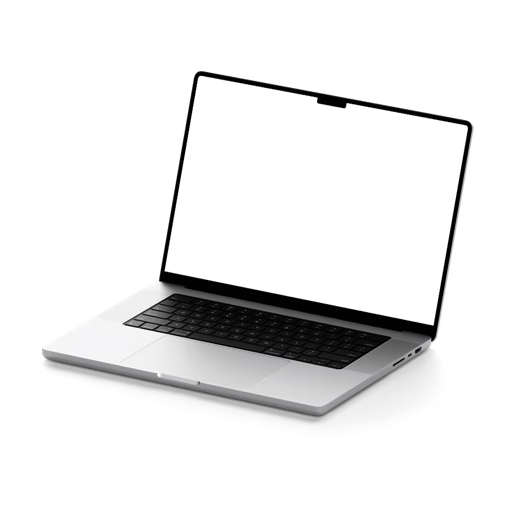
Nothing frames a web or UI design quite like a MacBook. Browse our MacBook mockup library, apply your design in seconds, and export a result that is portfolio-worthy and client-ready.
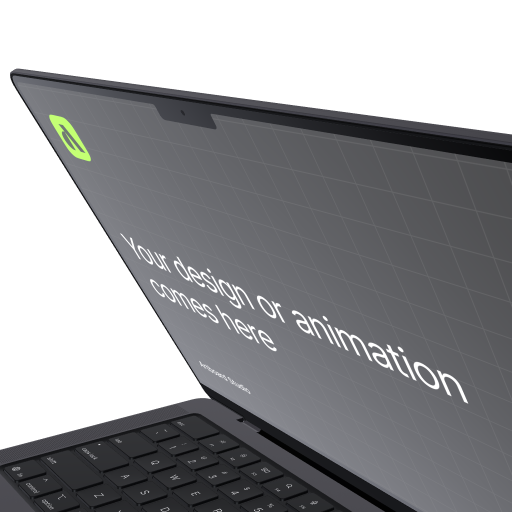
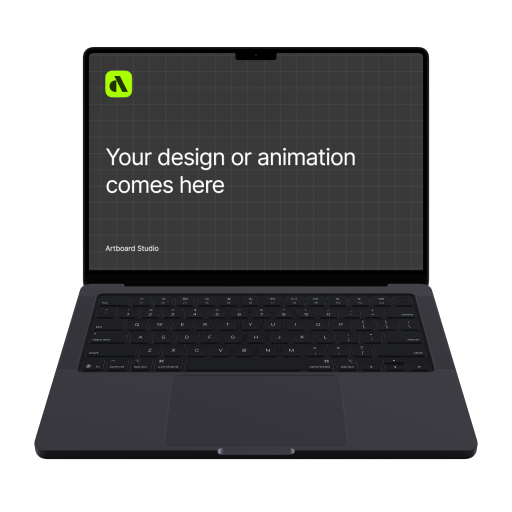


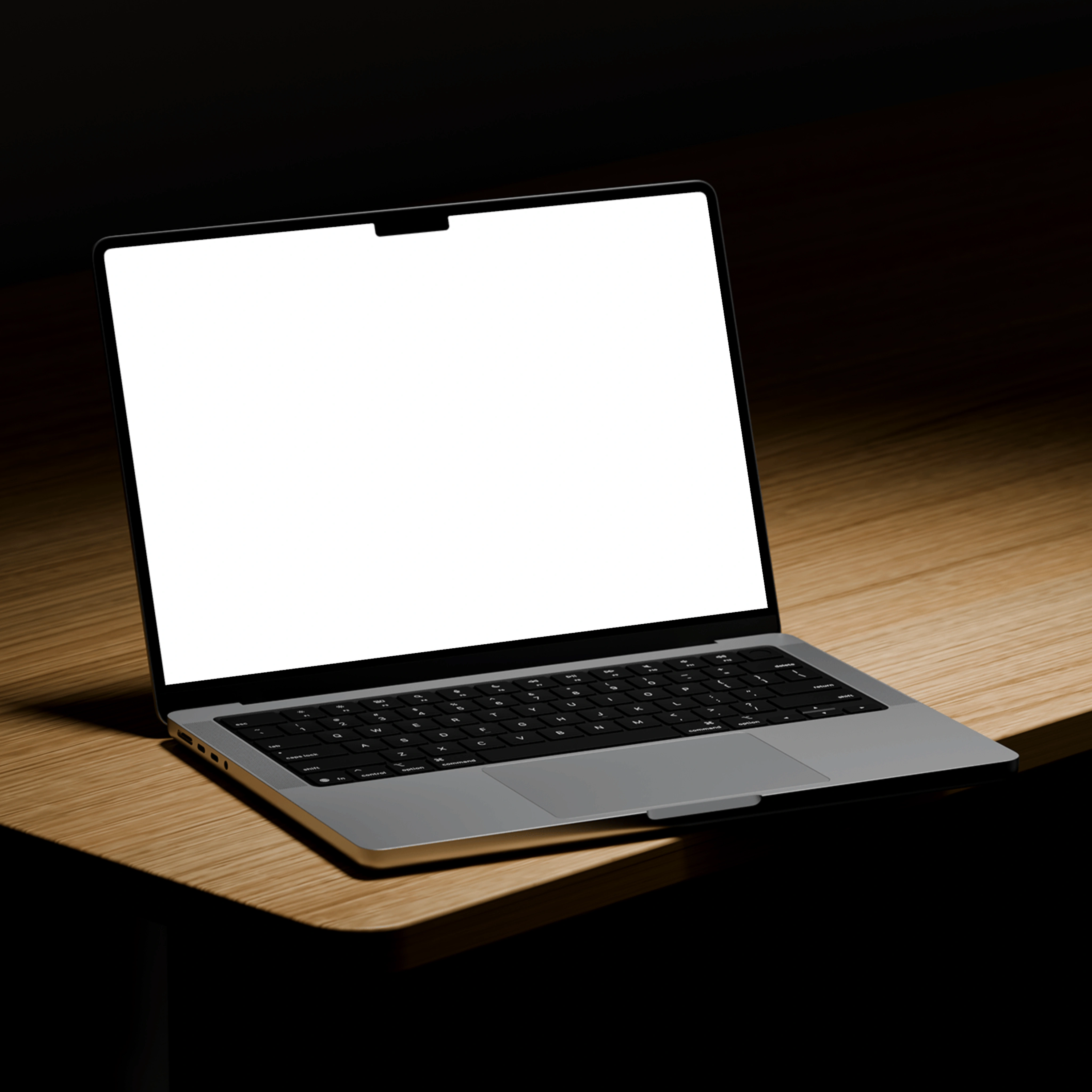
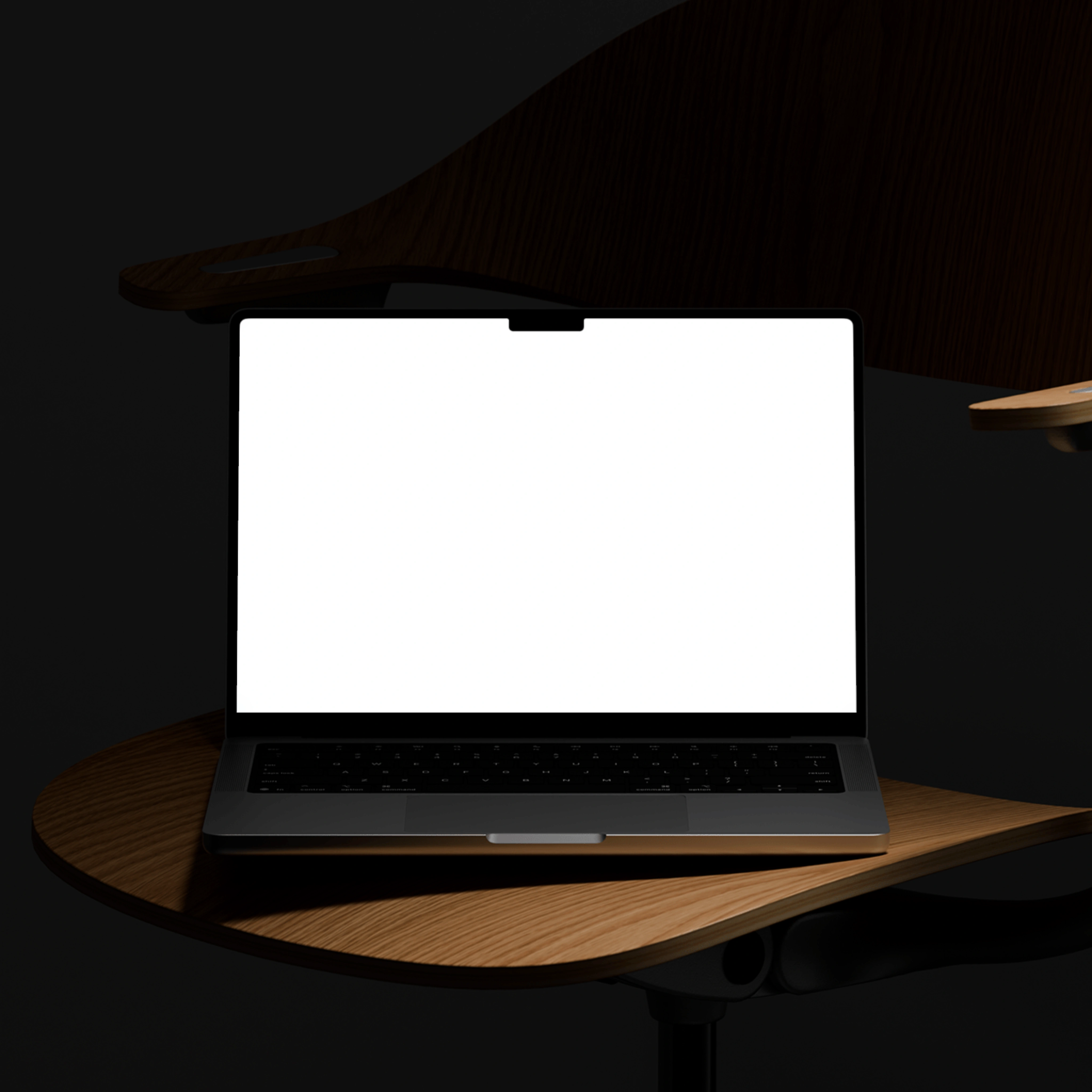
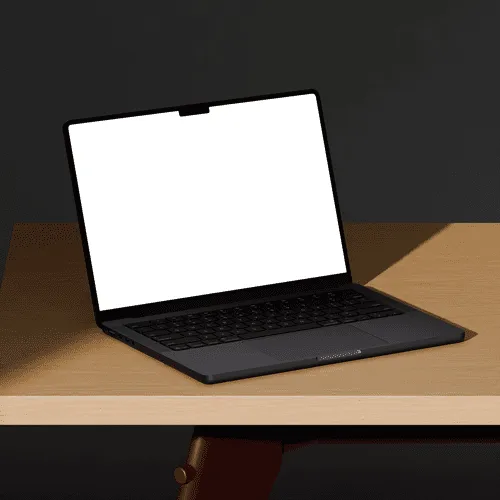
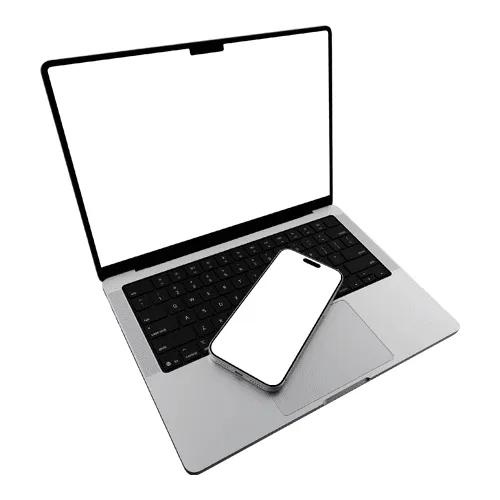
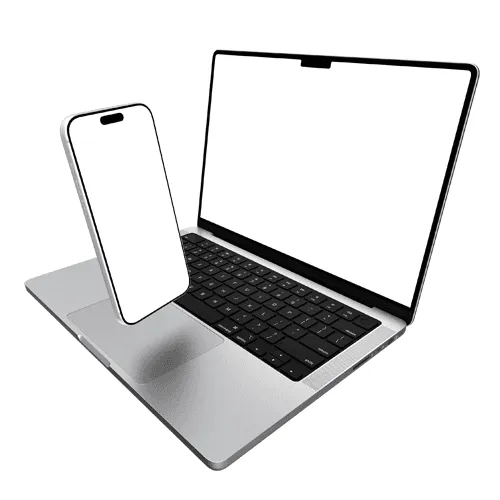
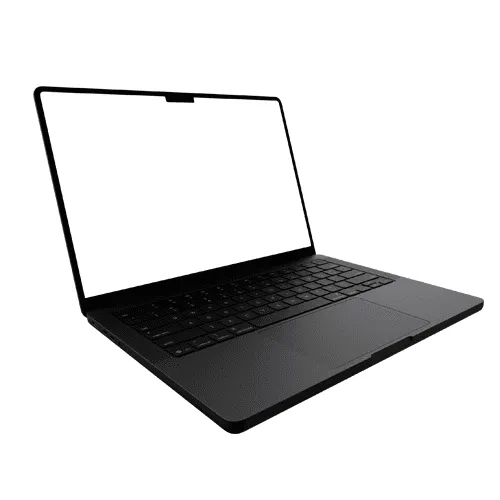
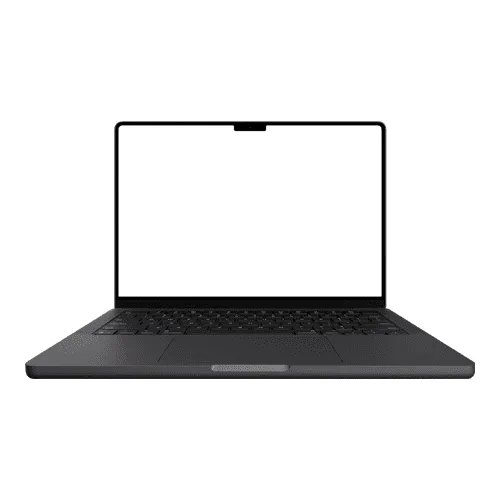
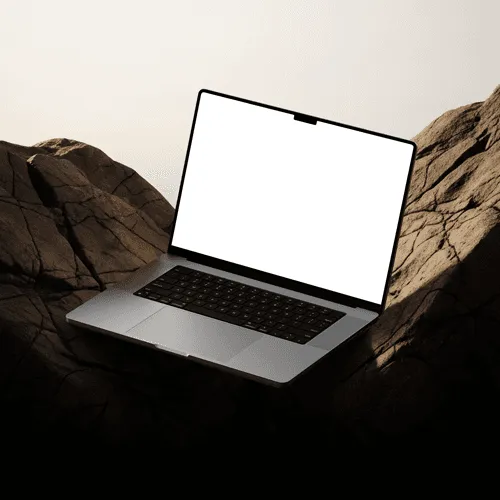
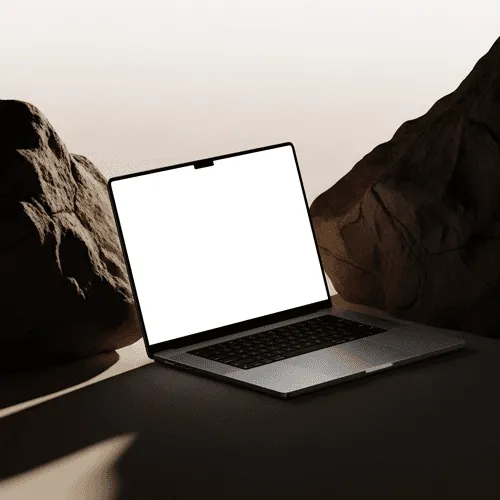
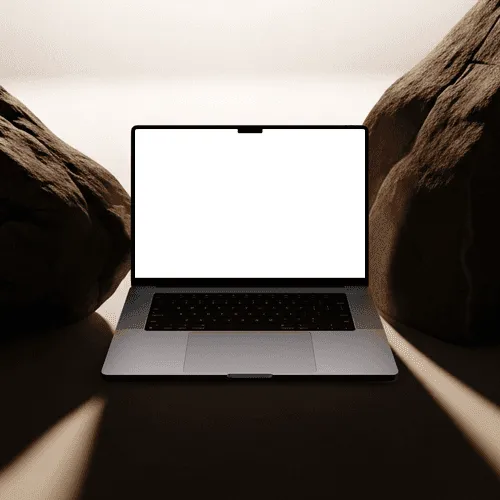
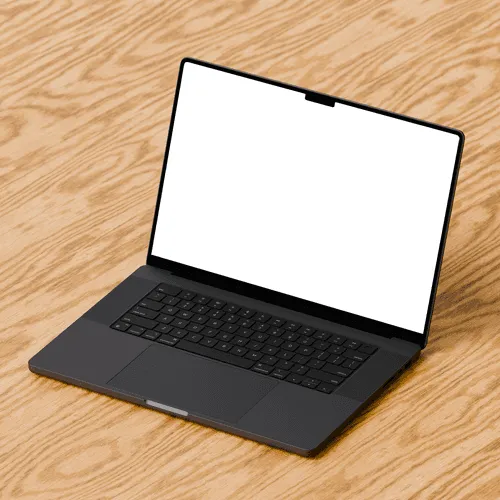
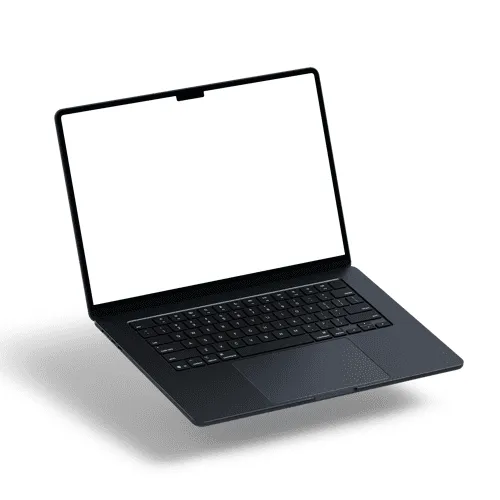
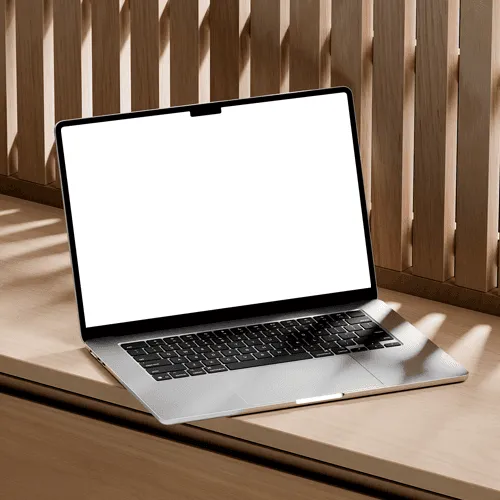
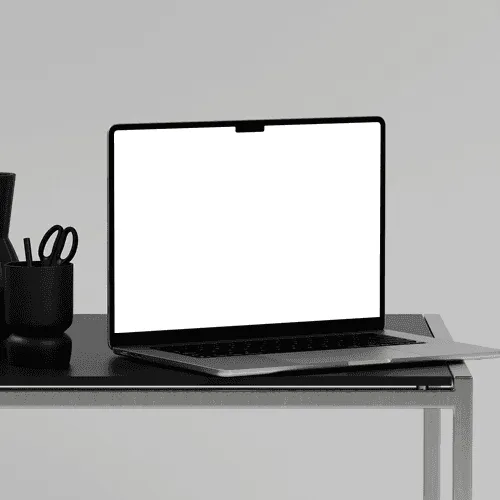


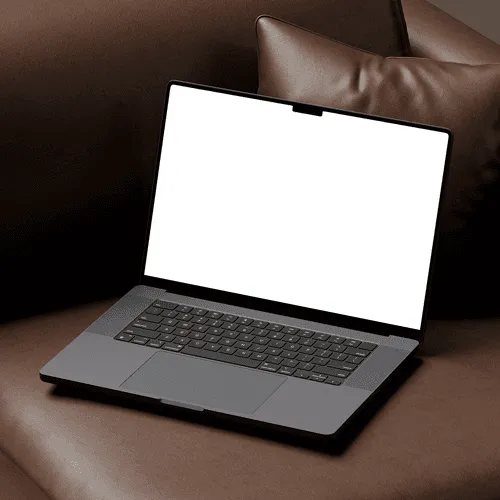
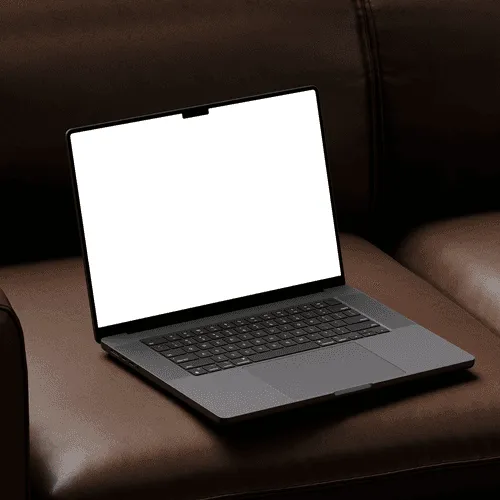
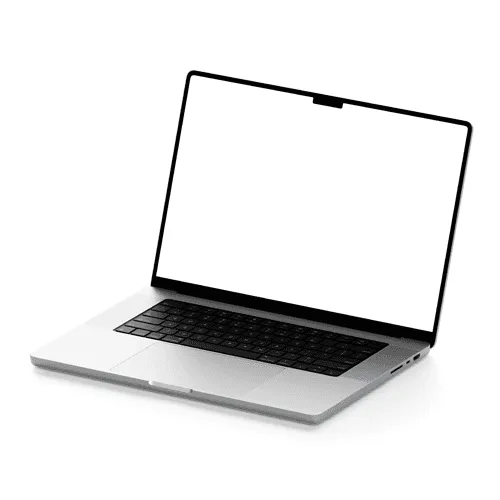
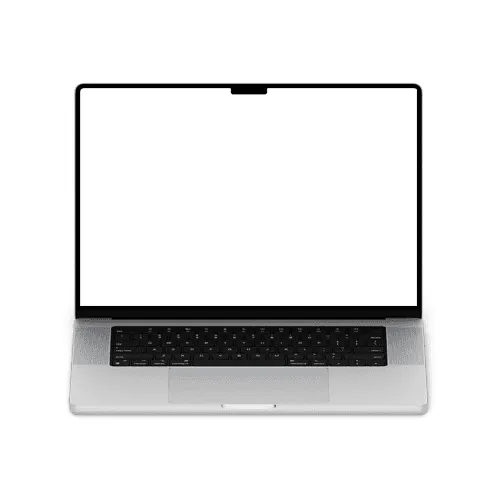
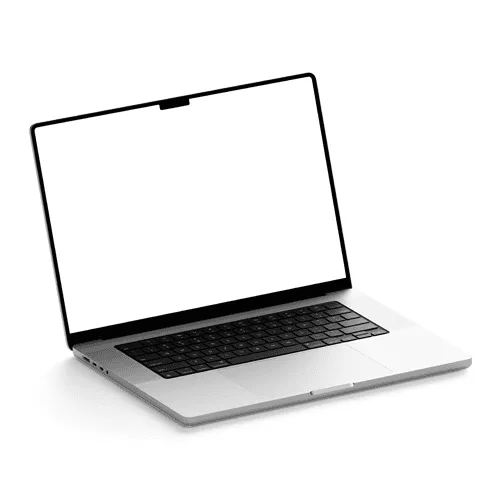
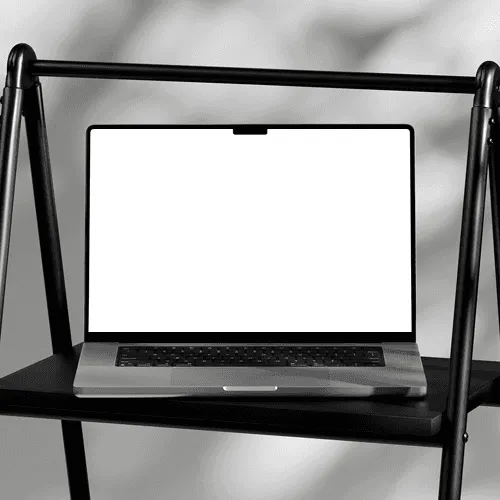
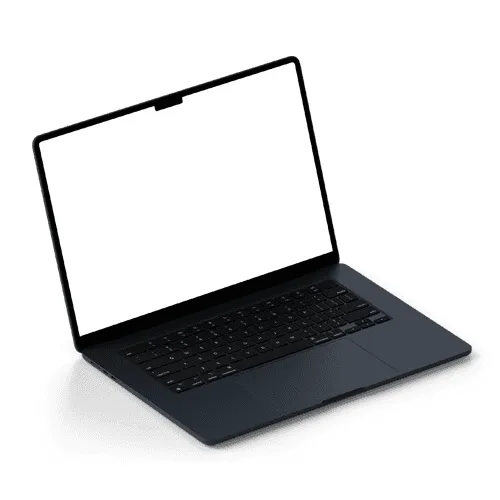
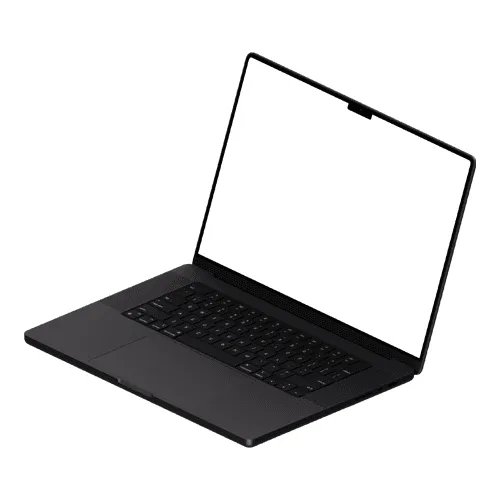
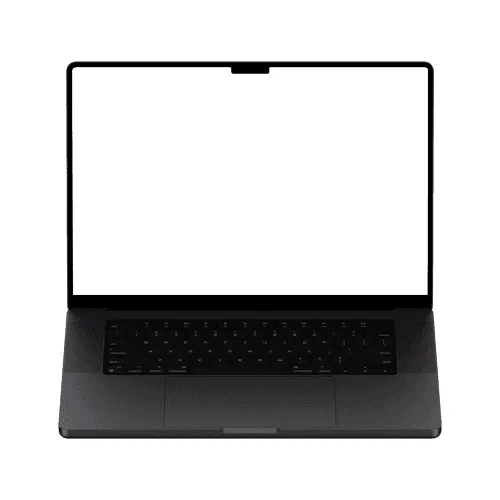
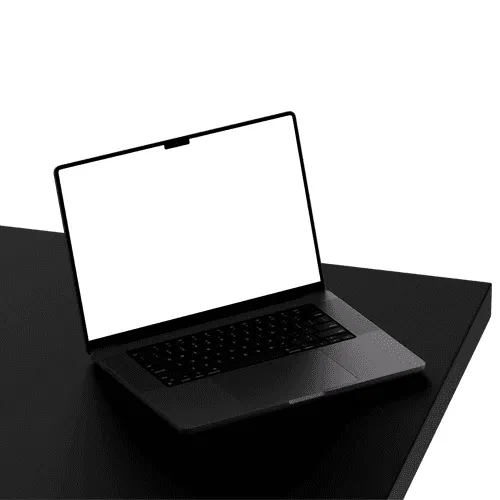
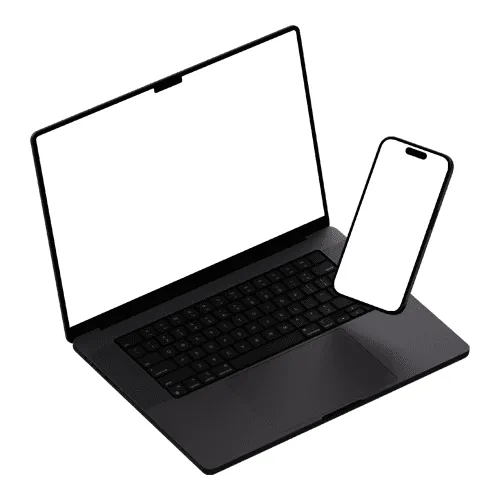
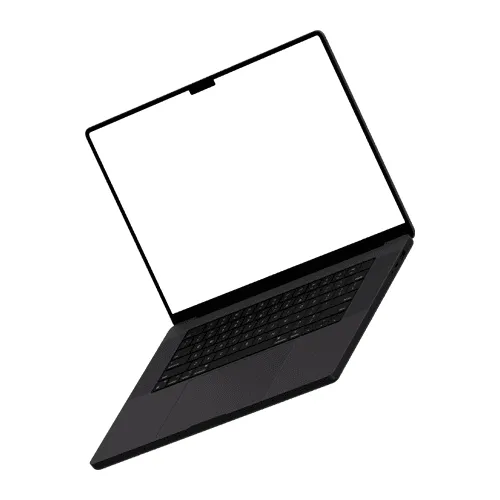
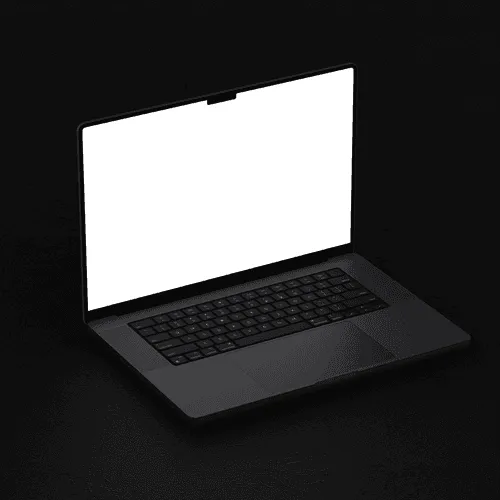
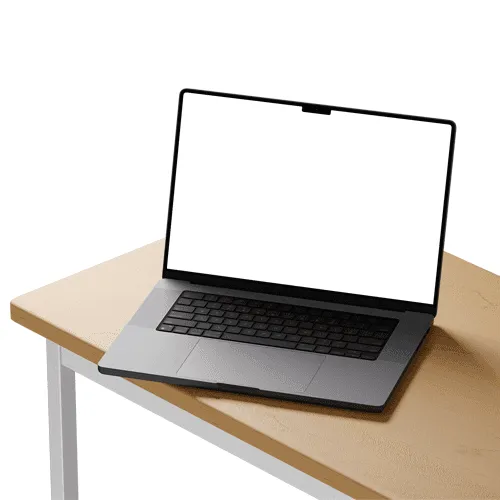
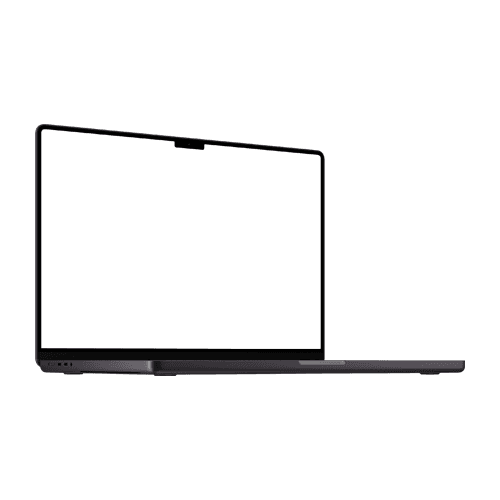

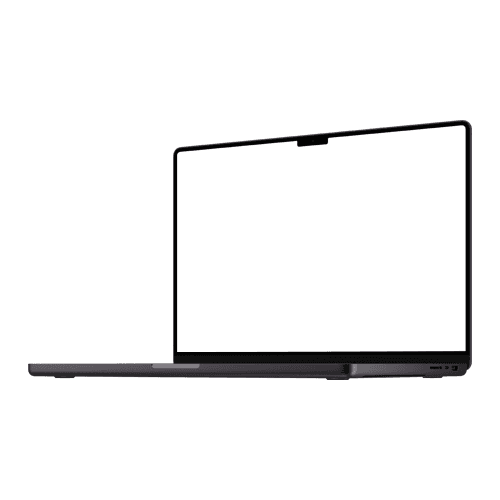
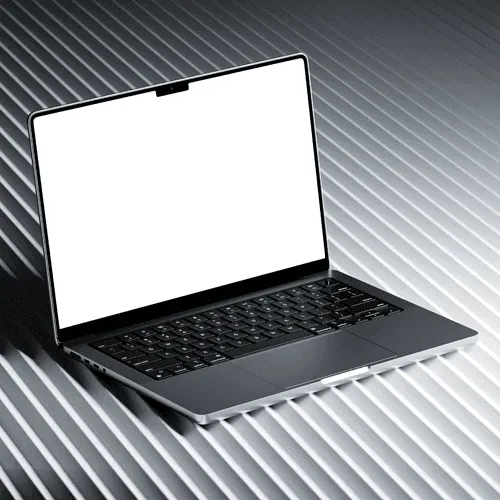
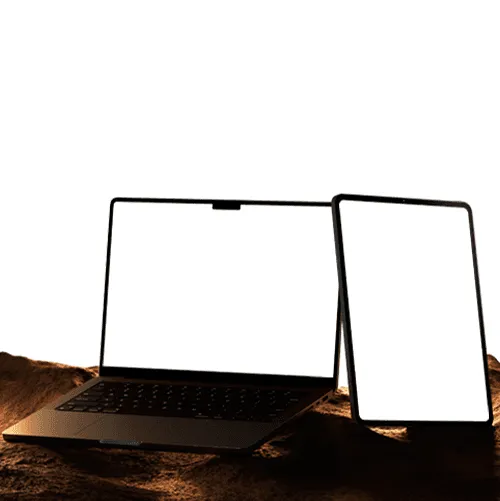
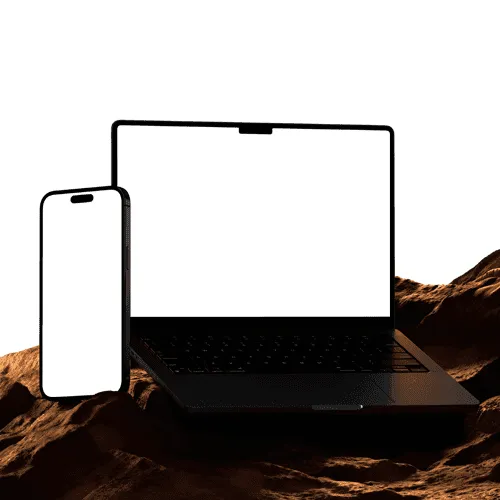
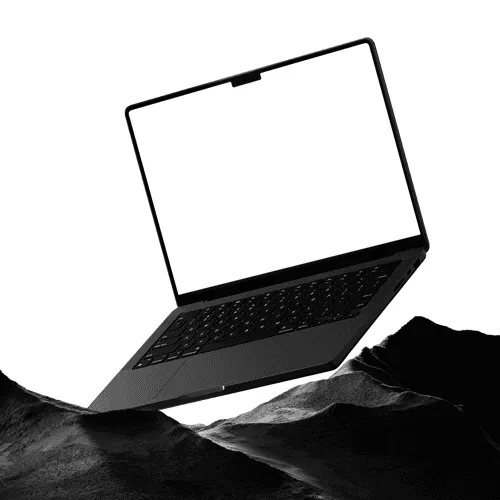
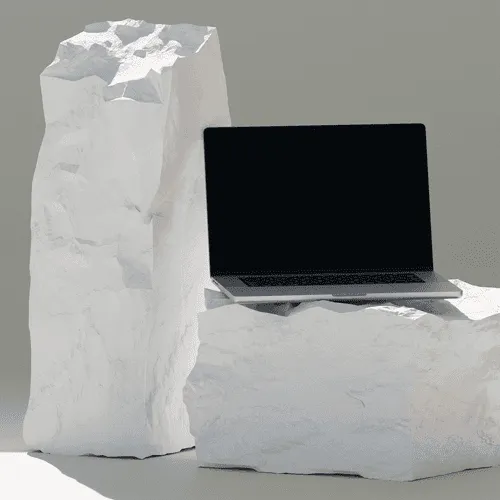
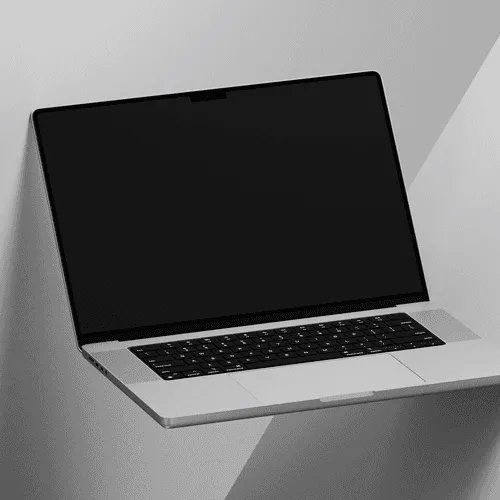
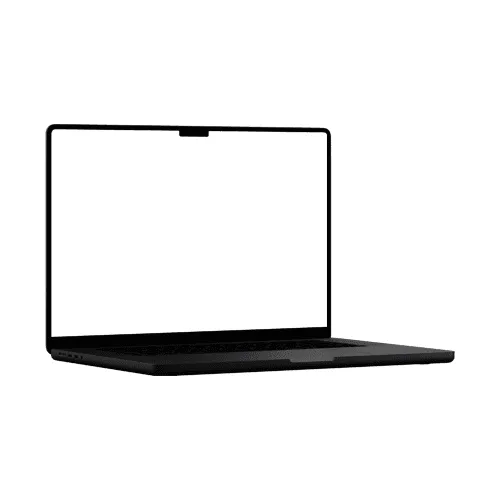
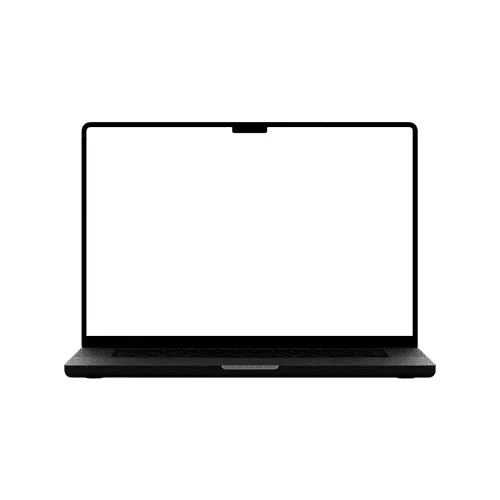
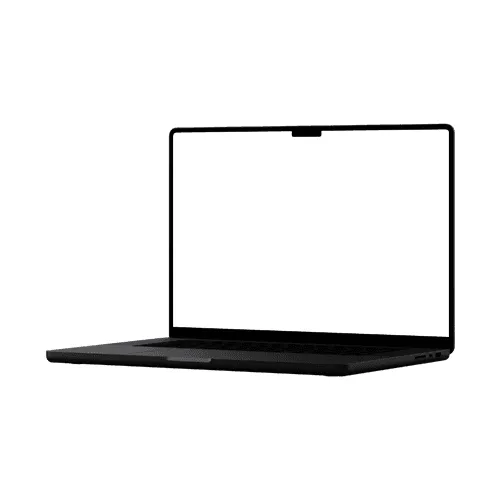
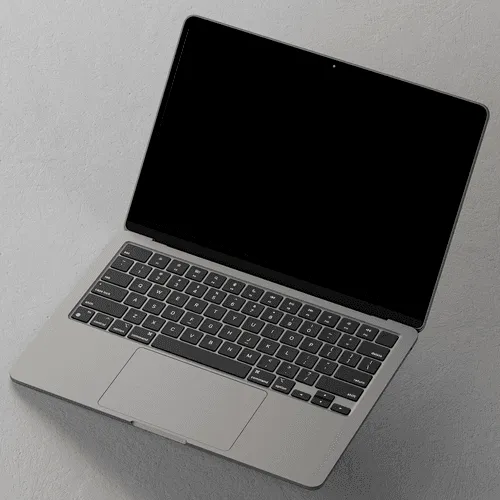
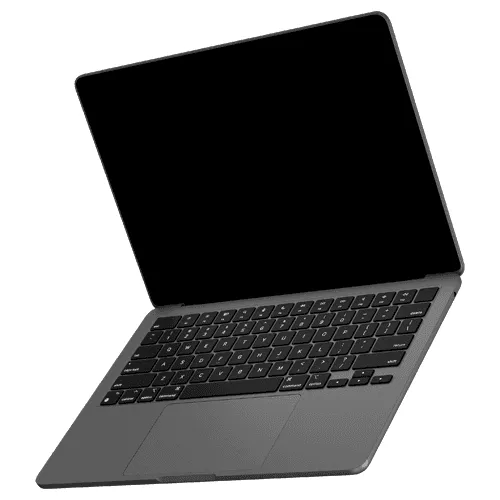
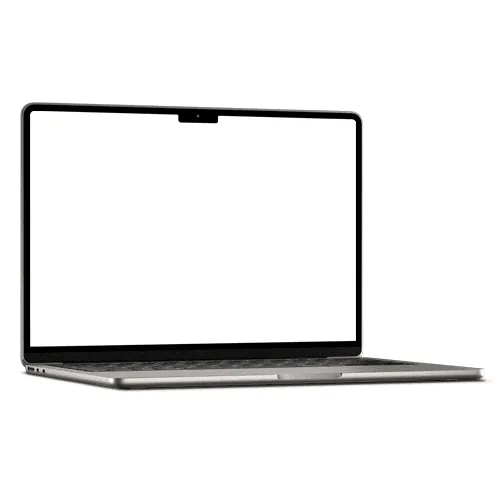
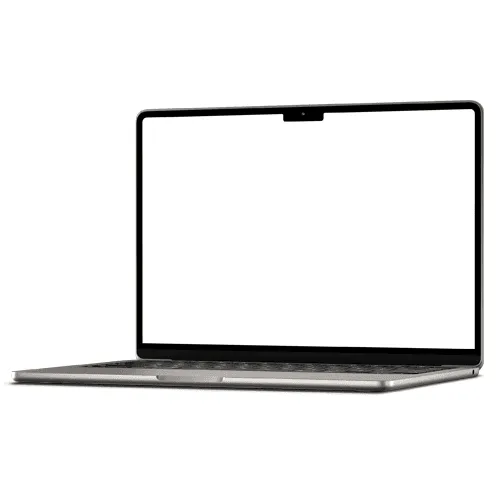
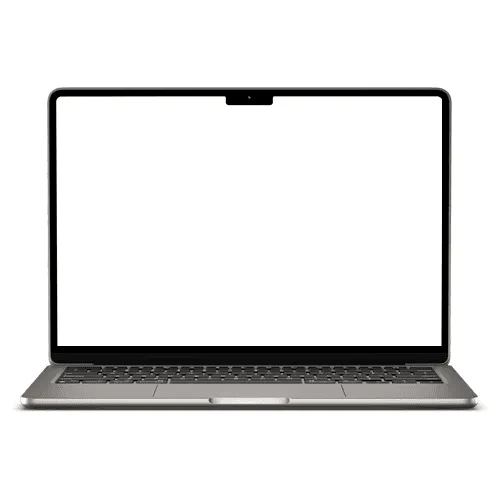
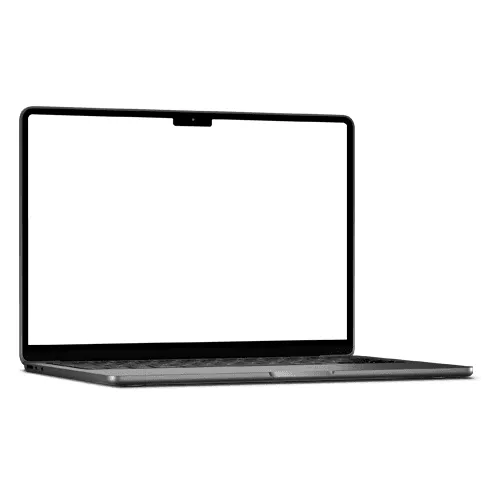
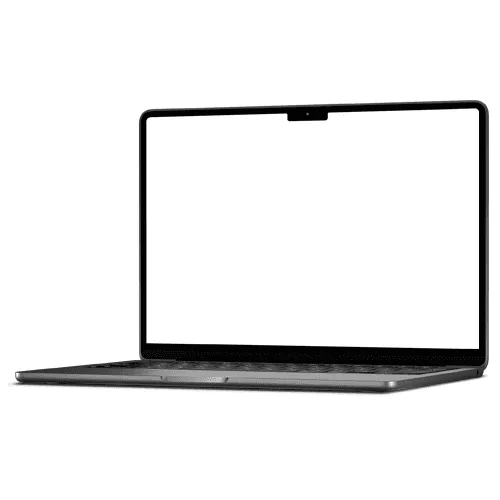
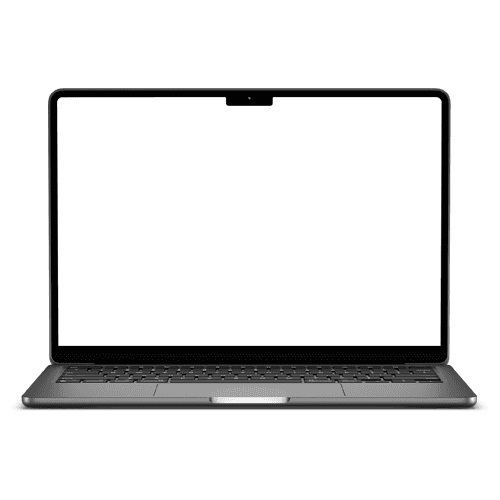
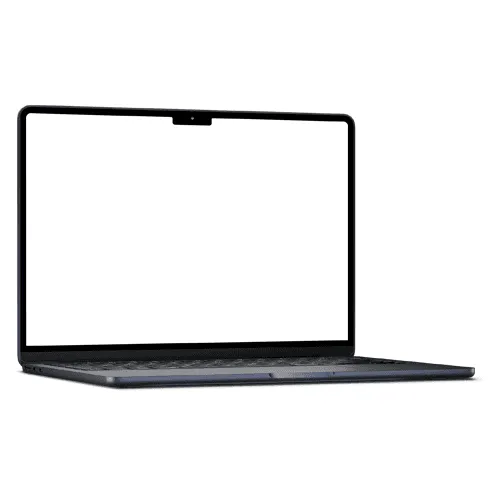
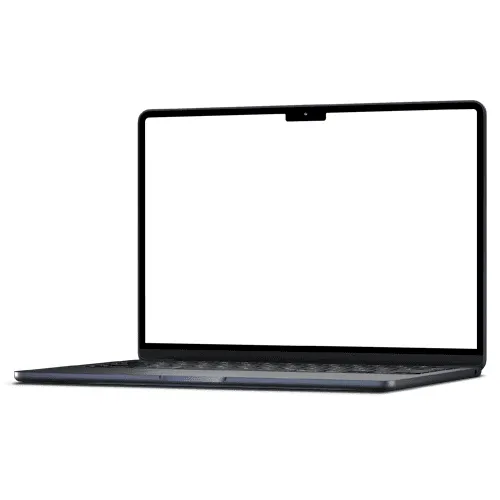
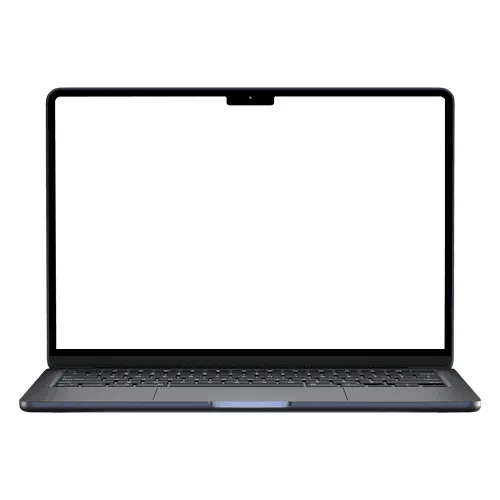
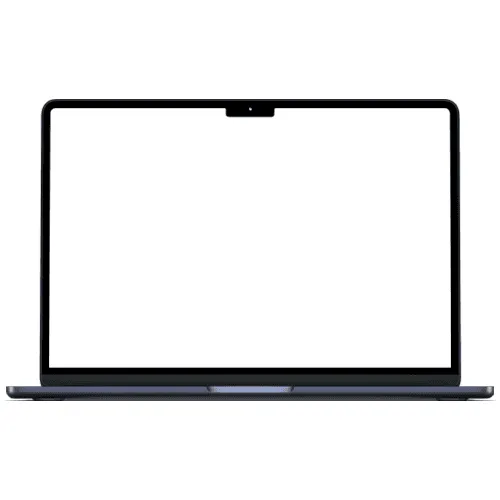
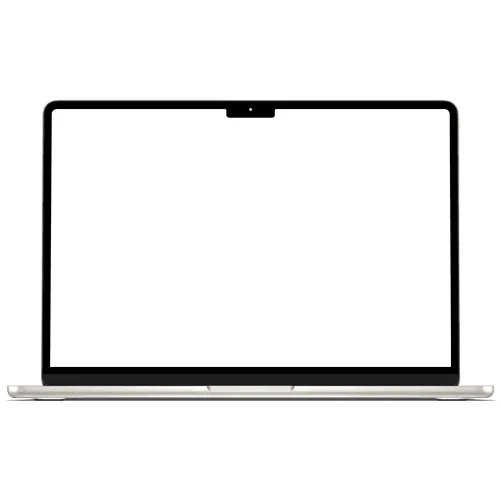
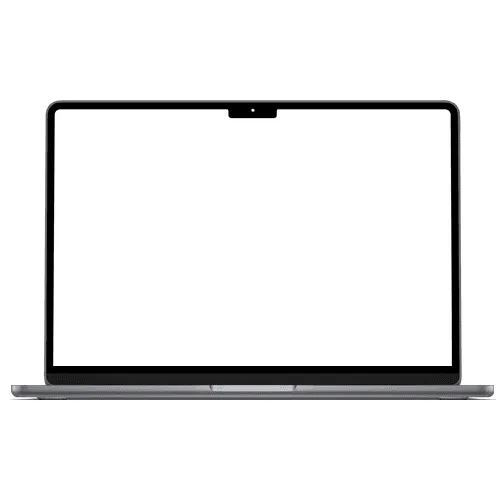
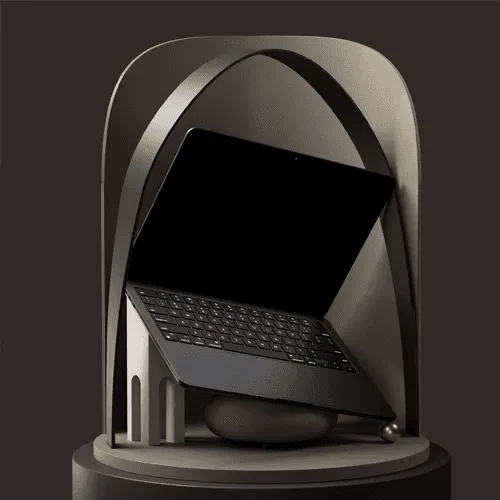
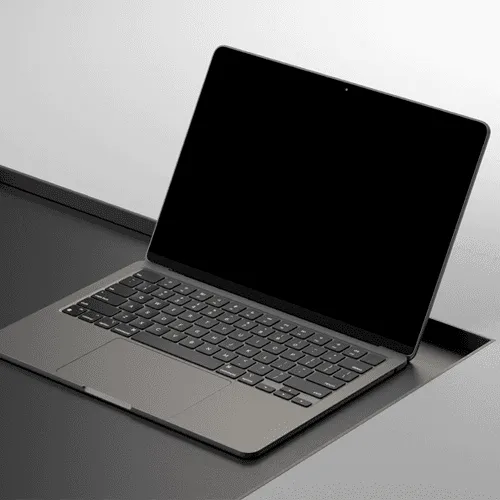
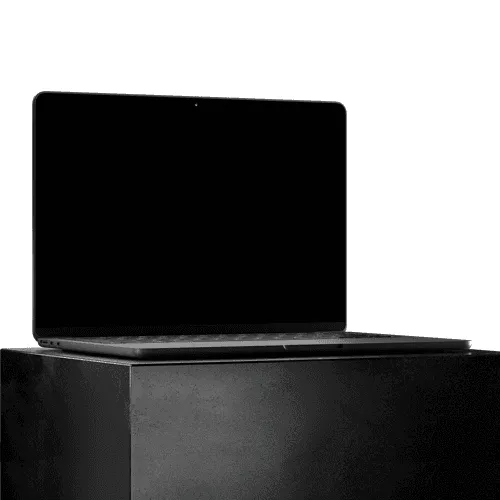
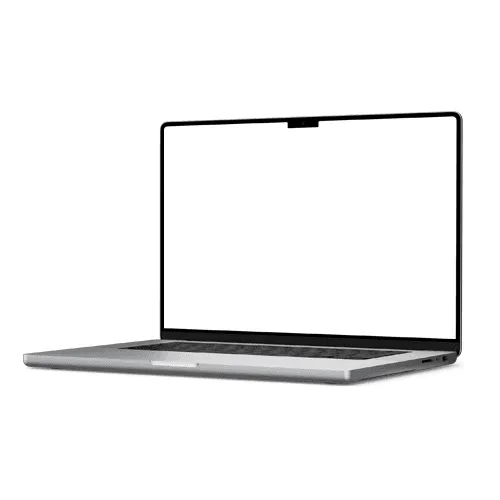
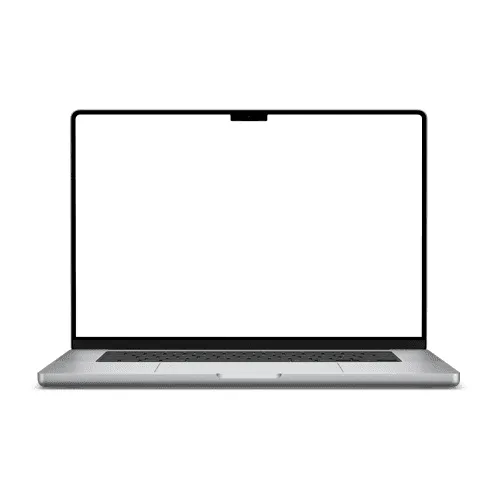
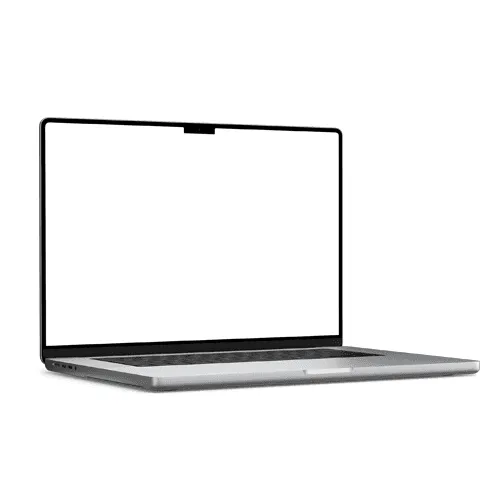
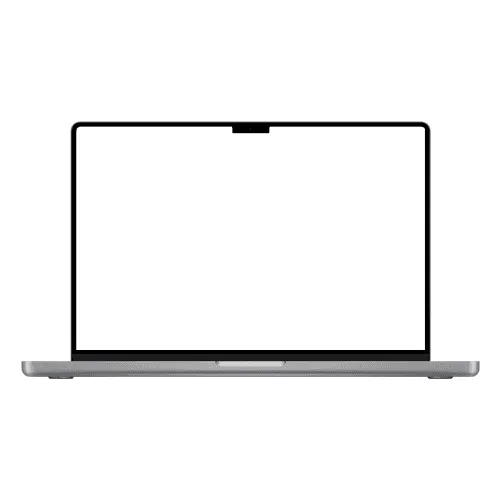
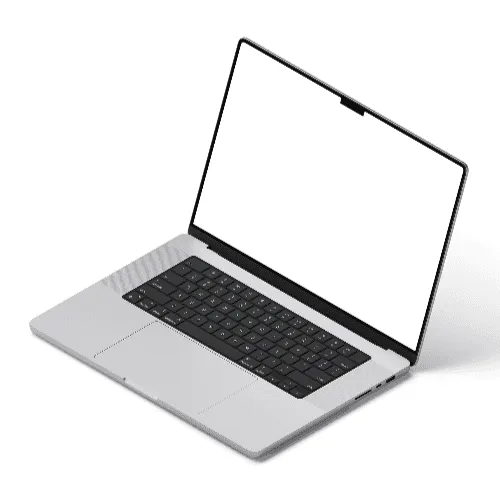
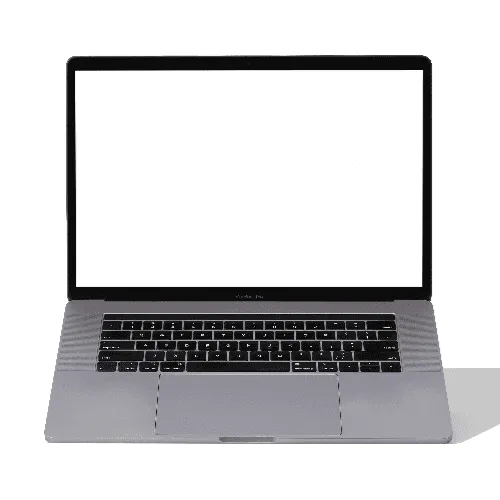
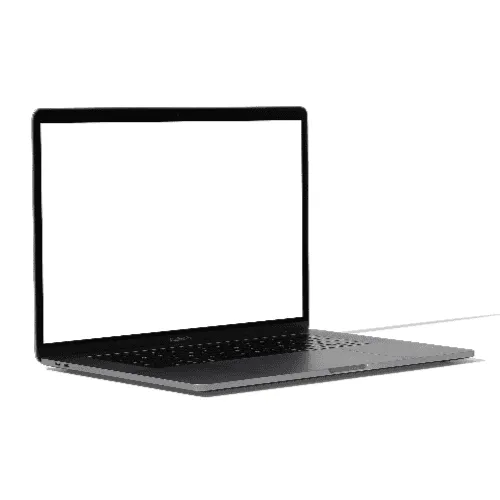
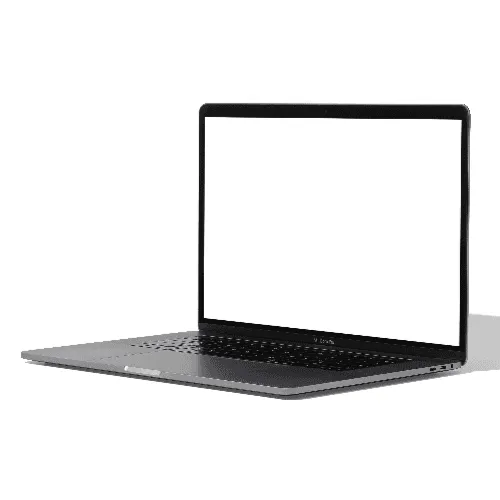
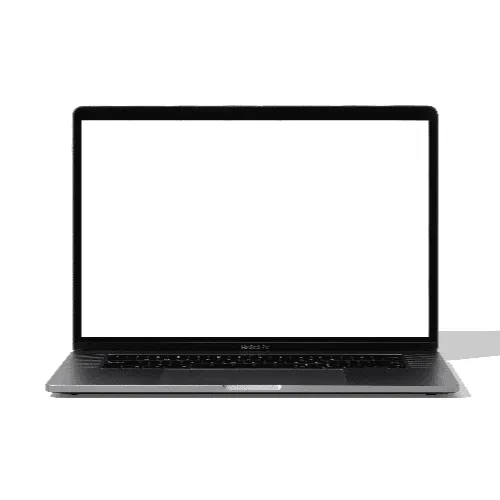
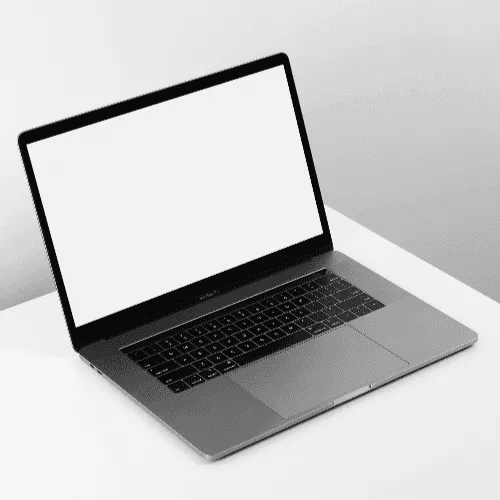
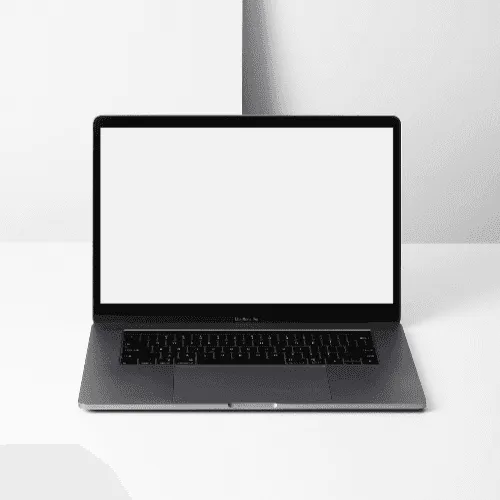
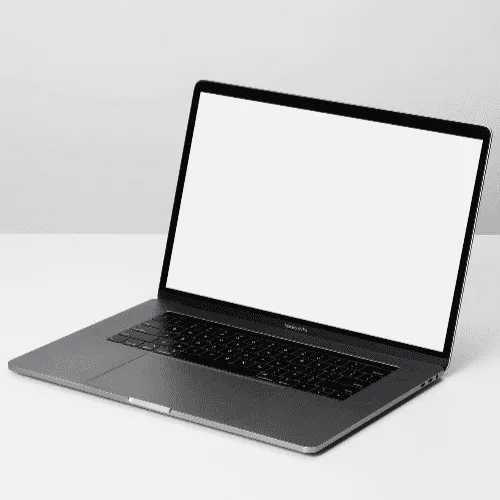
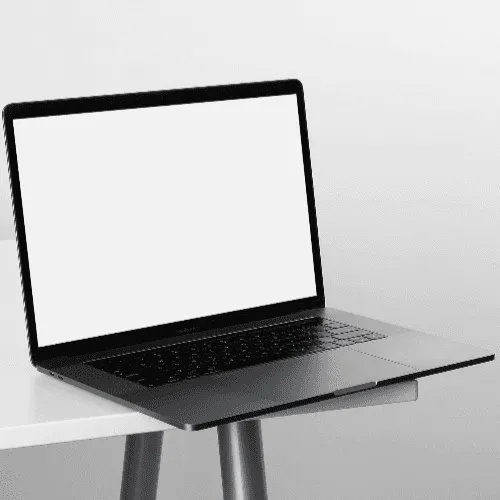
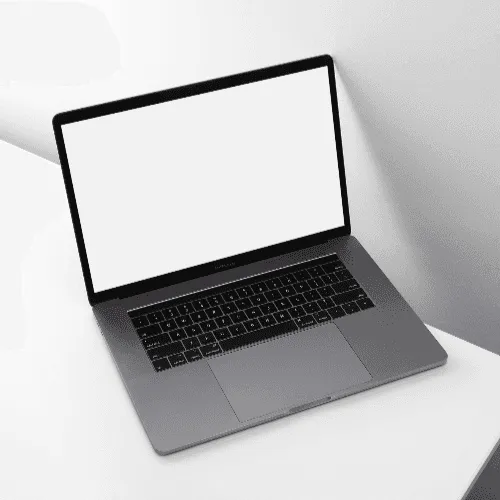






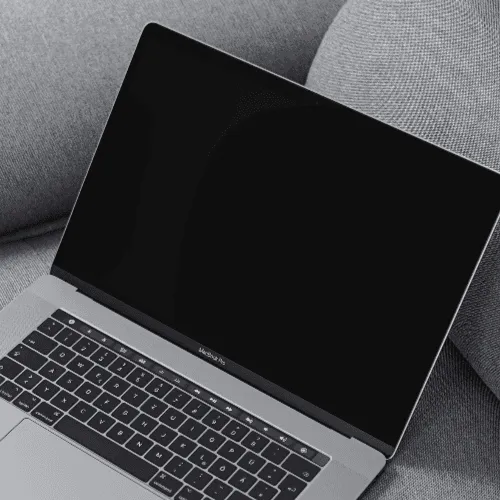
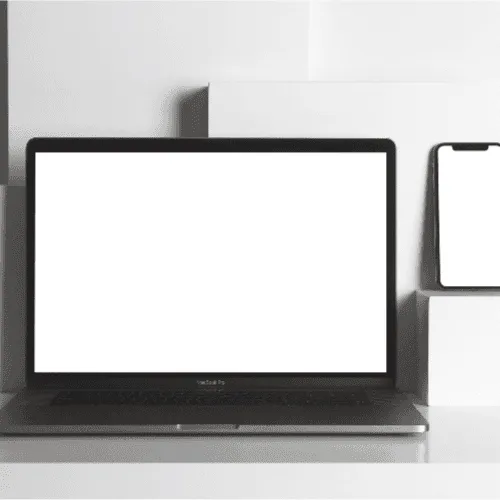


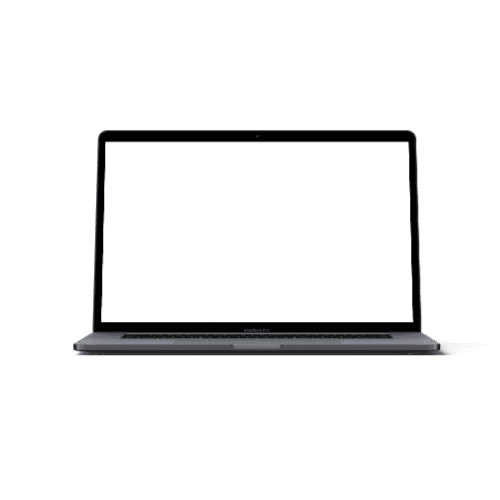
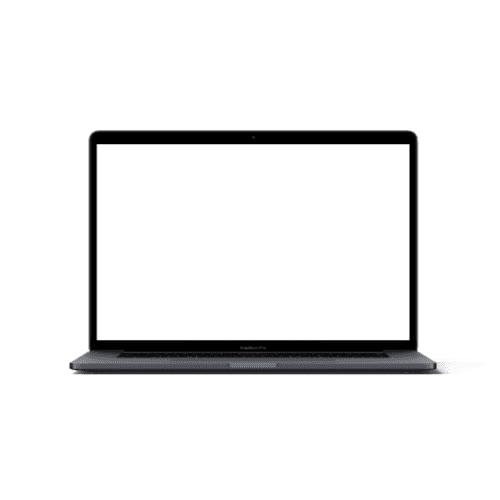
World-class case studies, portfolios, and client presentations crafted by the most talented designers and agencies across the globe — all using MacBook mockups to showcase their web and UI designs on the world's most recognizable laptop.
How to use MacBook mockup generator?
Select the MacBook mockup and open editor
Browse the full collection, pick the mockup that fits your project, and jump straight into the editor.
Add your design to the MacBook screen
Upload your image or video and watch it appear on the MacBook screen instantly — perfectly placed and ready to go.
Customize and export
Once you've applied your image or video, export it in high resolution — PNG, JPEG, or WEBP for images, MP4 or WEBM for video.
FAQs
What is a MacBook mockup?
A MacBook mockup is a pre-made design template that lets you place your website, app, or UI design onto a realistic MacBook screen. Instead of sharing a plain screenshot, you present your work in a polished, professional context that clients and portfolio visitors immediately recognize.
Why is the MacBook the most popular choice for website mockups?
The MacBook is one of the most widely recognized laptops in the world, making it the default choice for presenting web and UI designs. Its clean design and iconic silhouette draw attention to your work rather than the device — exactly what a great mockup should do.
Do I need Photoshop or Figma to use MacBook mockups?
No. The online editor lets you apply your design directly in the browser — no software needed. You can also use the Artboard Studio Figma plugin or Adobe Express plugin to work without switching tools.
What file formats are available for MacBook mockups?
You can export your finished mockup from the online editor as a high-resolution PNG, JPEG, WEBP, MP4, or WEBM — portfolio-worthy and client-ready.
Can I use MacBook mockups for commercial projects?
Yes. All mockups on Artboard Studio come with a commercial license, making them suitable for client presentations, portfolio pages, and design marketplace listings.
Can I use MacBook mockups for video presentations?
Absolutely. Artboard Studio supports video mockups — apply your screen recording or animation to any MacBook mockup and export as MP4 or WEBM. Perfect for app demos, product walkthroughs, and motion portfolio pieces that go beyond static images.
Still have questions?
We are always here to help. Use the chat in the bottom right corner.