


Device Mockups




Packaging Mockups
















Laptop and Phone Mockup
Two screens, one mockup. Browse laptop and phone mockup combinations and apply your design instantly with our online editor. Perfect for showcasing responsive designs, app ecosystems, and multi-platform products in a single visual.
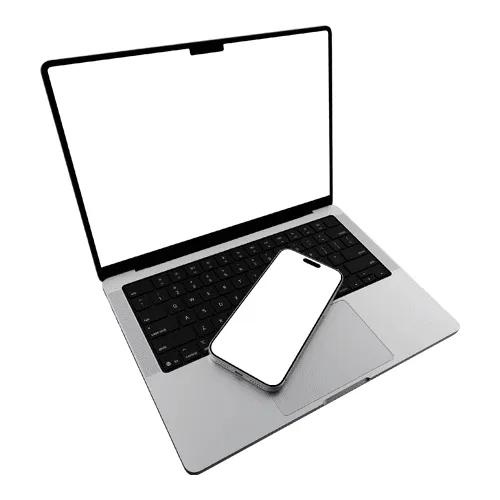
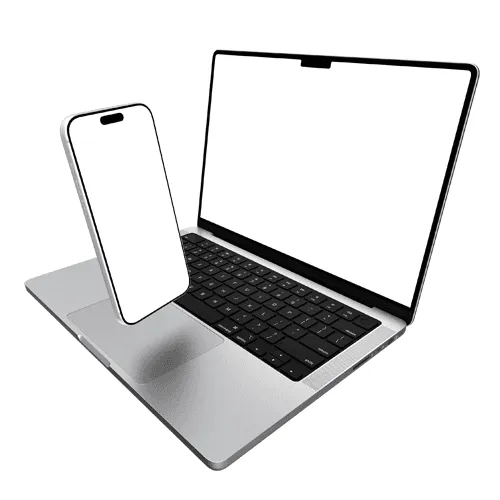
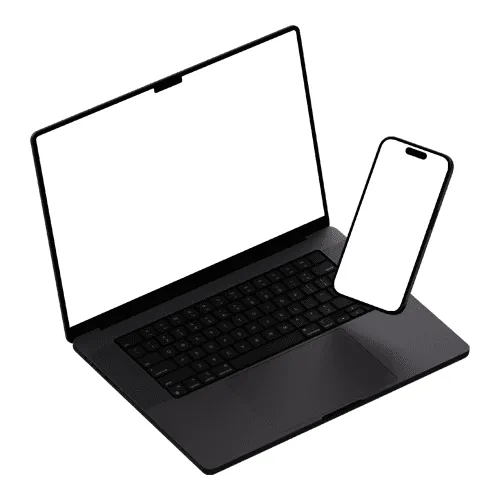
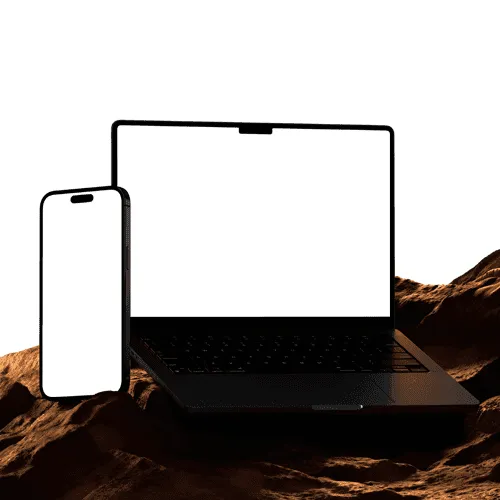
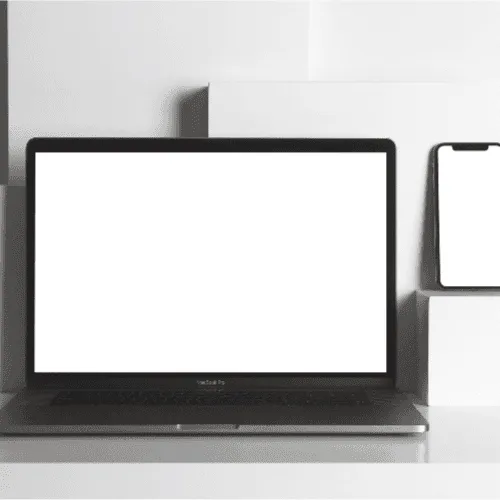
The best design presentations don't just show a product — they tell a story. Designers and agencies worldwide reach for laptop and phone mockup combinations when they need to communicate the full scope of a digital product, from desktop to mobile, in a single glance.
How to use laptop and phone mockup generator?
Select the laptop and phone mockup and open editor
Browse the full collection, pick the mockup that fits your project, and jump straight into the editor.
Add your design to the laptop and phone screens
Upload your image or video and watch it appear on the Windows laptop screen instantly — perfectly placed and ready to go.
Customize and export
Once you've applied your image or video, export it in high resolution — PNG, JPEG, or WEBP for images, MP4 or WEBM for video.
FAQs
What is a laptop and phone mockup?
A laptop and phone mockup is a pre-made design template that displays both a laptop and a smartphone in a single scene. It lets you showcase your web and mobile designs together, communicating the full scope of a digital product in one cohesive presentation.
Who are laptop and phone mockups best suited for?
They are ideal for designers and agencies presenting responsive websites, multi-platform apps, or complete digital products. They are also widely used by template sellers on design marketplaces who want to show their product across multiple screen sizes in a single preview image.
Do I need Photoshop or Figma to use laptop and phone mockups?
No. The online editor lets you apply your designs to both screens directly in the browser — no software needed. You can also use the Artboard Studio Figma plugin or Adobe Express plugin to work without switching tools.
What file formats are available for laptop and phone mockups?
You can export your finished mockup from the online editor as a high-resolution PNG, JPEG, WEBP, MP4, or WEBM — perfect for portfolio pages, client presentations, and responsive design case studies.
Can I apply different designs to the laptop and phone screens?
Yes. Each screen surface in the mockup is independently editable — apply your desktop design to the laptop screen and your mobile design to the phone screen for a complete, realistic multi-device presentation.
Can I use laptop and phone mockups for commercial projects?
Yes. All mockups on Artboard Studio come with a commercial license, making them suitable for client presentations, portfolio pages, and design marketplace listings.
Still have questions?
We are always here to help. Use the chat in the bottom right corner.