

Device Mockups
Apparel Mockups

Packaging Mockups



Beanie Mockup
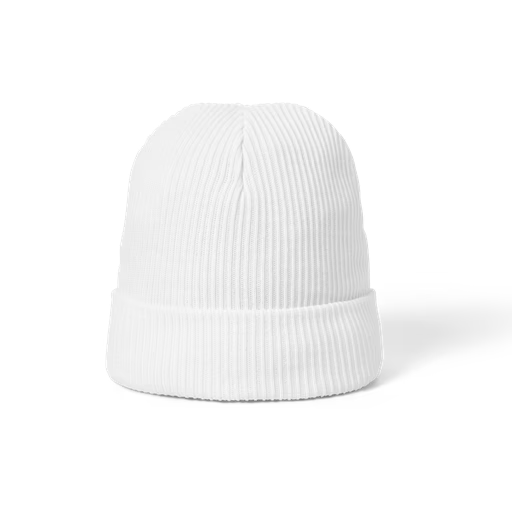
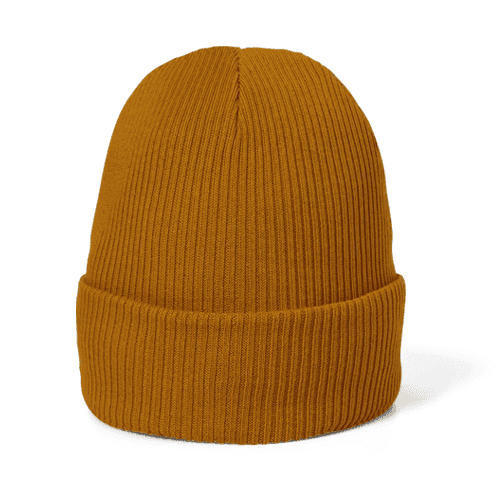
The most expressive piece in any cold-weather collection. Browse beanie mockups covering ribbed cuffed styles, slouchy fits, and pom-pom designs — in front, three-quarter, and flat lay views across every colorway from classic heather grey to bold seasonal palettes. Apply your embroidery artwork, woven label, or logo directly in our online mockup editor, or use the Figma and Adobe Express plugins. Built for knitwear designers, streetwear brands, and merch studios.
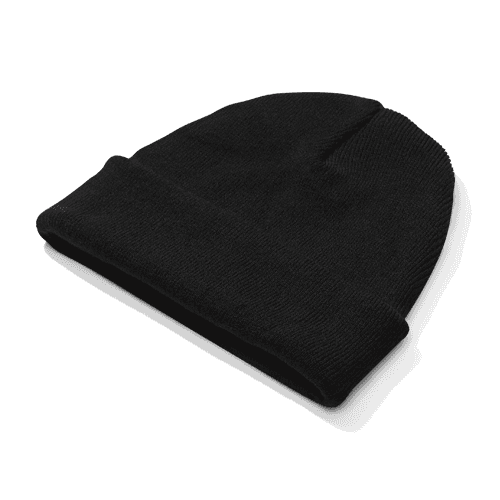

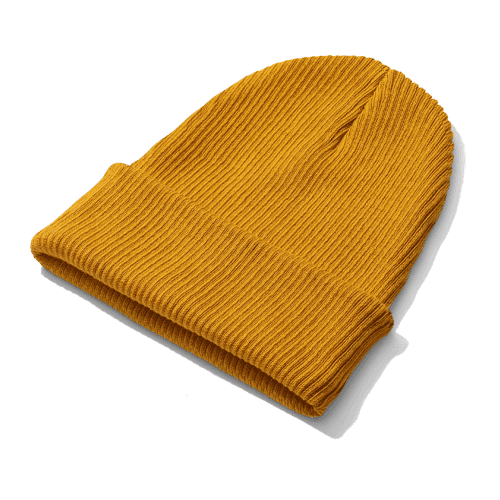

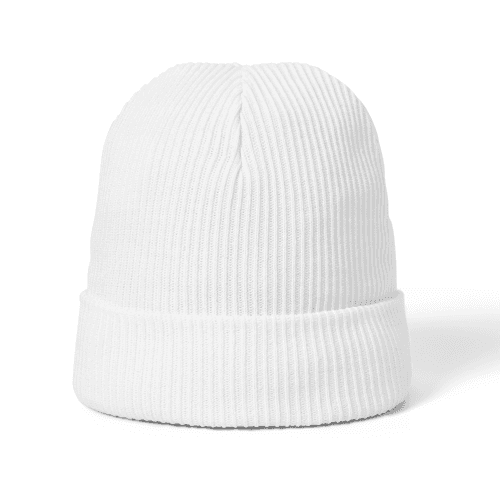

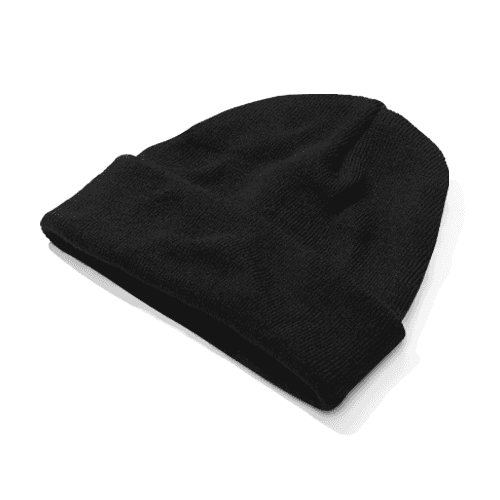
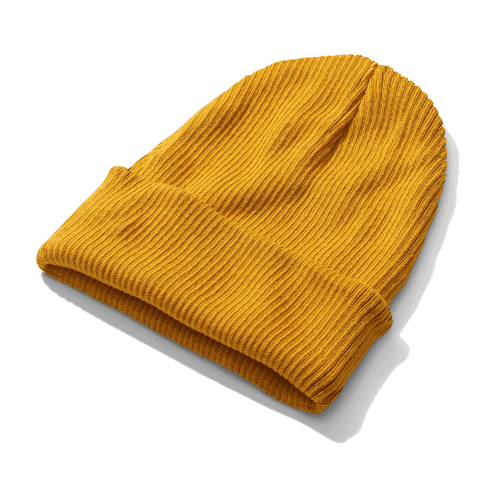
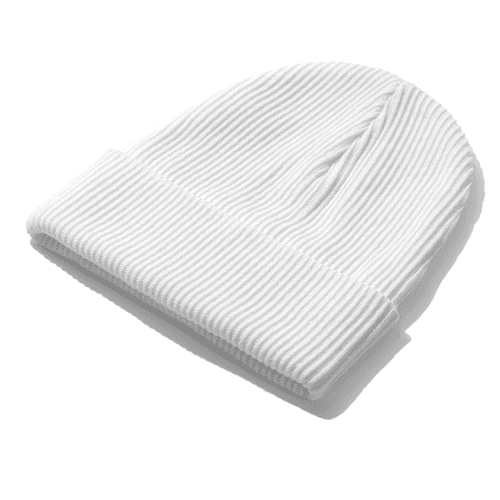
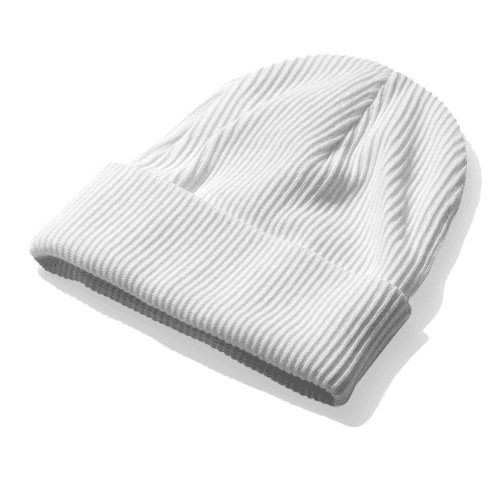
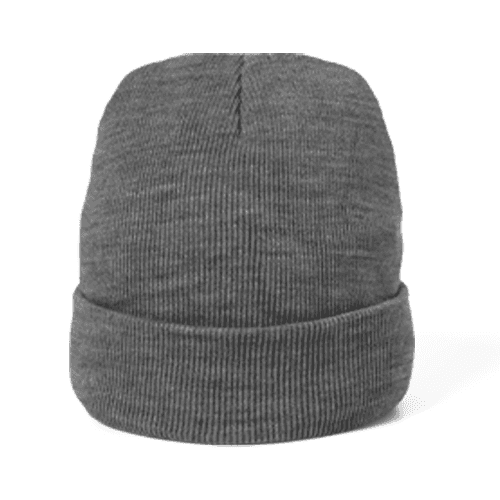
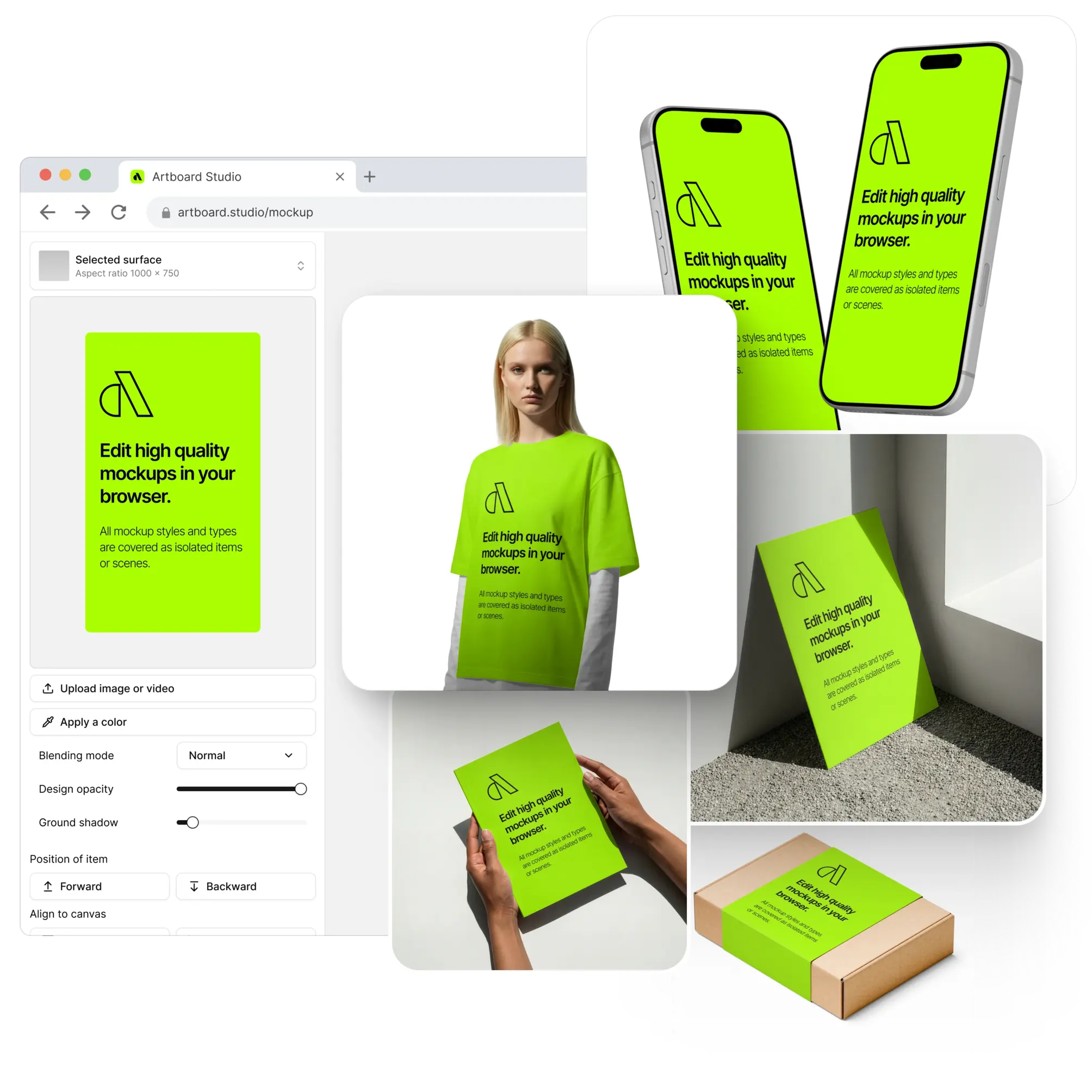
From independent knitwear labels launching seasonal drops to global streetwear brands expanding into accessories — designers and agencies who care about headwear presentation use Artboard Studio beanie mockups to show concepts at the level the work deserves. One upload, one export, and the design looks like it came straight from a studio shoot.
How to use the beanie mockup generator?
Choose your beanie mockup and open the editor
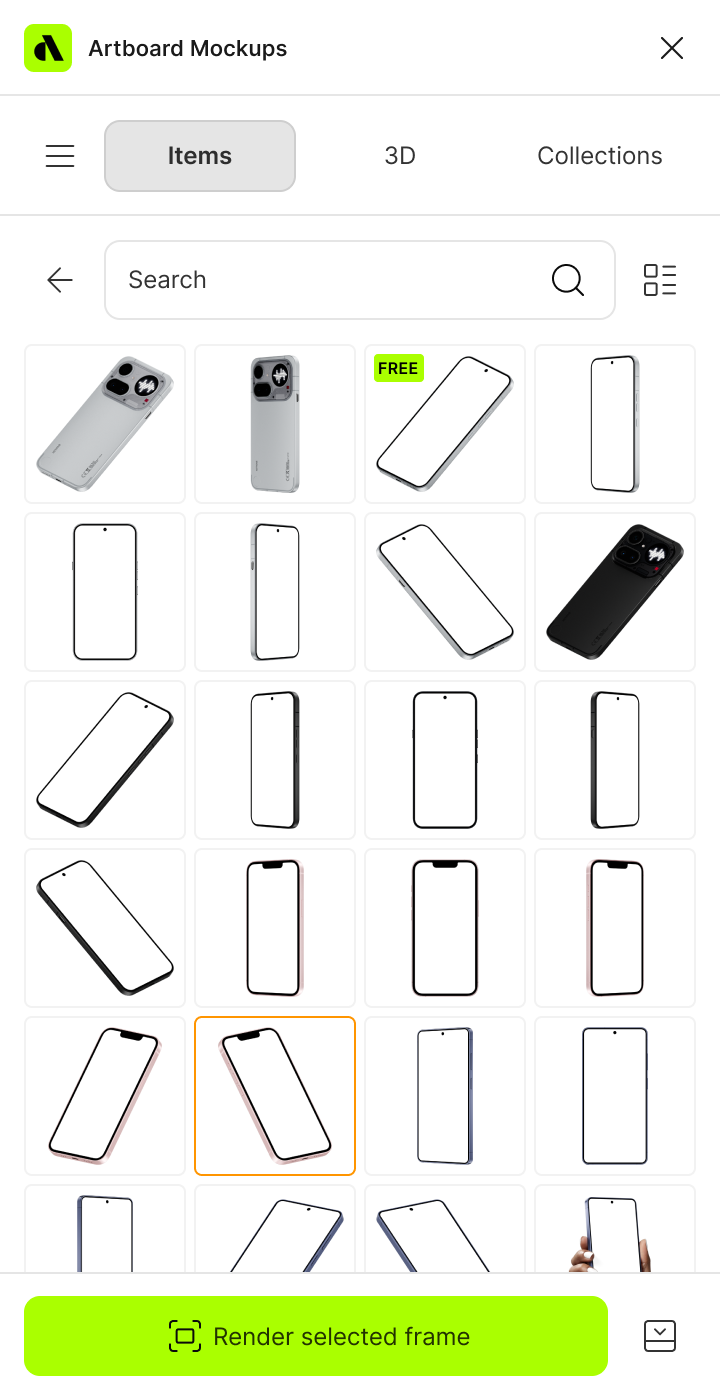
Browse the full collection, filter by beanie style, colorway, or view angle, pick the mockup that fits your concept, and open it directly in the online mockup editor.
Apply your design to the beanie
Upload your embroidery artwork, woven label, or logo and watch it land on the beanie surface instantly — scaled, positioned, and knit-accurate from the first second.
Customize and export
Adjust the background color or scene, fine-tune placement, and export in high resolution — PNG, JPEG, or WEBP for product pages and client decks, MP4 or WEBM for motion lookbooks and social content.
FAQs
What is a beanie mockup?
A beanie mockup is a pre-made design template that lets you place your embroidery artwork, logo, or woven patch directly onto a realistic beanie without organizing a photoshoot or ordering physical samples. You get a polished, presentation-ready visual in seconds — accurate enough for client pitches, e-commerce listings, and portfolio case studies.
What beanie styles are available as mockups?
Artboard Studio covers a range of beanie styles — classic ribbed cuffed beanies, slouchy fits, pom-pom styles, and flat lay arrangements. Mockups are available in front and three-quarter views across multiple colorways, so you can validate your colorway choices and embroidery placement before committing to a production run.
Do I need Photoshop or Figma to use beanie mockups?
No. The online mockup editor lets you apply your design directly in the browser — no software, no plugins, no setup required. You can also use the Artboard Studio Figma plugin or Adobe Express plugin without leaving your design environment.
Can I use beanie mockups for print-on-demand and e-commerce?
Absolutely. Beanie mockups are widely used by print-on-demand sellers on Printful, Printify, and similar platforms to produce compelling product listing images. A high-quality mockup communicates embroidery placement, knit texture, and colorway far more effectively than a flat artwork file — and directly impacts click-through and conversion rates.
What file formats can I download or export?
You can export your finished mockup from the online editor as a high-resolution PNG, JPEG, or WEBP for static deliverables, or as MP4 and WEBM for motion lookbooks, animated product showcases, and social content.
Can I use beanie mockups for commercial projects?
Yes. Every mockup on Artboard Studio includes a commercial license — fully cleared for client deliverables, e-commerce product listings, brand pitch decks, agency presentations, and design marketplace assets. No additional licensing steps required.
Still have questions?
We are always here to help. Use the chat in the bottom right corner.