Mockups to present your designs like a pro
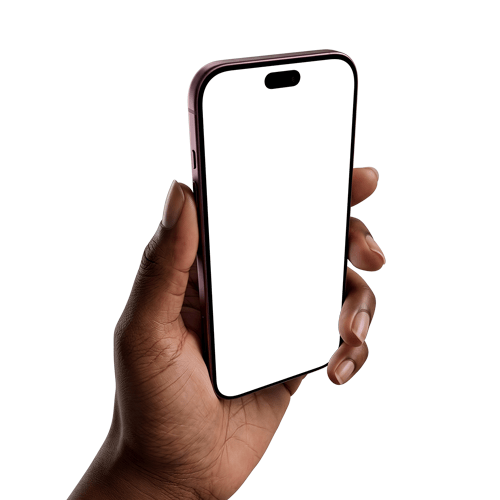
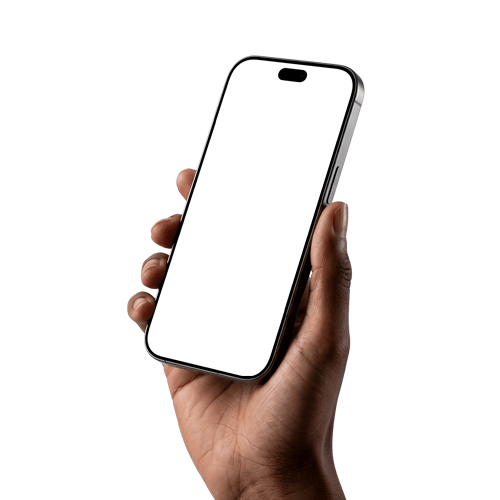
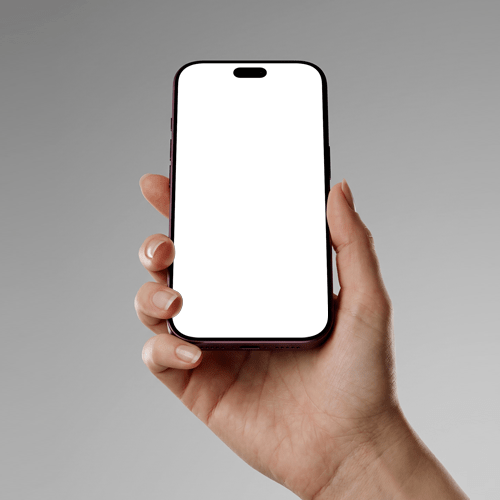
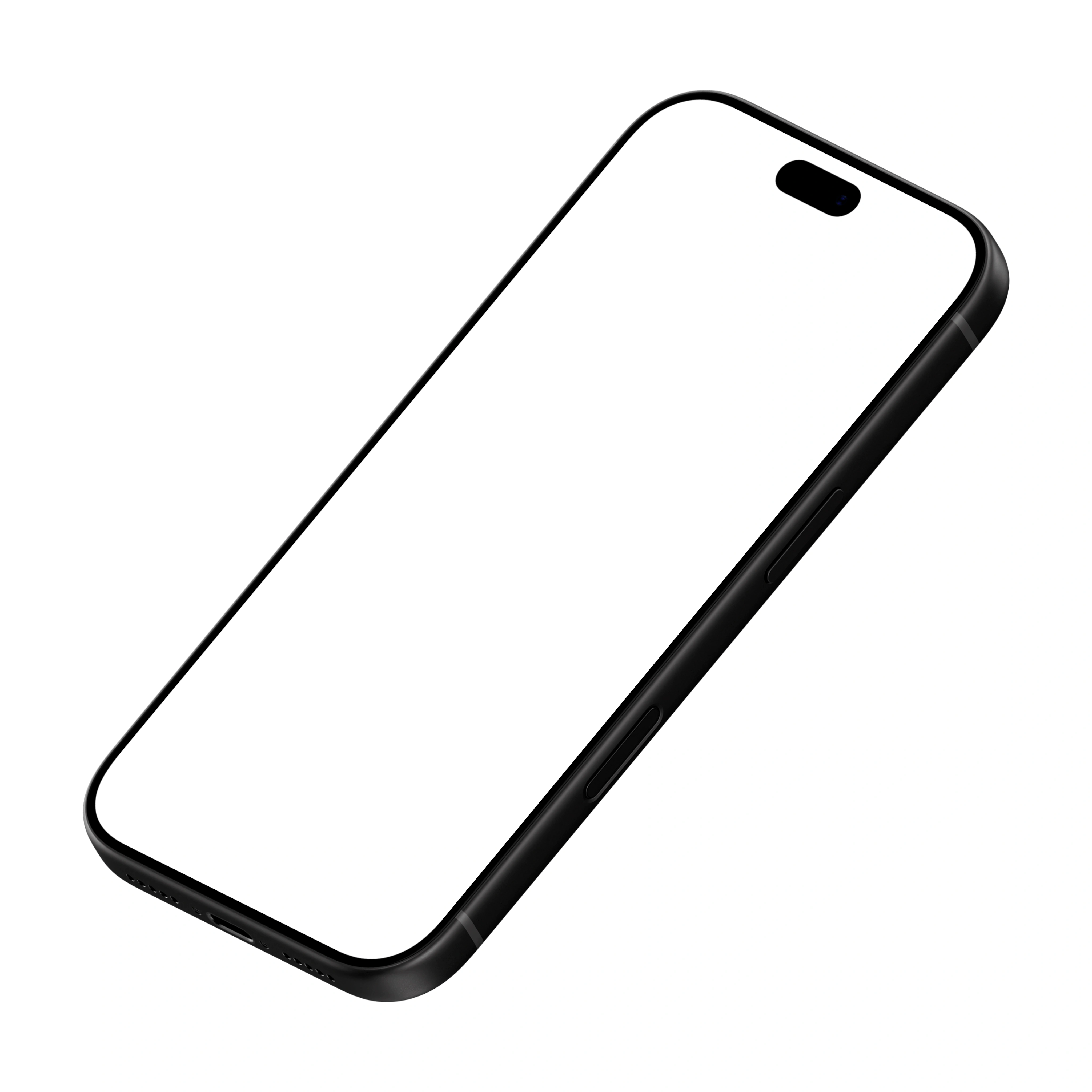
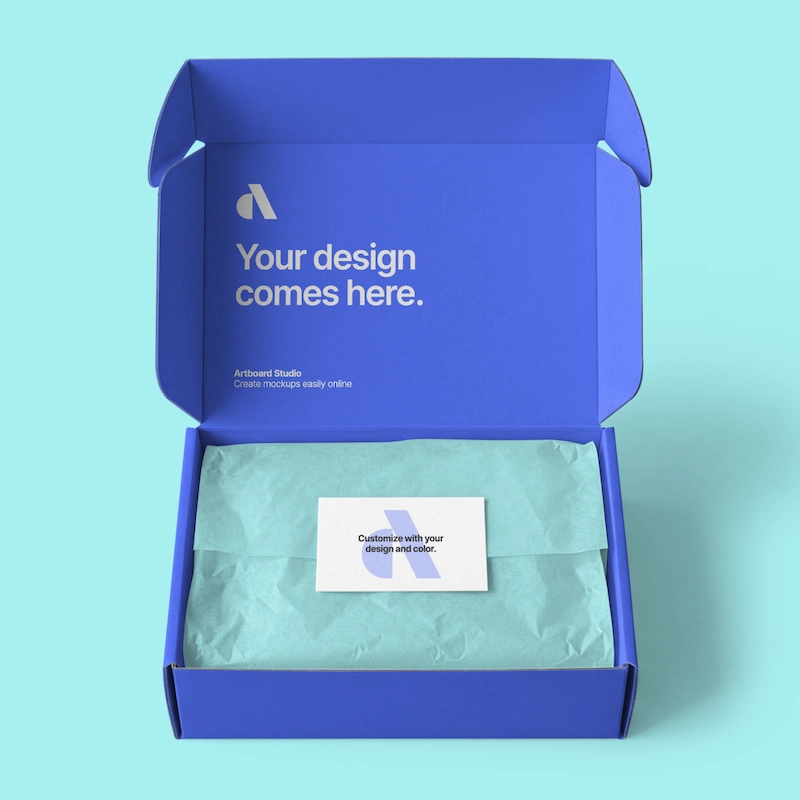
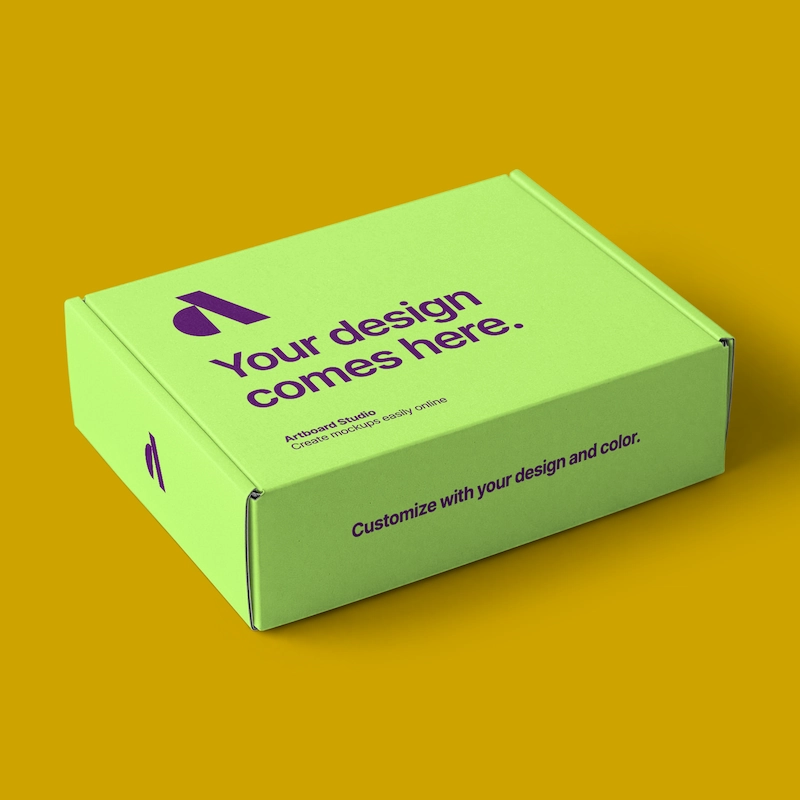
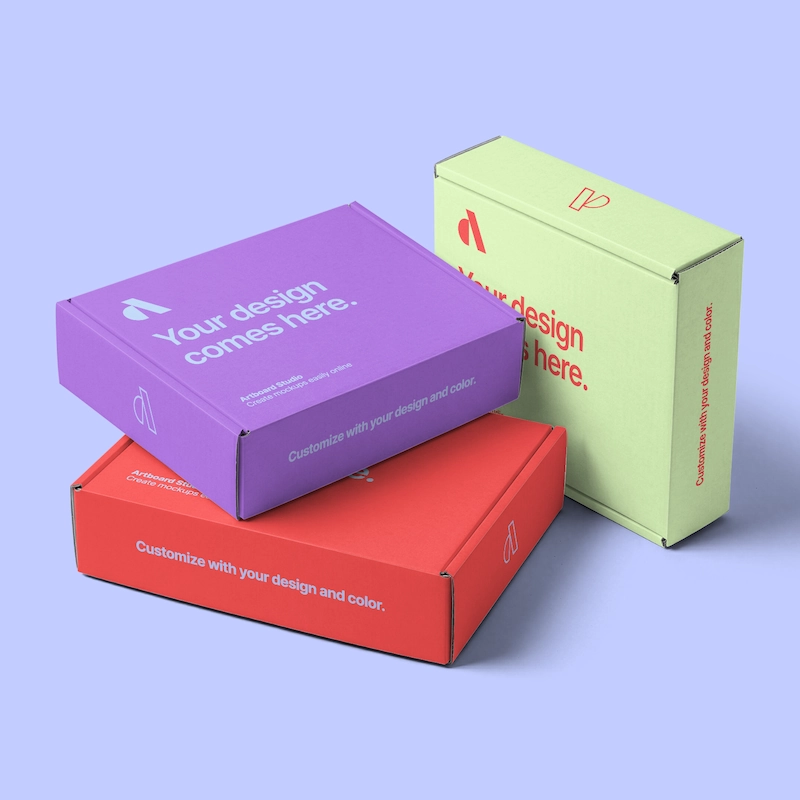
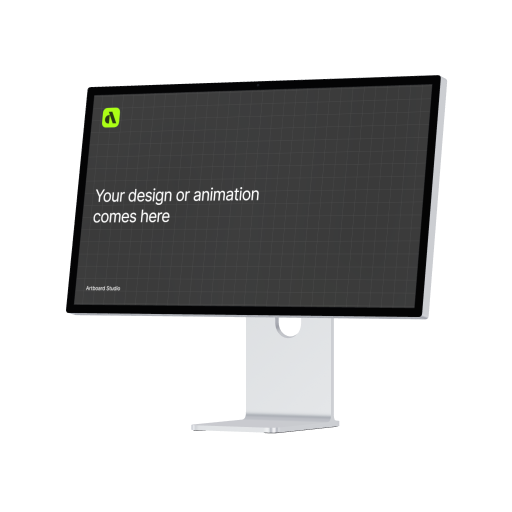
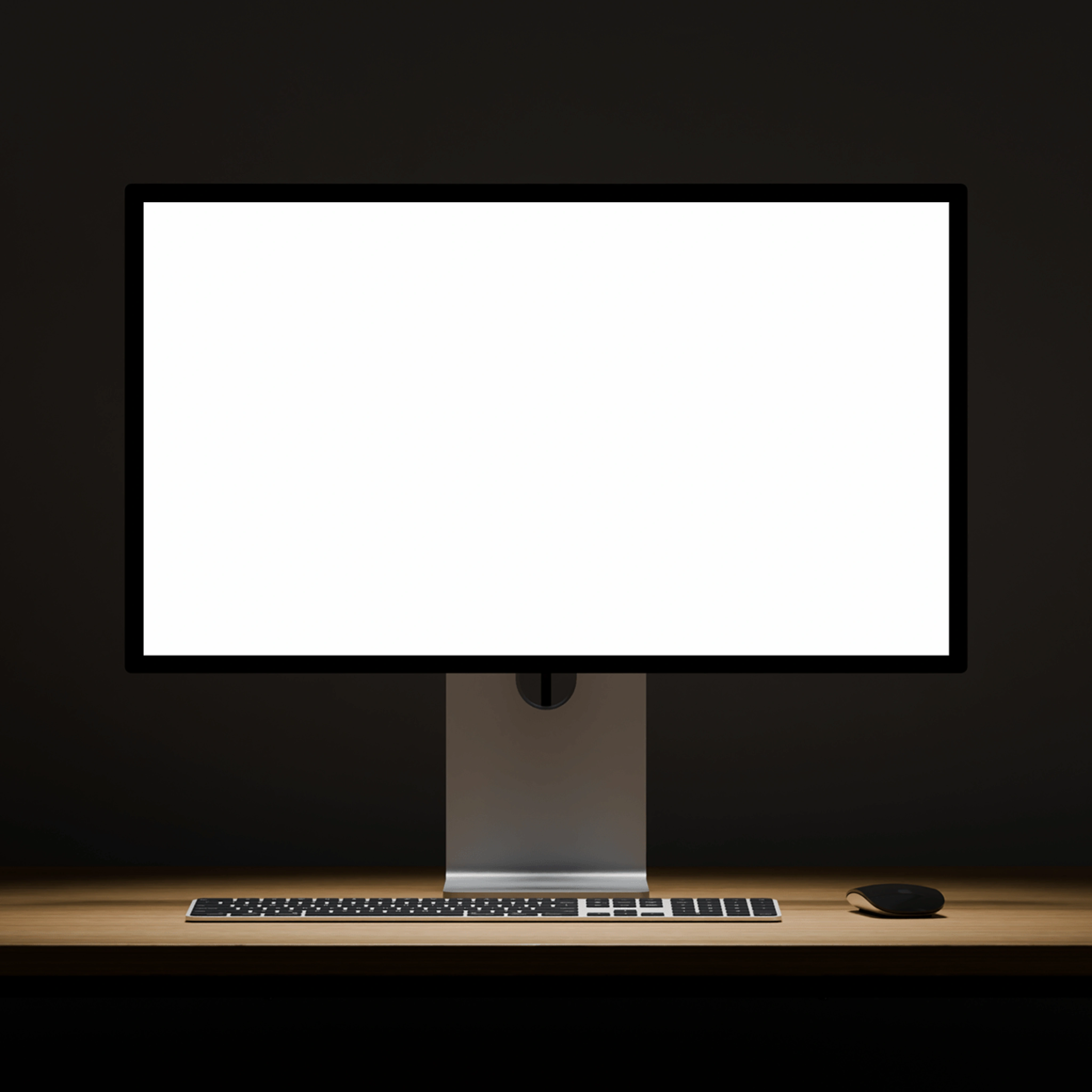
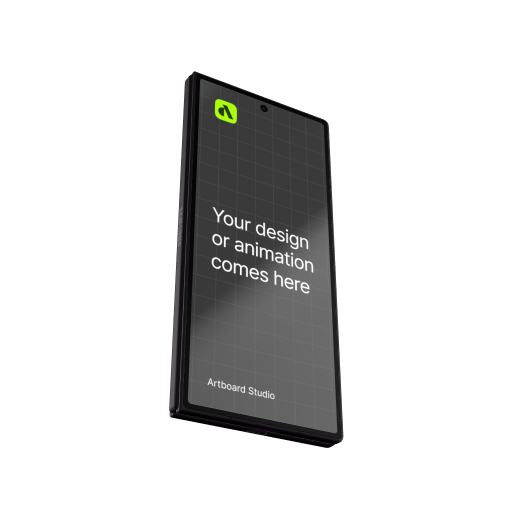
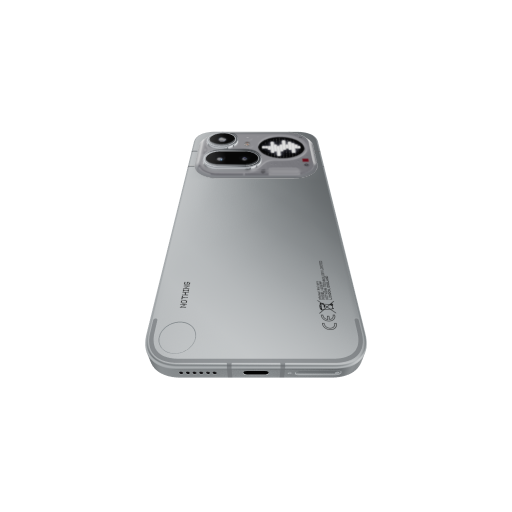
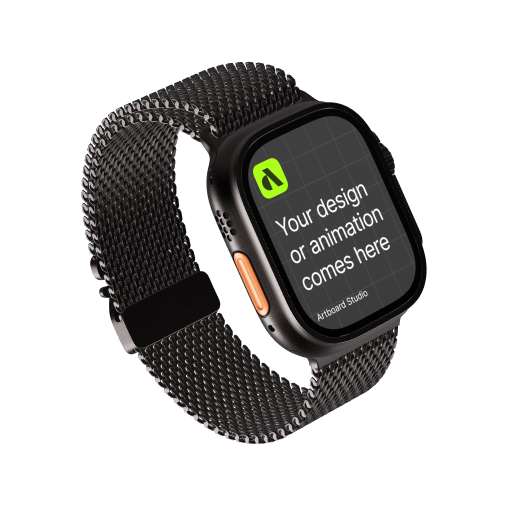
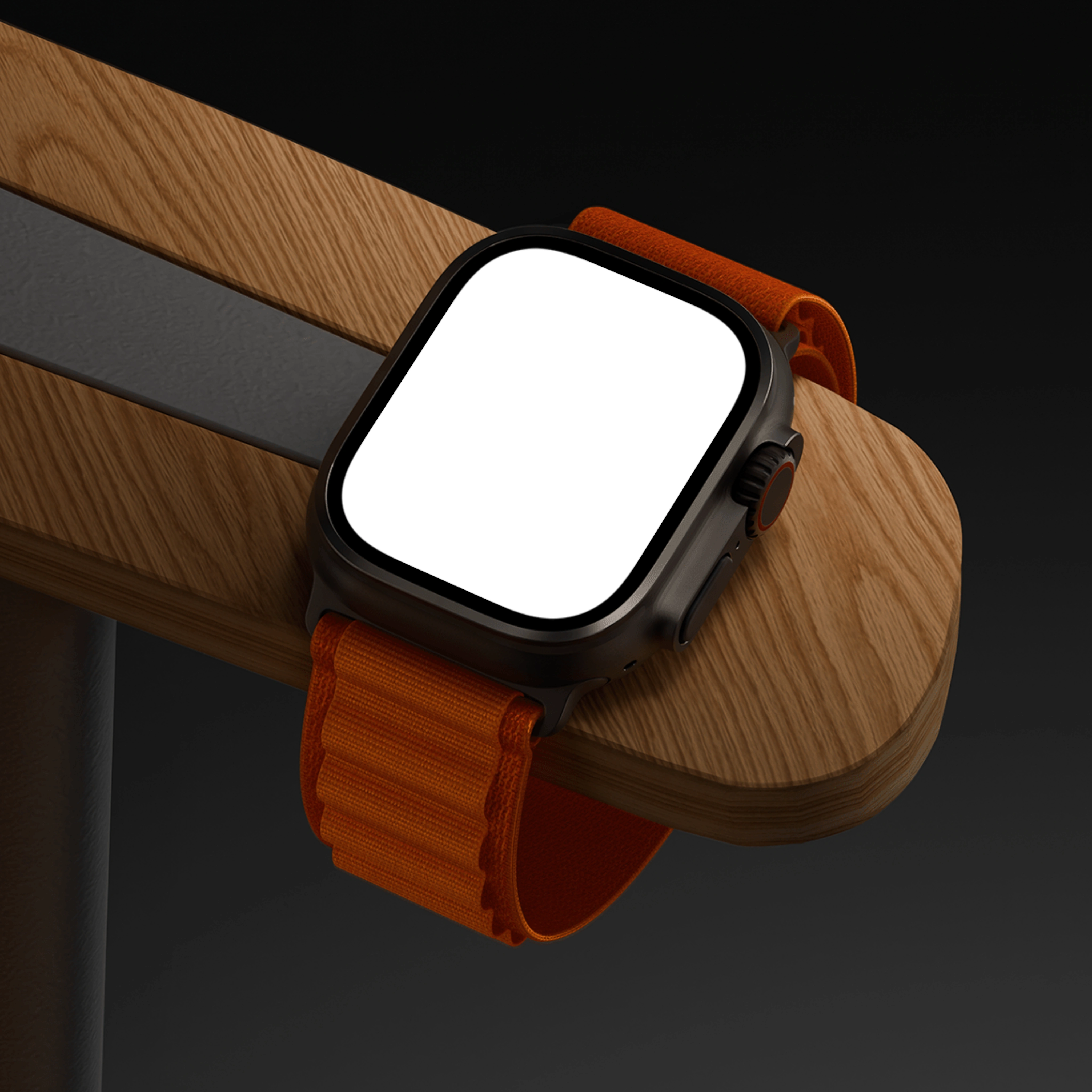
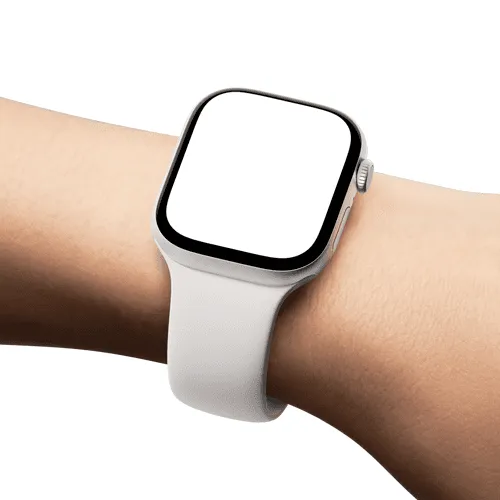
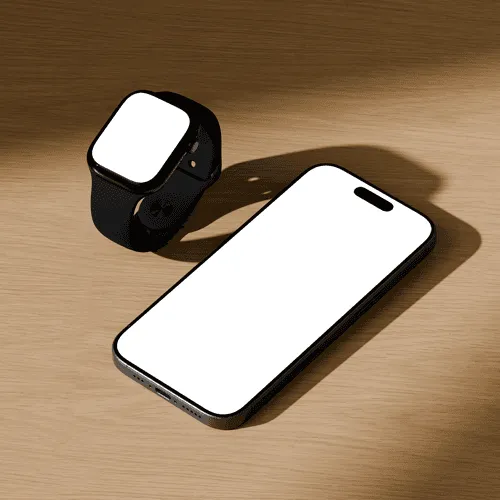
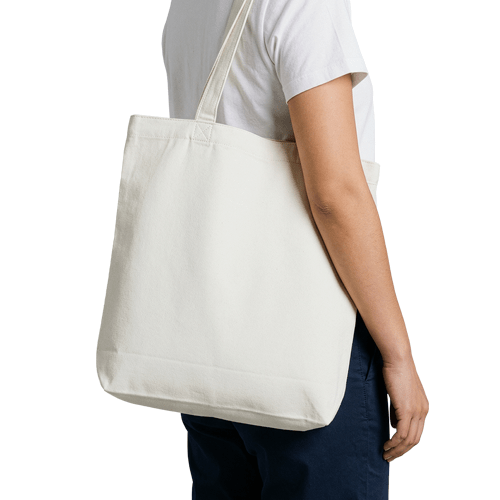
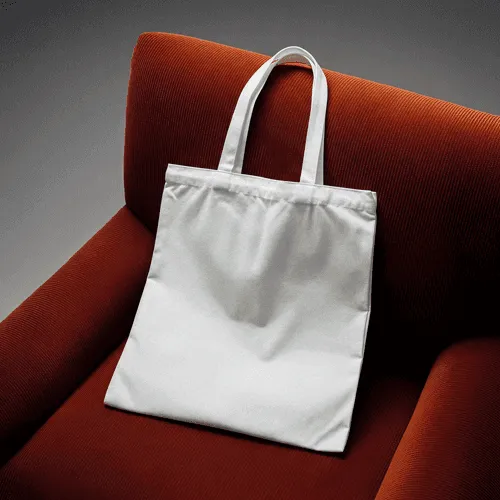
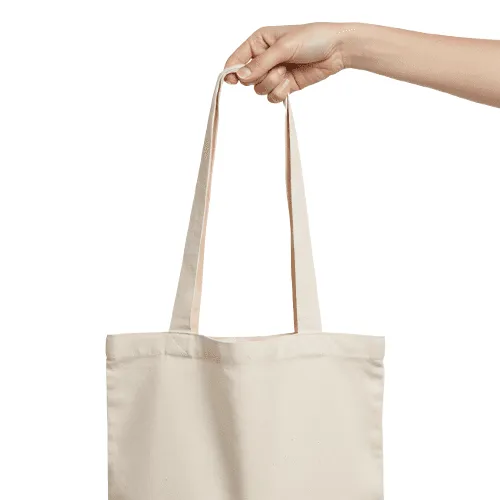
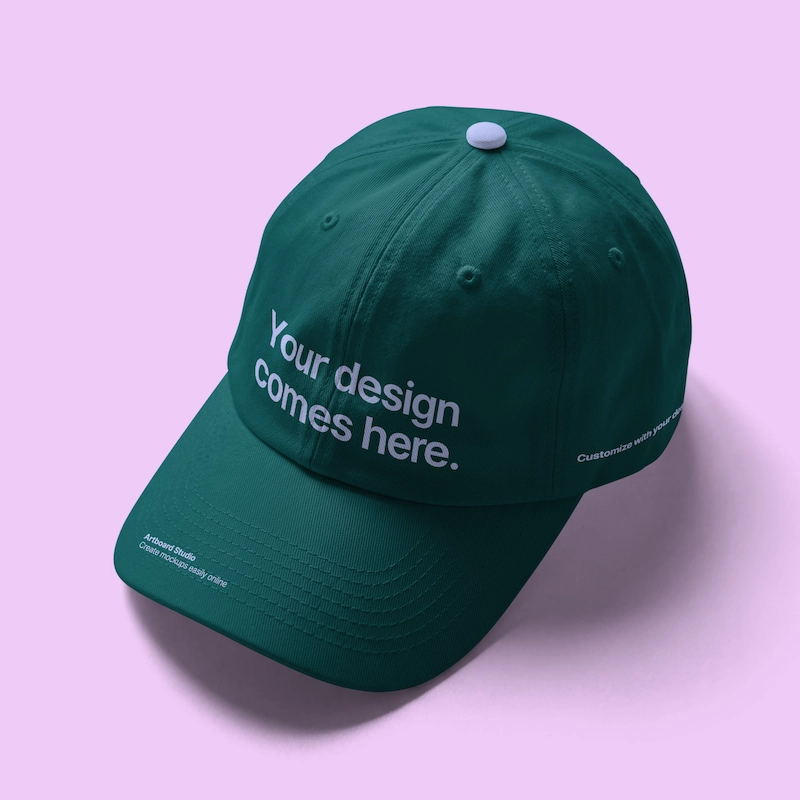
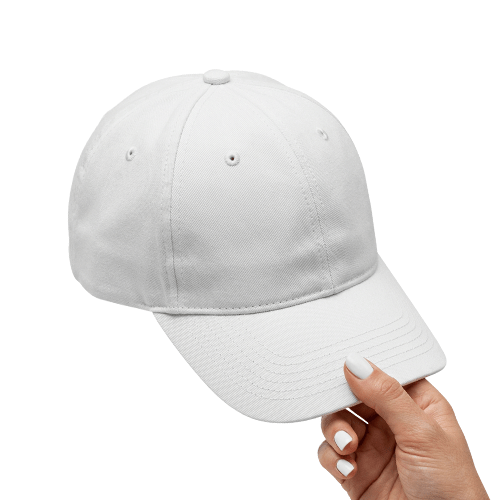
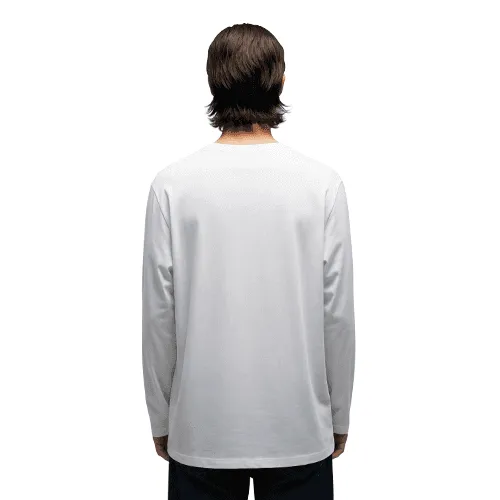
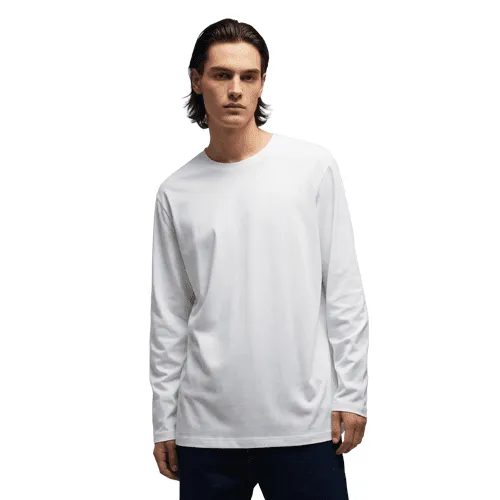
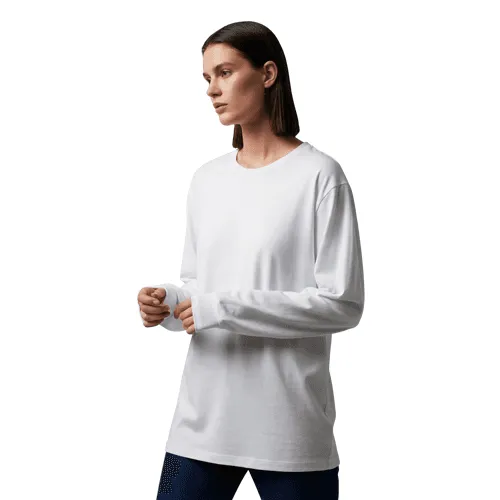
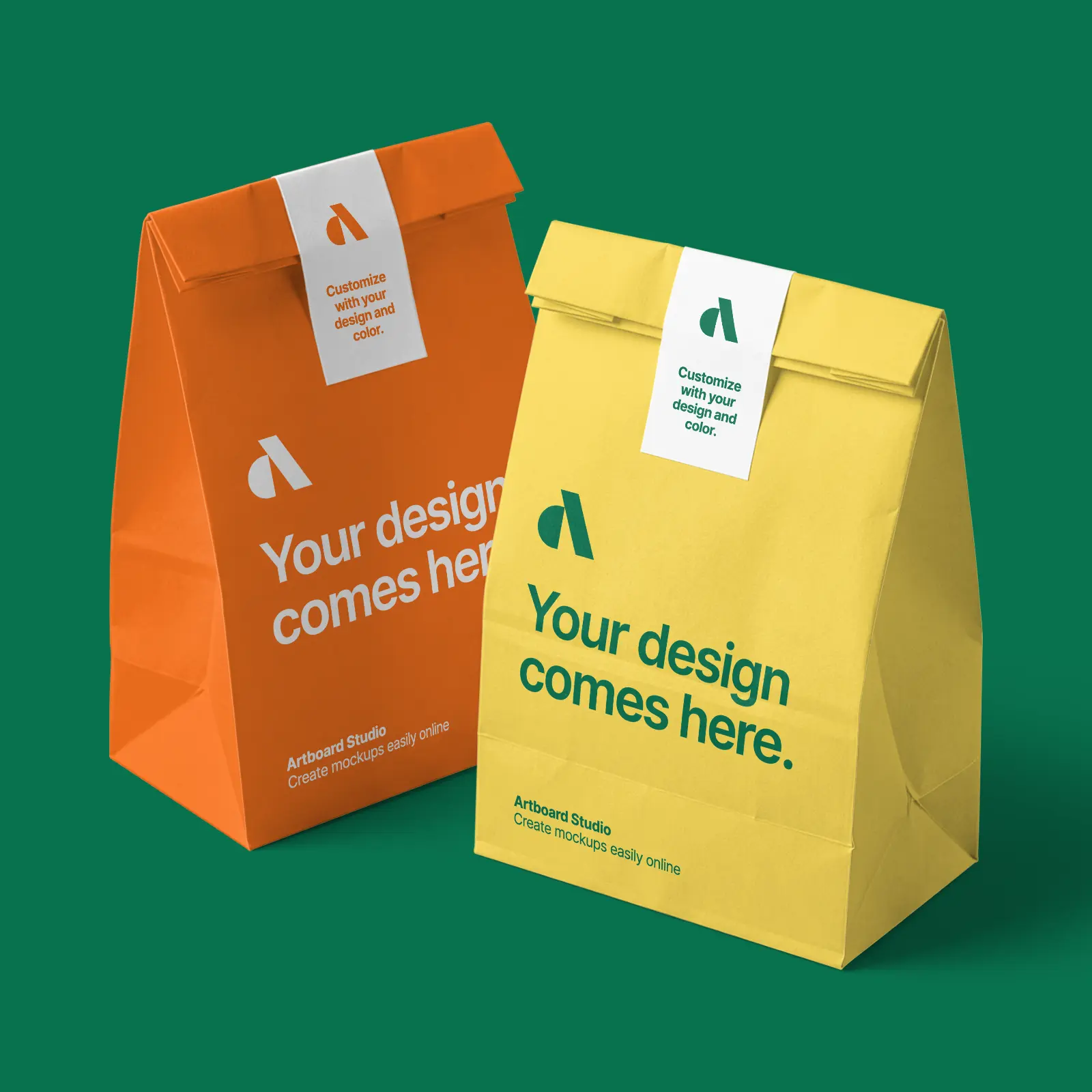
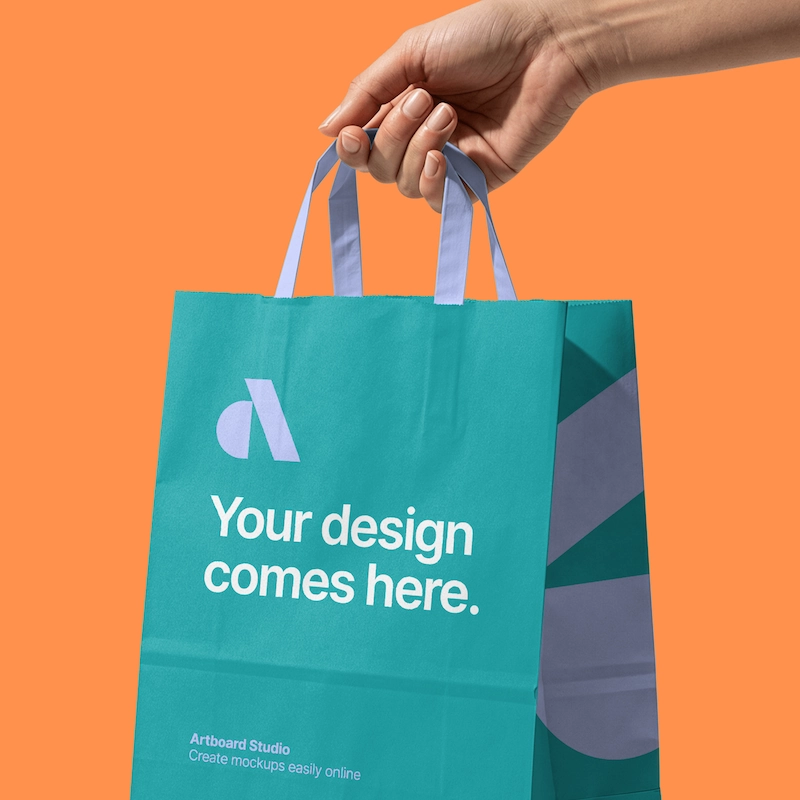
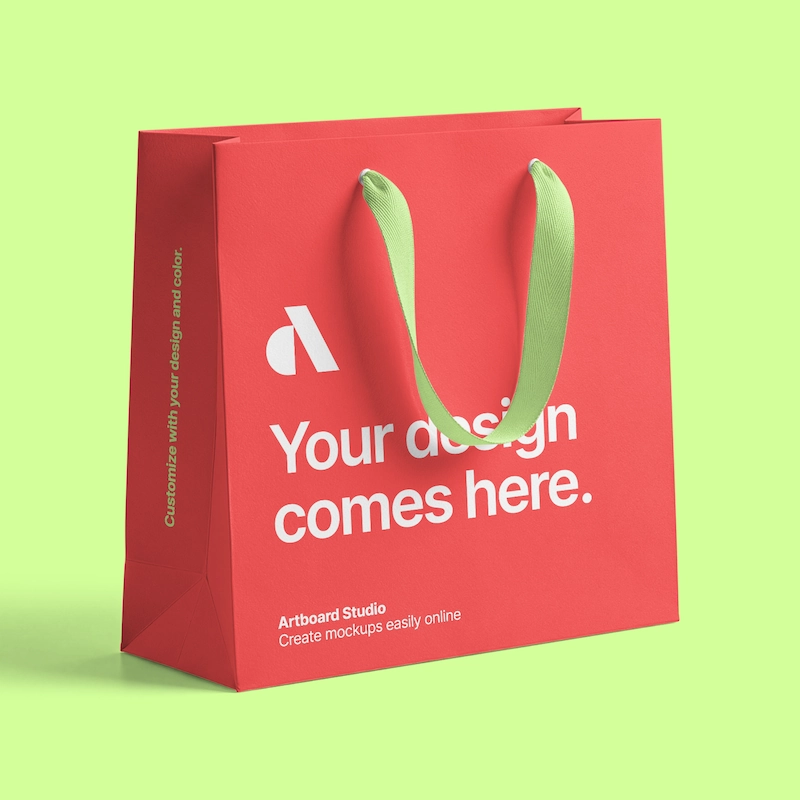
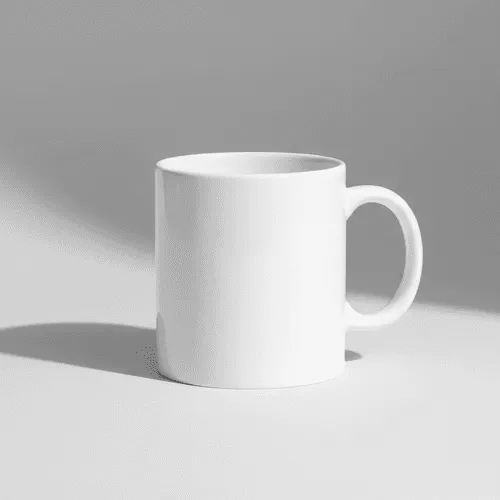
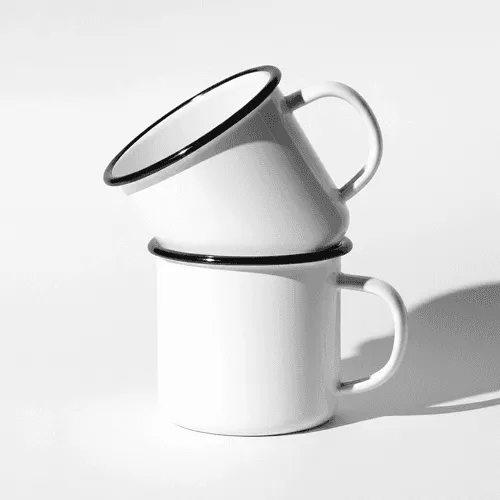
Artboard Studio gives you thousands of high-quality mockups for case studies, portfolio projects, and client presentations. Devices, apparel, packaging, print, and branding, every category is covered. You can place images or videos on mockup items and use AI to enhance your visuals.
.webp)
.webp)





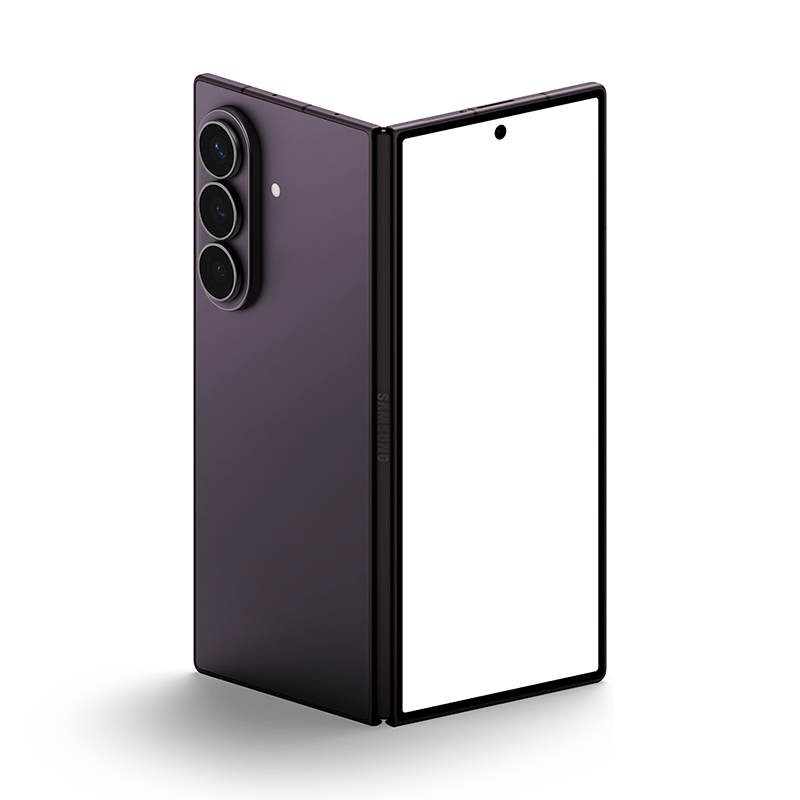

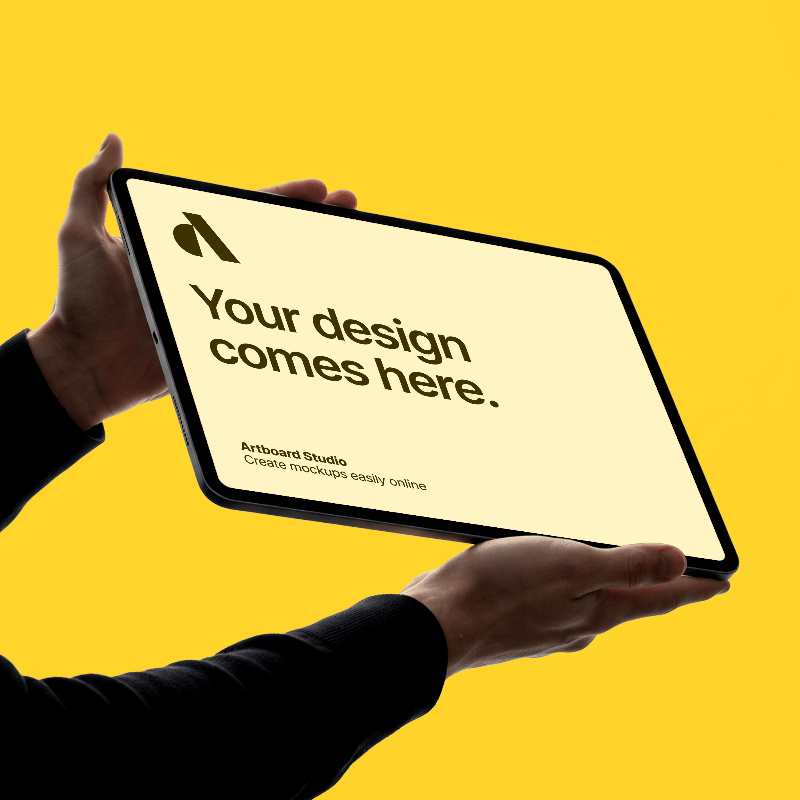














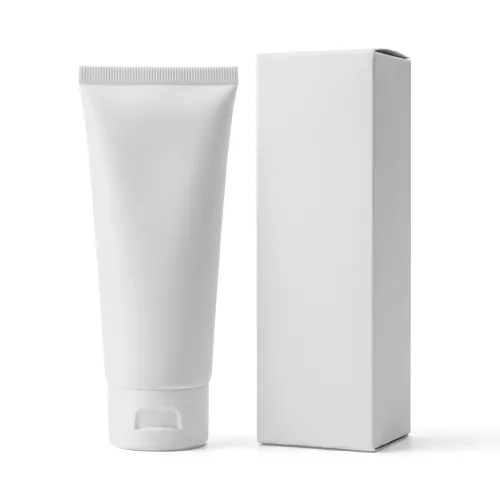

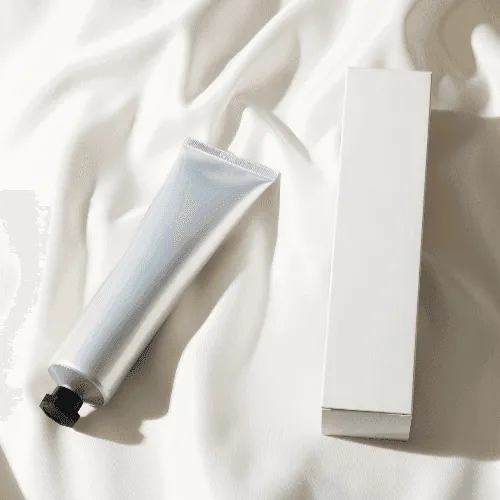

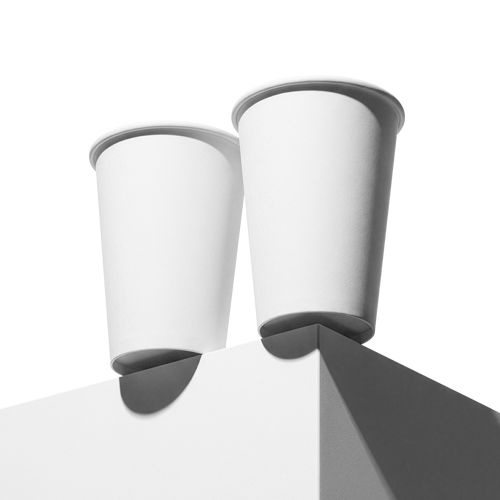
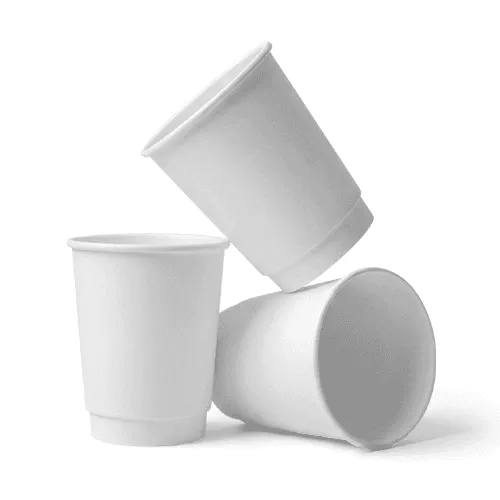






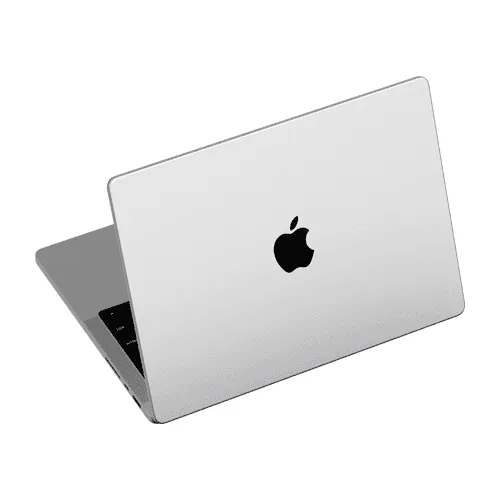










Create mockups and animations inside Figma
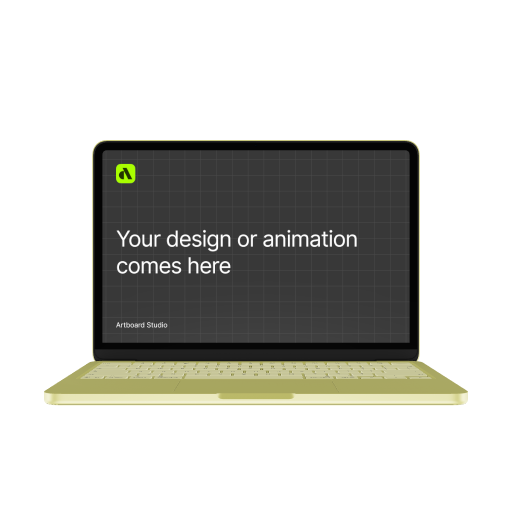
Already working in Figma? Stay there. Install the Artboard Mockups plugin and access the full library of 5,000+ mockups directly inside your favorite design tool — no switching apps, no exporting, no interruptions. Your workflow stays intact, your presentations get better. All of our mockups, 3D models and animations.
Online mockup editor
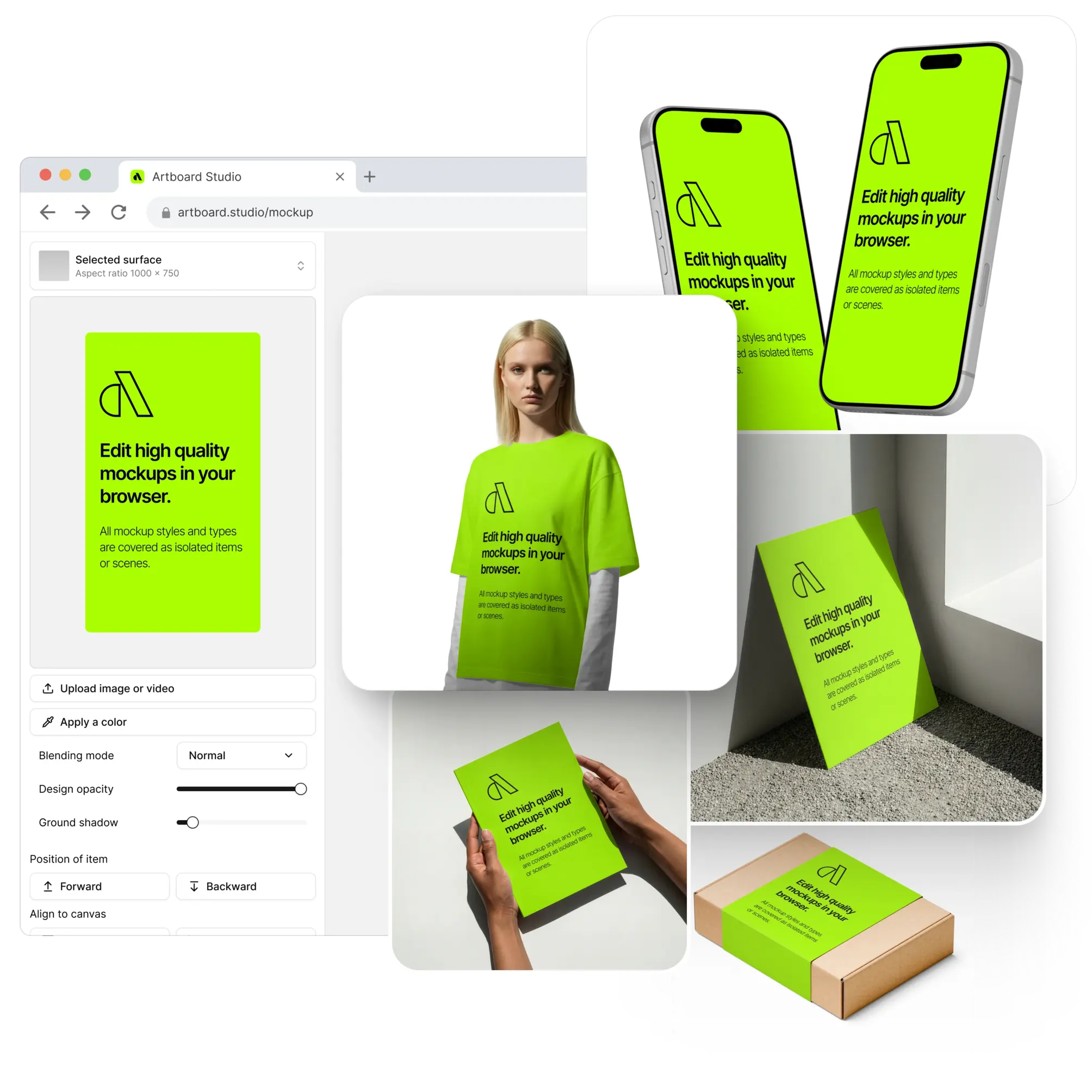
Skip the software. Our online editor lets you apply your designs to any mockup directly in the browser, adjust backgrounds, and export high-res images in seconds. Everything you need for a client-ready presentation, without opening a single app.

Video mockups
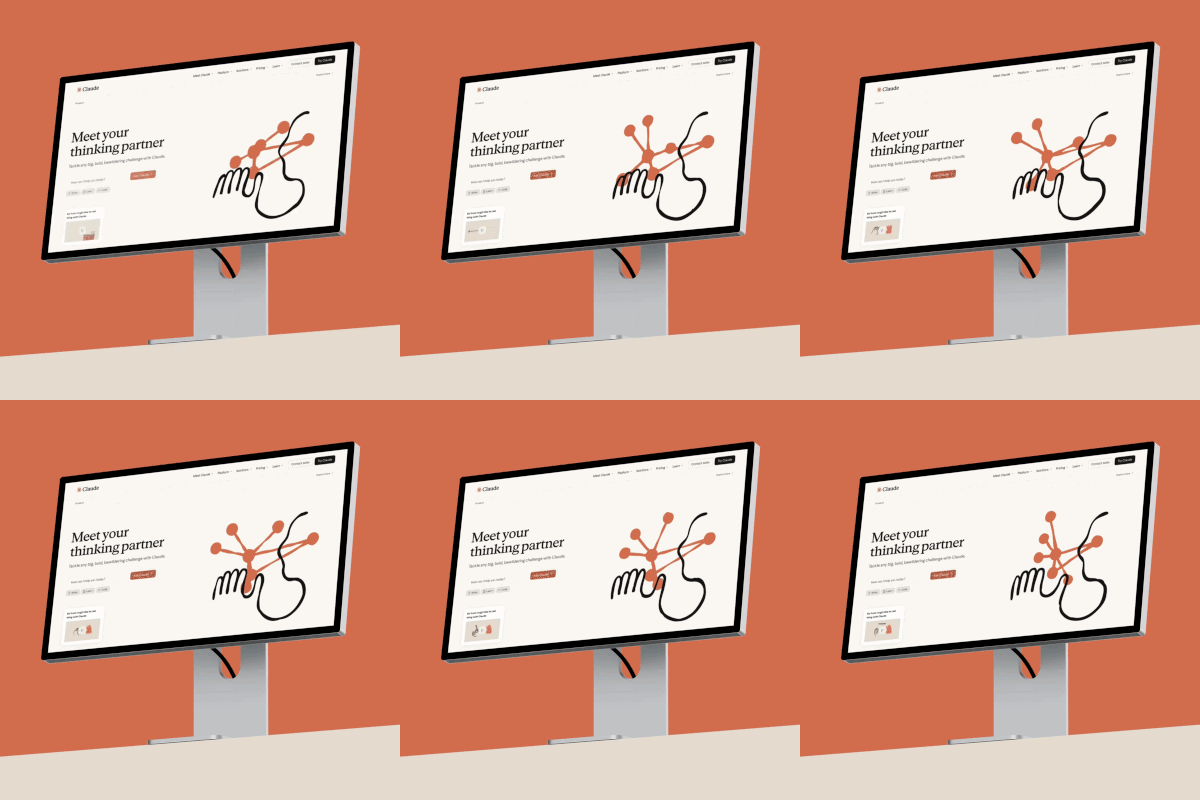
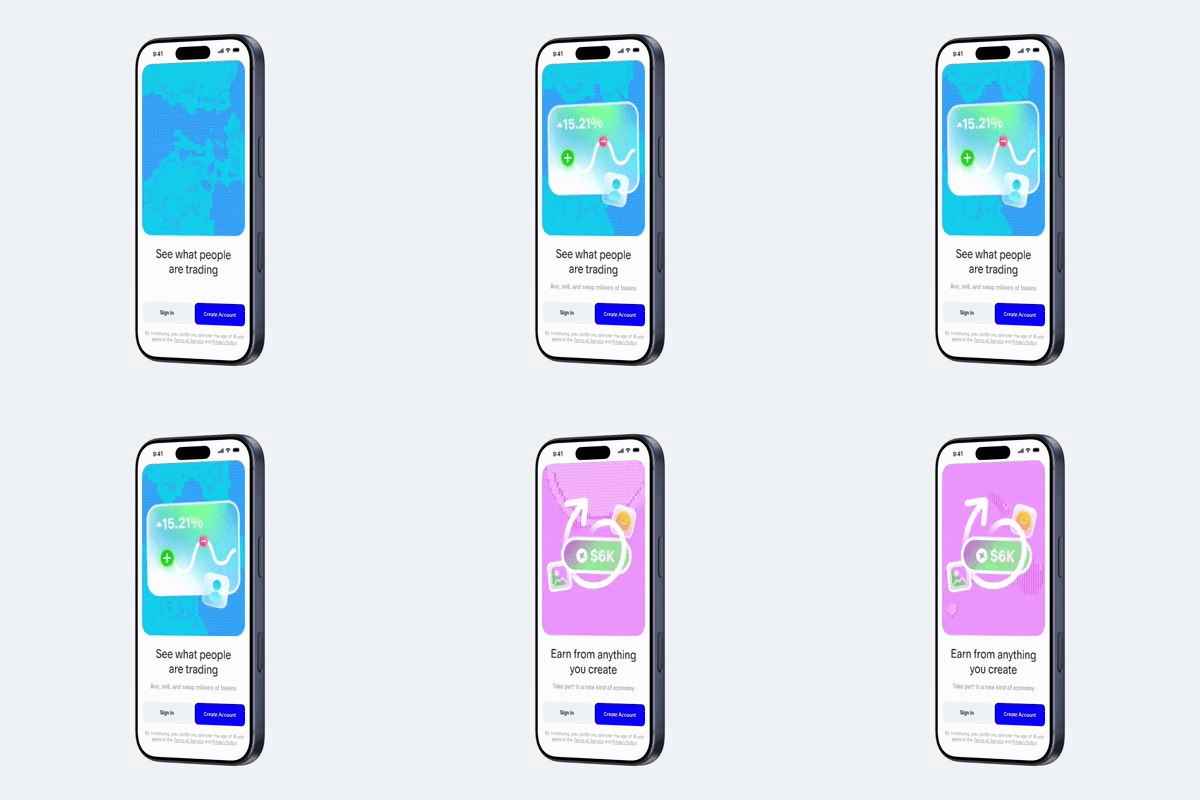
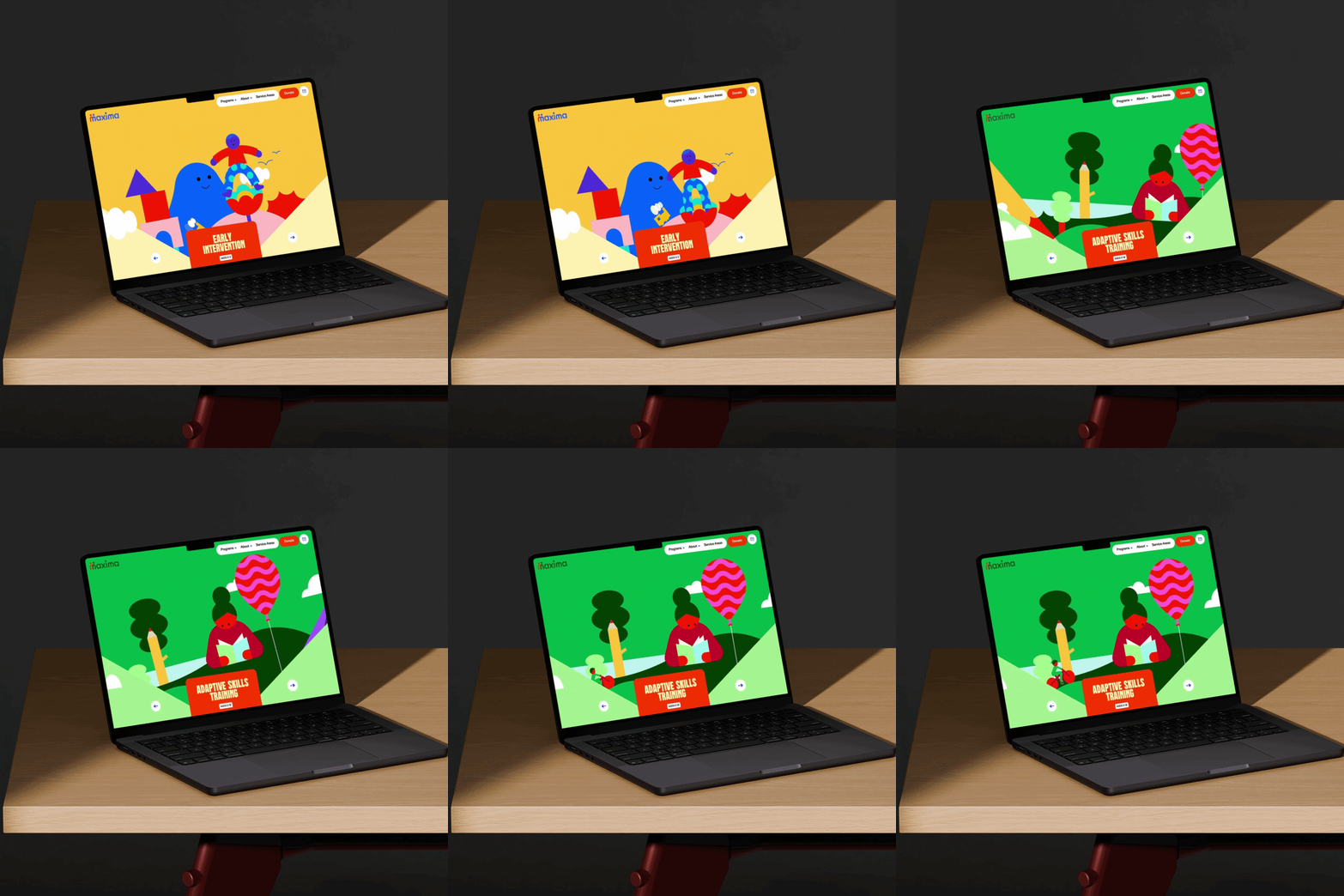
Most mockup libraries stop at static images. Artboard Studio goes further — apply your videos to mockup item surfaces and export high-quality video files ready for Dribbble, Behance, or your next client deck. The same workflow, a far more impressive result.
AI mockup generator
Turn any prompt into a polished mockup in seconds. Describe your scene, choose a style, and let AI generate a ready-to-use mockup — no manual setup, no stock hunting, no design experience required. Just type, generate, and drop it straight into your project.
FAQs
What is Artboard Studio?
Artboard Studio is an online mockup generator and editor for designers. You apply your images or videos to thousands of realistic device, apparel, packaging, print and branding mockups right in your browser, then export high-resolution visuals for case studies, portfolios and client presentations — no Photoshop required.
Is Artboard Studio free, and what do the paid plans cost?
Yes, you can start for free. Paid plans are the Lite Plan at $9/month (billed annually), the Pro Plan at $19/month (billed annually) with unlimited image and video exports, and a one-time Lifetime Mockup plan at $129 with no recurring payments.
Do I need to install any software or know Photoshop?
No. Artboard Studio runs entirely in your browser, so there's nothing to install and no Photoshop skills needed. If you prefer, you can also use it through our optional Figma and Adobe Express plugins.
What types of mockups can I create?
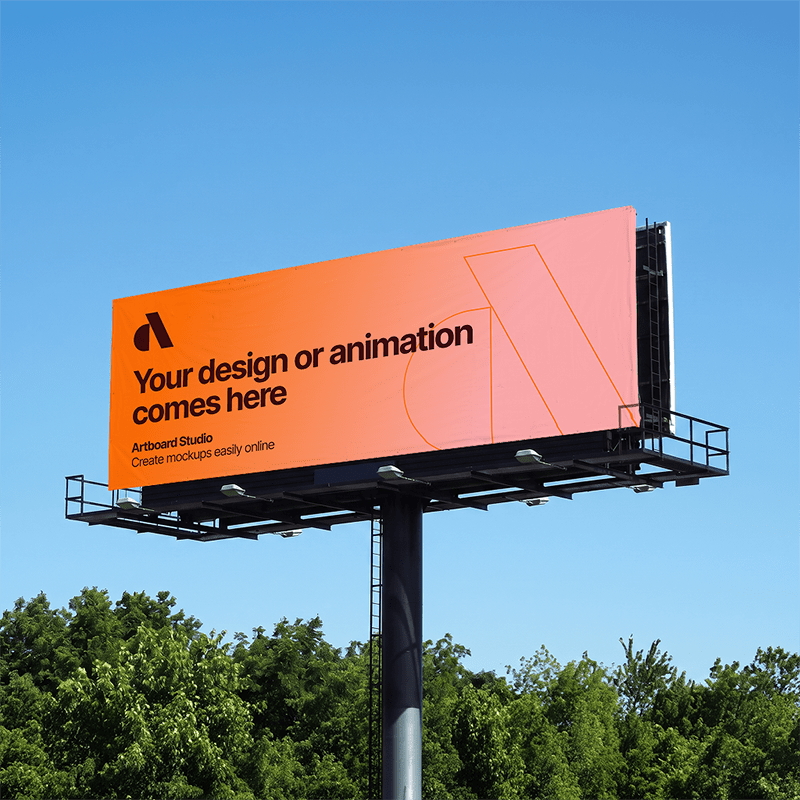
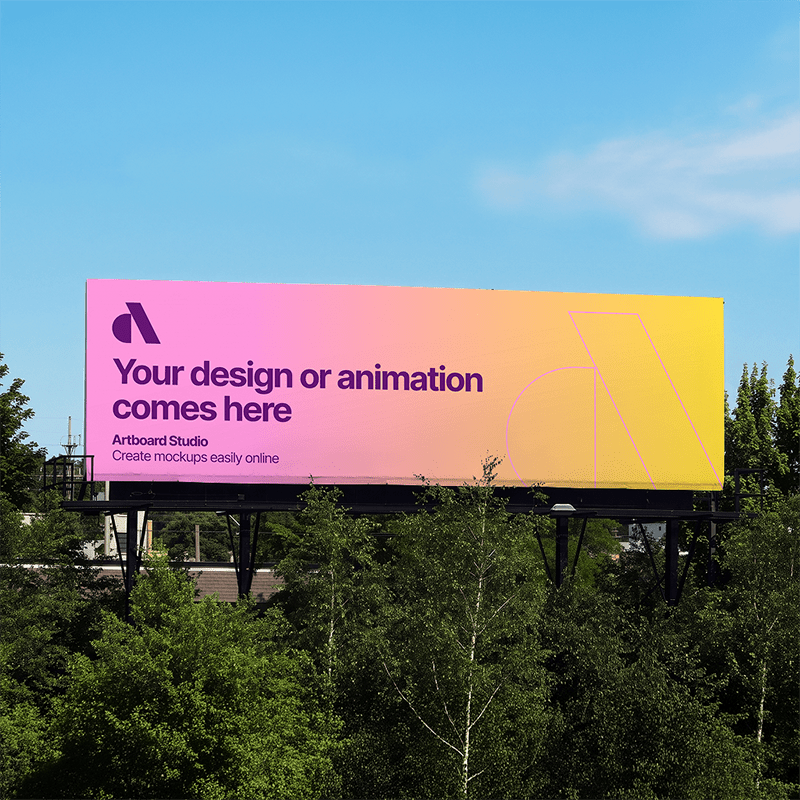
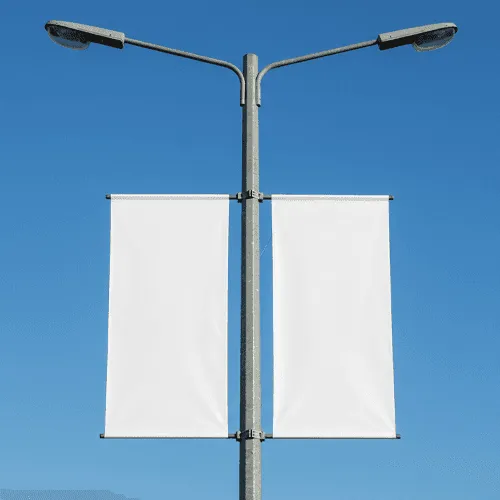
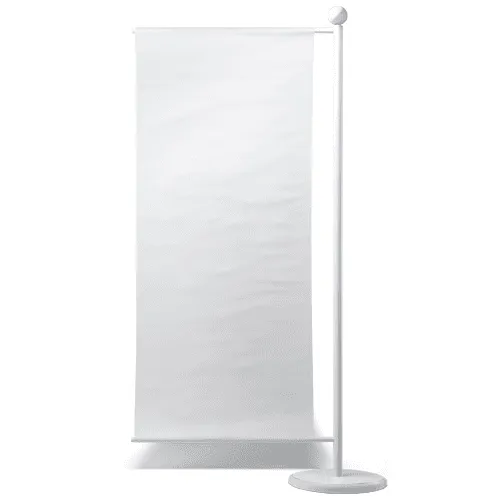
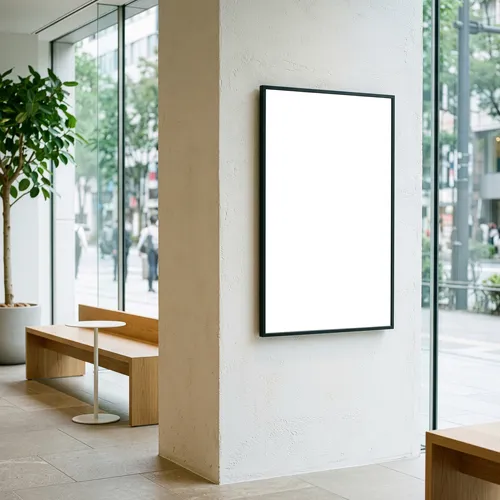
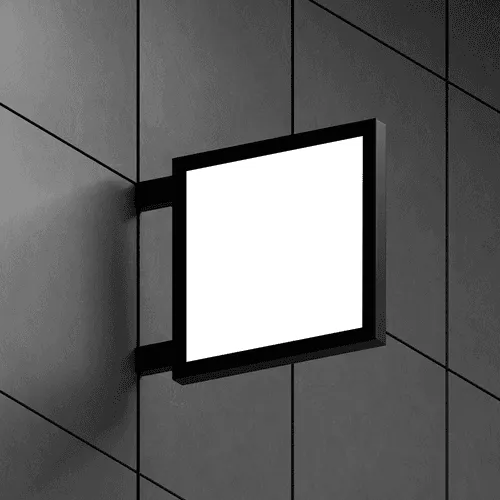
You get 5,000+ mockups across five categories: devices (iPhone, Android, laptop, iPad, desktop, watch), apparel (t-shirts, hoodies, caps, tote bags), packaging (boxes, bottles, bags, cups, pouches), print (posters, business cards, books, brochures) and branding (billboards, banners, signs, mugs).
Can I create video mockups, and what can I export?
Yes. Beyond static images, you can place videos onto mockup surfaces and export high-quality video files ready for Dribbble, Behance or client decks. Images export as PNG, JPEG or WEBP, and videos as MP4 or WEBM.
What is the AI mockup generator?
The AI mockup generator turns a text prompt into a ready-to-use mockup in seconds. Describe the scene you want, choose a style, and AI generates the mockup — no manual setup or stock hunting required.
Still have questions?
We are always here to help. Use the chat in the bottom right corner.
