


Device Mockups
Packaging Mockups


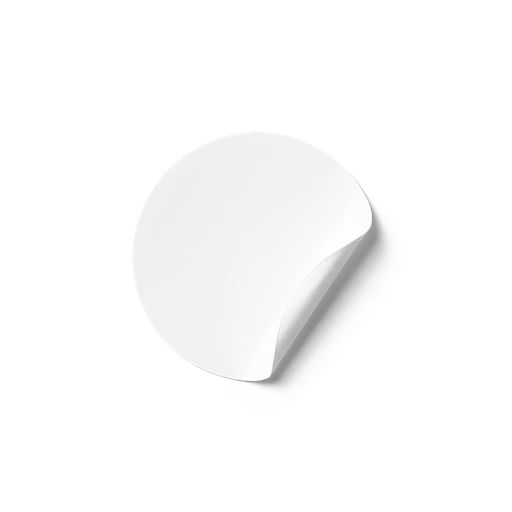

Sticker Mockup Generator
A sticker mockup is a ready-made template that places your artwork, logo, or illustration onto a realistic sticker or tape - with no printing and no photoshoot.
Artboard Studio's sticker mockup generator applies your design in seconds. Most mockups come on a transparent, isolated background, so you can set any surface, color, or full scene behind them - with ready-made scenes available when you want a finished look. Generate scenes and video with AI, work in your browser with the online editor, or use the Figma and Adobe Express plugins. Built for brand designers, illustrators, and packaging studios.
Trusted by 925K+ designers worldwide. Free plan available; commercial license included. Updated June 2026.
Sticker mockups at a glance
What it is: realistic sticker and tape templates you drop your artwork into.
Background: most mockups are transparent and isolated - set any surface, color, or scene; ready-made scenes also available.
Shapes and formats: circle, square, rectangle, die-cut, label stickers, washi tape, and tape rolls.
Views and finishes: flat lay, applied-on-surface, hand-holding, peel-back; gloss, matte, transparent.
Export and price: PNG, JPEG, WEBP, MP4, WEBM; free plan, paid from 9 USD per month.
Browse sticker mockups
Hundreds of ready-to-edit sticker mockups. Click any one to open it in the editor.
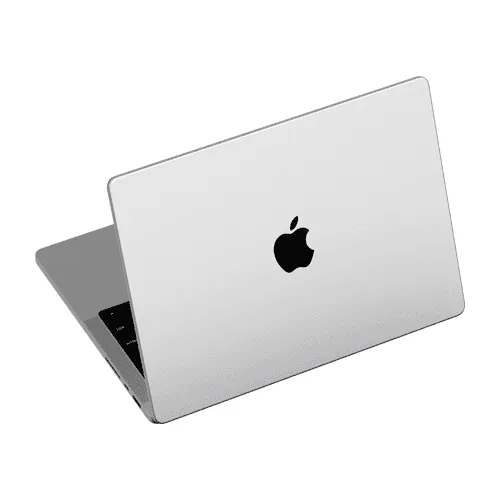
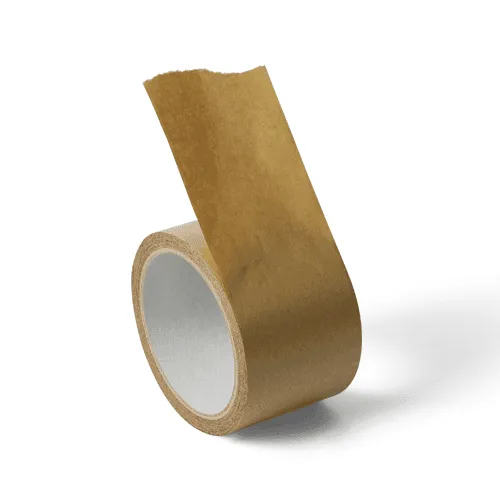
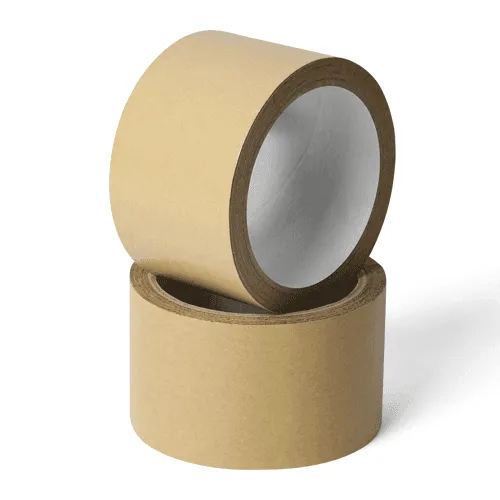
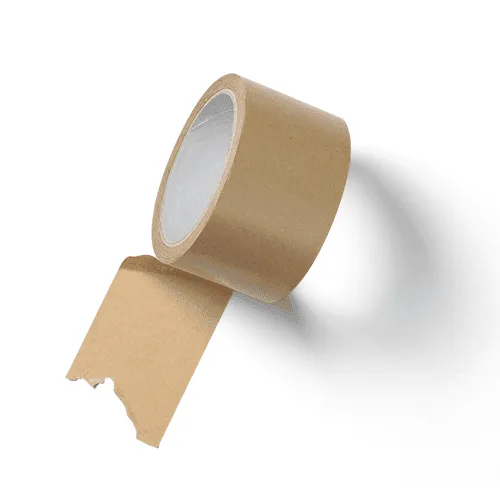
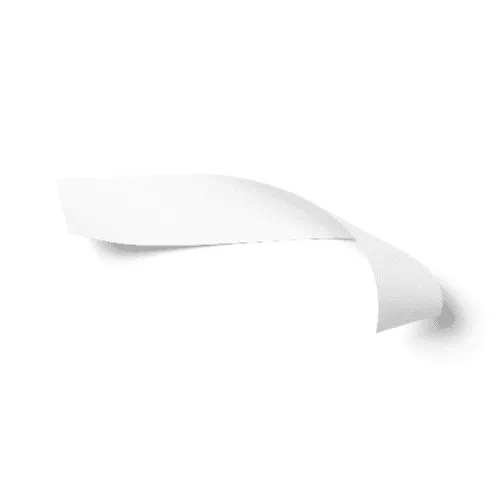
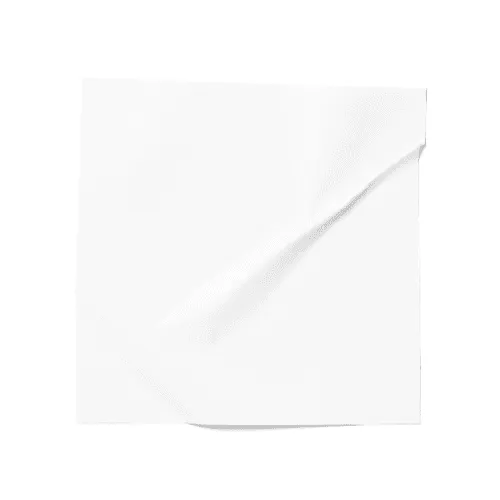
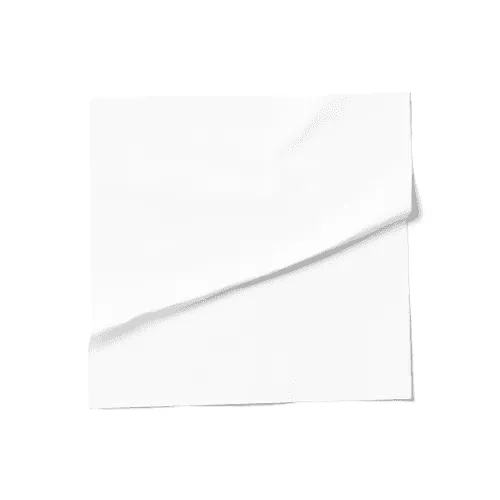
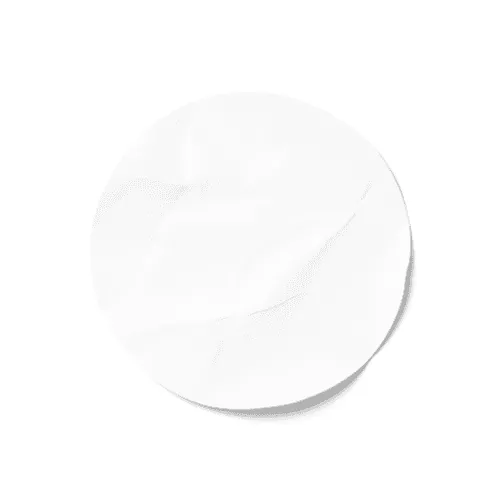
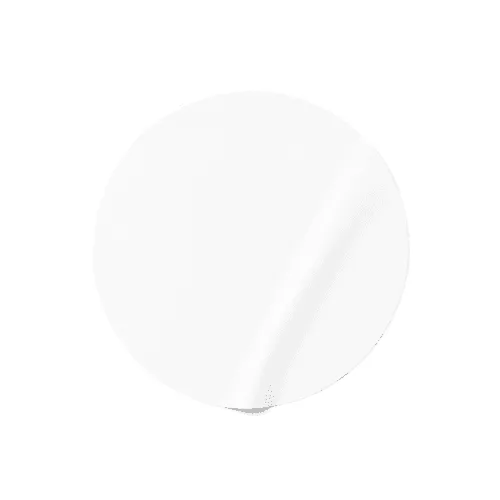
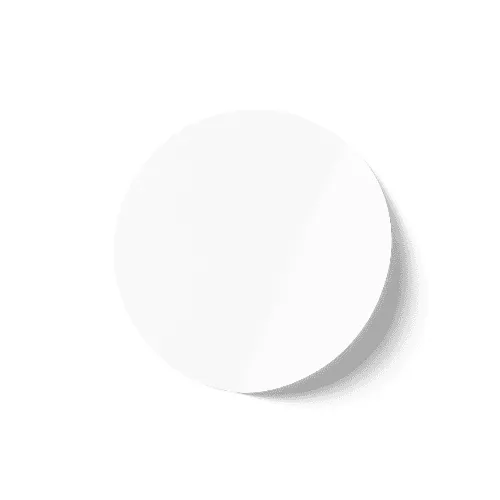
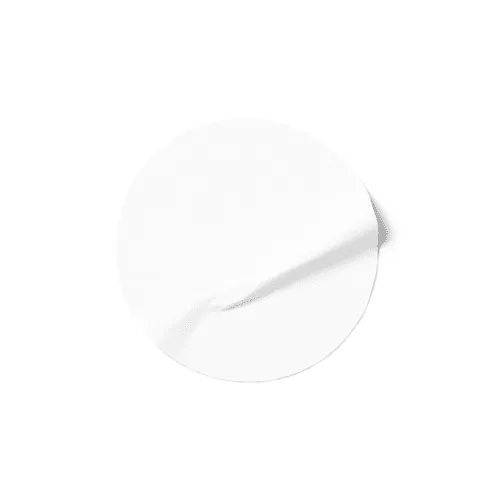
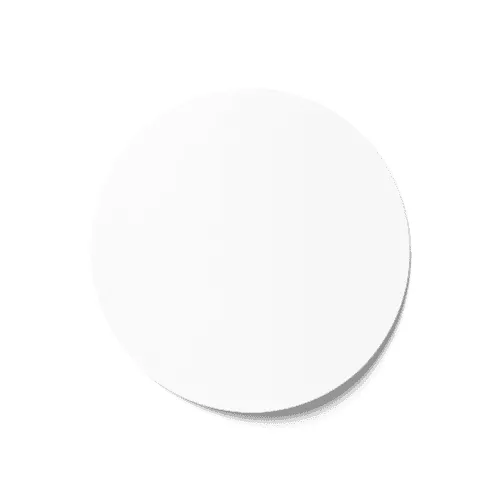
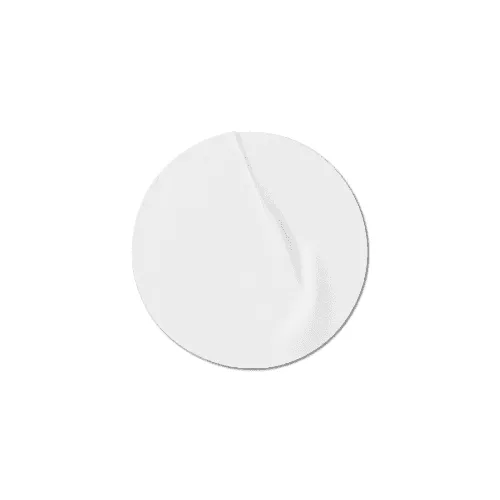


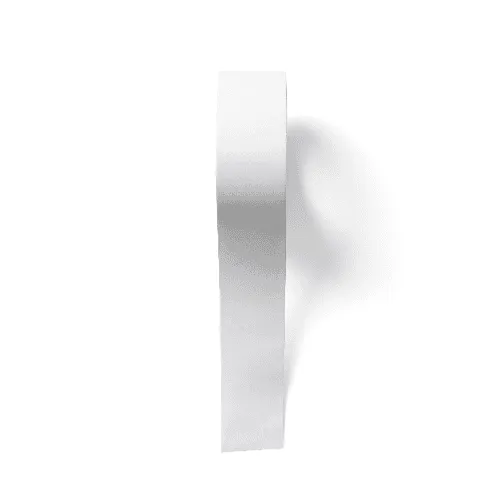
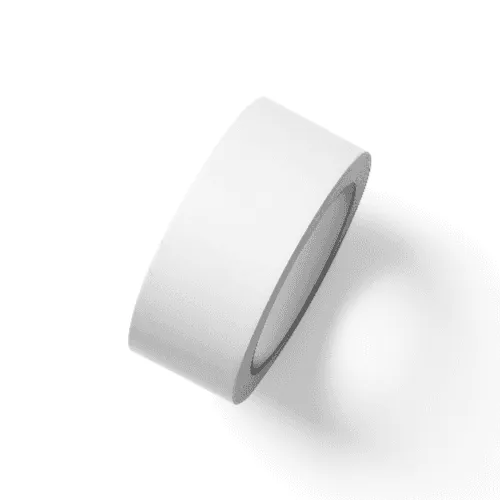
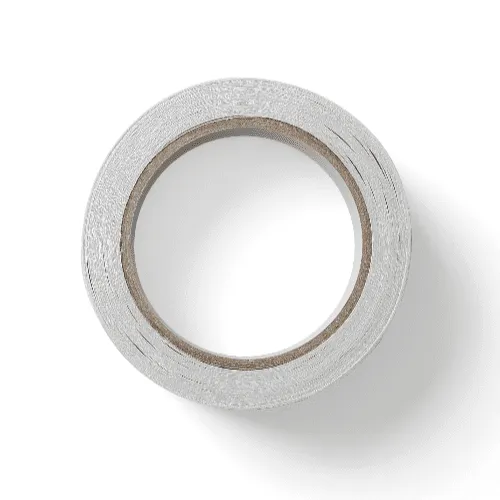
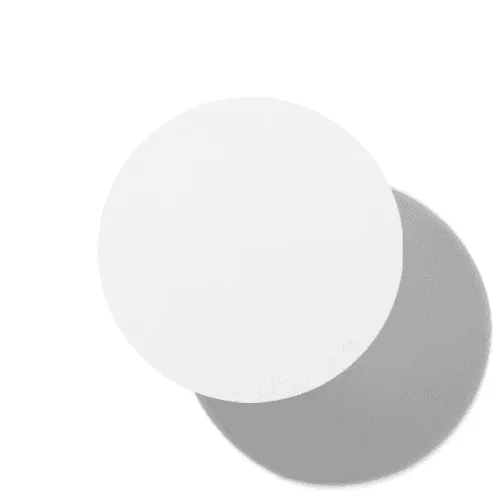


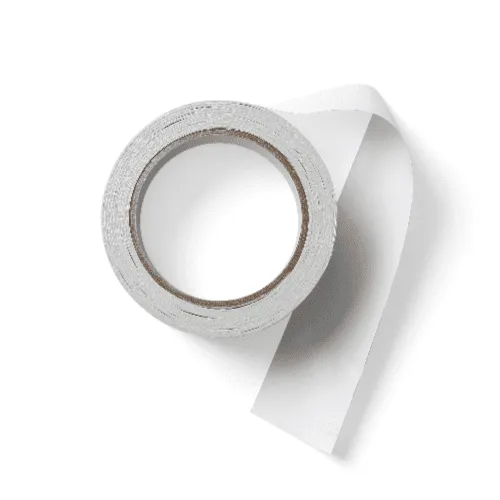
What are the most popular sticker mockup styles?
The most-used styles are circle, square, die-cut, applied-on-surface, and tape compositions - all editable online or in Figma.
Circle and round
Square and rectangle
Die-cut custom
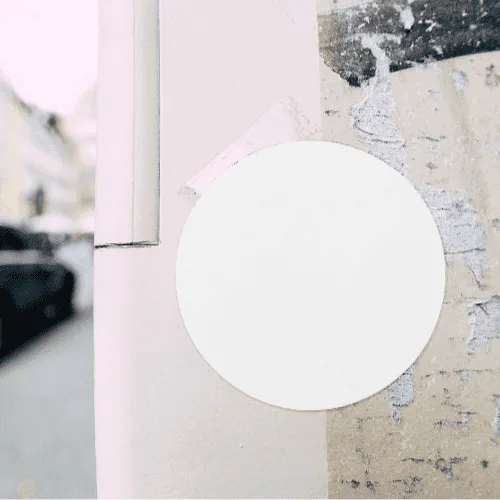
Applied on surface
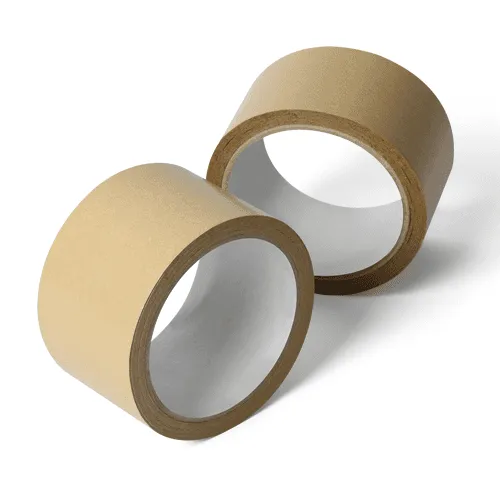
Washi and tape
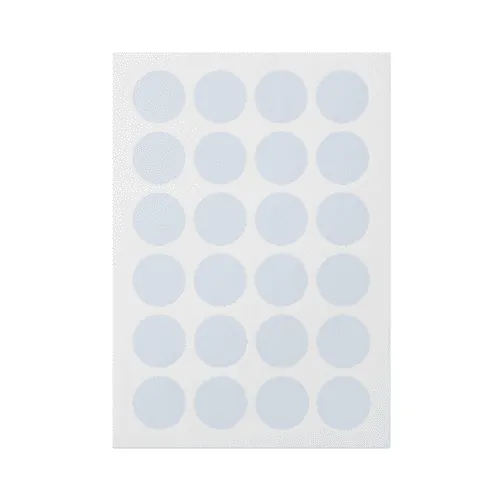
Sheets / flat lay
What do designers use sticker mockups for?
Most use them for brand packaging, print-on-demand sticker sheets, client pitch decks, and portfolio case studies.
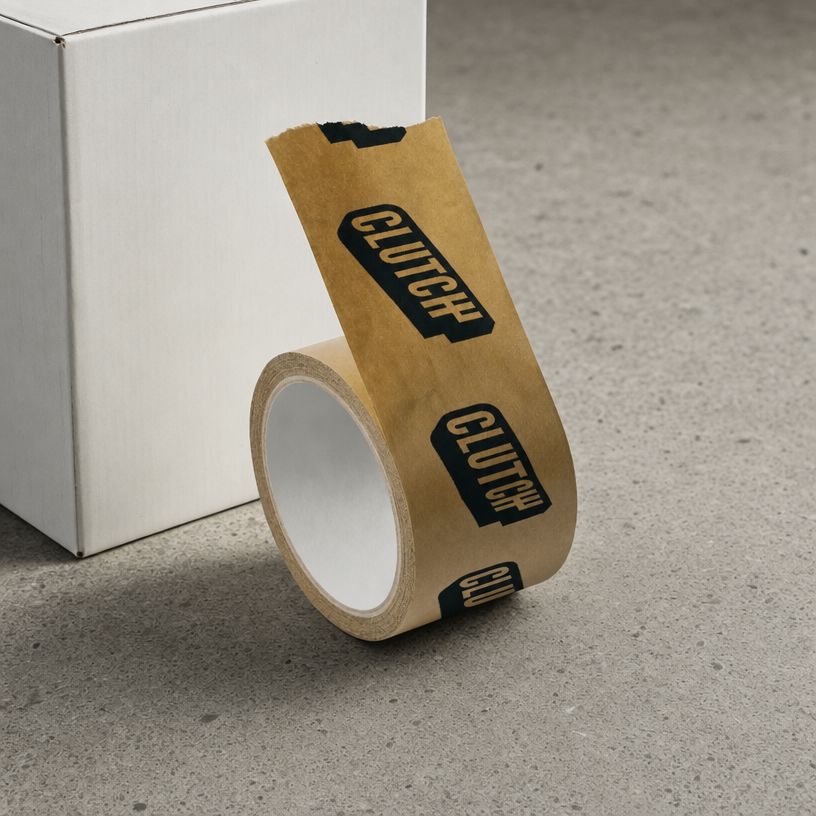
Brand and packaging
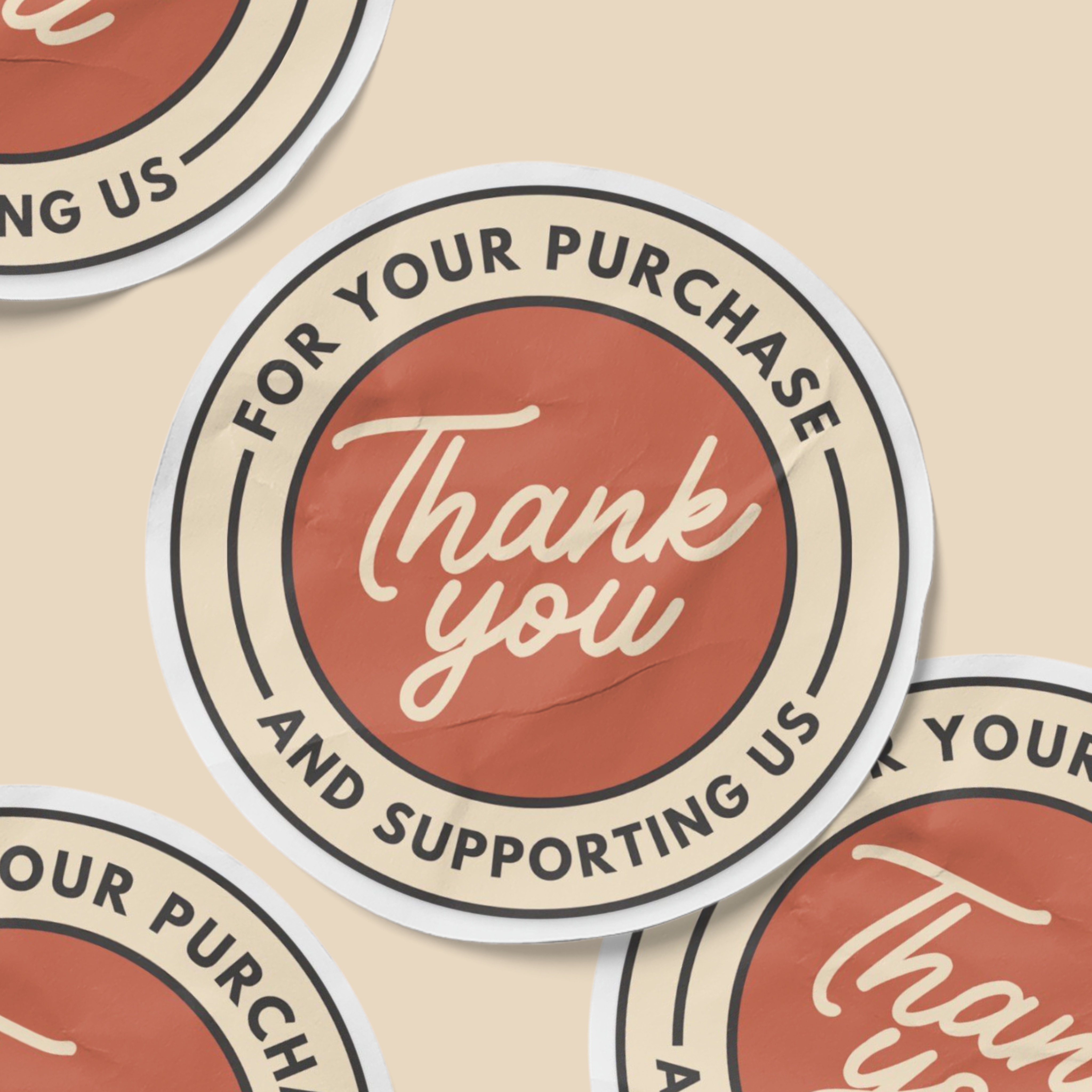
Print-on-demand sheets
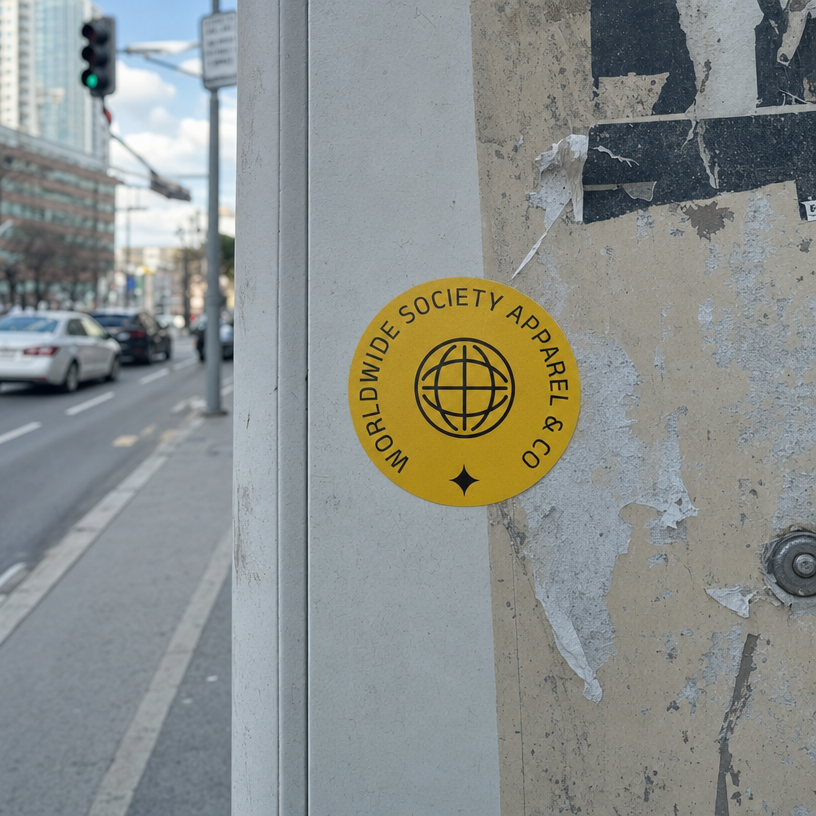
Portfolio case studies
How do I make a sticker mockup?
Select a sticker mockup
Browse the collection, filter by shape or format, then open the one that fits your brief.Add your artwork
Upload your artwork, logo, or illustration; it maps onto the sticker instantly, shape-accurate.Customize and export
Set any background, surface, or finish, then export PNG, JPEG, WEBP, MP4, or WEBM.
Online editor or Figma plugin: which to use?
Use the online editor for quick one-off mockups with no software; use the Figma plugin when your project already lives in Figma.
Online editor
Apply your design in the browser and export in seconds. Best for fast, one-off mockups.
Figma plugin
Render mockups without leaving Figma. Best when your design already lives there. Install Figma plugin now.
What sticker shapes and formats are supported?
Artboard Studio covers every common sticker shape, size, and format, in flat lay, applied-on-surface, and peel-back views. Each mockup is print-accurate for client decks and product listings.
How is Artboard Studio different from other sticker mockup tools?
Unlike most sticker mockup tools that only give you a fixed flat photo, most Artboard Studio mockups come on a transparent, isolated background - so you can set any surface, color, or full scene behind them, add props, and build your own composition. You also get AI image and video generation, and official Figma and Adobe Express plugins.
Sticker mockup FAQs
What is a sticker mockup?
A sticker mockup is a pre-made template that places your artwork, logo, or illustration onto a realistic sticker or tape without printing samples or a photoshoot. You get a print-accurate, presentation-ready visual in seconds for client sign-off, packaging systems, and portfolio case studies.
What sticker shapes and styles are available?
Artboard Studio covers circle, square, and rectangle stickers, die-cut custom shapes, label stickers, washi tape rolls, and decorative tape strips, in flat lay, applied-on-surface, hand-holding, and peel-back views across gloss, matte, and transparent finishes.
Can I change the background or build my own scene?
Yes. Most sticker mockups come on a transparent, isolated background, so you can set any surface, color, or scene, add props, and build your own composition. Others come as ready-made scenes when you prefer a finished look.
Do I need Photoshop or Figma to use sticker mockups?
No. The online editor lets you apply your sticker artwork directly in the browser, with no software or print-ready files required. You can also use the Artboard Studio Figma plugin or Adobe Express plugin without switching tools.
What file formats can I export?
You can export a high-resolution PNG, JPEG, or WEBP for client presentations, product listings, and portfolio pages, or MP4 and WEBM for animated sticker reveals and social media content.
Can I use sticker mockups for commercial projects?
Yes. Every mockup includes a commercial license, cleared for client deliverables, print-on-demand product listings, brand packaging documentation, agency pitch decks, and design marketplace assets.
Still have questions?
We are always here to help. Use the chat in the bottom right corner.