


Device Mockups




Packaging Mockups

















Figma Laptop Mockup
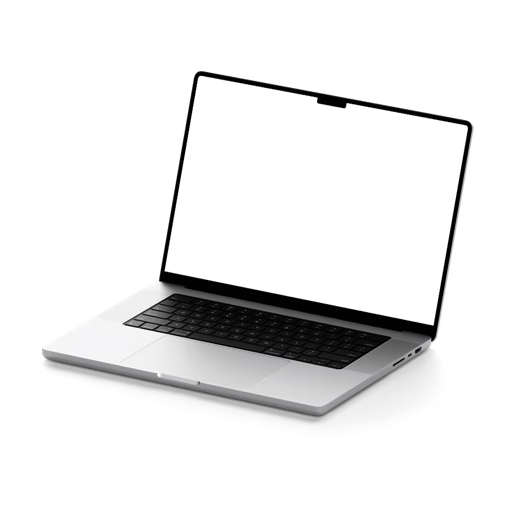
The fastest way to present your web design without leaving Figma. Install the Artboard Mockups plugin, pick a laptop mockup, drop in your design, and export — all inside your existing workflow. Available as PSD and PNG downloads too, if you ever need them.

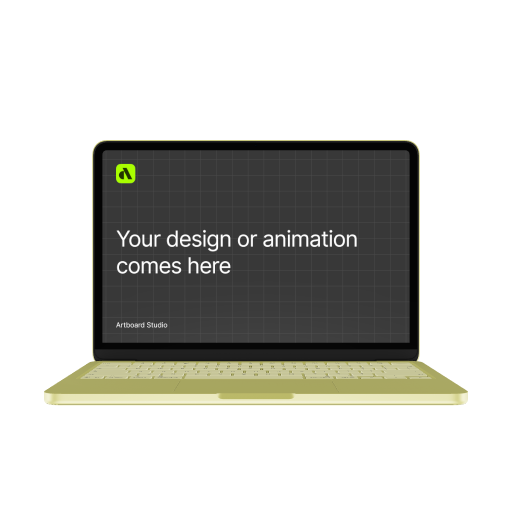
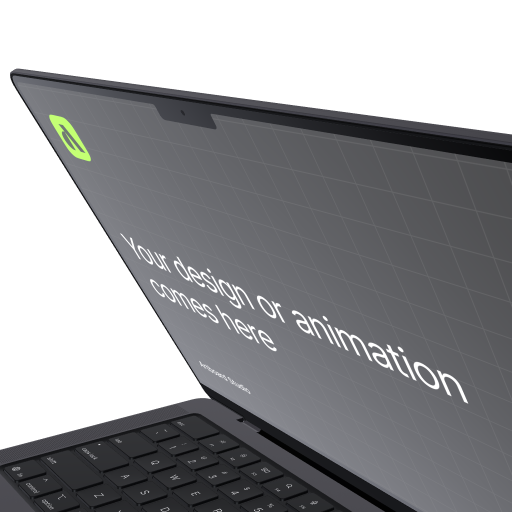


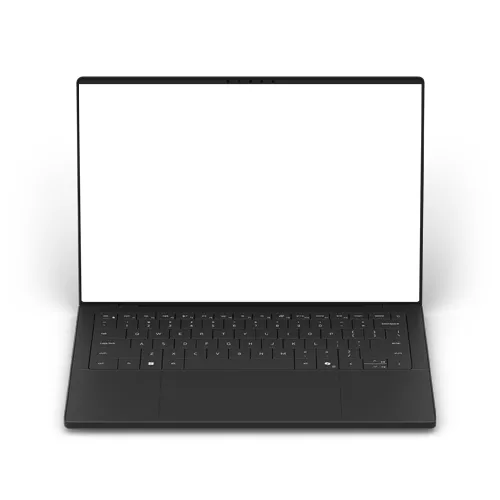
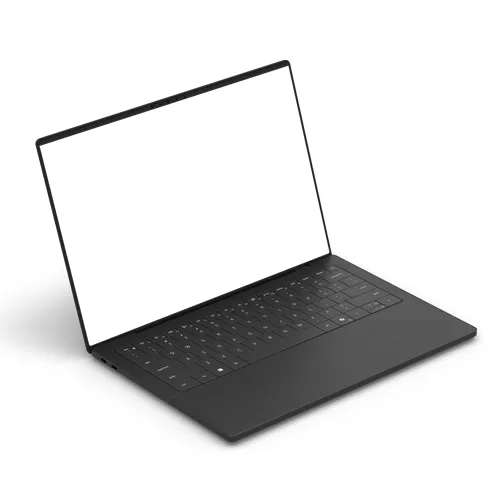
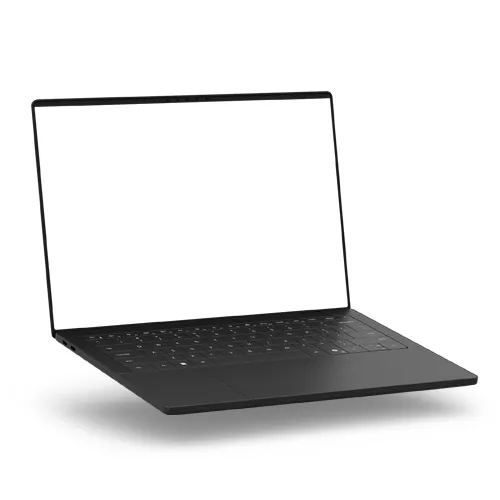
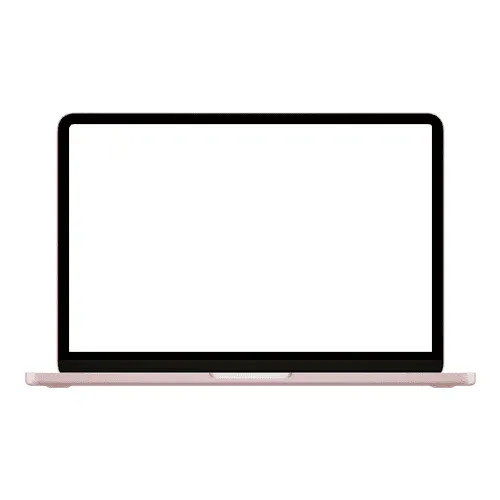
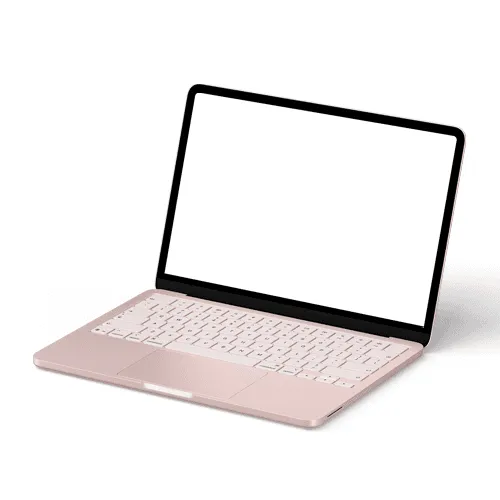
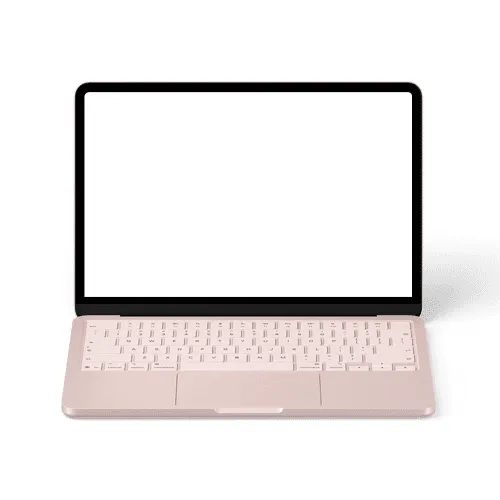
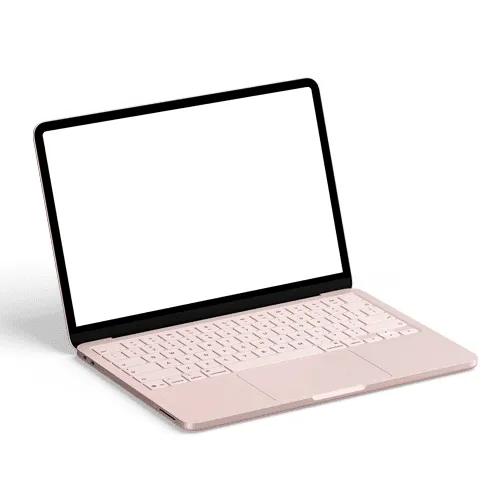
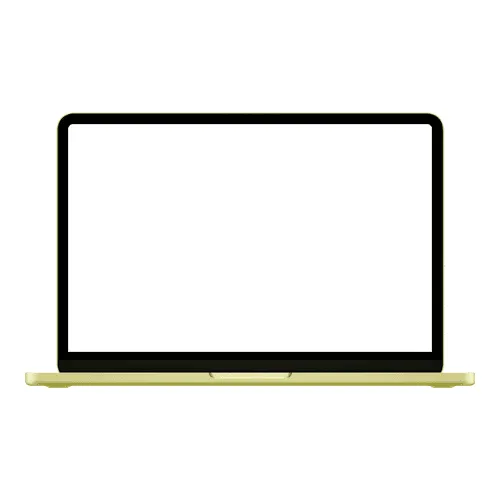
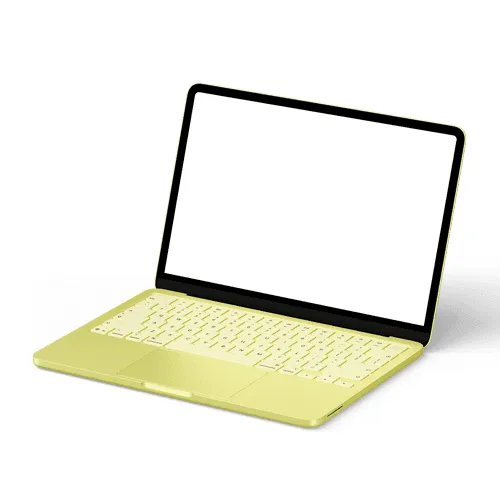
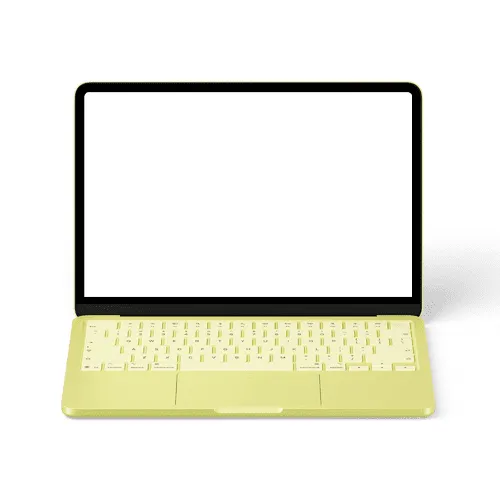
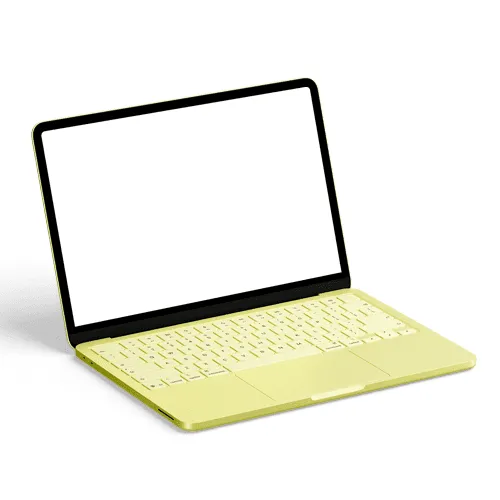
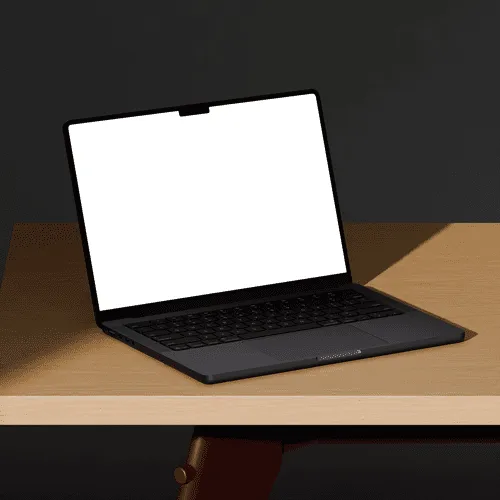
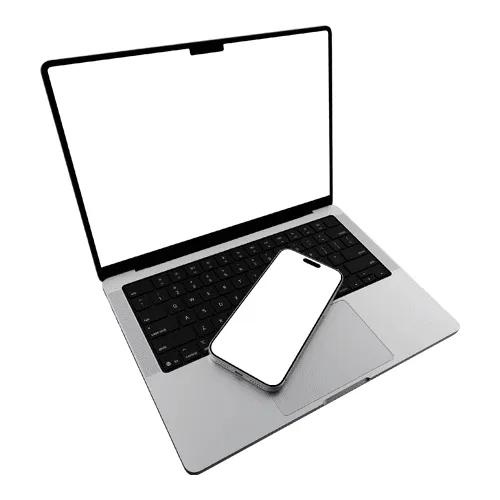
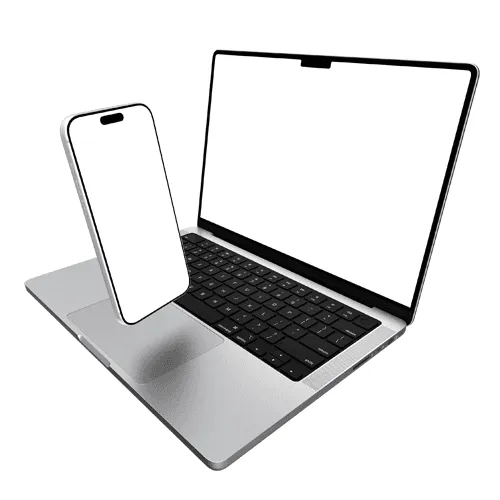
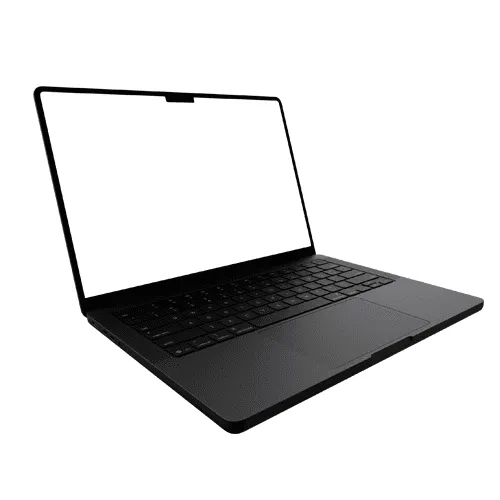
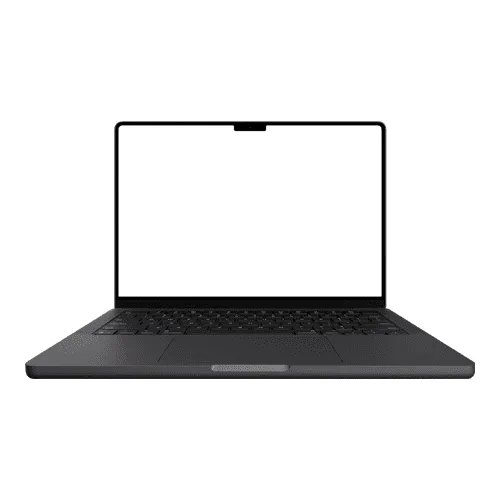
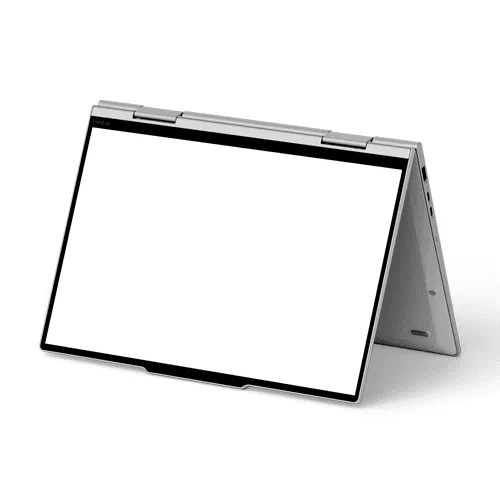
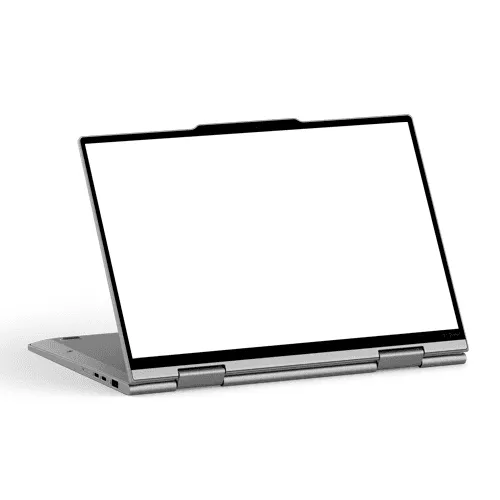
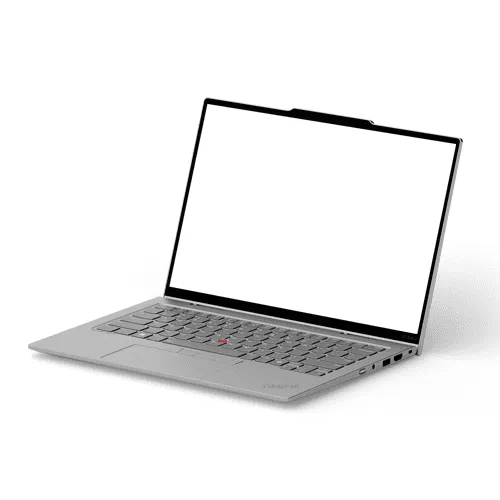
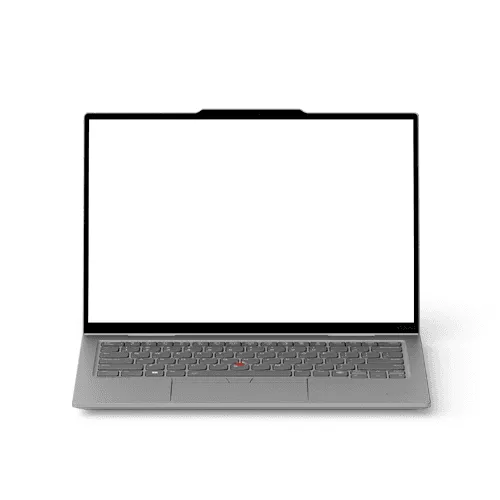
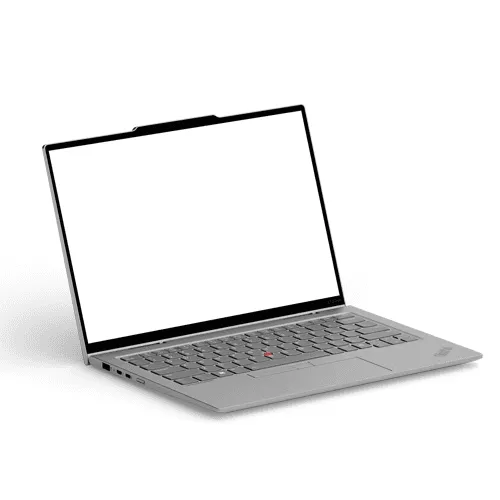

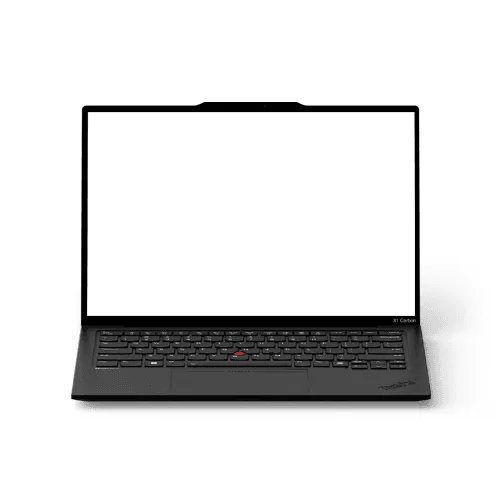
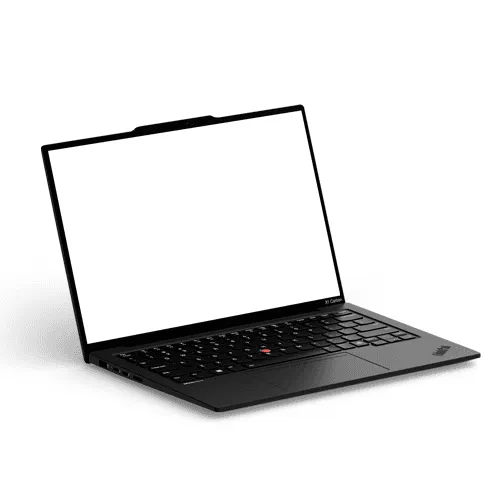
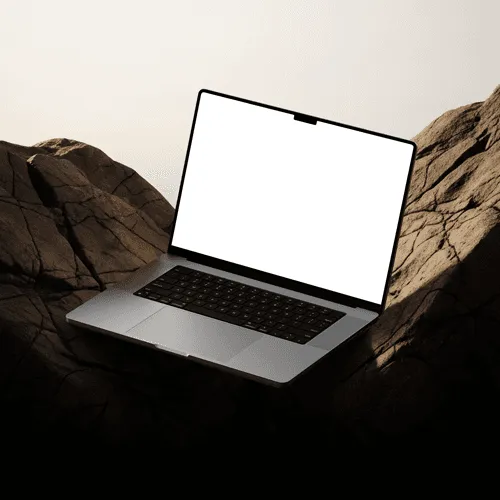
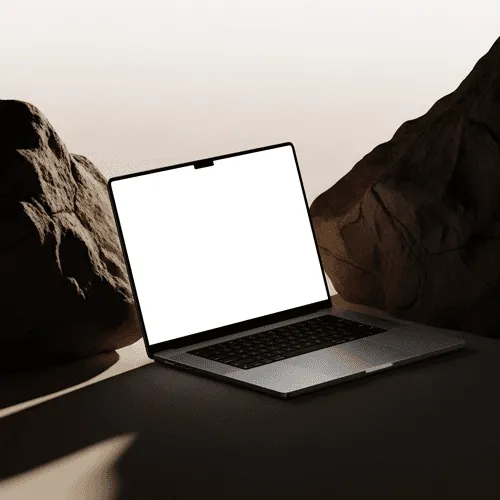
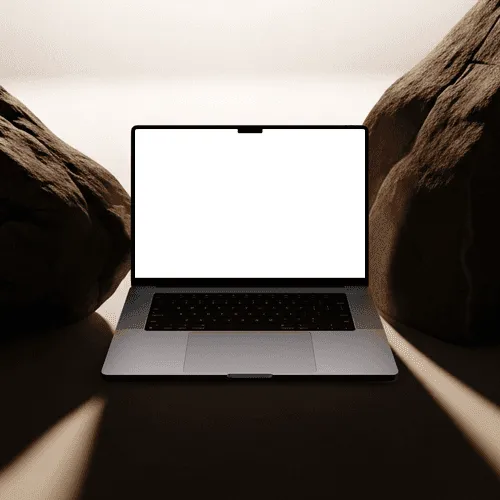
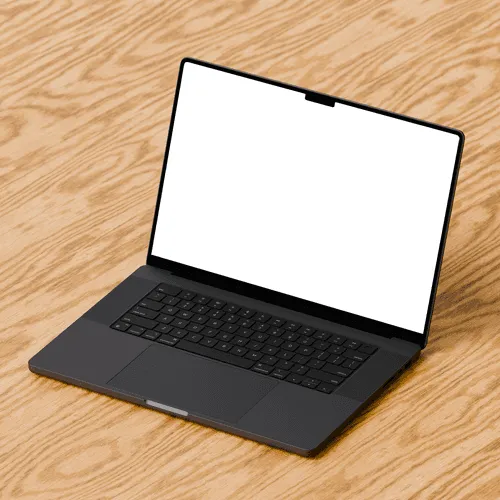
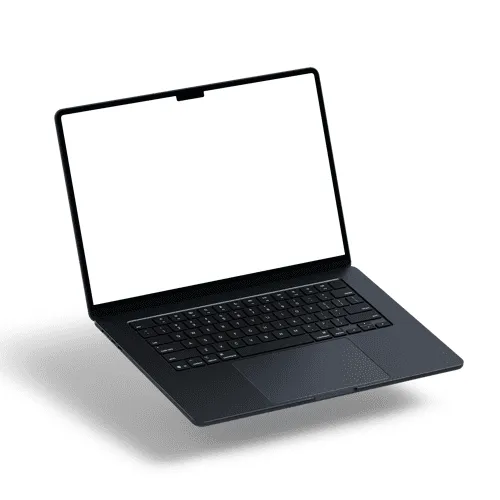
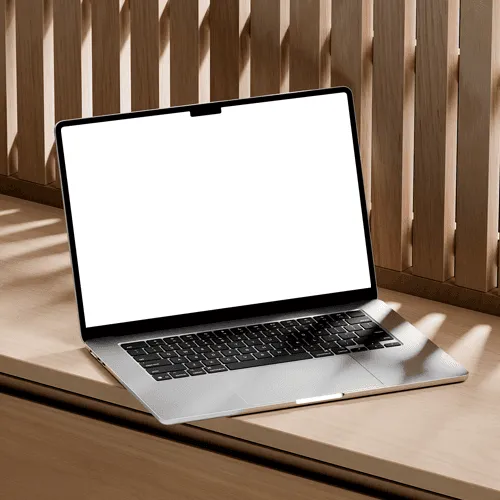
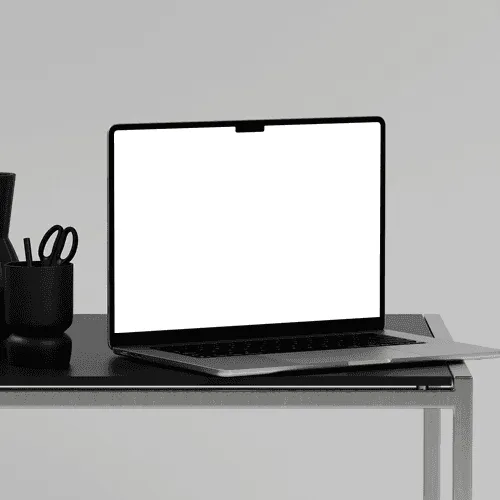


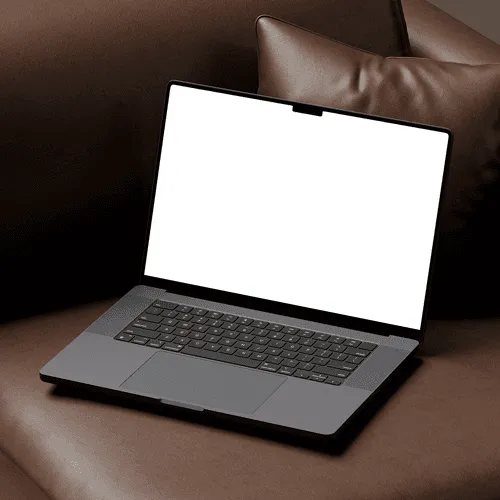
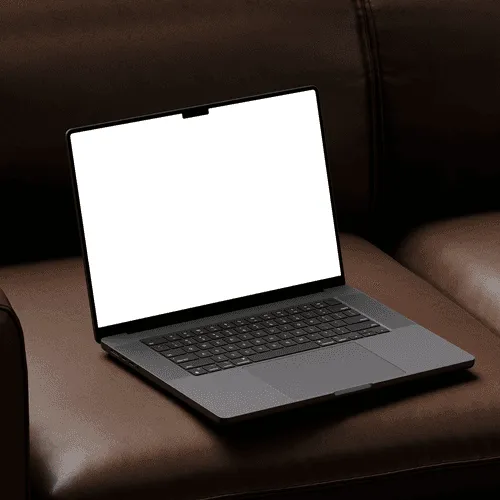
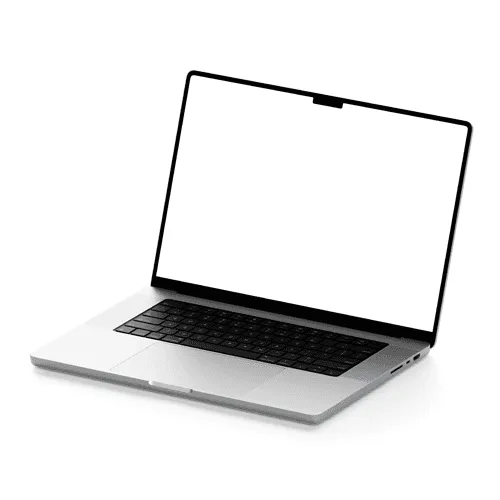
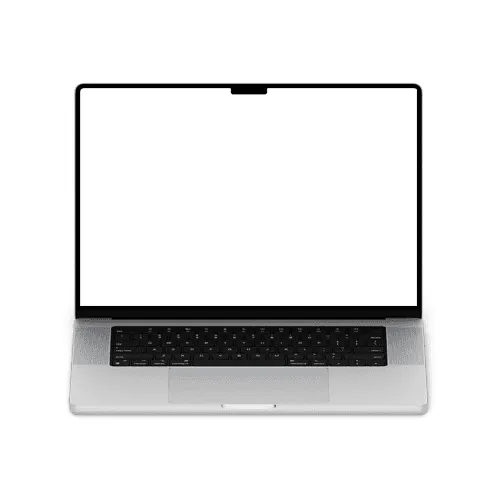
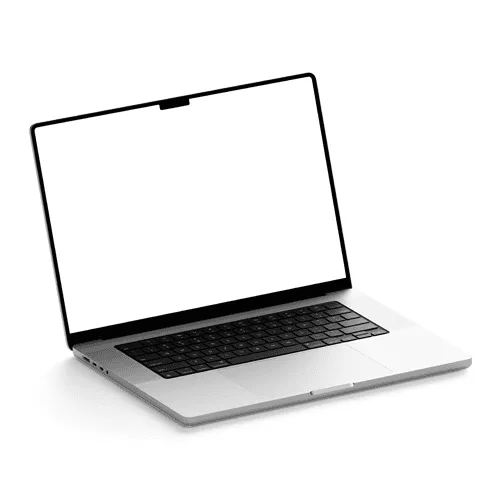
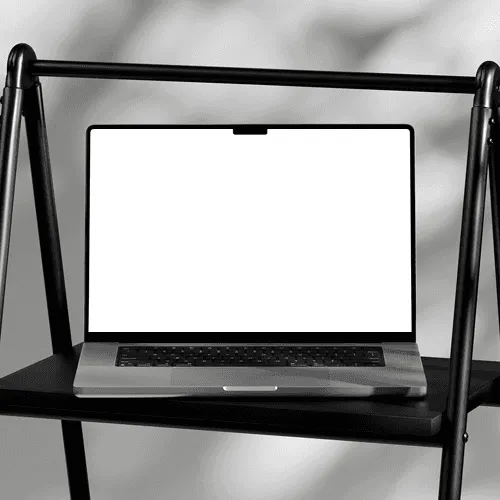
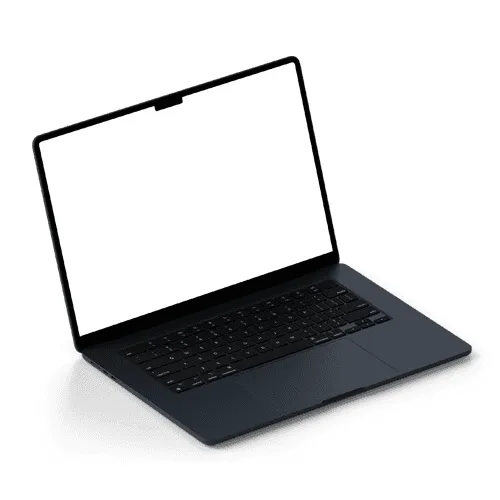
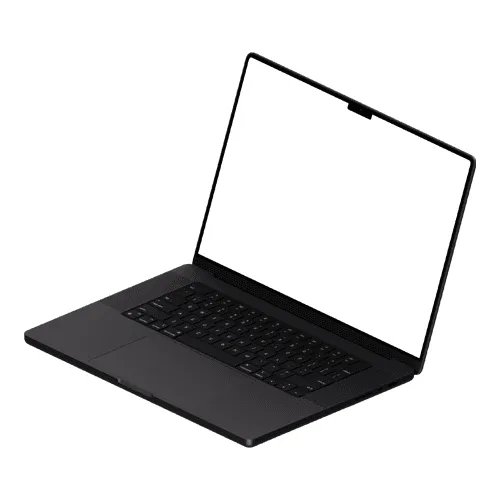
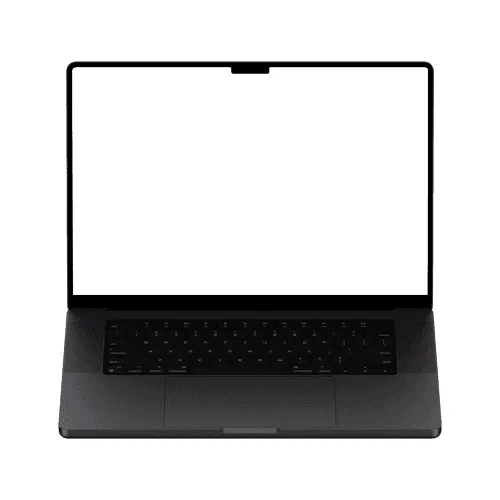
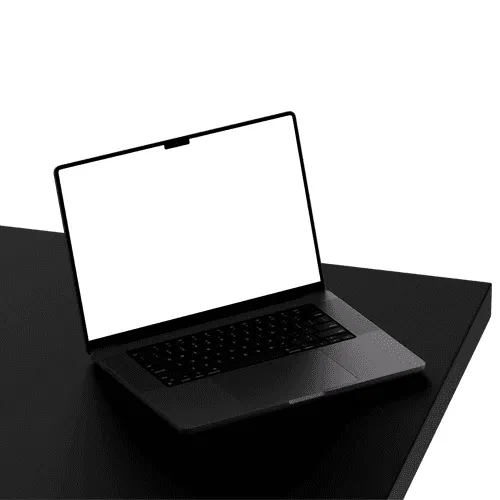
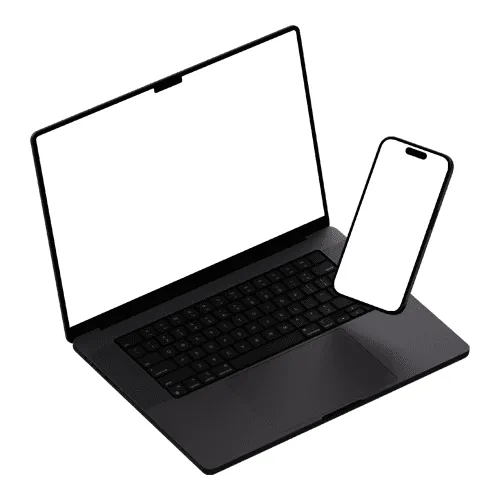
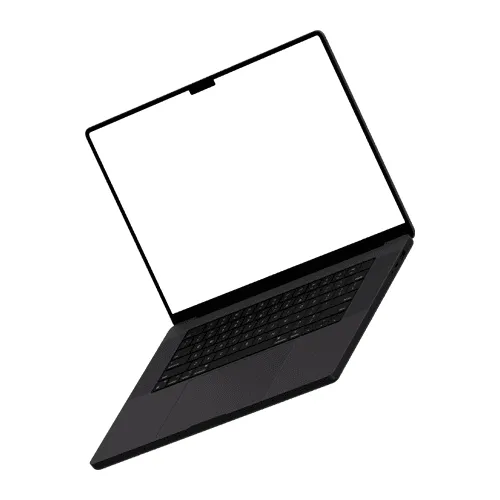
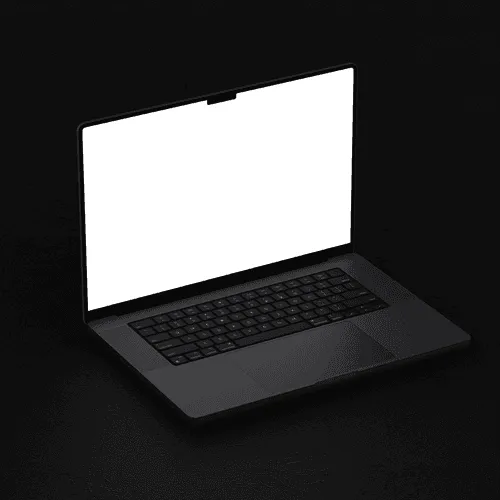
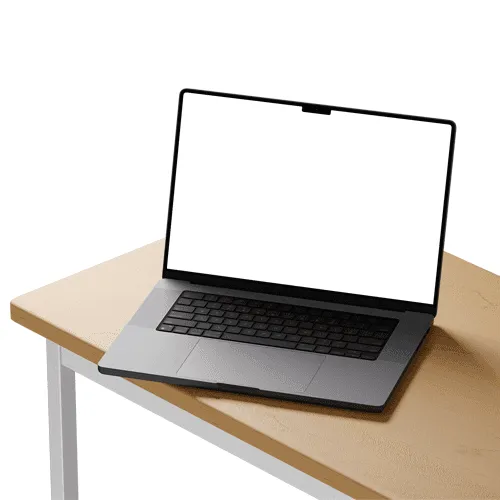
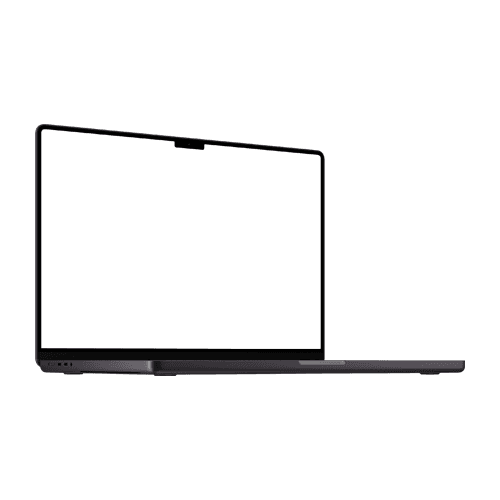
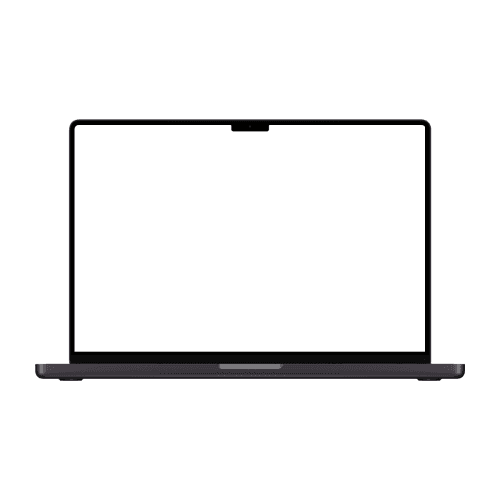
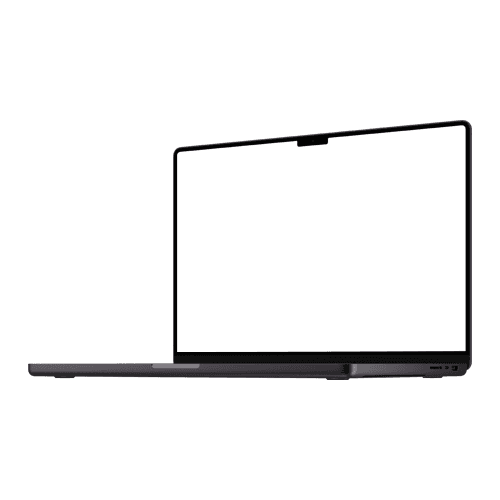
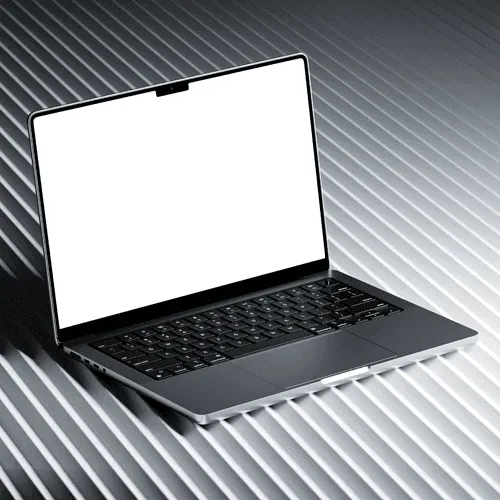
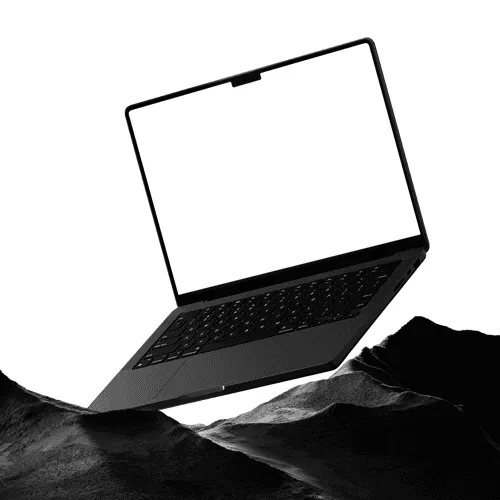
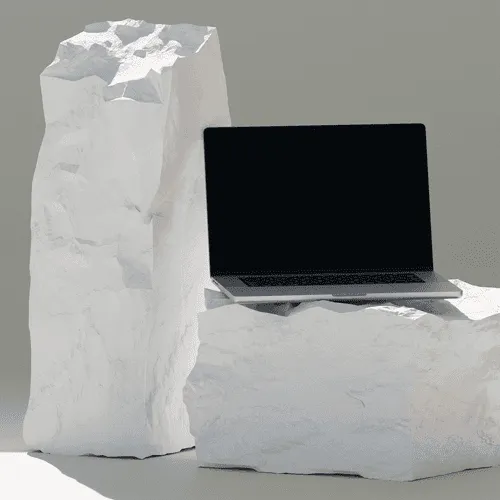
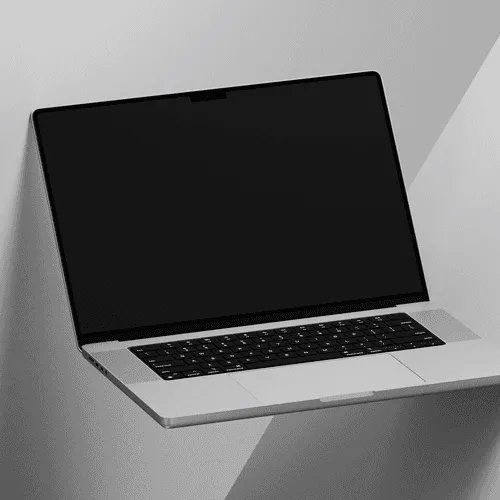
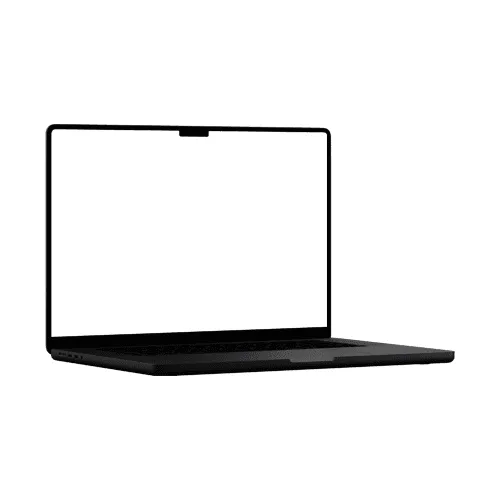
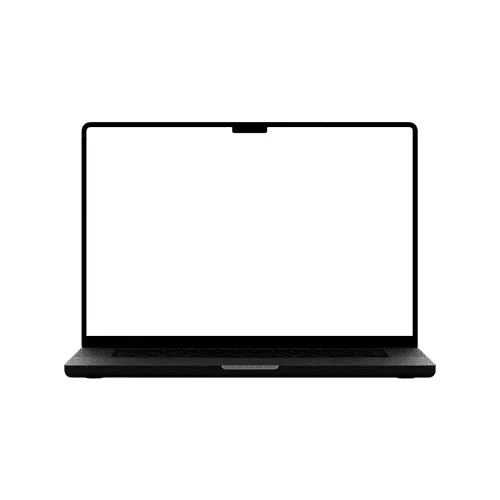
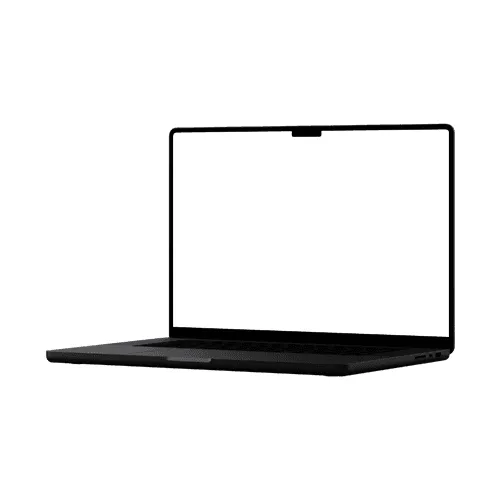
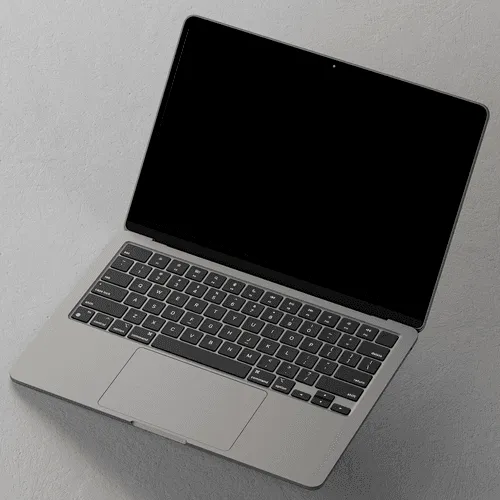
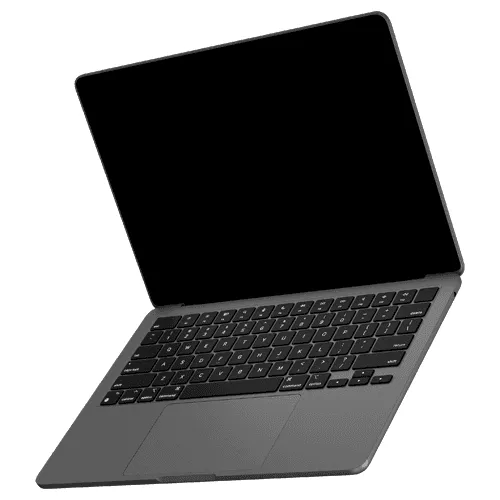
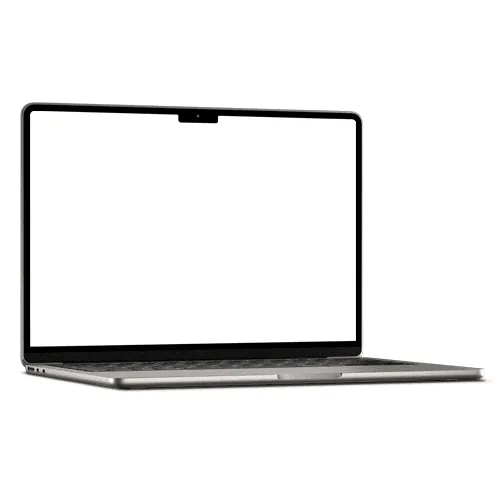
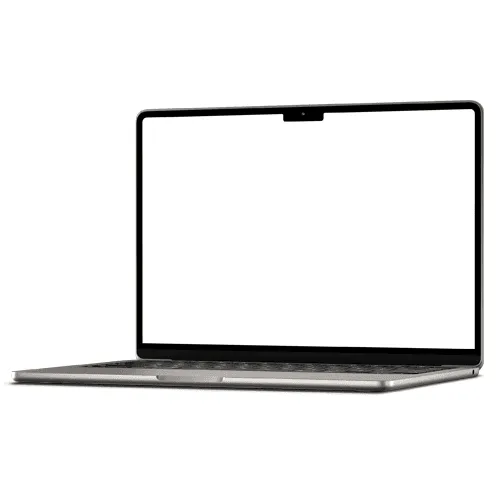
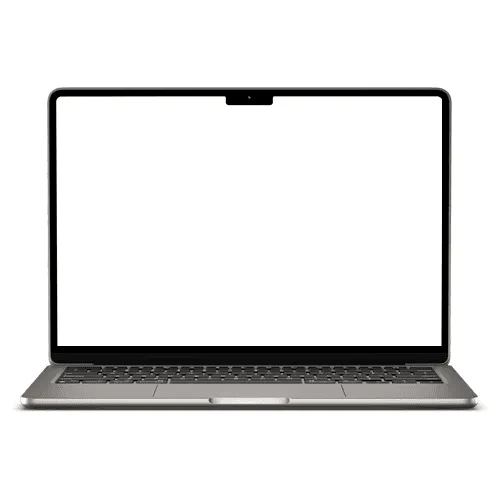
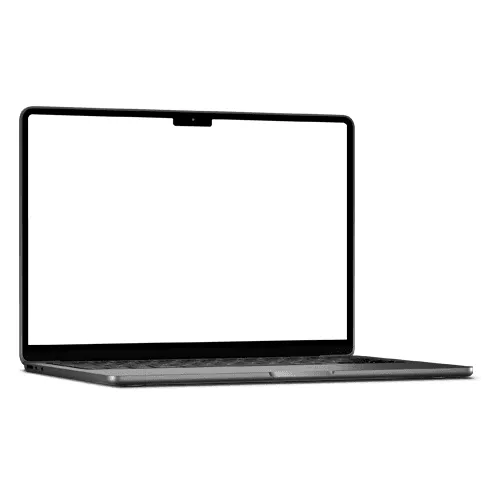
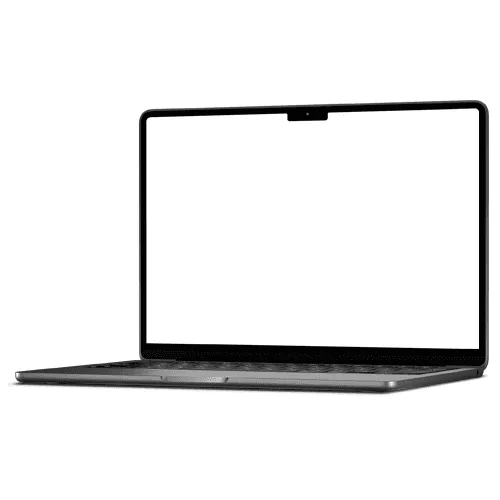
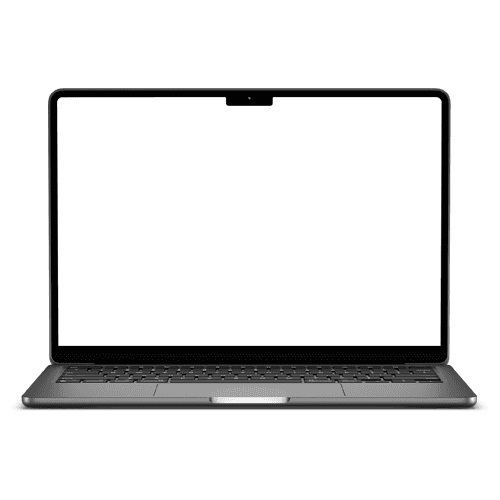
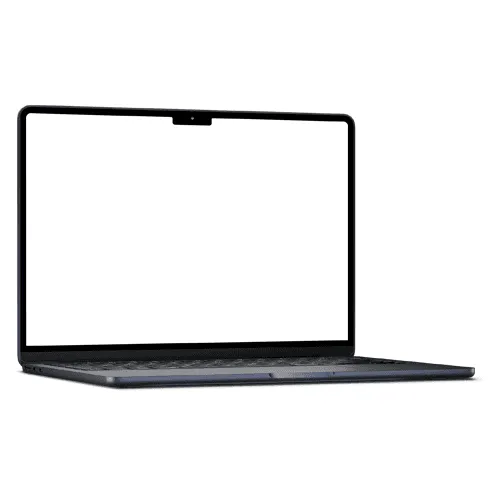
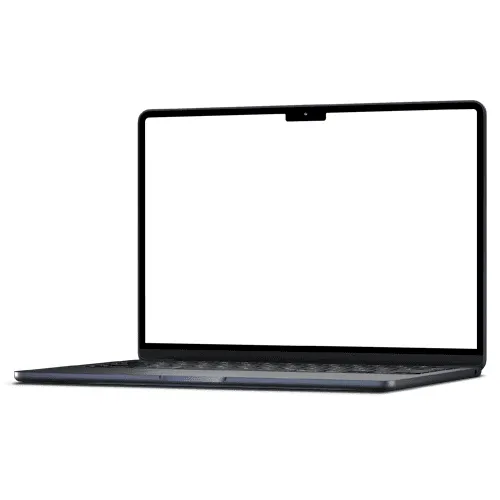
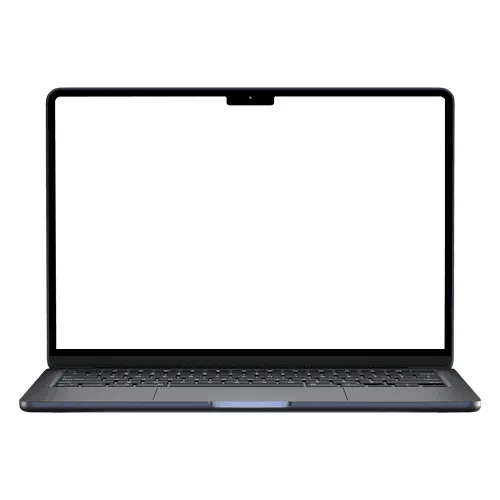
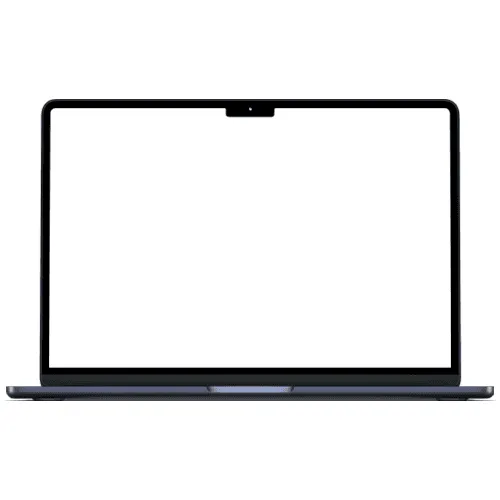
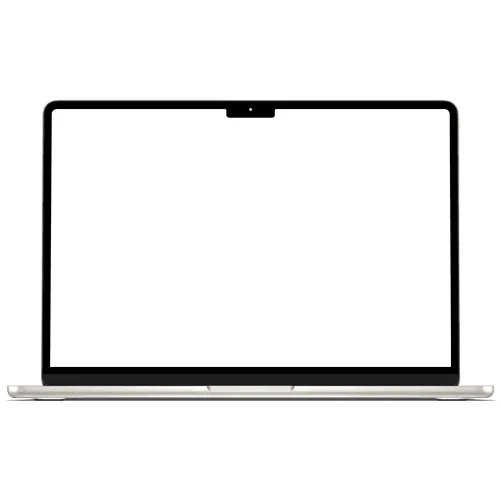
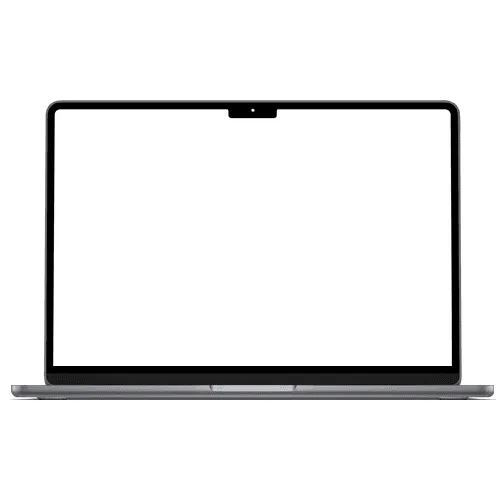
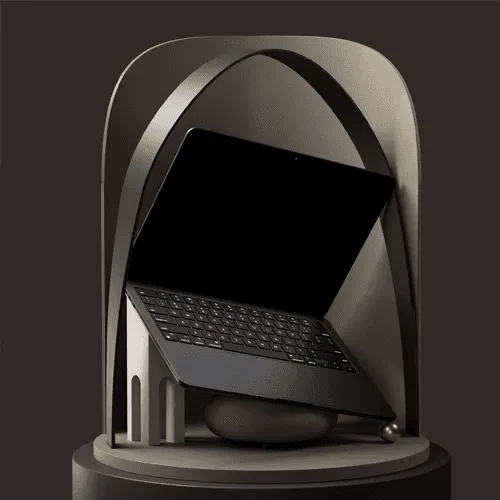
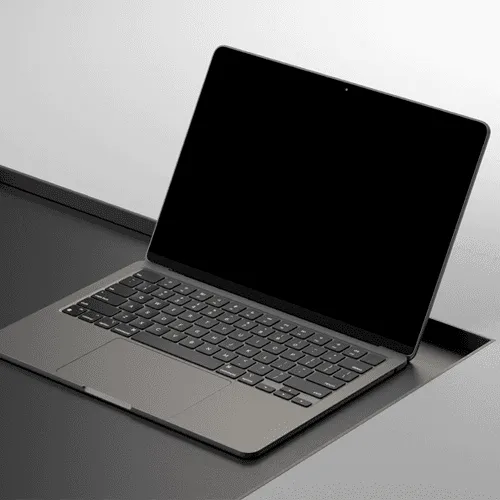
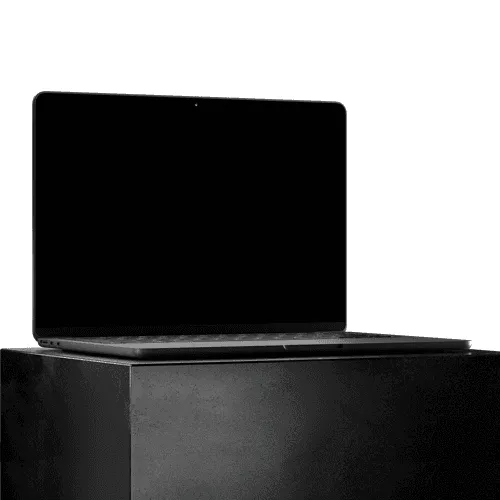
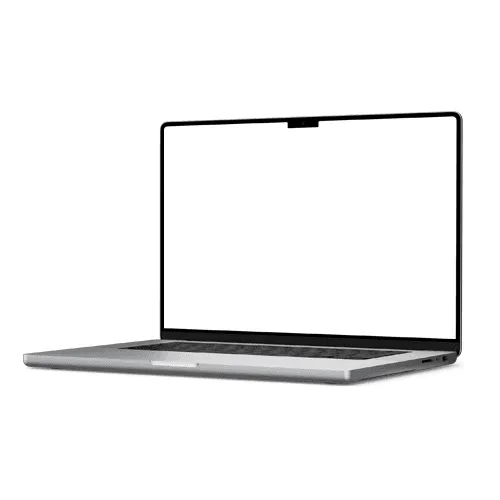
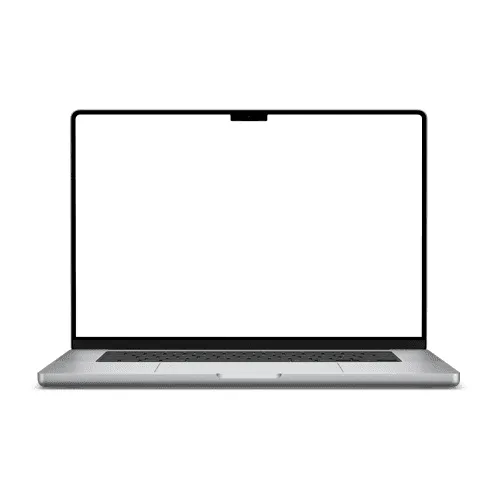
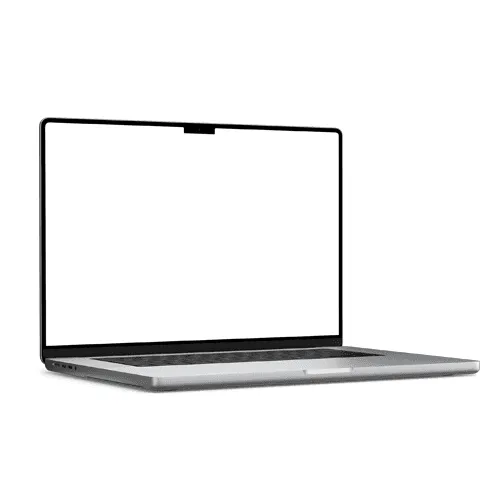
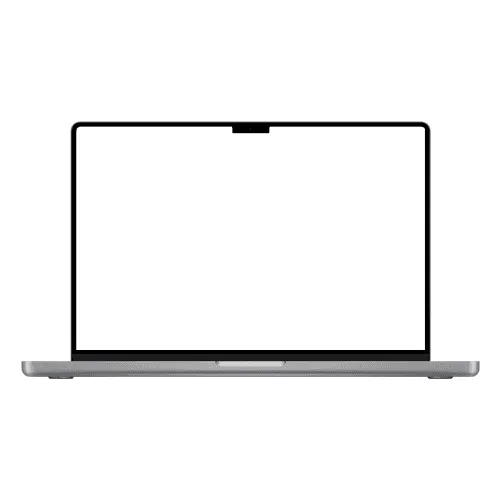
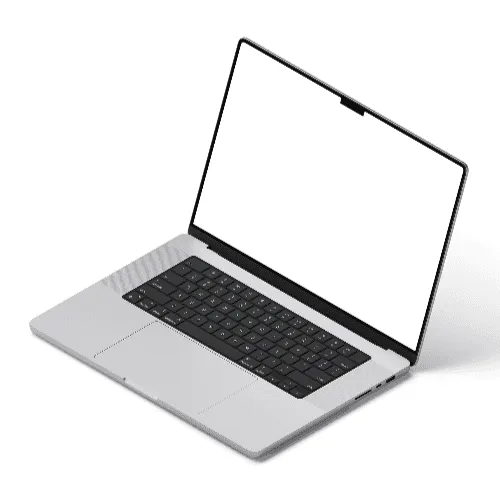
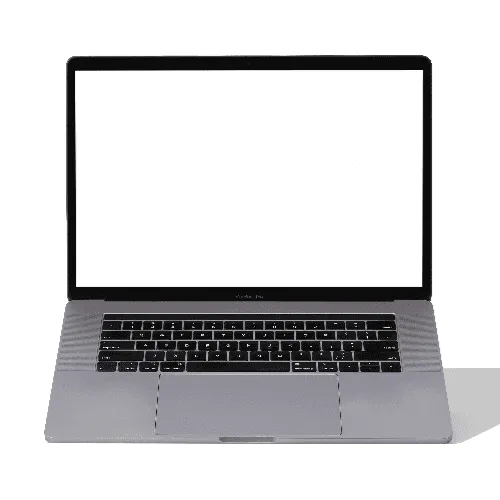
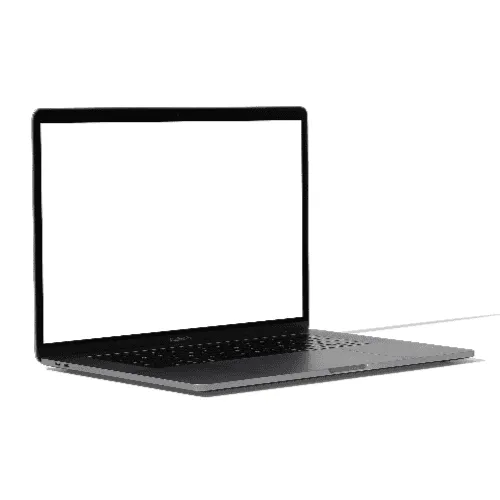
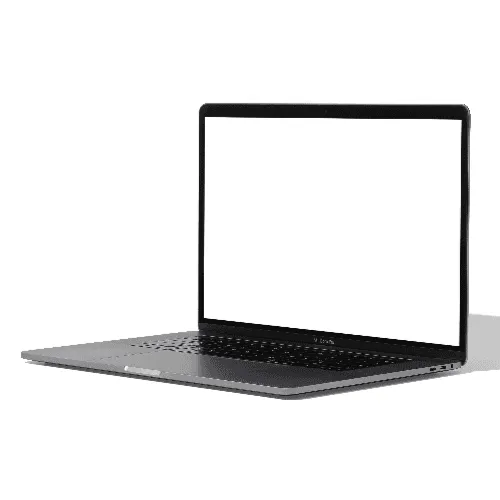
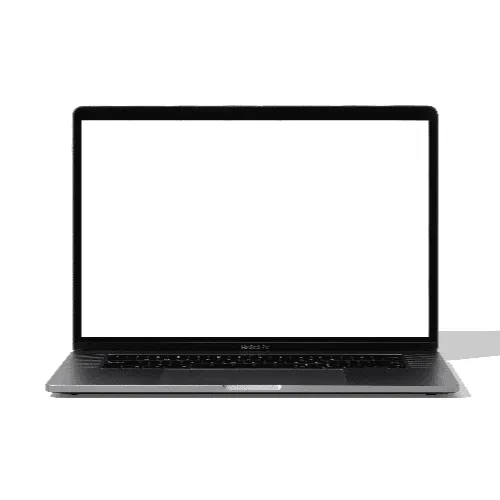
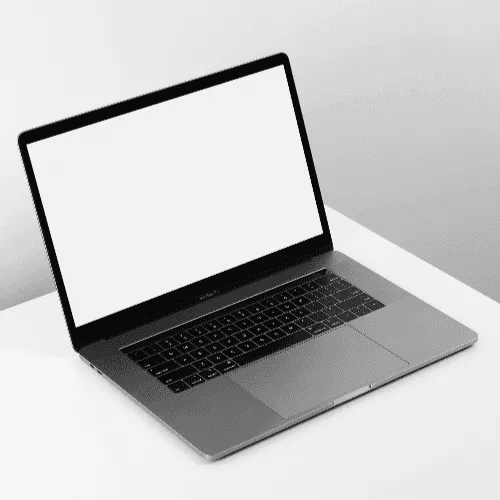
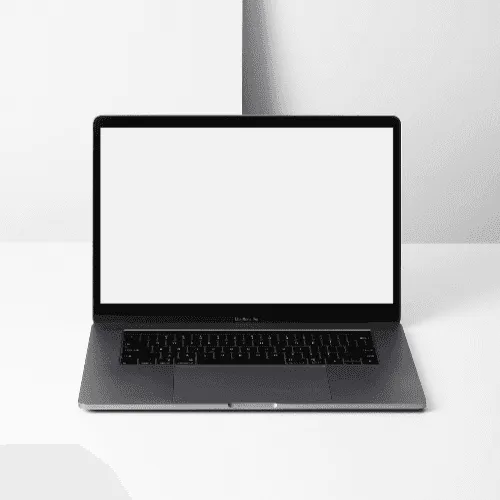
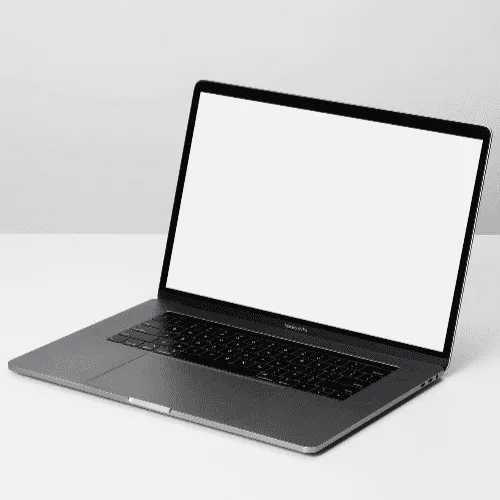
The designers who produce the most polished client decks and portfolio pieces aren't spending time switching between tools. They stay in Figma, pull laptop mockups from the plugin, and ship presentations that look like they took hours — in minutes.
How to create laptop mockups inside Figma?
Install Artboard Mockups plugin for Figma
Go to your Figma project, search for the Artboard Mockups plugin, and install it. Log in or register to import and render your designs on laptop mockups.
Import laptop mockups to Figma canvas
Select any laptop mockup from the plugin window and import it onto your Figma canvas. The mockup will import along with an empty frame — place your design inside this frame, hit the "Render selected frame" button, and your design will instantly appear on the laptop mockup.
Export or use within your project
Once your design is rendered, you can place the mockup frame inside any other frame or export it directly using Figma's export options.
FAQs
What are Figma laptop mockups?
Figma laptop mockups are pre-made design templates accessible directly inside Figma through the Artboard Mockups plugin. They let you place your website or UI design onto a realistic laptop screen without ever leaving your Figma canvas.
How do I use laptop mockups inside Figma?
Install the Artboard Mockups plugin from the Figma Community, open it inside your Figma file, browse the laptop mockup library, select a mockup, and import it onto your canvas. Place your design inside the provided frame, hit "Render selected frame," and your design will instantly appear on the laptop screen.
Is there a difference between the Figma plugin and the online editor for laptop mockups?
Yes. The Figma plugin works entirely inside your existing Figma project — ideal when your designs are already on a Figma canvas and you want to stay in one tool. The online editor is a standalone browser-based tool that requires no software, making it the faster option for quick, one-off mockup exports.
What file formats can I export from the Figma plugin?
Once rendered inside Figma, you can export your laptop mockup using Figma's built-in export options in any format Figma supports — PNG, JPEG, SVG, and PDF. For MP4 and WEBM video exports, use the Artboard Studio online editor instead.
Do I need an Artboard Studio account to use the Figma plugin?
Yes. You will need an Artboard Studio account to access the full laptop mockup library inside Figma. Free plan users can access a selection of mockups, while premium plans unlock the complete library.
Can I use Figma laptop mockups for commercial projects?
Yes. All mockups accessed through the Artboard Mockups Figma plugin come with a commercial license, making them suitable for client presentations, portfolio pages, and design marketplace listings.
Still have questions?
We are always here to help. Use the chat in the bottom right corner.