
Every mockup you'll ever need, already inside Figma
Stop switching tools, losing context, and wasting time. Artboard Mockups plugin gives you 5,000+ device, apparel, packaging, and print mockups.
Pick a mockup, drop your design, hit render inside Figma. That's it!

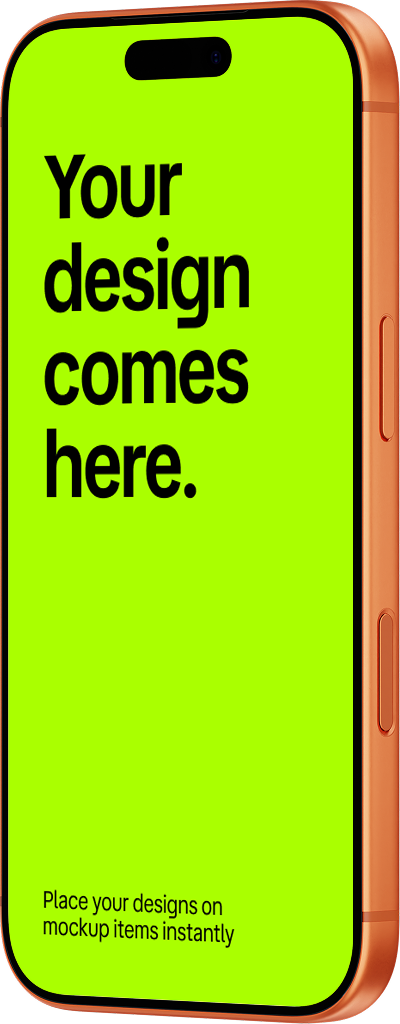
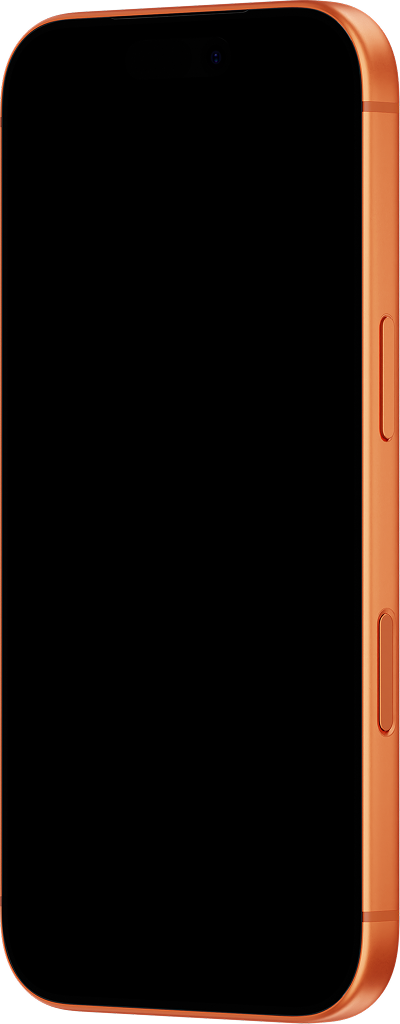


Trusted by designers, agencies, and teams worldwide to build case studies, portfolios, and client presentations.
The mockup plugin almost a million designers rely on
From quick client presentations to full-scale case studies, Artboard Mockups helps designers bring their work to life in seconds. No extra tools, no hassle — just stunning, realistic mockups right inside Figma. Join nearly a million designers who've already made it their go-to plugin for presenting work they're proud of.


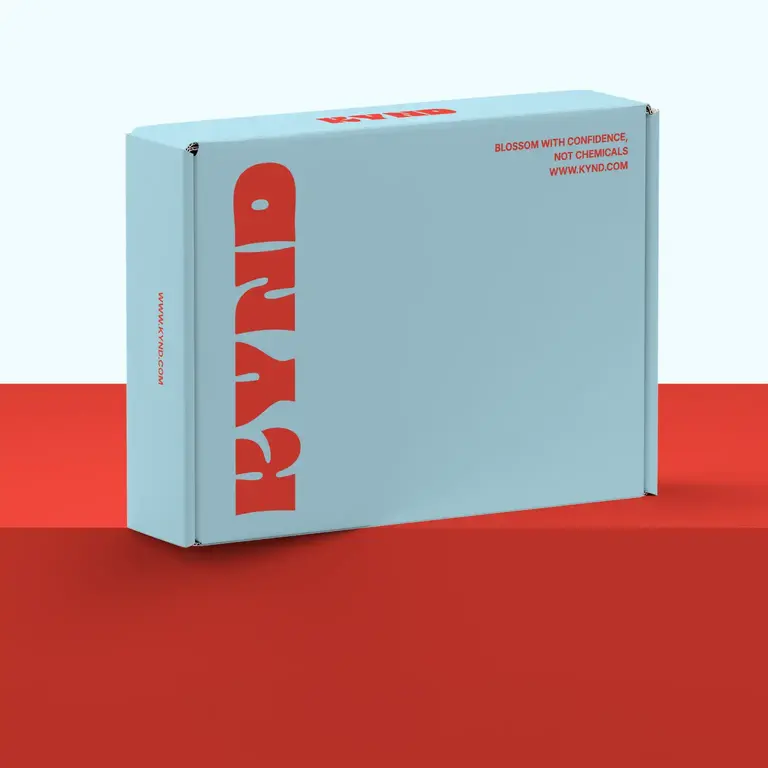


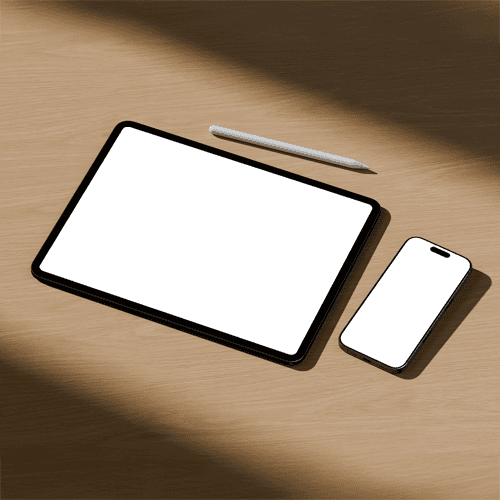
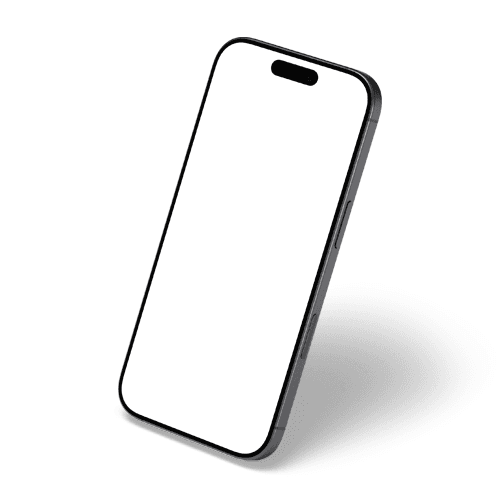
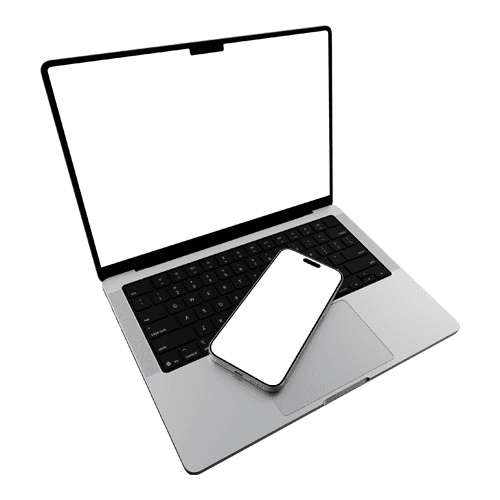
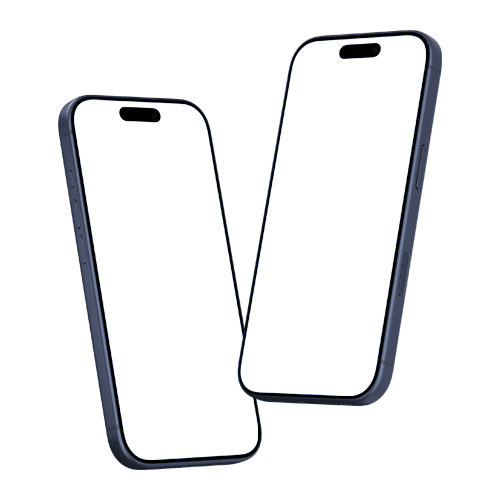
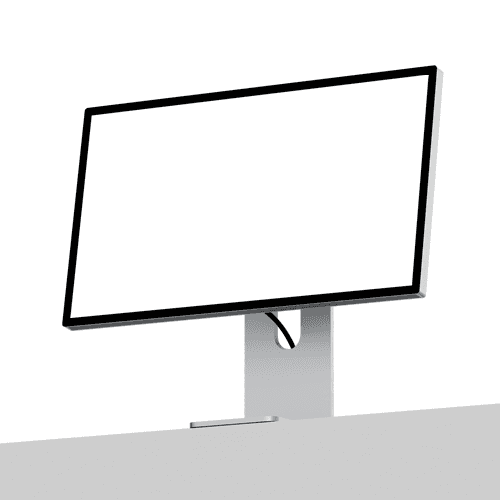
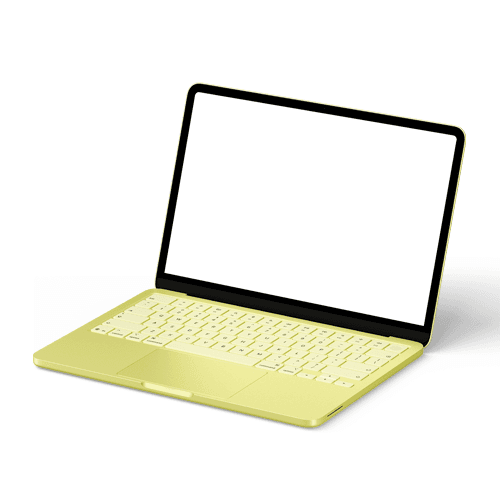
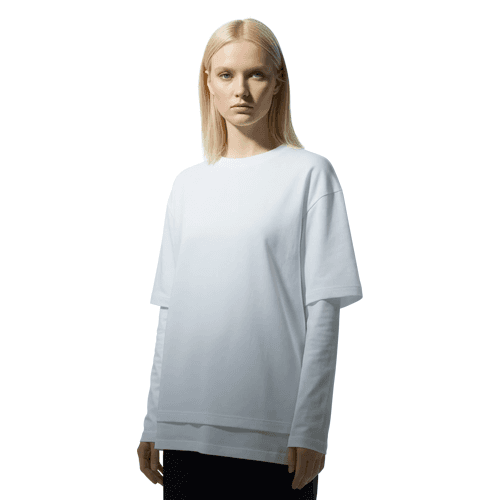
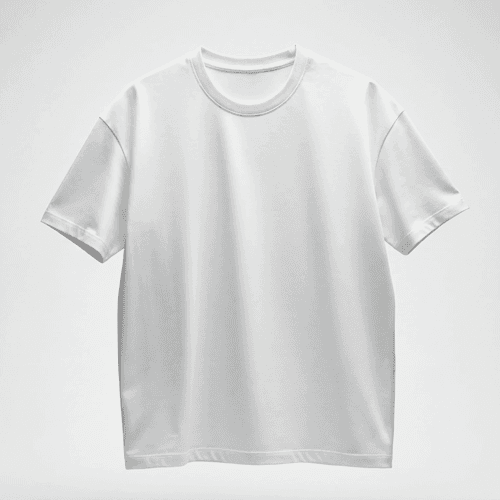


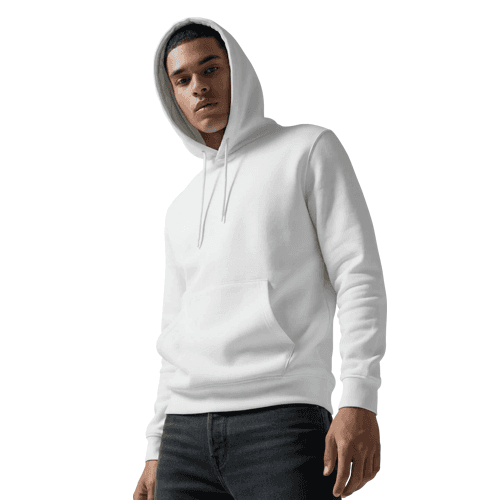
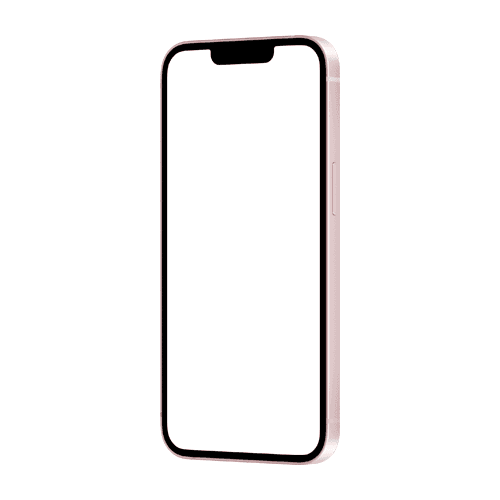
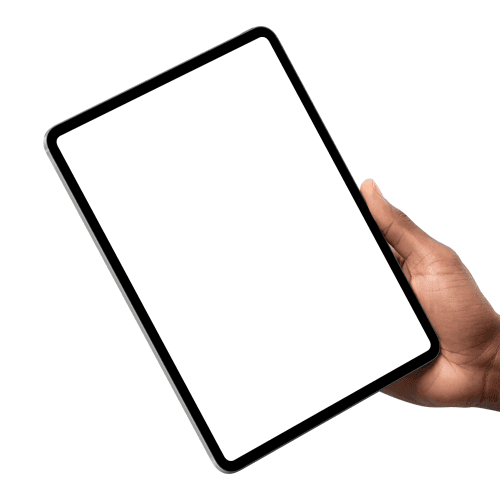
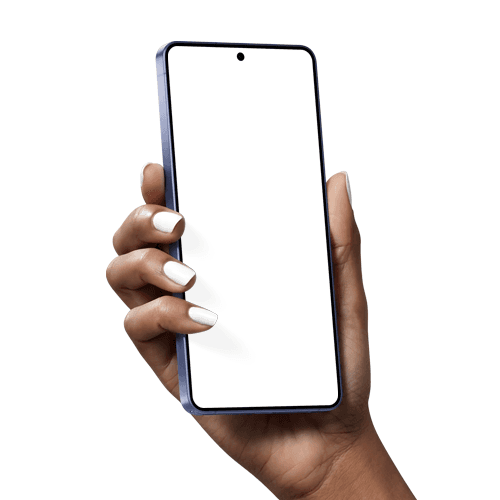


Always up to date; latest devices, trending styles, fresh drops
We're constantly adding new mockups so your presentations never feel outdated. From the latest device releases to trending aesthetic styles, Artboard Mockups keeps your toolkit fresh — so you're always one step ahead and never stuck using the same old scenes.
High-res mockups that look great at any size
Every mockup in Artboard Mockups is built in high resolution, so your designs look sharp and professional whether you're presenting on a small screen or blowing it up for a full-size banner. No pixelation, no compromises — just crisp, polished results every time.

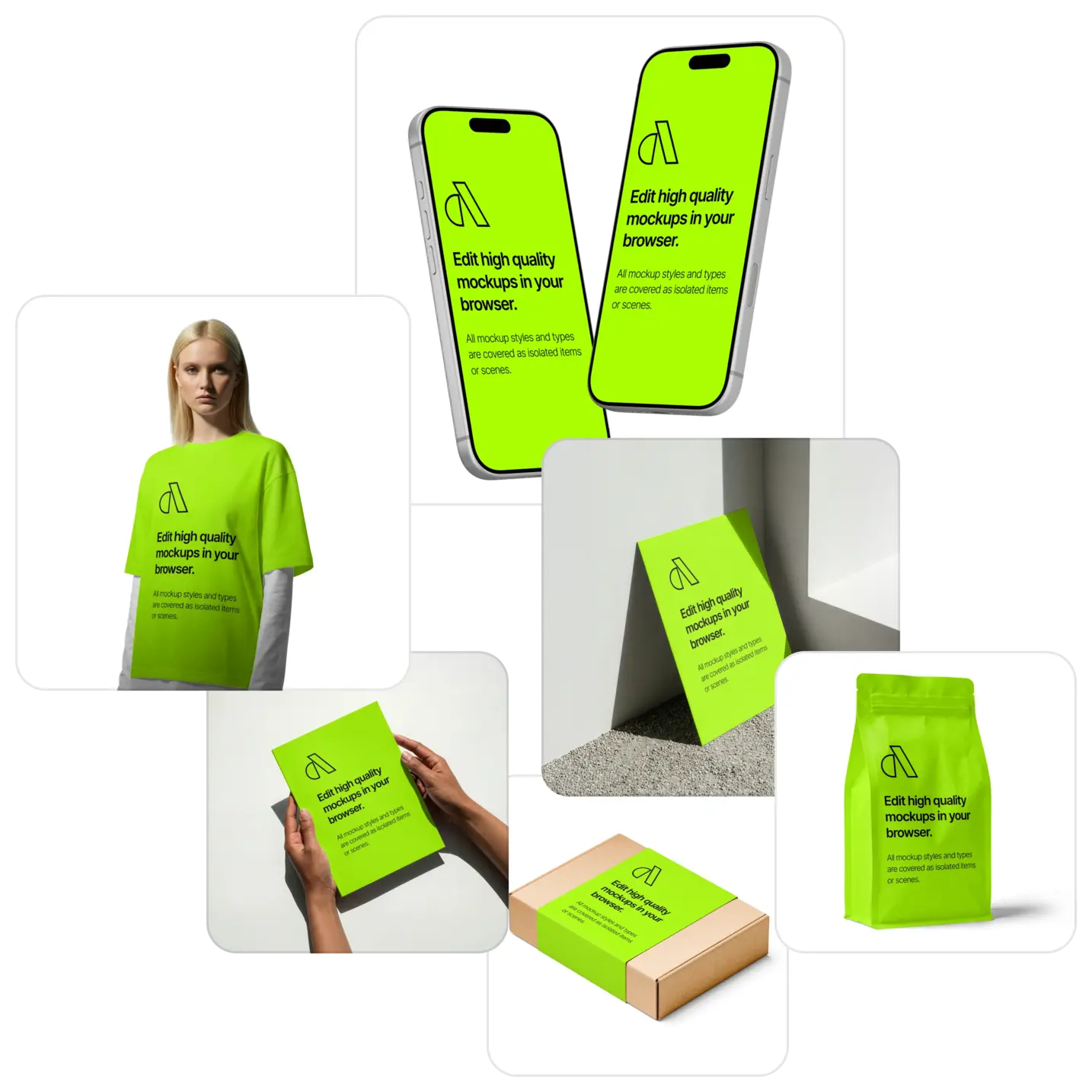
Beyond just device mockups; packaging, apparel, branding and more
Artboard Mockups goes way beyond phones and laptops. From packaging and apparel to branding materials and lifestyle scenes, our ever-growing library covers every design context you need — so whether you're a UI designer, brand designer, or somewhere in between, there's a mockup waiting for your next project.
Normally $19/month.
Right now, own it forever for $99
You've already used it. You know it works. Stop paying for it every month.
Own it forever — $99, one time, done.
This offer ends in 7 days.
Then it's gone.
$99 once. 5,000+ mockups. Yours forever.
FAQs
What is the Artboard Mockups Lifetime Deal?
It's a one-time payment that gives you permanent access to the full Artboard Mockups library inside Figma — every mockup we have today, and every mockup we'll ever add. No subscriptions, no renewals.
Do I need to leave Figma to create mockups?
No. Everything happens inside Figma. Pick a mockup, place your design in the frame, hit render. That's it.
What happens after 7 days?
This offer expires and won't come back. The plugin returns to its regular $19/month pricing.
What types of mockups are available?
Devices (iPhone, Android, laptop, iPad, desktop, watch), apparel (t-shirt, hoodie, cap), packaging (box, bottle, bag, can), print (poster, book, business card, magazine) and more — with new categories added regularly.
What's included in the Lifetime Deal?
Full access to 5,000+ device, apparel, packaging, and print mockups. Every future mockup we release. High-resolution renders. Commercial license for personal and client work. Works on Figma desktop and browser.
Is there a money-back guarantee?
Yes. If you're not satisfied within 7 days of purchase, we'll refund you in full — no questions asked.
Do I get access to future mockups too?
Yes. Every new mockup we add is automatically yours — no extra cost, ever.
Can I use these mockups for client work?
Absolutely. The Lifetime Deal includes a full commercial license. Use any mockup in client presentations, case studies, portfolios, or production work.
Still have questions?
We are always here to help. Use the chat in the bottom right corner.
How to create mockups in Figma?
Install Artboard Mockups plugin for Figma
Go to your Figma project, search for the Artboard Mockups plugin, and install it. Log in or register to import and render your designs on mockup items.
Import mockups to Figma canvas
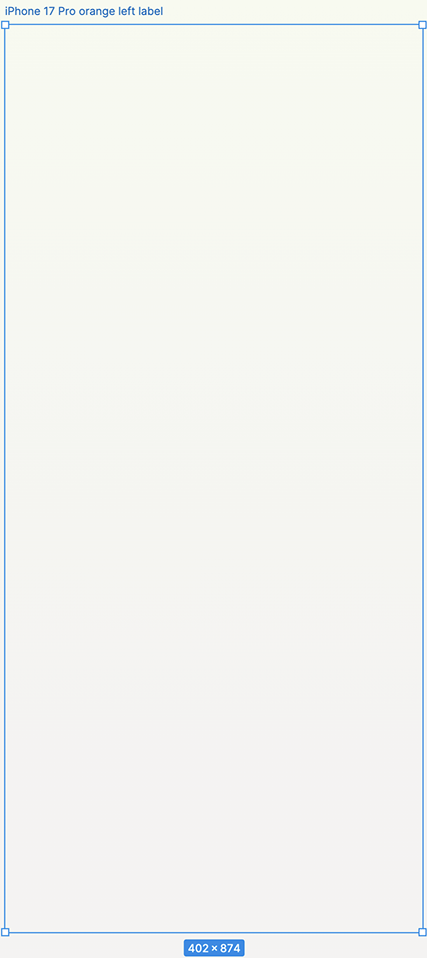
Select any mockup item from the plugin window and import it onto your Figma canvas. The mockup will import along with an empty frame — place your design inside this frame, hit the "Render selected frame" button, and your design will instantly appear on the item.
Export or use within your project
Once your design is rendered, you can place the mockup frame inside any other frame or export it directly using Figma's export options.