Easily create mockups right inside Figma
Access thousands of high-quality device, packaging, apparel, and print mockups without leaving Figma. Just place your design or video, hit render, and you're done.
Trusted by designers, agencies, and teams worldwide to build case studies, portfolios, and client presentations.
The mockup plugin almost a million designers rely on
From quick client presentations to full-scale case studies, Artboard Mockups helps designers bring their work to life in seconds. No extra tools, no hassle — just stunning, realistic mockups right inside Figma. Join nearly a million designers who've already made it their go-to plugin for presenting work they're proud of.
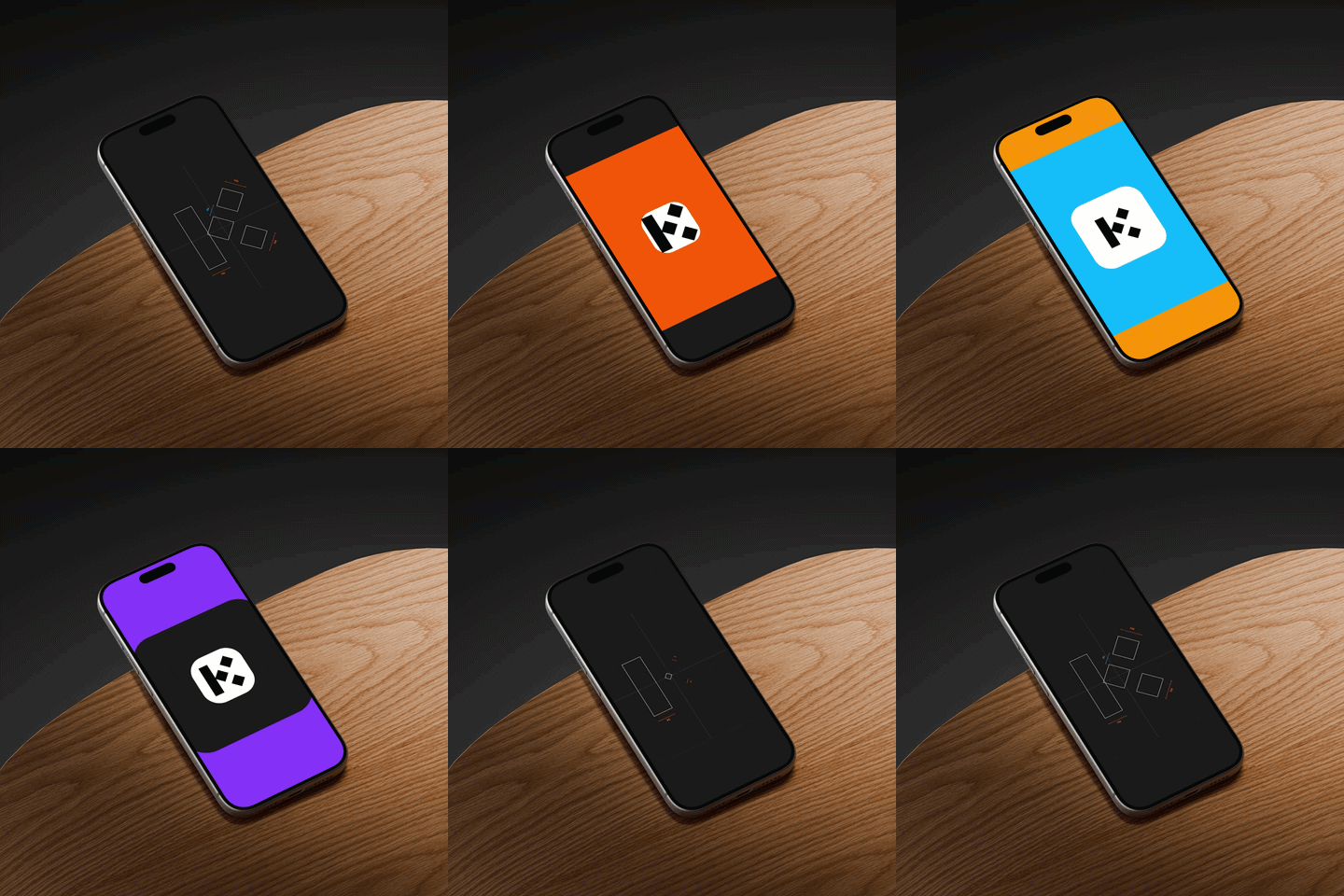



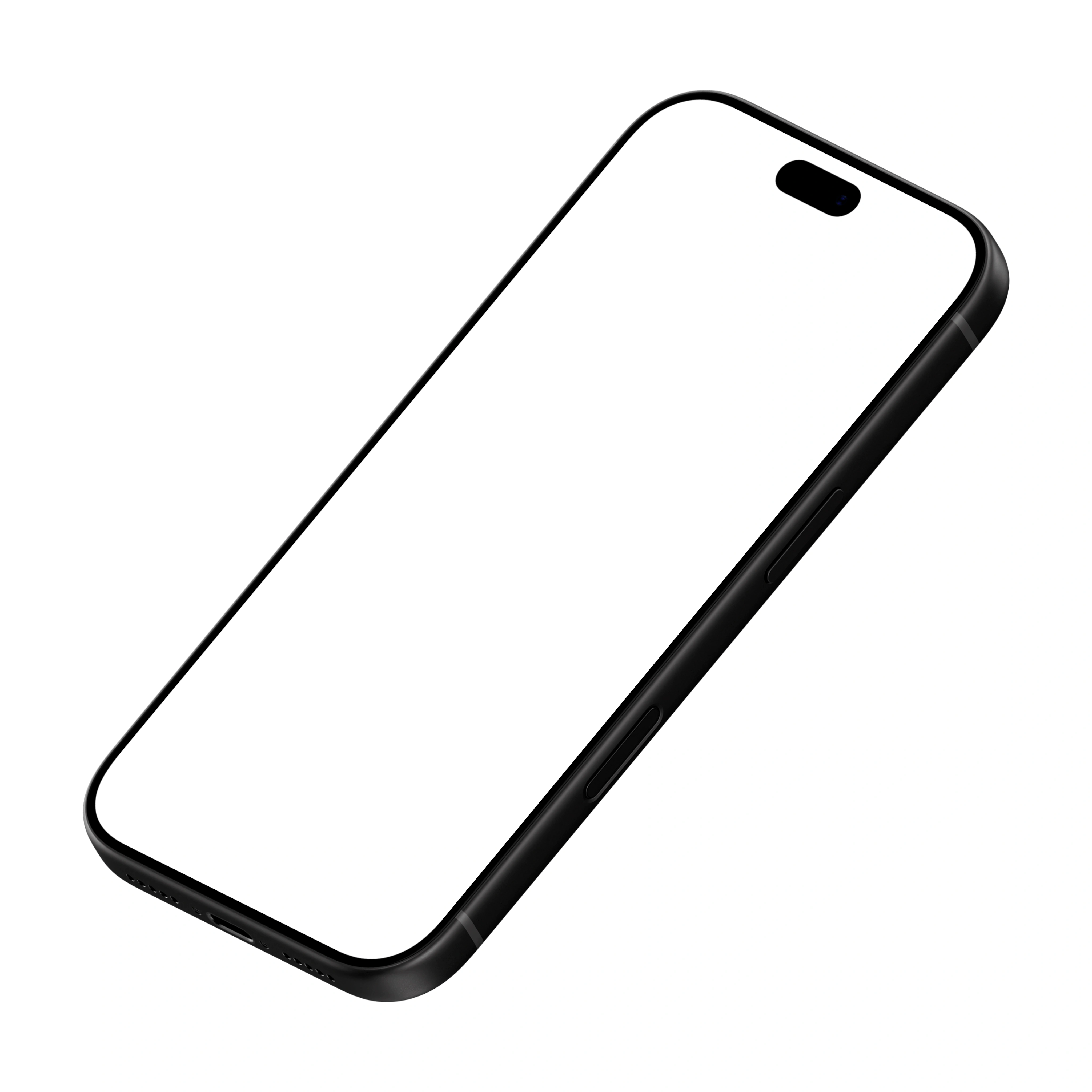
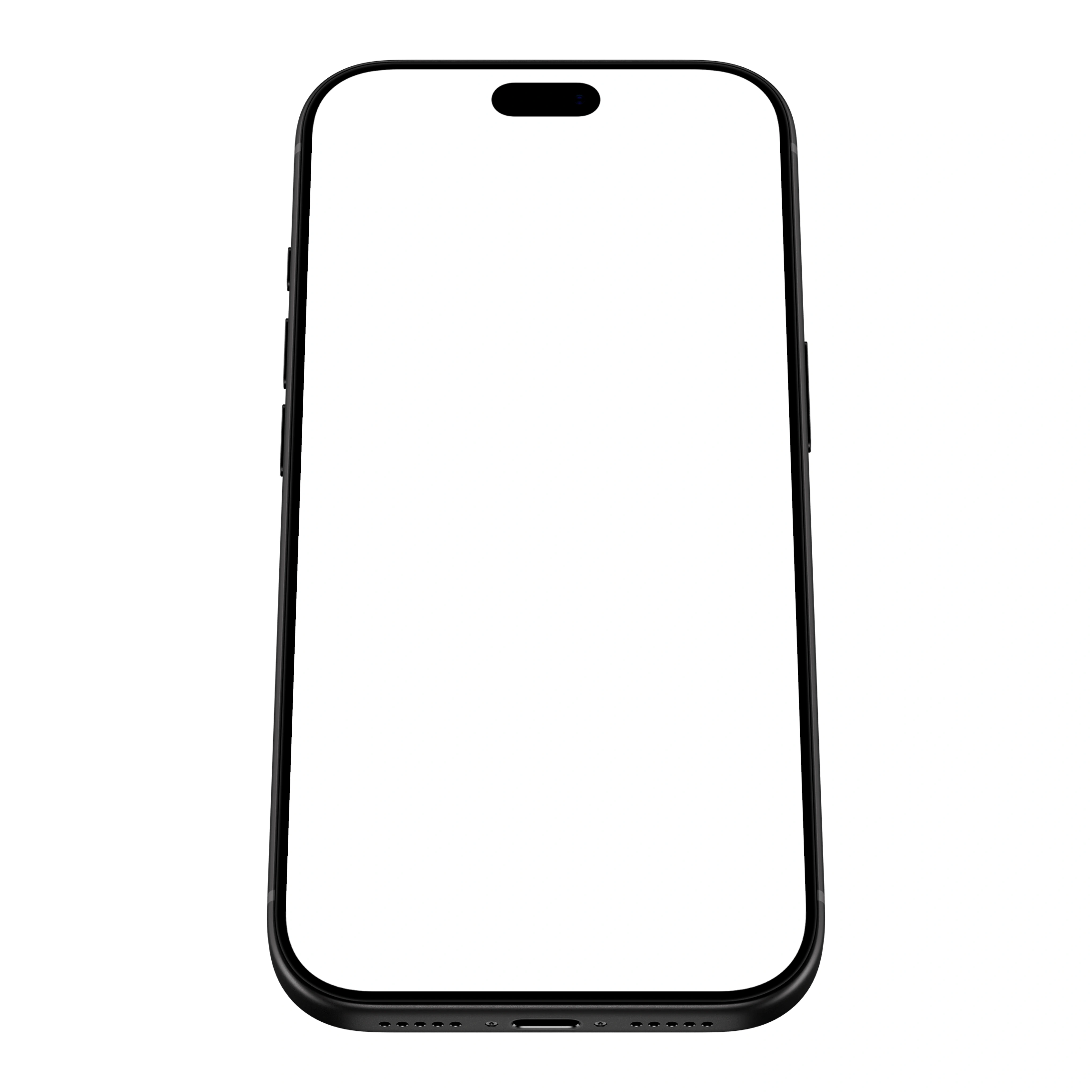
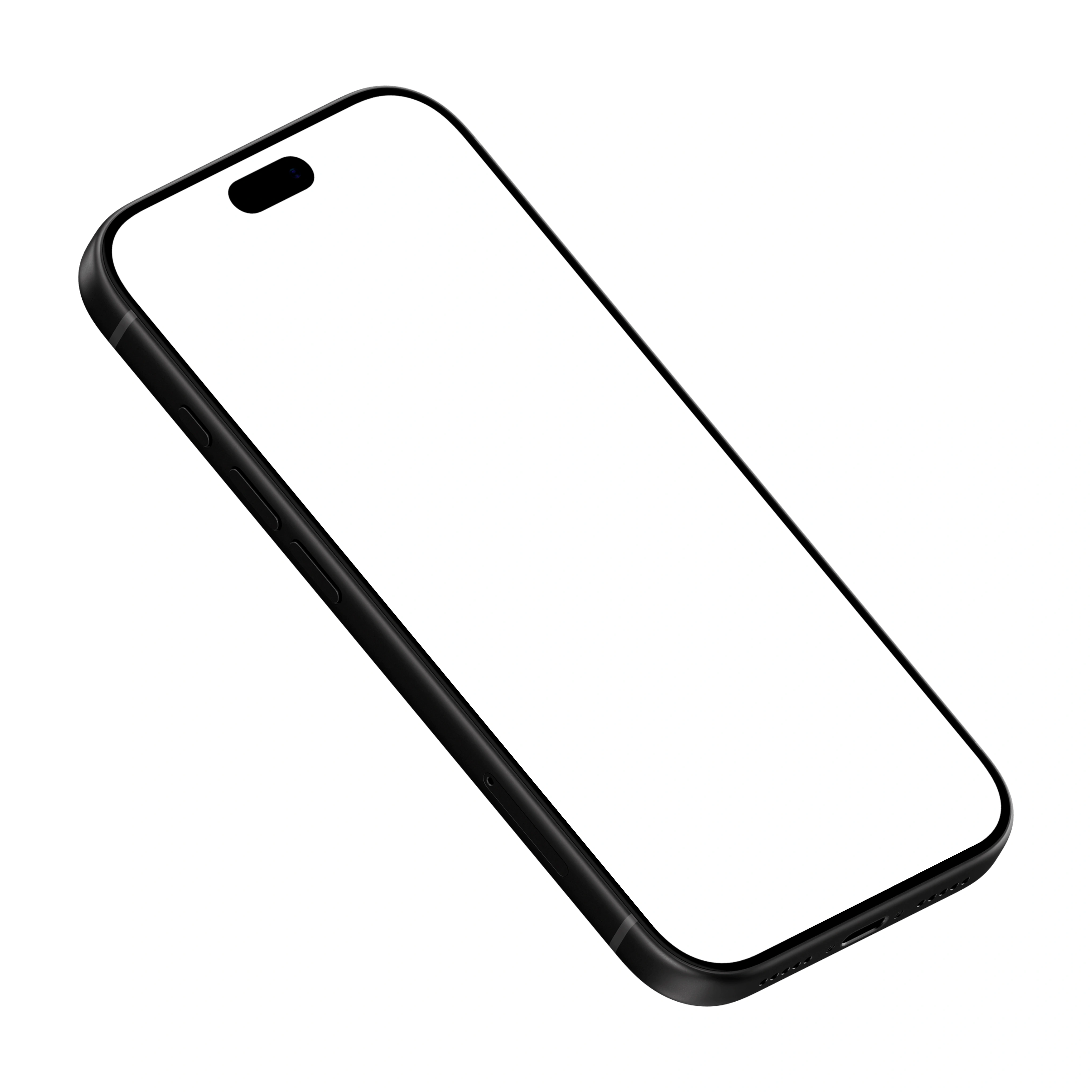
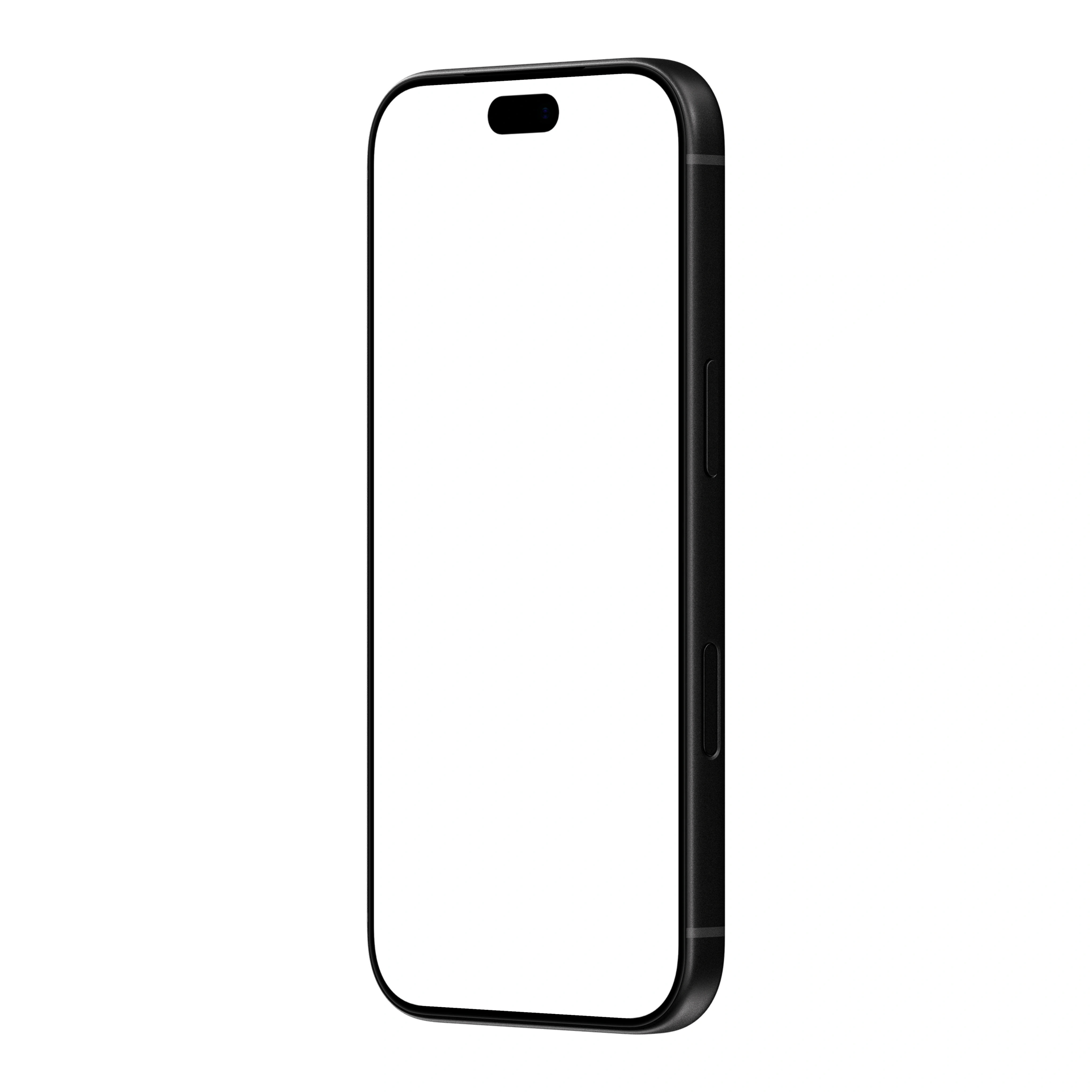
Always up to date; latest devices, trending styles, fresh drops
We're constantly adding new mockups so your presentations never feel outdated. From the latest device releases to trending aesthetic styles, Artboard Mockups keeps your toolkit fresh — so you're always one step ahead and never stuck using the same old scenes.
High-res mockups that look great at any size
Every mockup in Artboard Mockups is built in high resolution, so your designs look sharp and professional whether you're presenting on a small screen or blowing it up for a full-size banner. No pixelation, no compromises — just crisp, polished results every time.

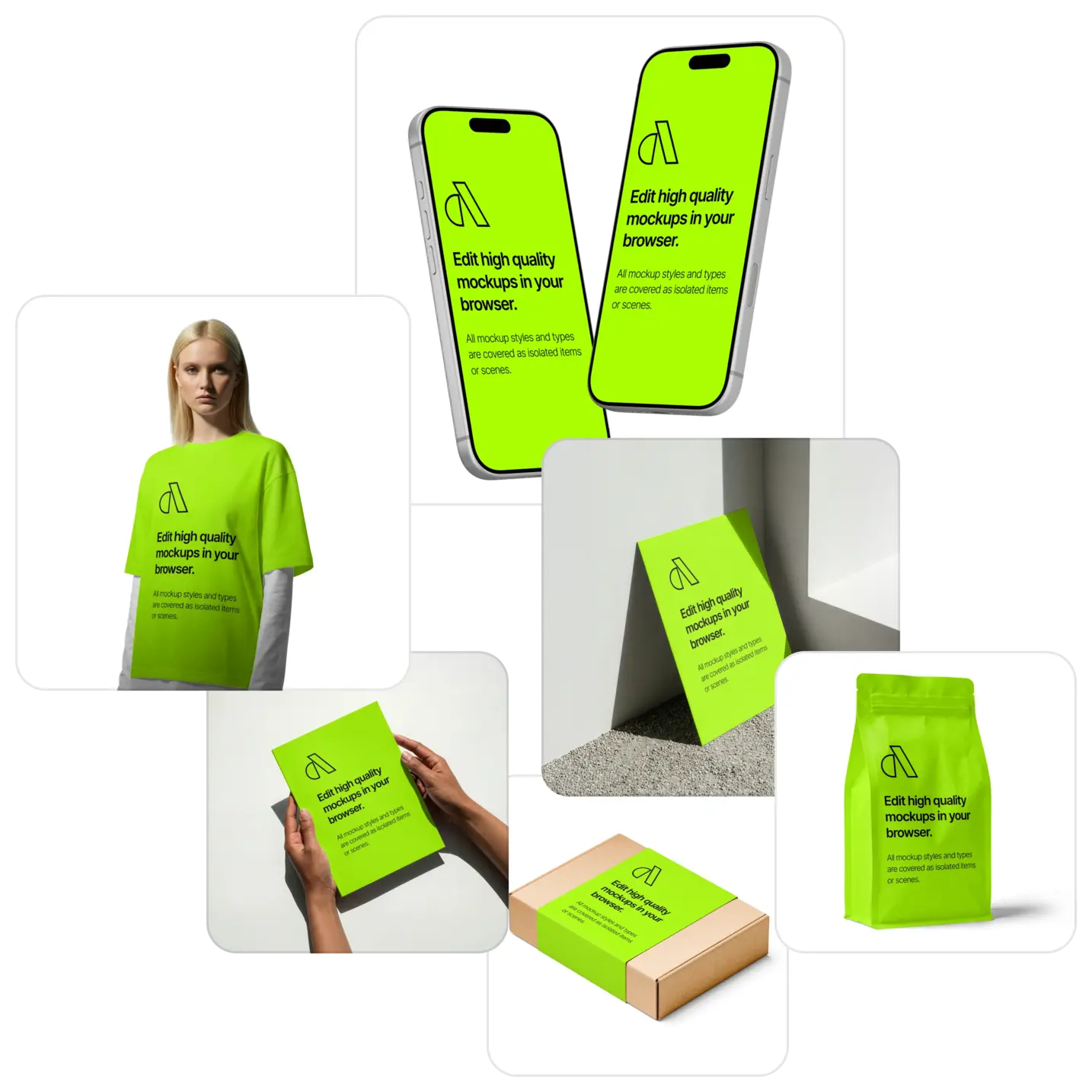
Beyond just device mockups; packaging, apparel, branding and more
Artboard Mockups goes way beyond phones and laptops. From packaging and apparel to branding materials and lifestyle scenes, our ever-growing library covers every design context you need — so whether you're a UI designer, brand designer, or somewhere in between, there's a mockup waiting for your next project.
Run the whole agency from one admin account.
It works like the team collaboration and billing you already know from Figma. One admin adds or removes seats as projects ramp up or down, and billing adjusts automatically - no per-person accounts, no license juggling.
- One admin account for the entire agency
- Add or remove users anytime - billing updates automatically
- Team access across the app and the Figma plugin

How to create mockups in Figma?
Install Artboard Mockups plugin for Figma
Go to your Figma project, search for the Artboard Mockups plugin, and install it. Log in or register to import and render your designs on mockup items.
Import mockups to Figma canvas
Select any mockup item from the plugin window and import it onto your Figma canvas. The mockup will import along with an empty frame — place your design inside this frame, hit the "Render selected frame" button, and your design will instantly appear on the item.
Export or use within your project
Once your design is rendered, you can place the mockup frame inside any other frame or export it directly using Figma's export options.
FAQs
What is Artboard Mockups and what can I use it for?
Artboard Mockups lets you wrap your Figma designs in realistic device and scene mockups — perfect for client presentations, case studies, portfolio pieces, or just making your work look amazing before sharing it.
Do I need to leave Figma to create a mockup?
Nope! Everything happens right inside Figma. Import a mockup from the plugin window, place your design inside the assigned frame, hit render, and that's it!
What types of mockups are available in Artboard Mockups?
We've got a wide range of mockups including devices, apparels, packaging and print. New mockups are added regularly, so there's always something fresh to use.
Can I use Artboard Mockups for commercial projects or client work?
Absolutely! All mockups are free to use for both personal and commercial projects, including client presentations and case studies. You need a subscription to get commercial license for all mockups.
Can I use Artboard Mockups on both desktop and browser versions of Figma?
Yep! Artboard Mockups works seamlessly on both the Figma desktop app and the browser version — so you can create stunning mockups no matter how you prefer to work.
Is Artboard Mockups free to use?
We offer a free plan with access to a very limited set of mockups — great for getting started. For unlimited access to the full mockup library, you can upgrade to our Pro plan anytime.
Still have questions?
We are always here to help. Use the chat in the bottom right corner.
