

Device Mockups
Apparel Mockups




Packaging Mockups












iPhone Video Mockup
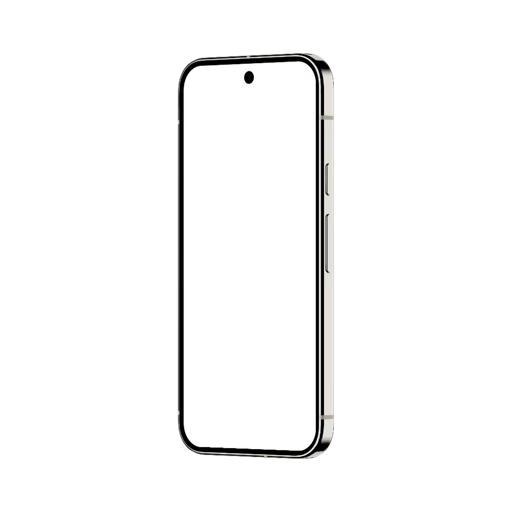
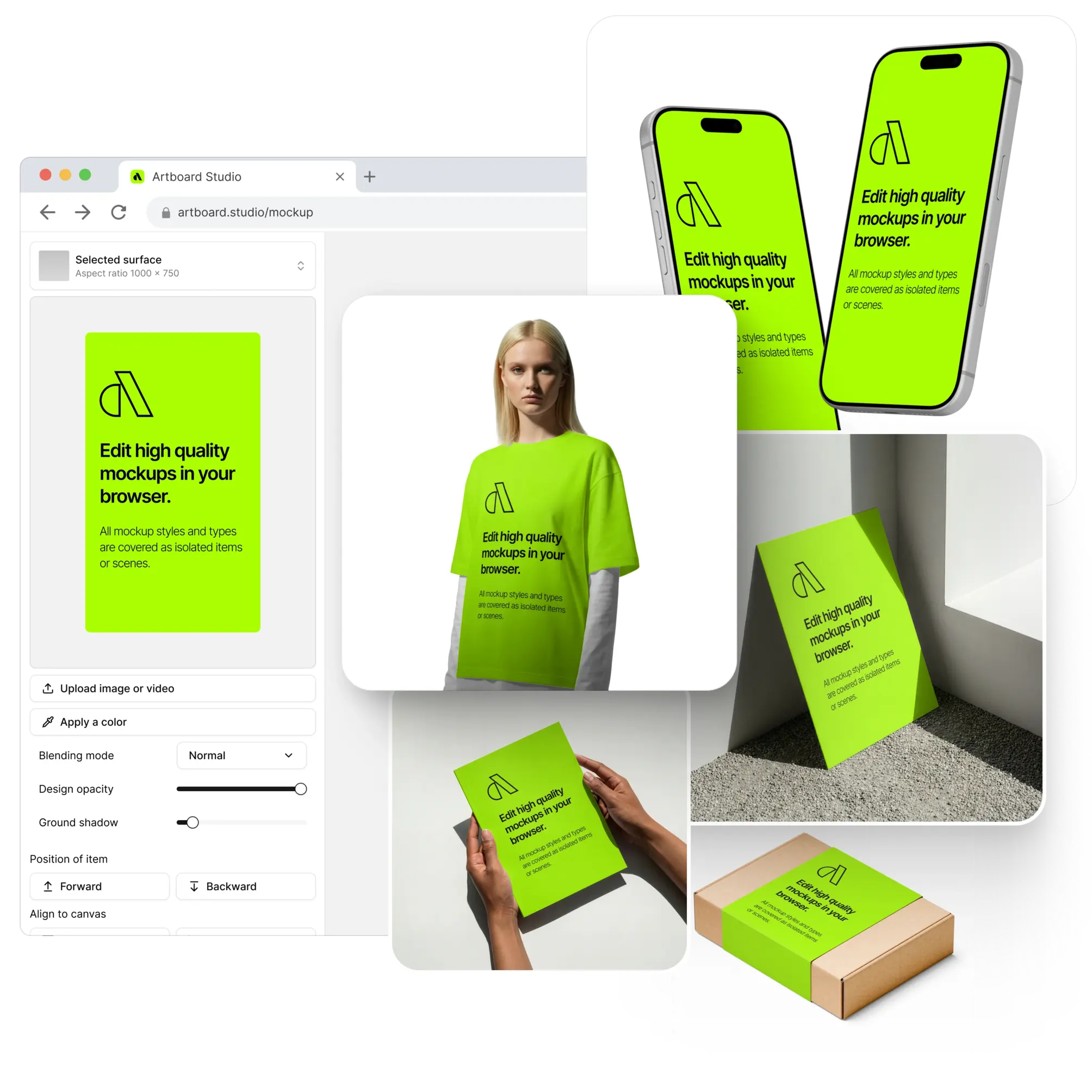
Drop your UI video directly onto an iPhone video mockup with the online editor — no After Effects, no complex timeline, no setup. Upload your screen recording or animation, apply it to the iPhone frame, and export a high-quality MP4 or WEBM file ready for Dribbble, Behance, App Store previews, and client presentations. Video mockups bring your UI to life in a way static images simply can't — showing transitions, interactions, and motion exactly as users will experience them. The library covers iPhone video mockups across multiple models, angles, and scenes.
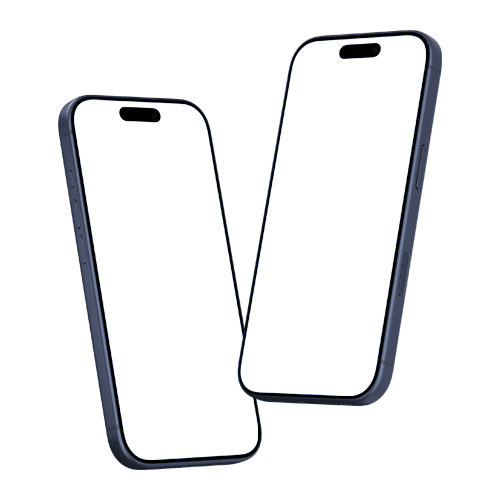
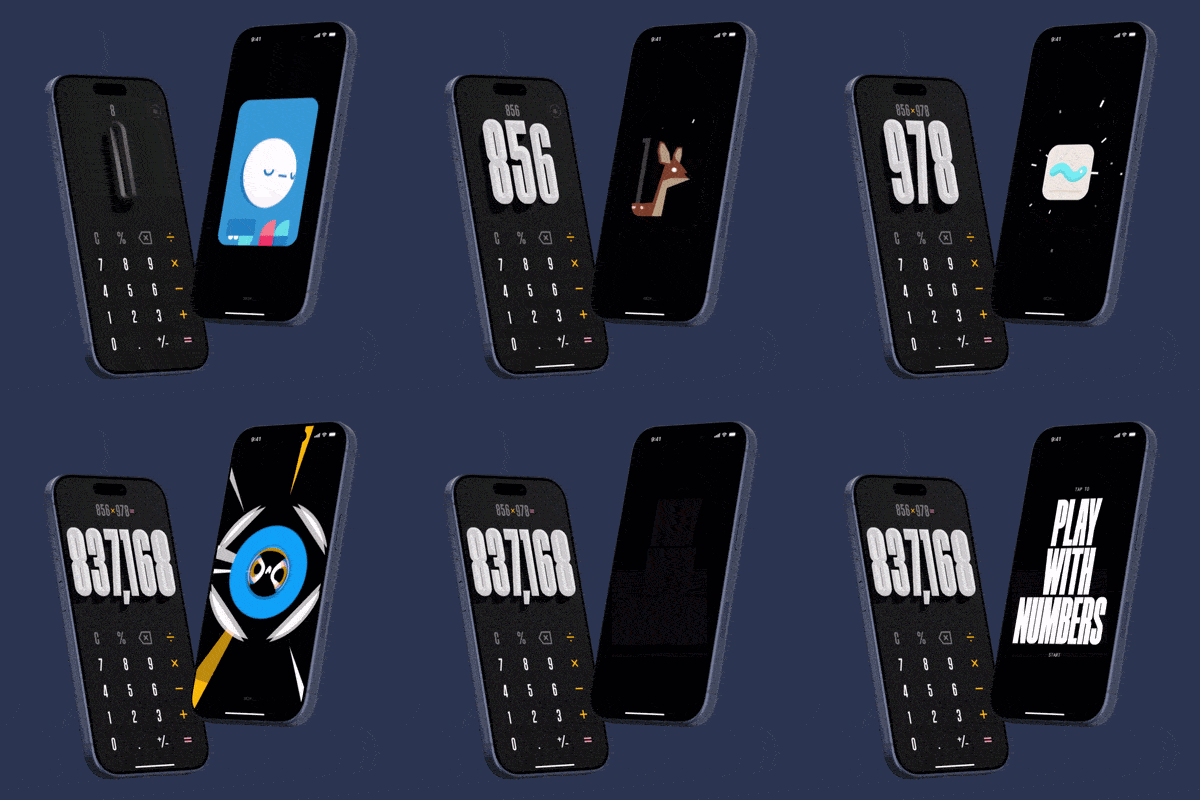
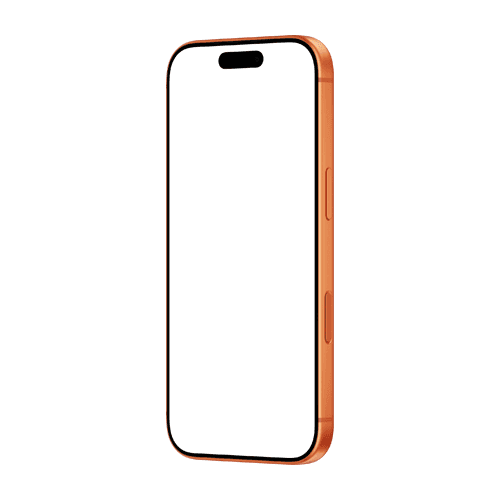
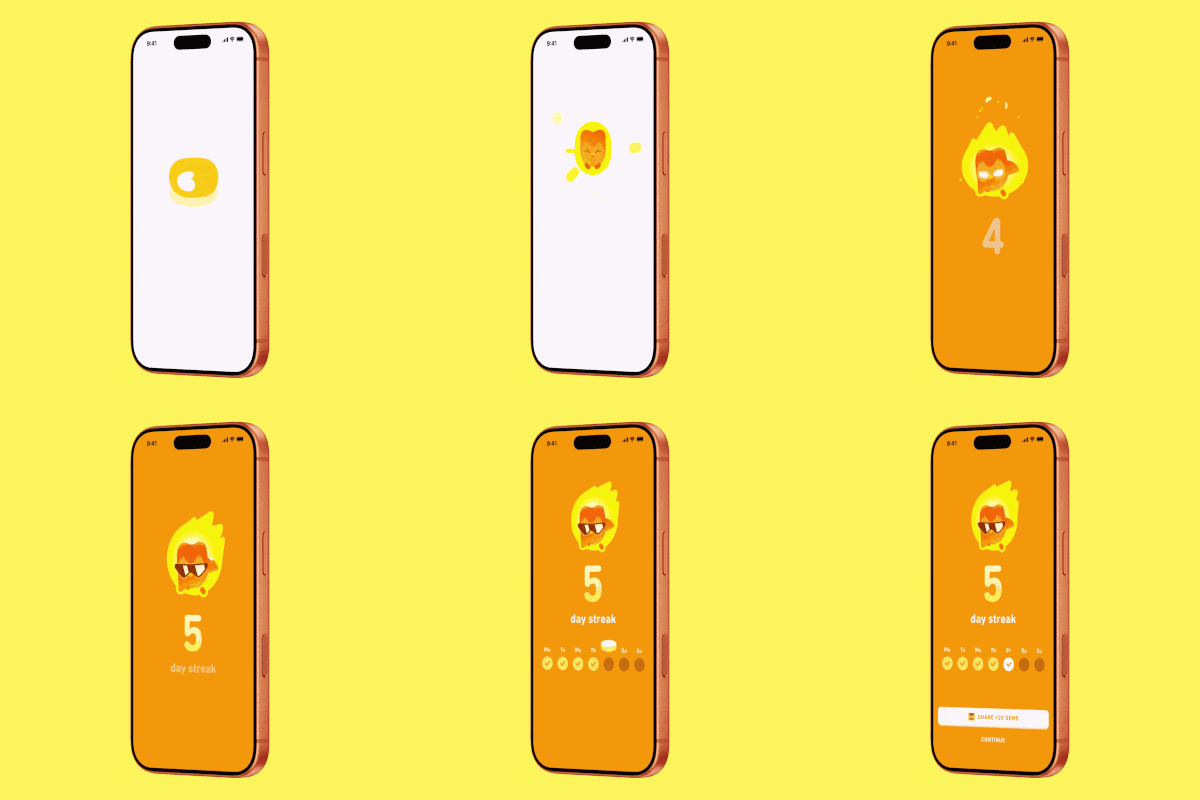
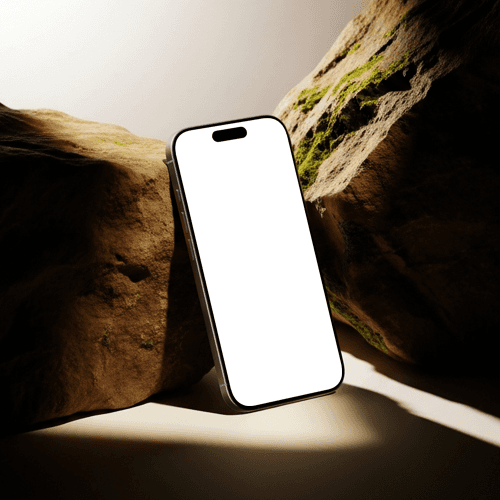
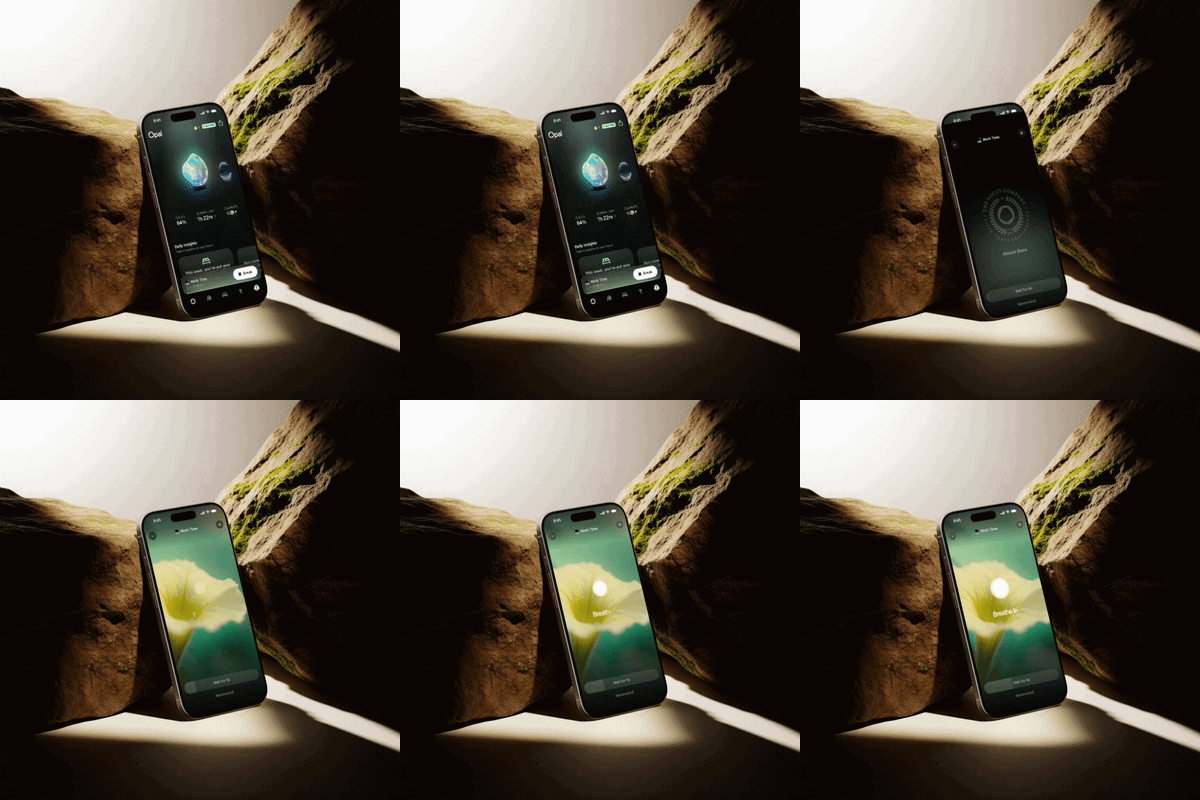
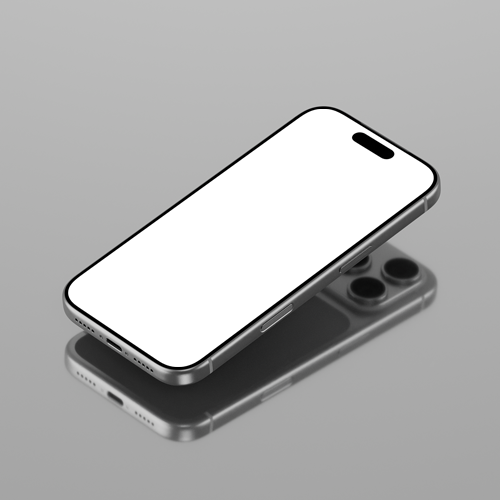
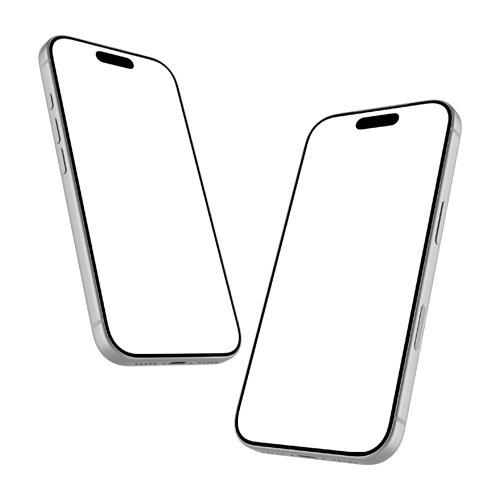
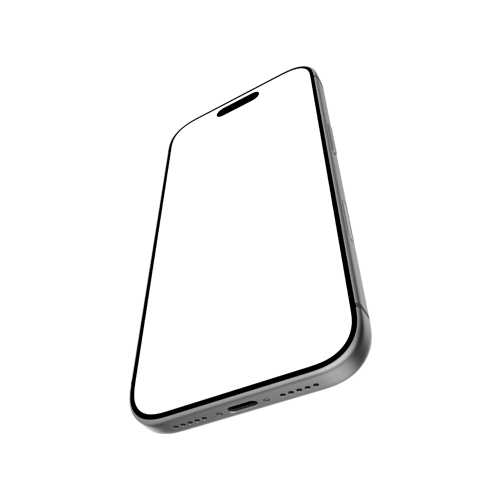
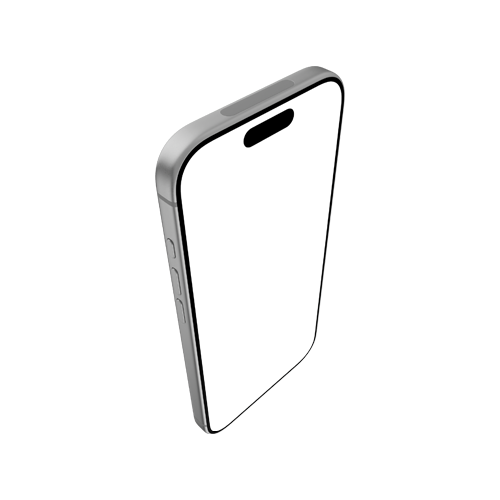
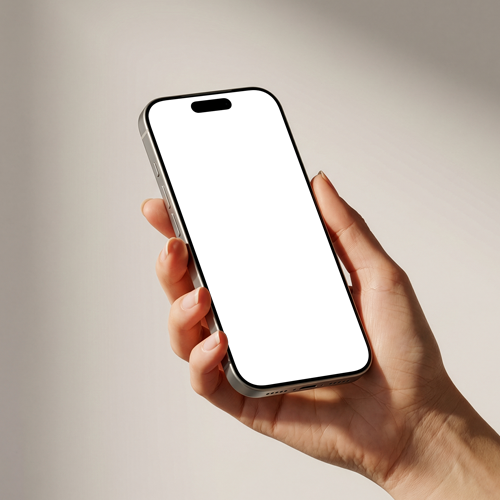
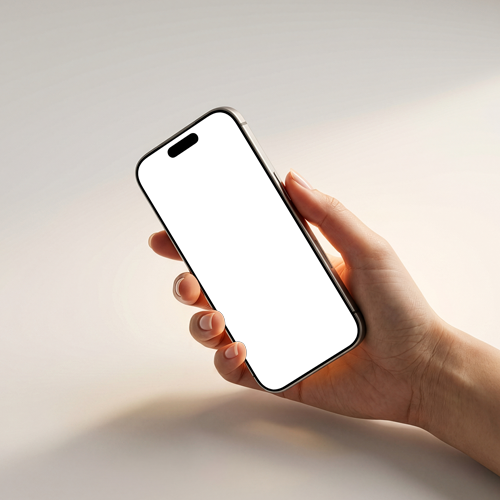
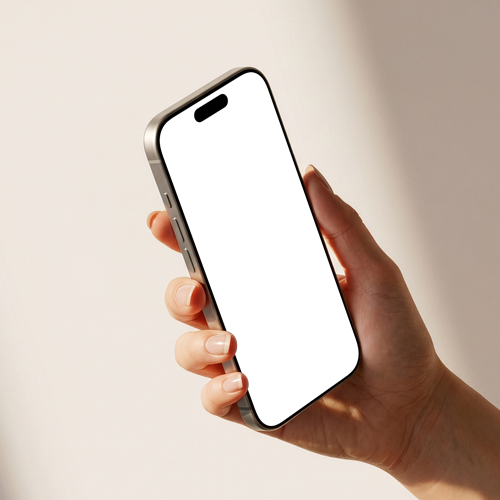
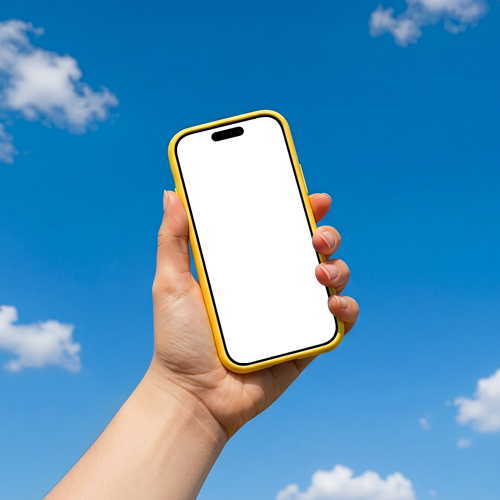
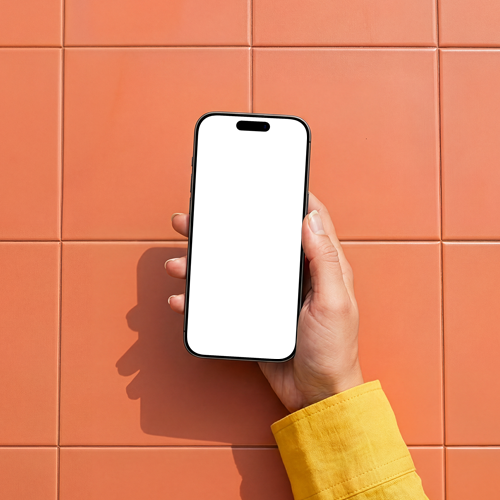
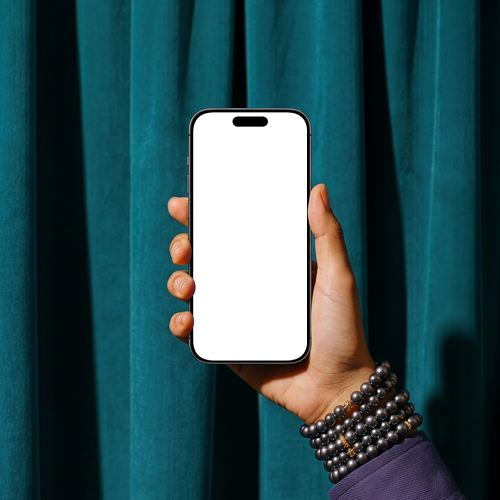
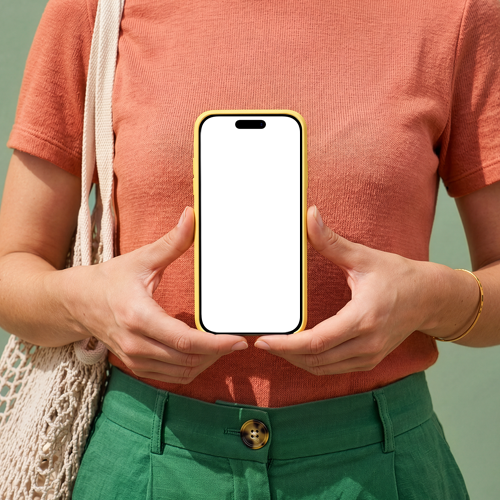
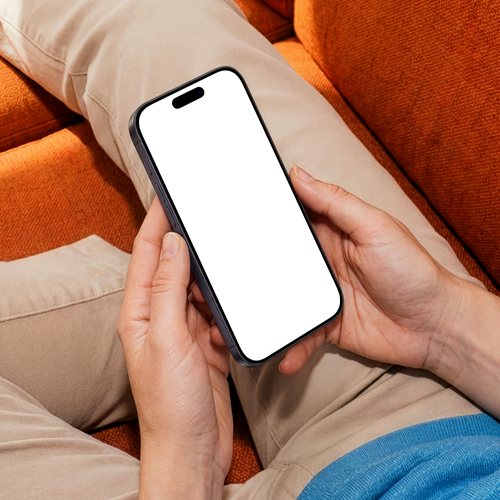
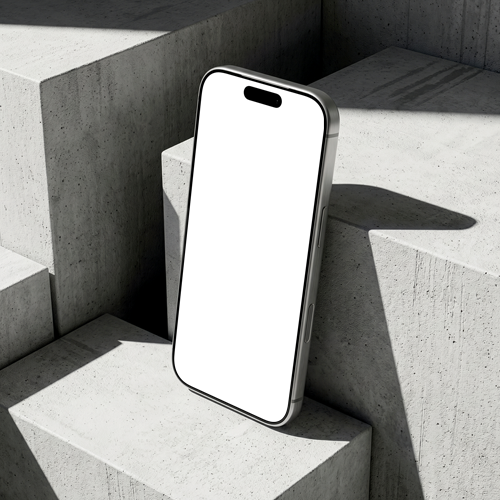
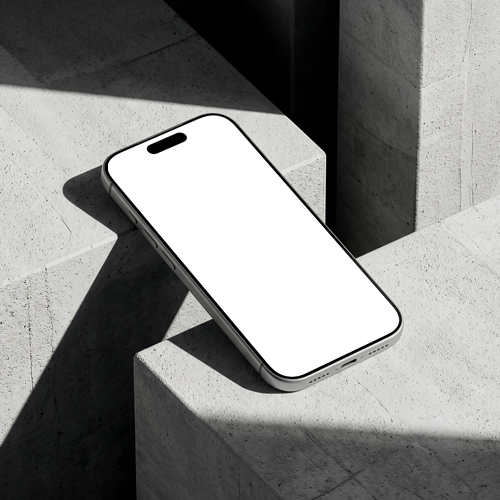
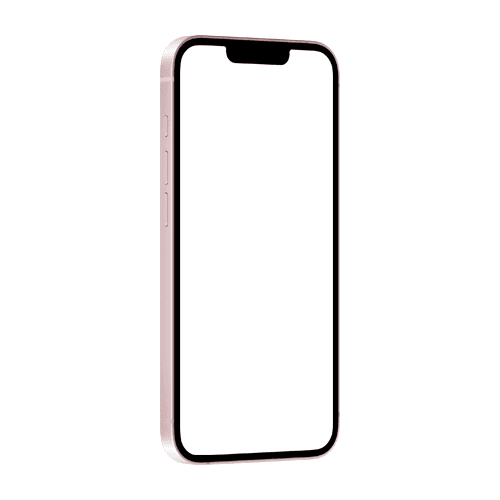
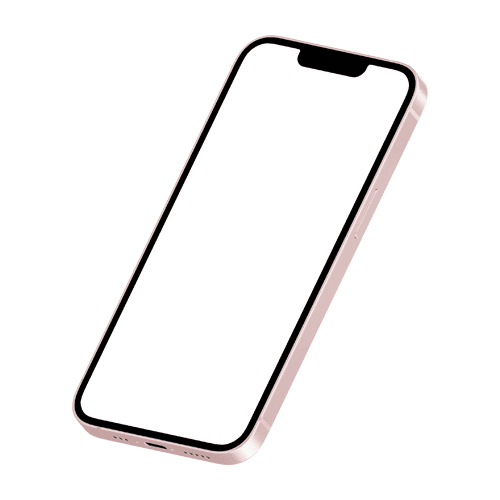
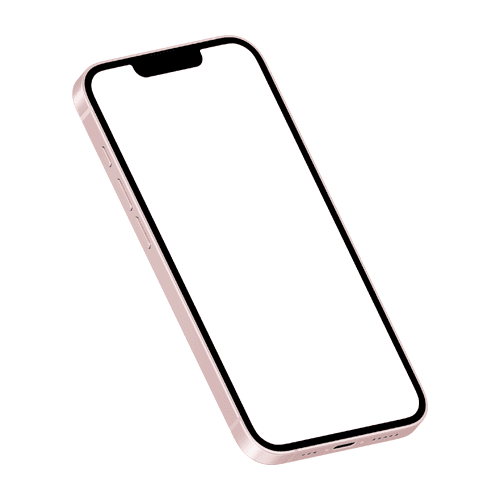
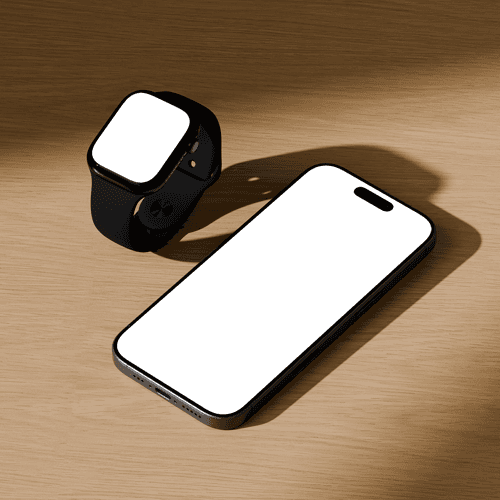
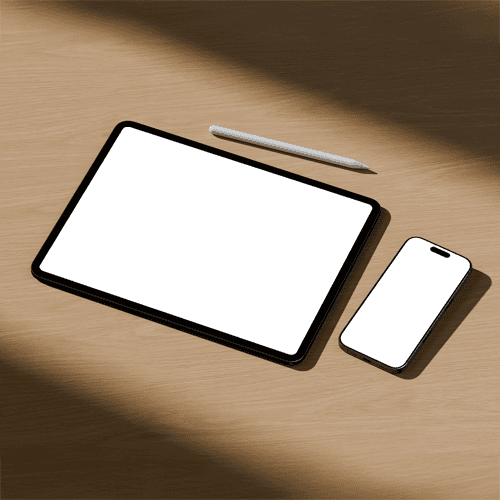
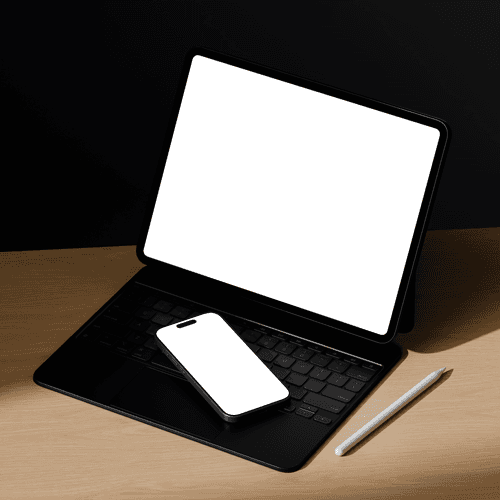
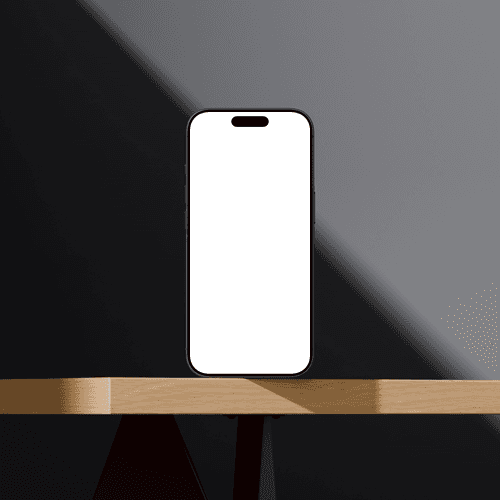
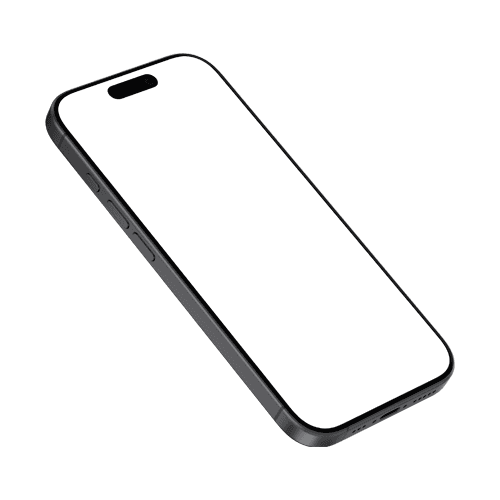
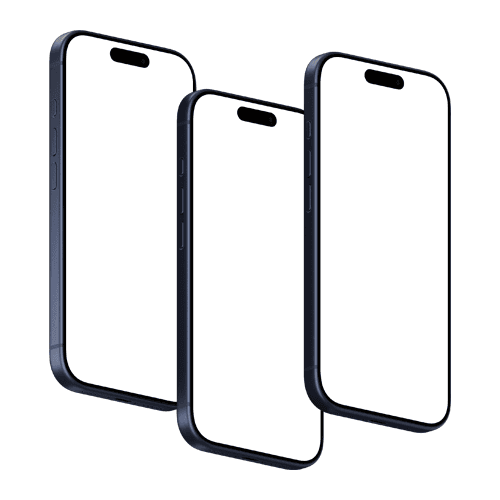
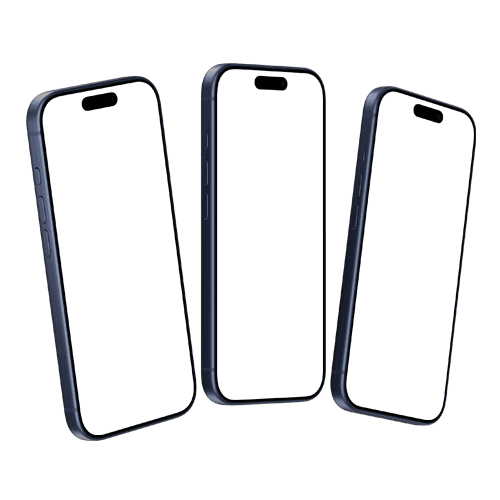
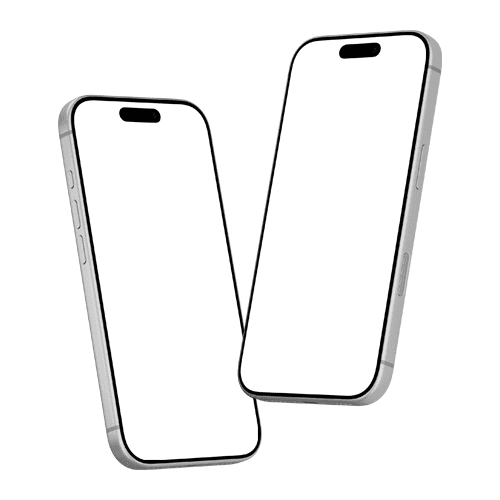
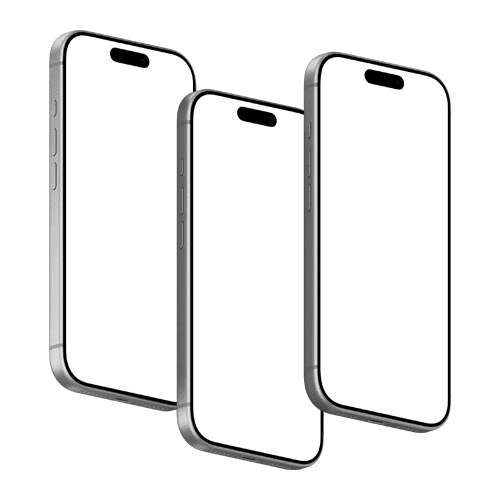
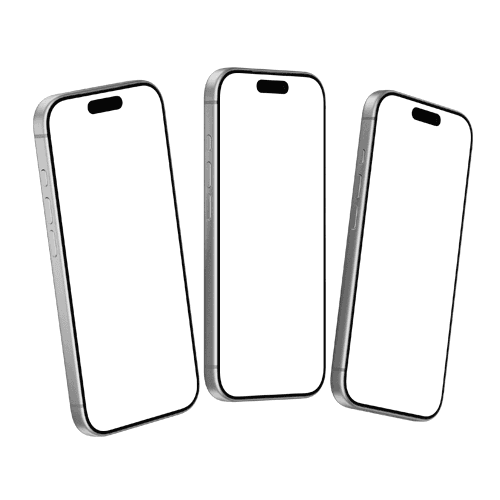
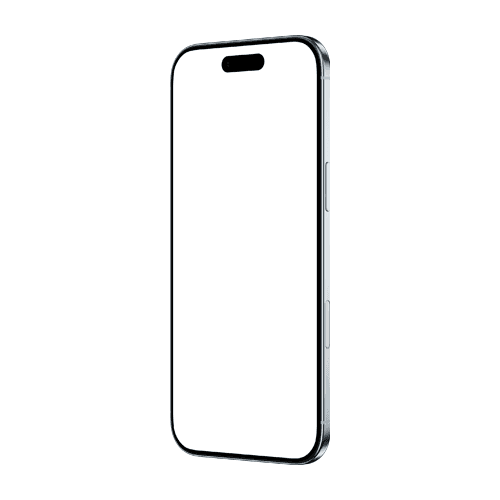
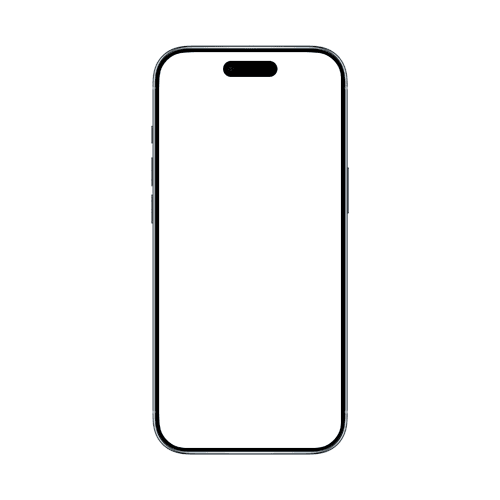
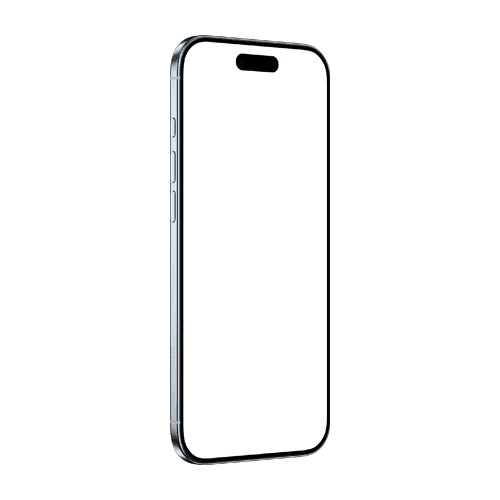
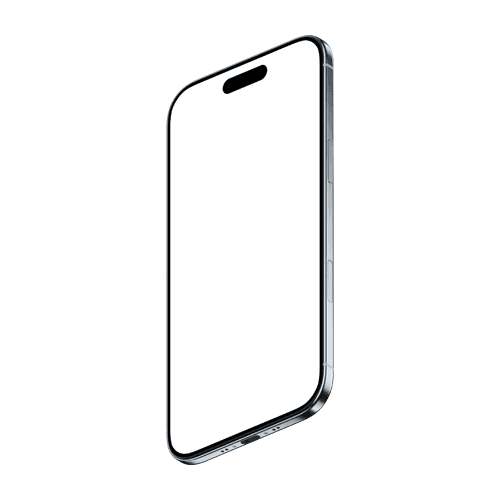
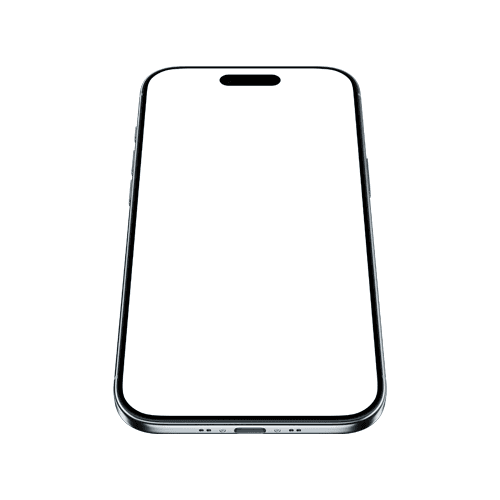
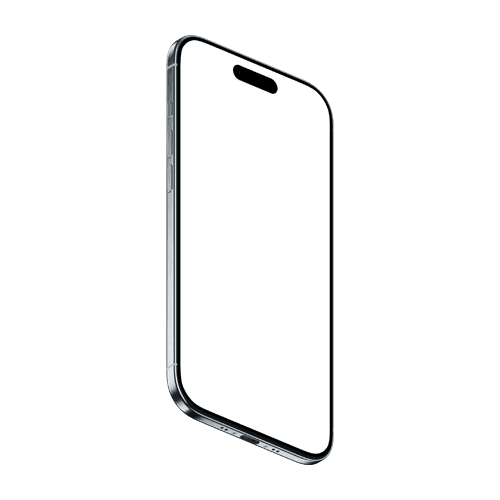
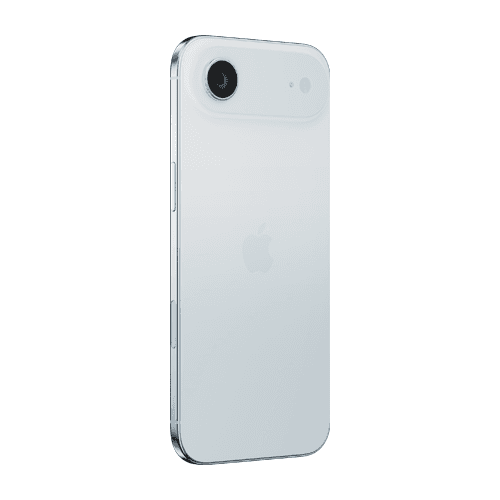
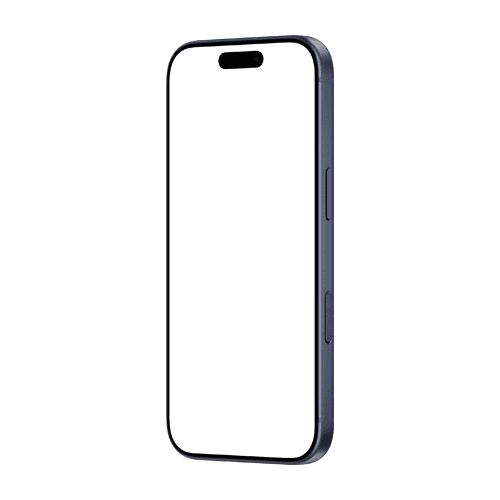
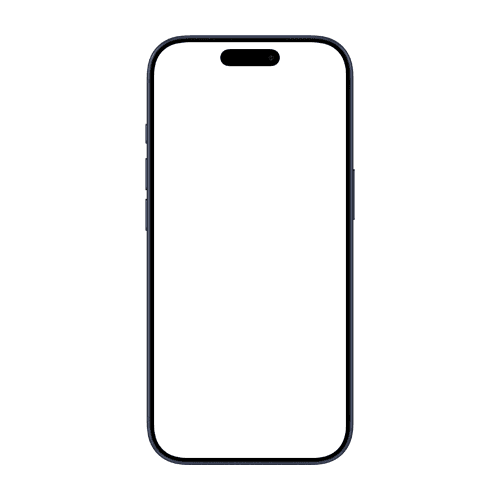
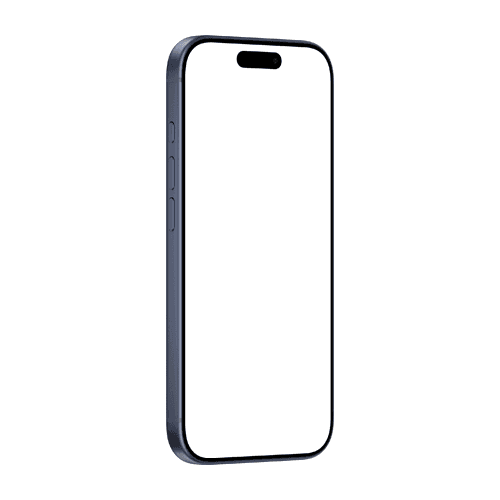
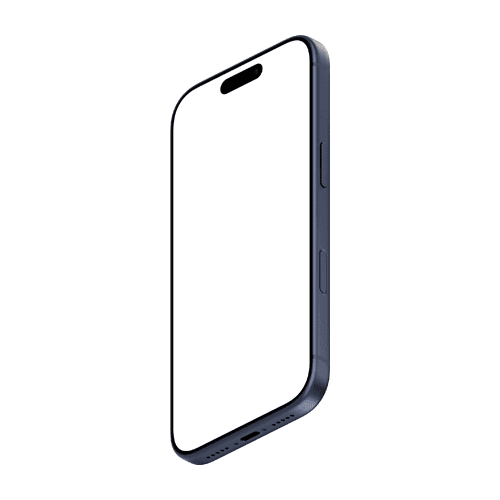
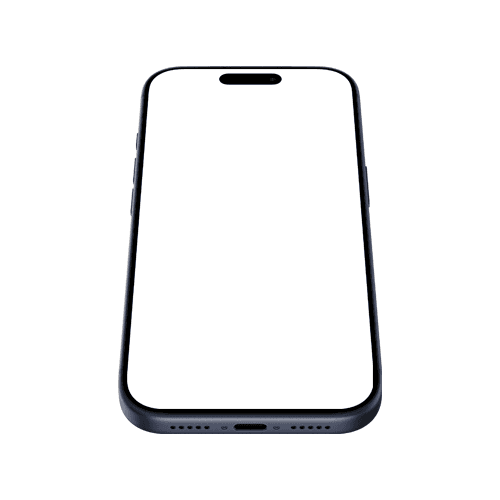
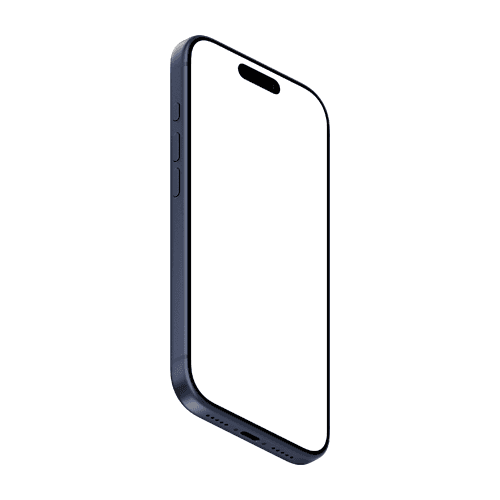
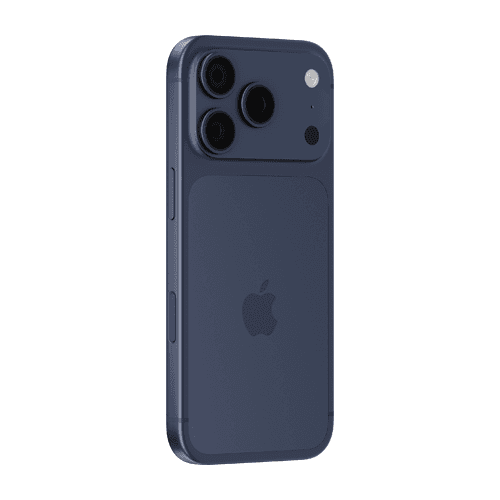
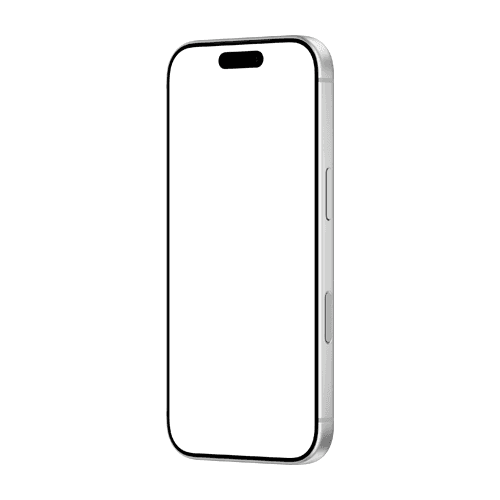
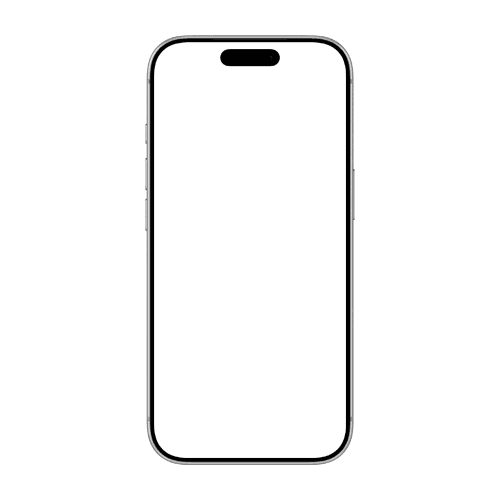
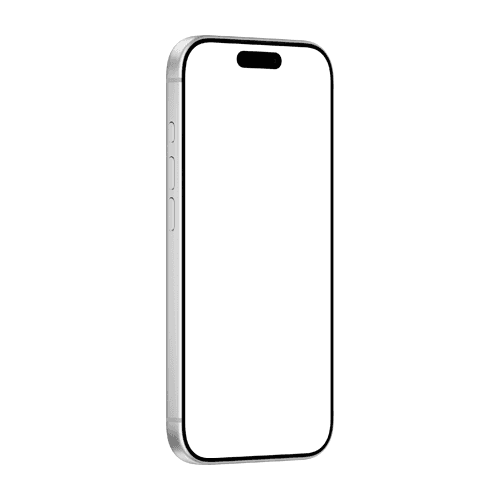
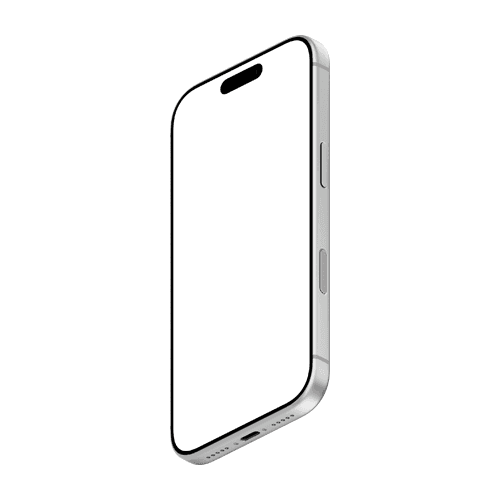
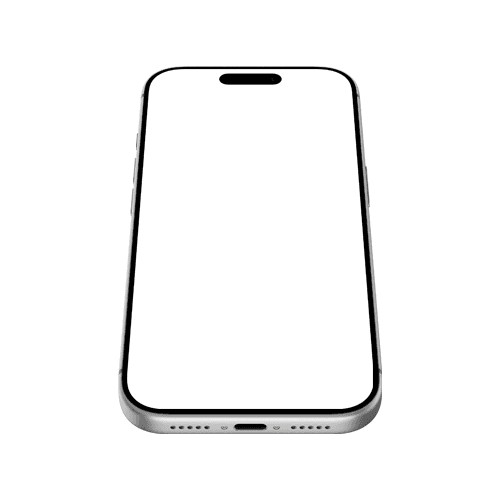






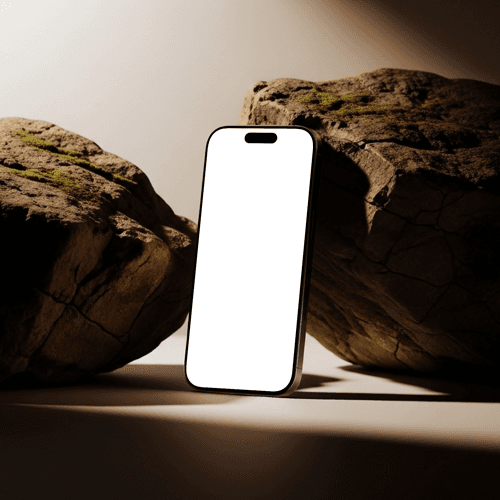











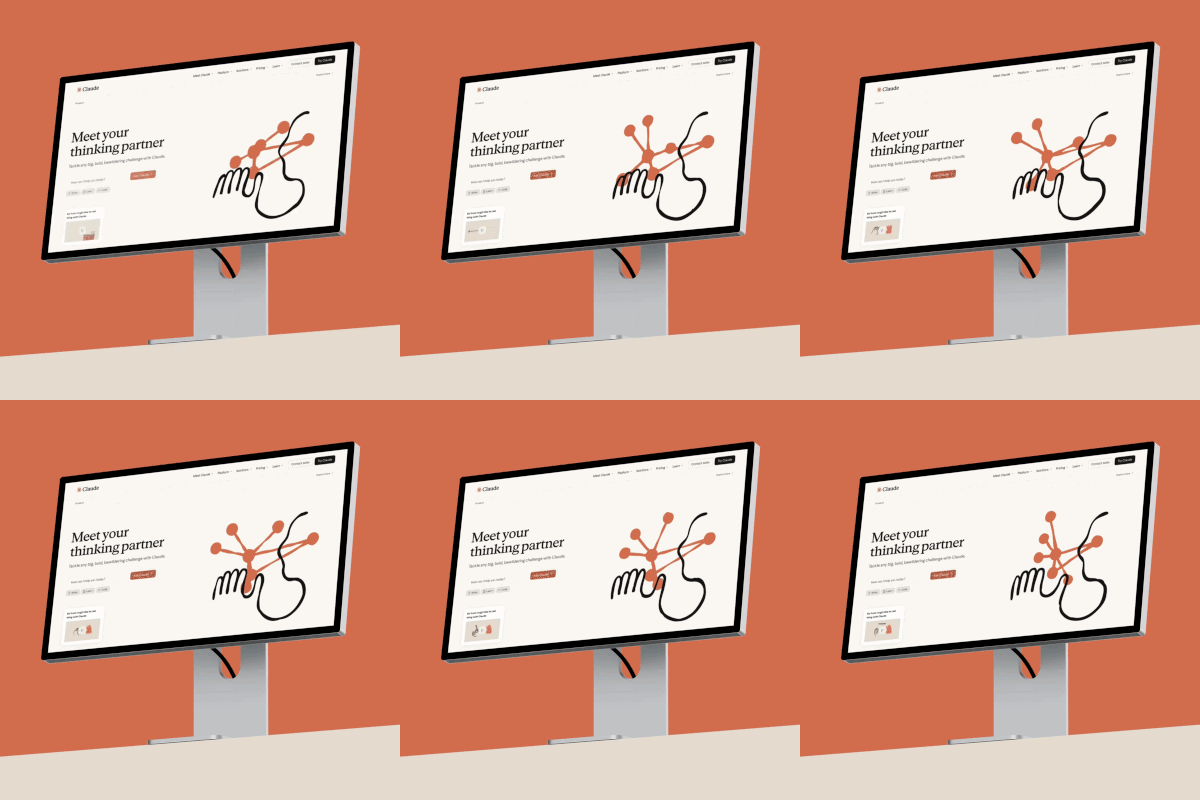
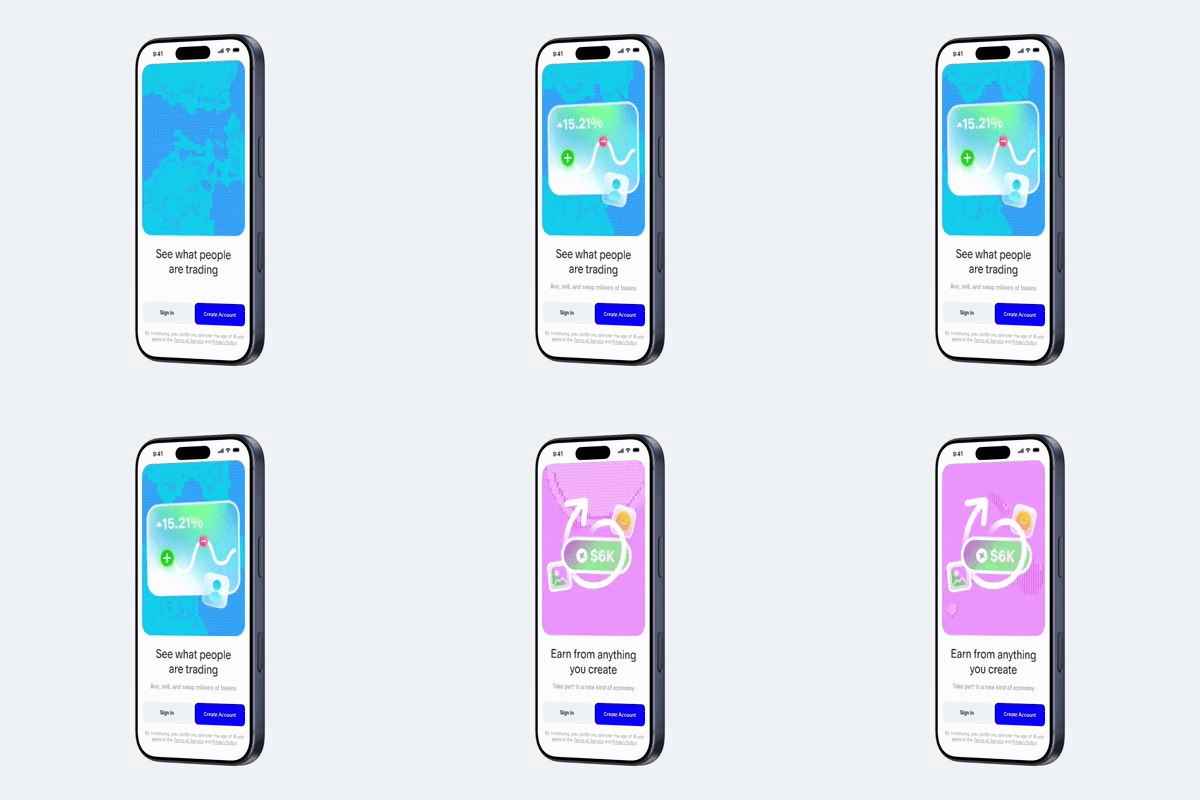
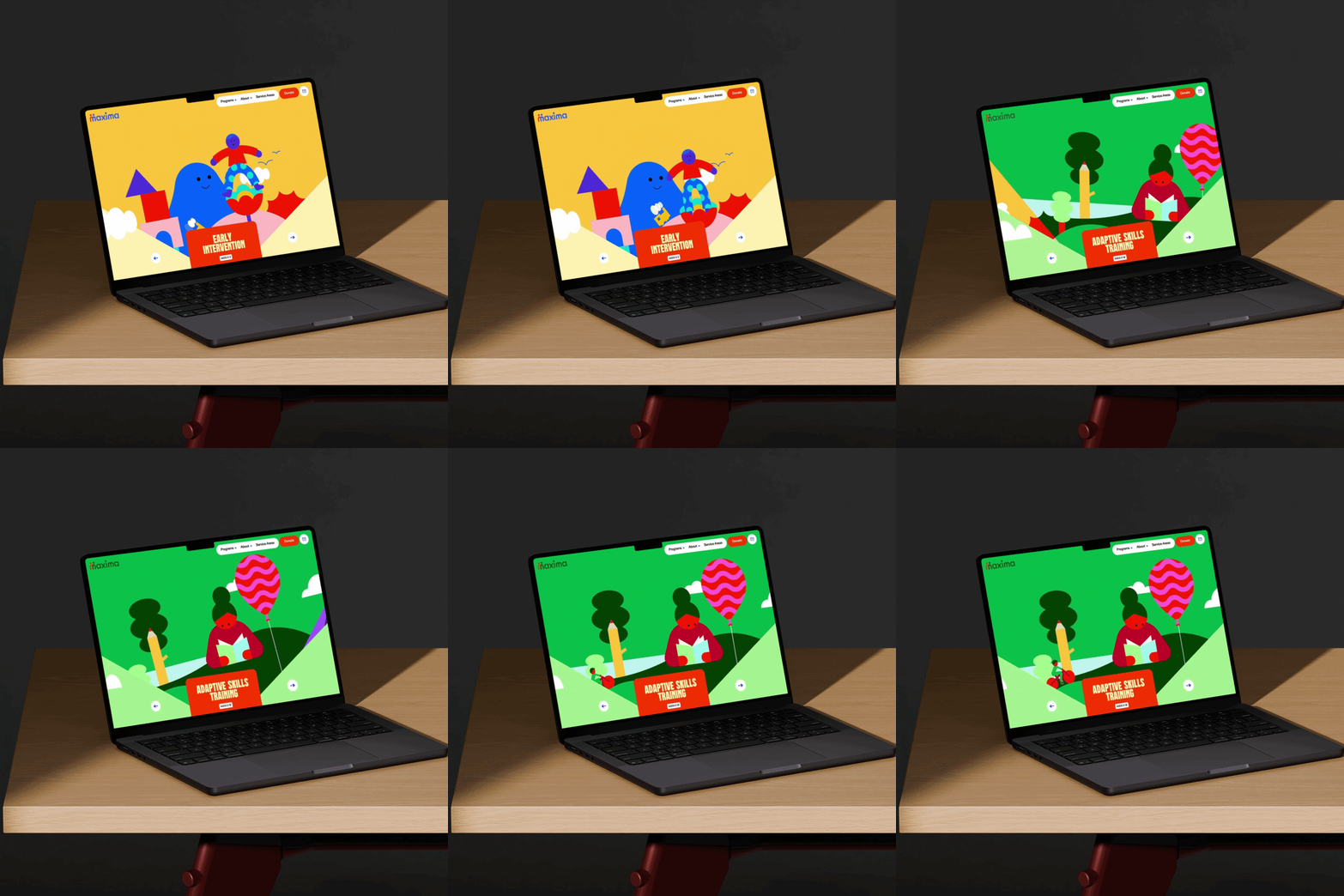

The world's best designers and agencies don't just show their work — they animate it. iPhone video mockups turn screen recordings and UI transitions into presentation-ready assets that win clients, dominate Dribbble, and make portfolio case studies impossible to ignore.
How to use iPhone video mockup generator?
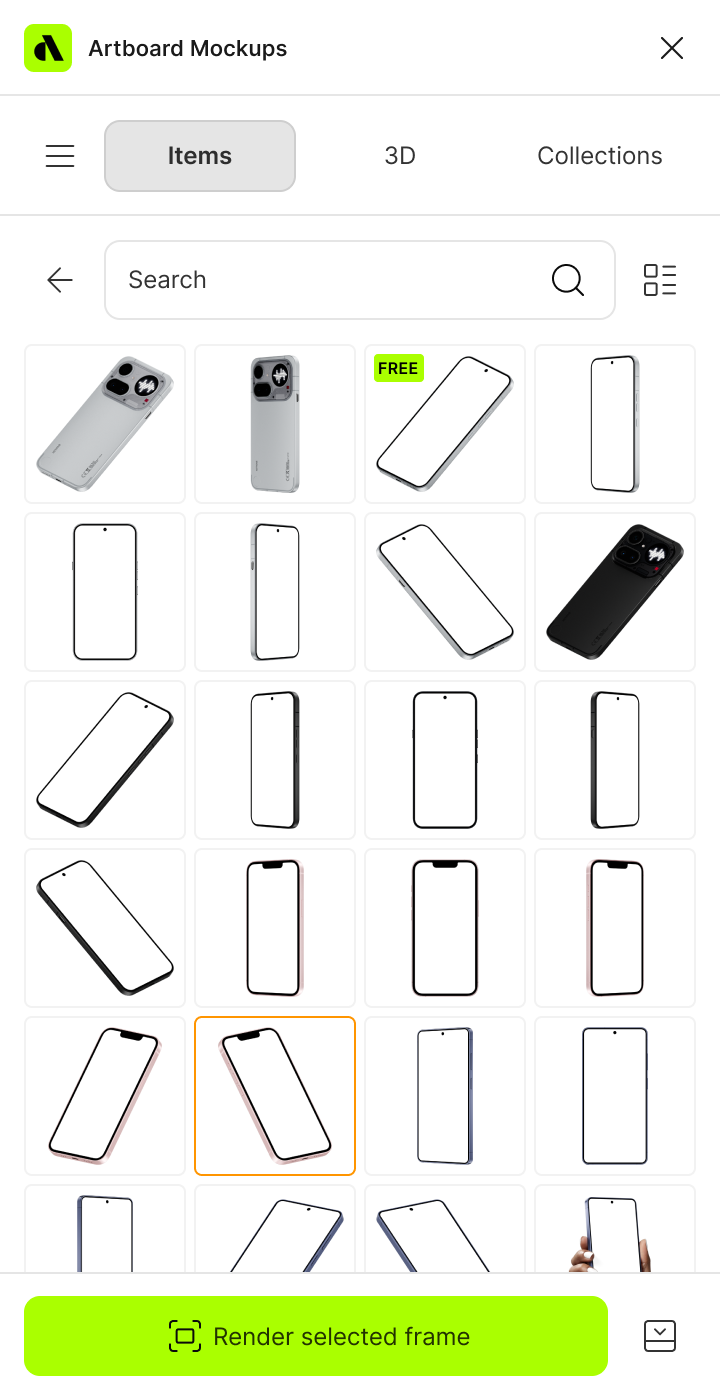
Select the iPhone mockup and open editor
Browse the full collection, pick the mockup that fits your project, and jump straight into the editor.
Add your video to the iPhone screen
Upload your image or video and watch it appear on the iPhone screen instantly — perfectly placed and ready to go.
Customize and export
Once you've applied your image or video, export it in high resolution — PNG, JPEG, or WEBP for images, MP4 or WEBM for video.
FAQs
What is an iPhone video mockup?
An iPhone video mockup is a pre-made template that lets you place your screen recording, UI animation, or app demo onto a realistic iPhone frame and export it as a video file. It's the fastest way to present motion work in a polished, professional context without video editing software.
What video formats can I export from an iPhone video mockup?
You can export your finished iPhone video mockup as an MP4 or WEBM file — ready for Dribbble, Behance, App Store previews, client presentations, and social media.
Do I need After Effects to use iPhone video mockups?
No. The online editor lets you upload your video and apply it to any iPhone frame directly in the browser — no After Effects, no Premiere, no plugins required.
What video file should I upload to an iPhone video mockup?
Most screen recordings and UI animations work out of the box. The online editor accepts standard video formats and automatically fits your footage to the iPhone screen dimensions for a pixel-perfect result.
Can I use iPhone video mockups for App Store preview videos?
Yes. iPhone video mockups are well suited for App Store preview videos — export in high resolution, trim your clip to the required length, and your footage is framed exactly as users will see it on the App Store listing.
Are there free iPhone video mockups?
Yes, several iPhone video mockups in the library are free to use with no account required. Premium mockups unlock a wider range of models, angles, and scenes with higher resolution export options.
Still have questions?
We are always here to help. Use the chat in the bottom right corner.