


Device Mockups


Packaging Mockups








iPhone 17 Mockup Generator
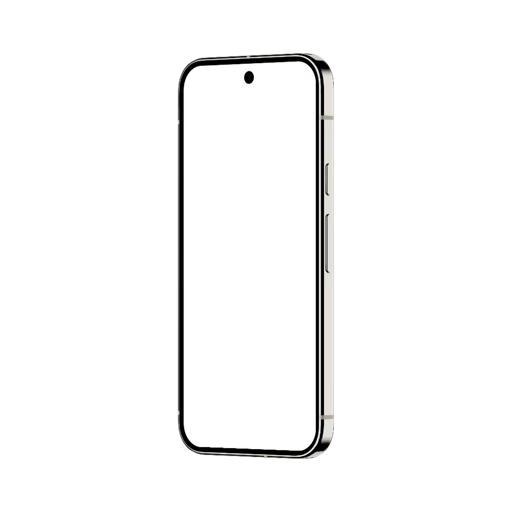
An iPhone 17 mockup is a ready-made template that places your app screenshot or UI video onto a realistic iPhone 17 - with no Photoshop and no setup.
Artboard Studio's iPhone 17 mockup generator applies your screen in seconds. Upload an image or a UI video, drop it on the screen, and export in high resolution. Most mockups come on a transparent, isolated background, so you can set any surface or scene behind them. Add motion with a screen video, generate scenes with AI, work in your browser, or use the Figma and Adobe Express plugins. Built for product designers, app studios, and agencies.
Trusted by 925K+ designers worldwide. Free plan available; commercial license included. Updated June 2026.
iPhone 17 mockups at a glance
What it is: realistic iPhone 17 templates you drop your app screen or UI video onto.
Background: most mockups are transparent and isolated - set any surface, color, or scene.
Models: iPhone 17, 17 Pro, 17 Pro Max, and 17e, in silver, deep blue, cosmic orange, black, and pink.
Views: front, angled, floating, hand-holding, and duo or trio sets, with MacBook and iPad combos.
Export and price: PNG, JPEG, WEBP, MP4, WEBM; free plan, paid from 9 USD per month.
Browse iPhone 17 mockups
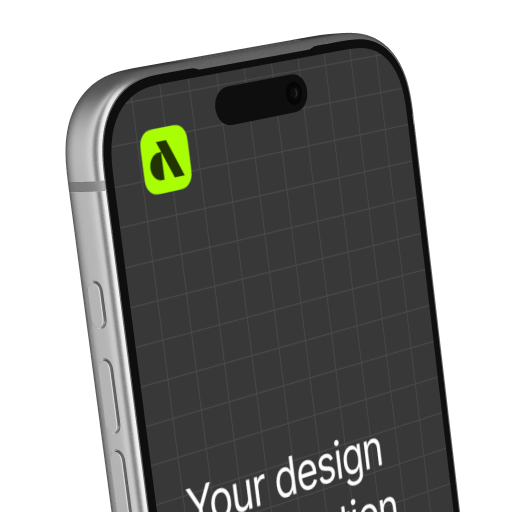
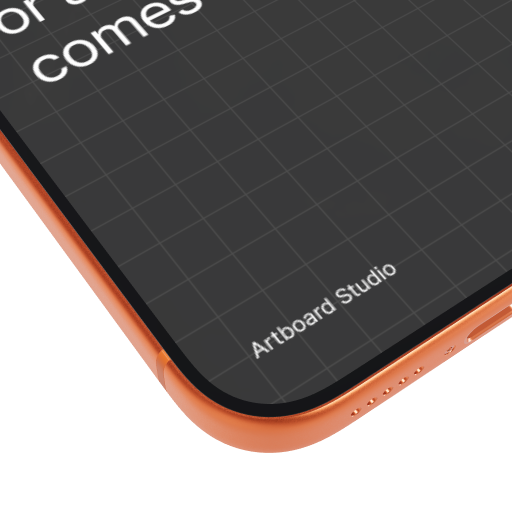
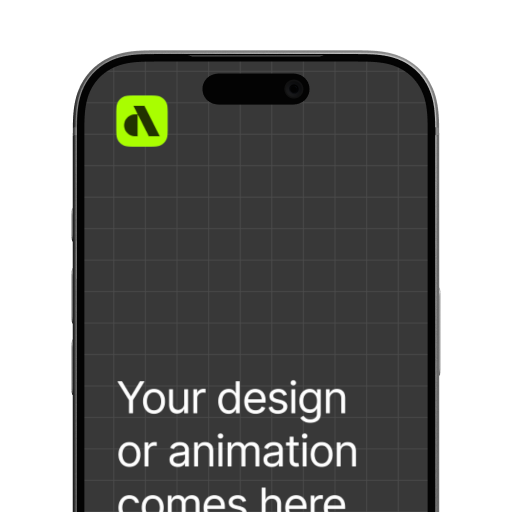
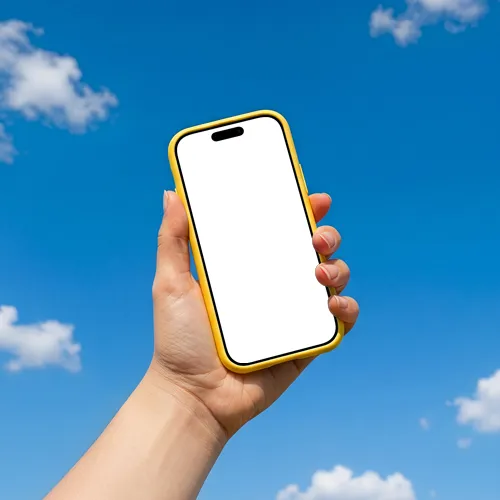
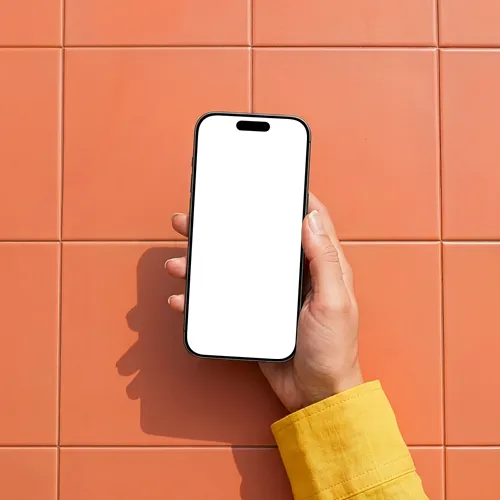
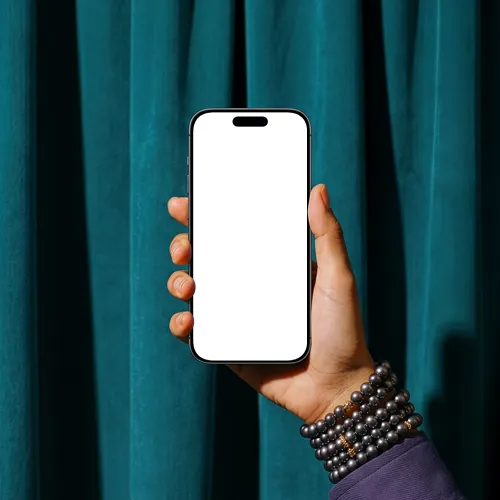
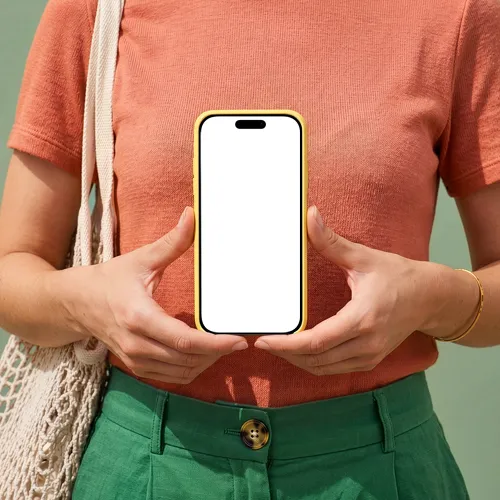
Lots of ready-to-edit iPhone 17 mockups. Click any one to open it in the editor.
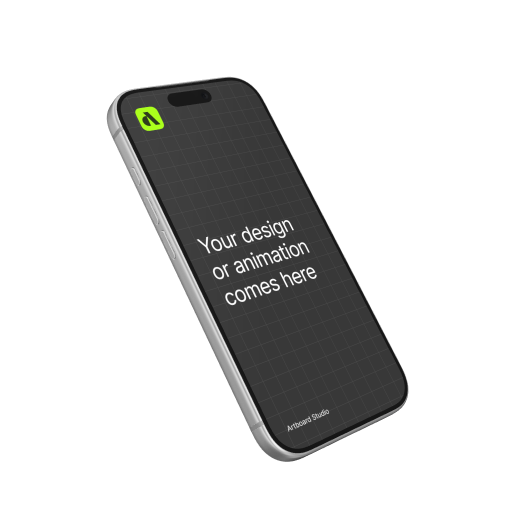
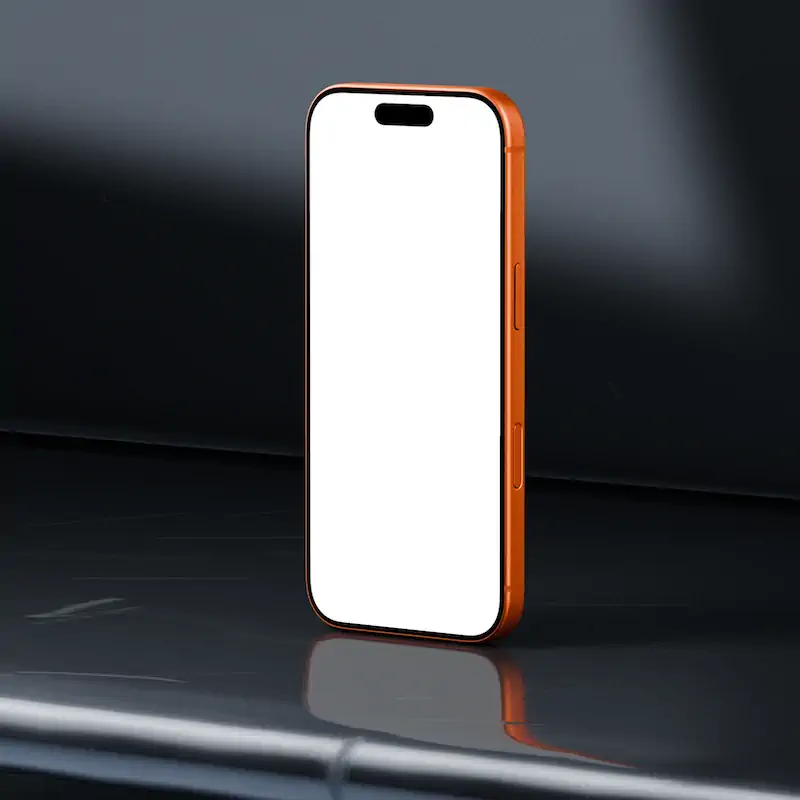
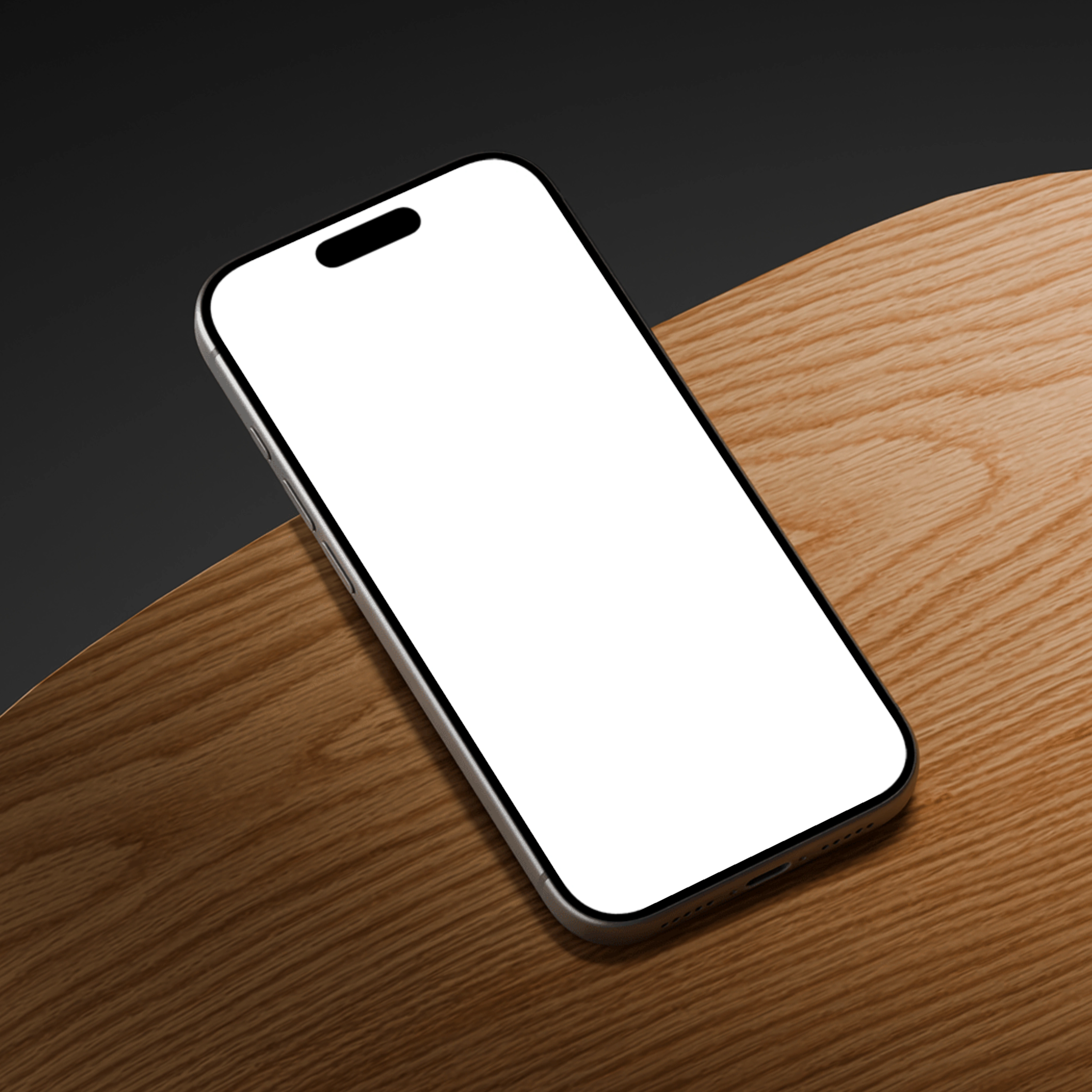
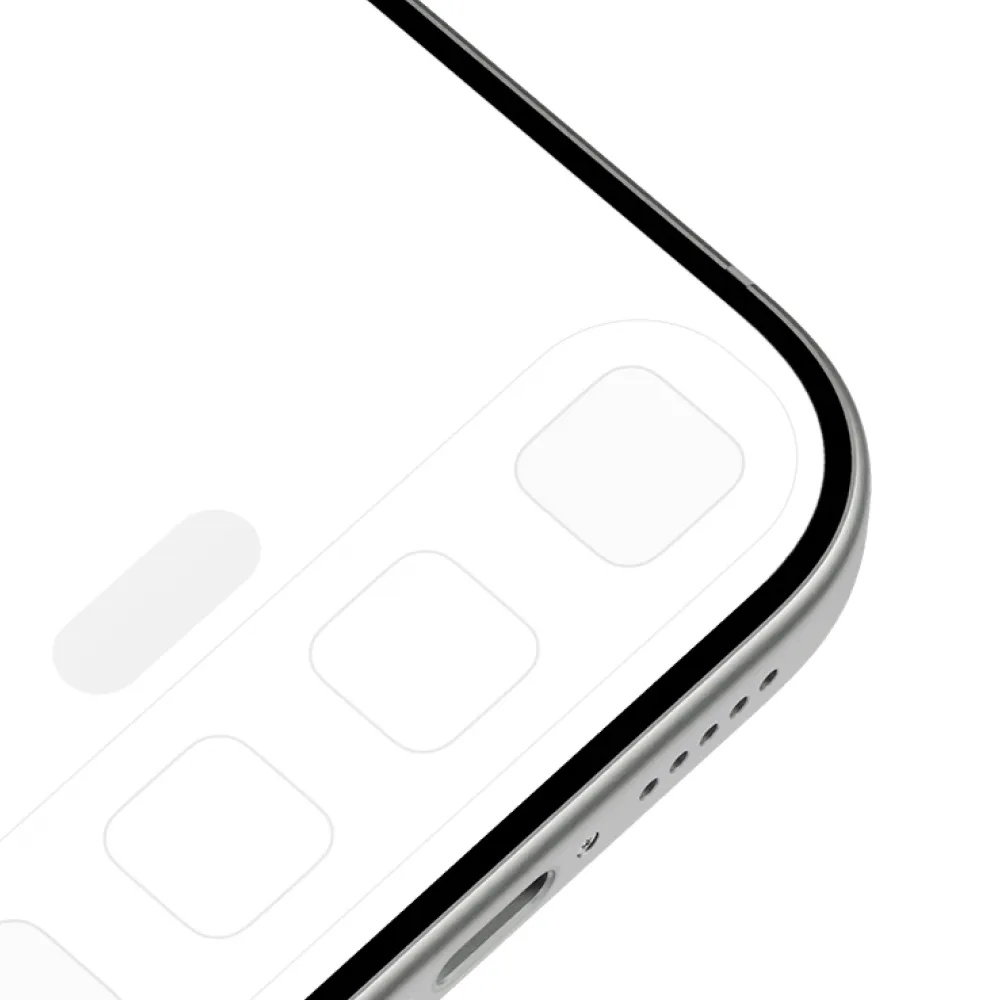
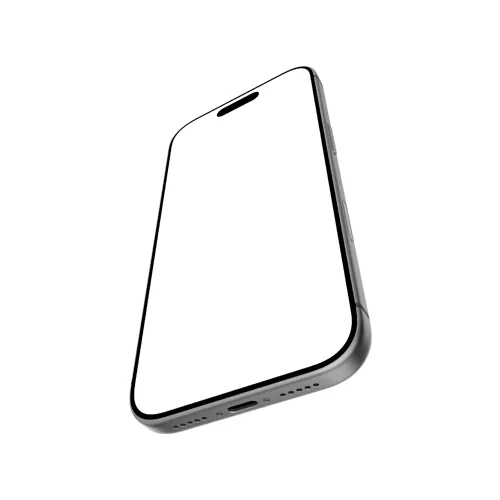
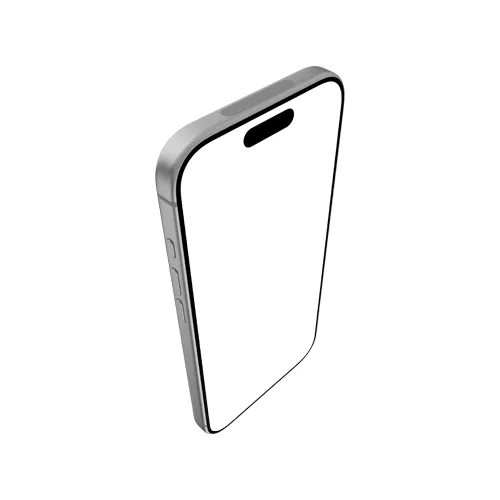
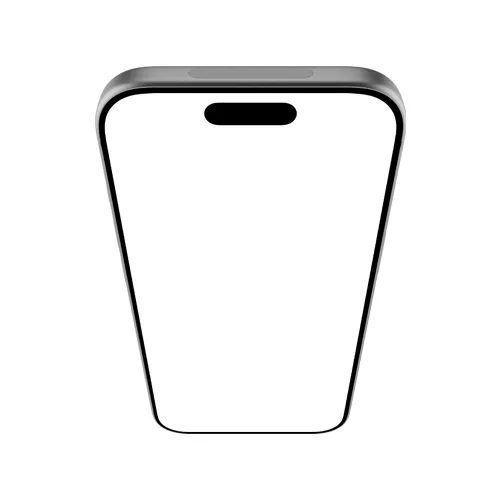
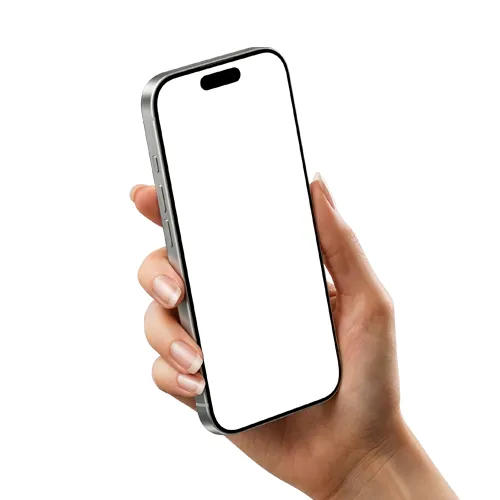
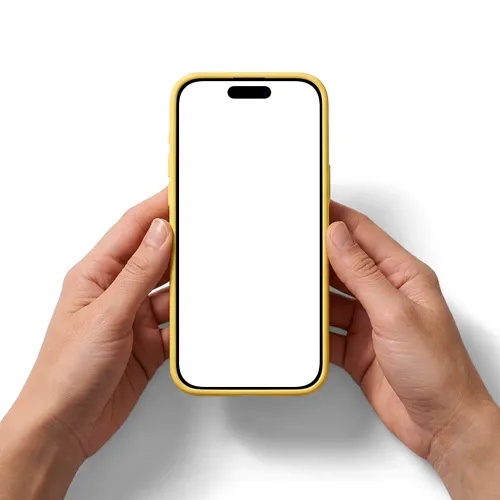
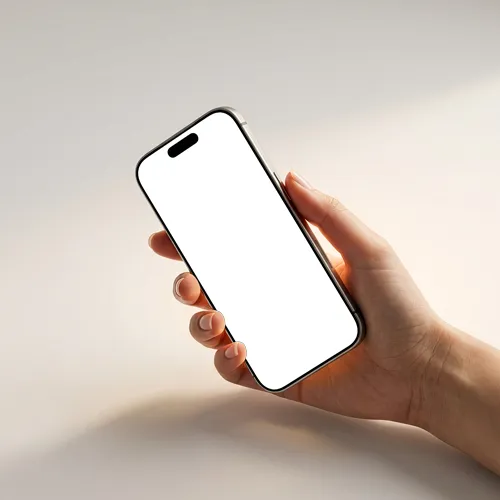
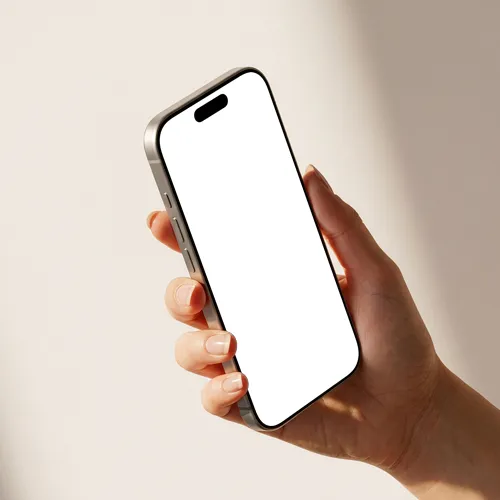
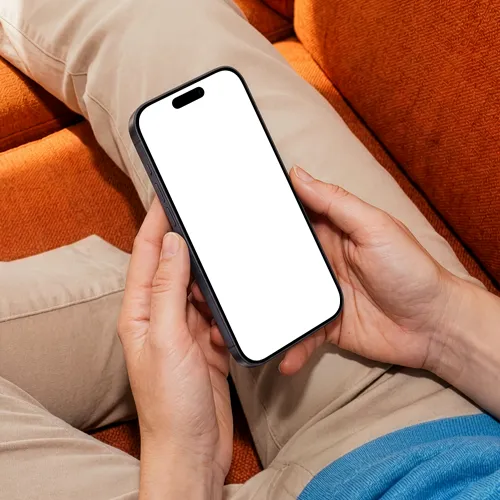
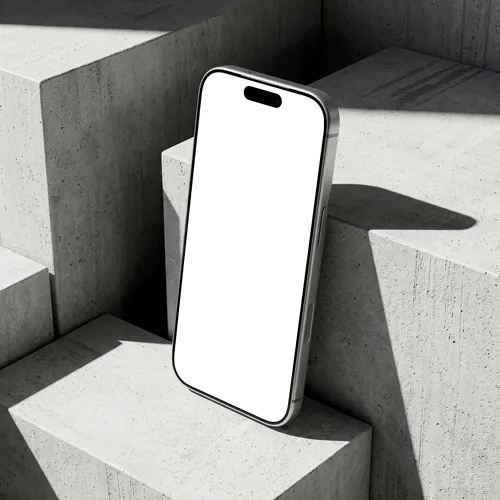
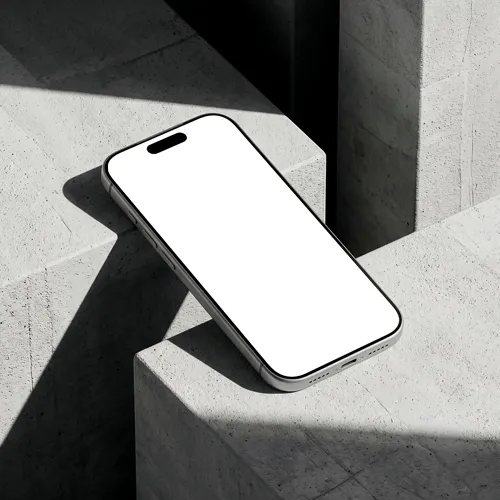
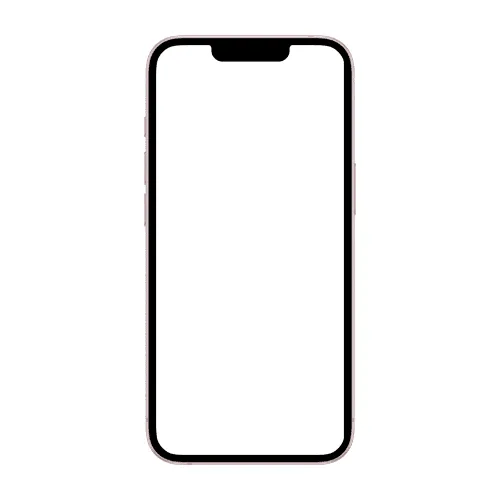
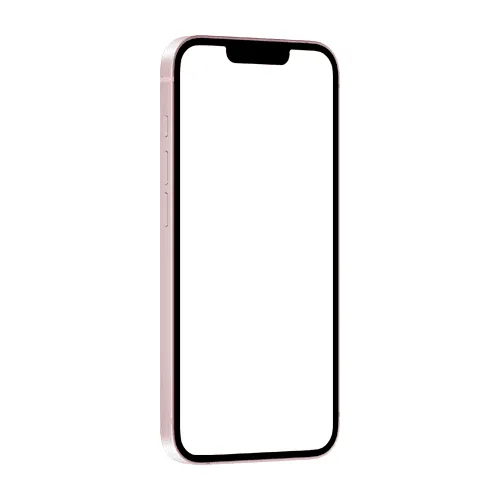
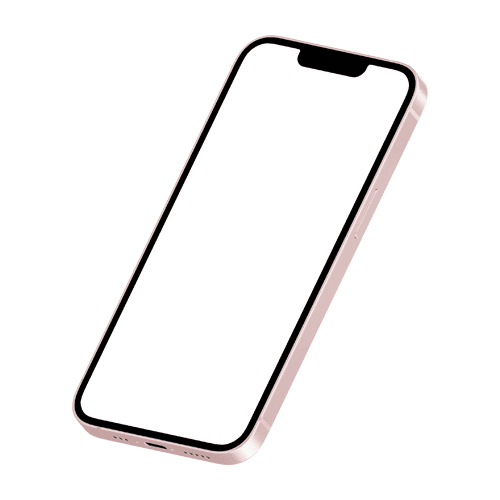
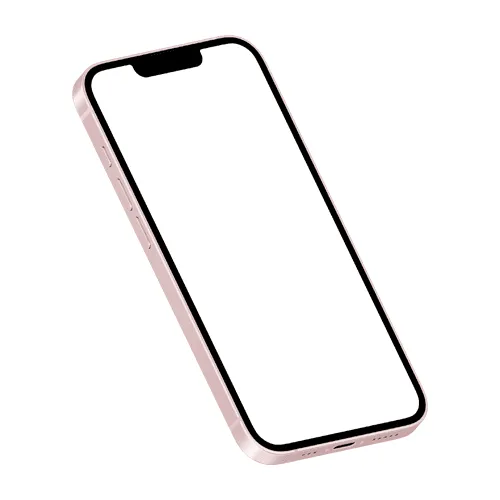
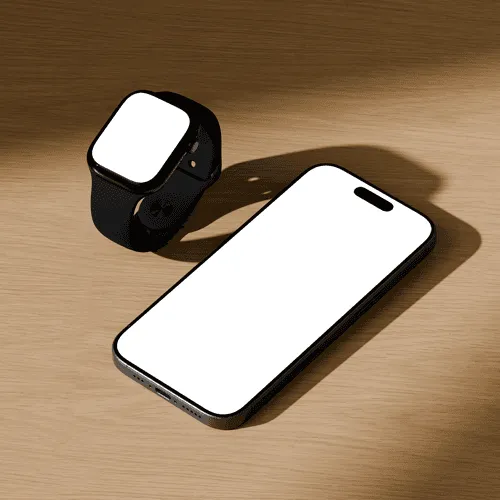
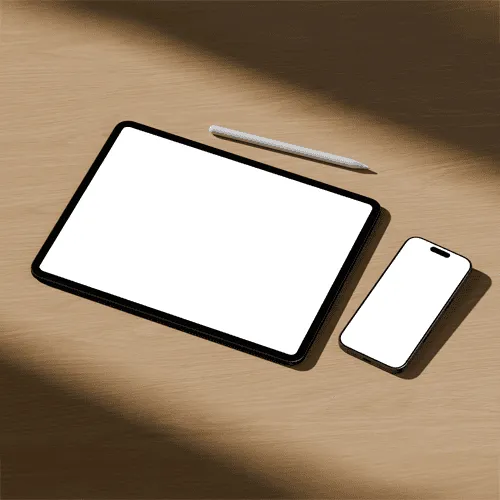
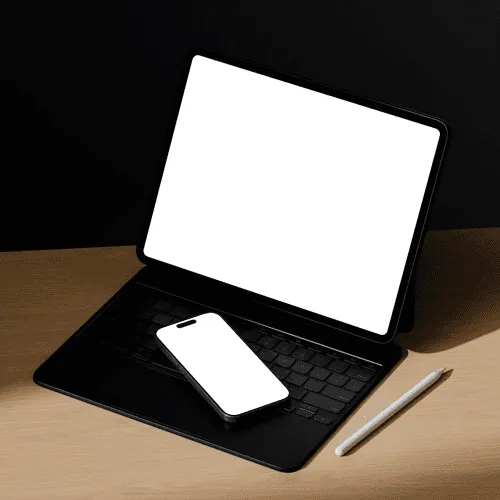
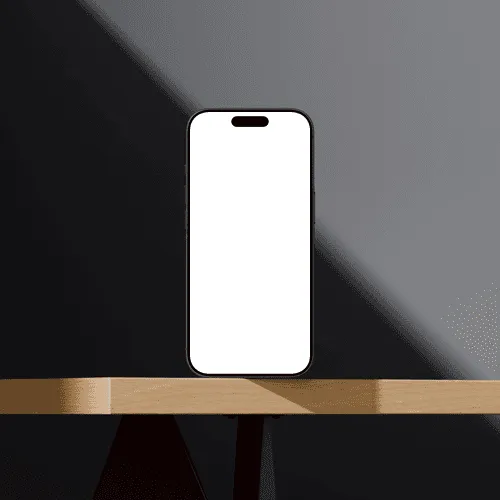
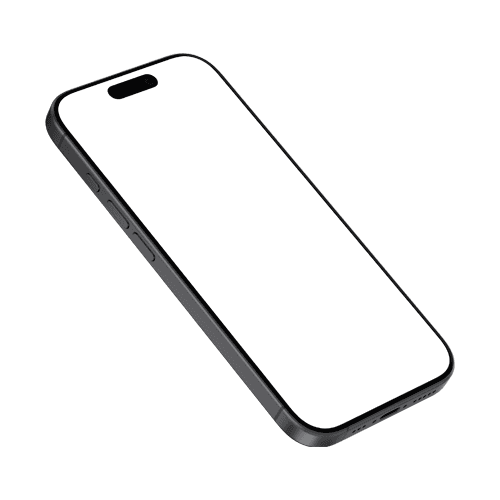
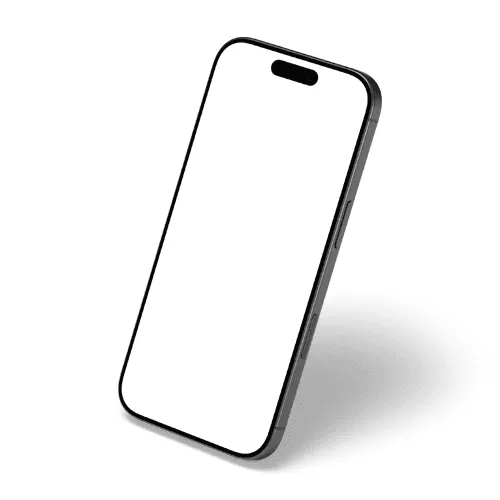
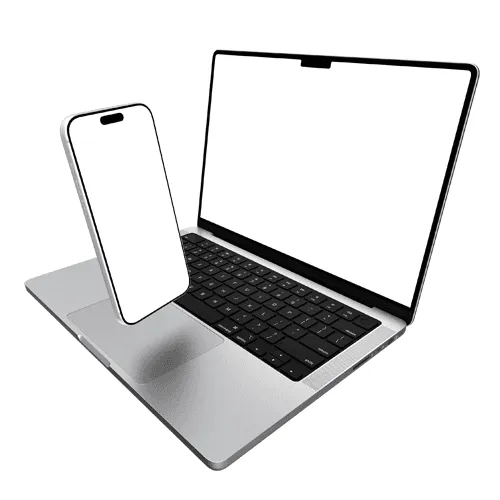
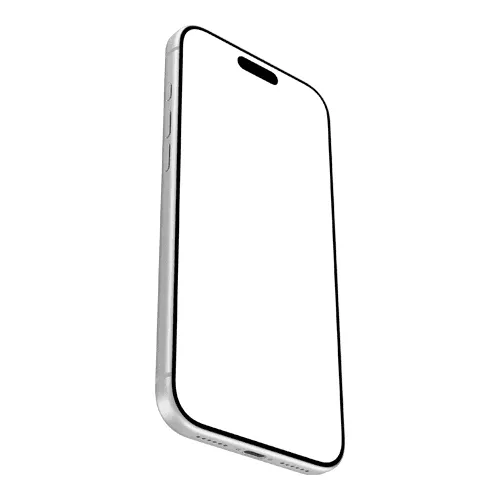
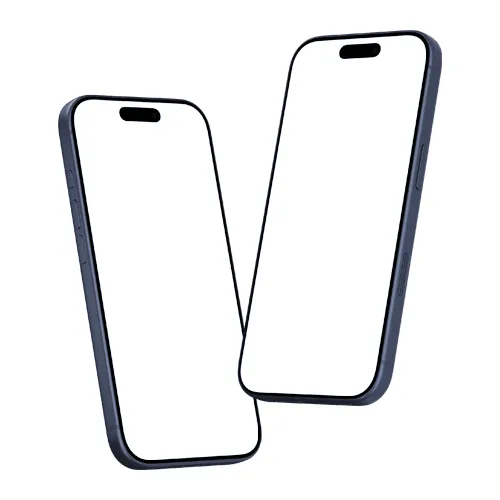
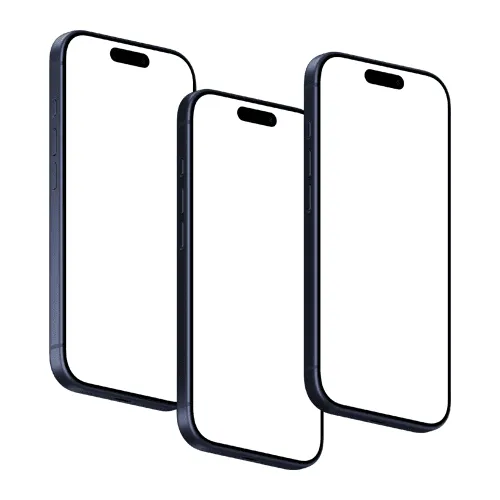
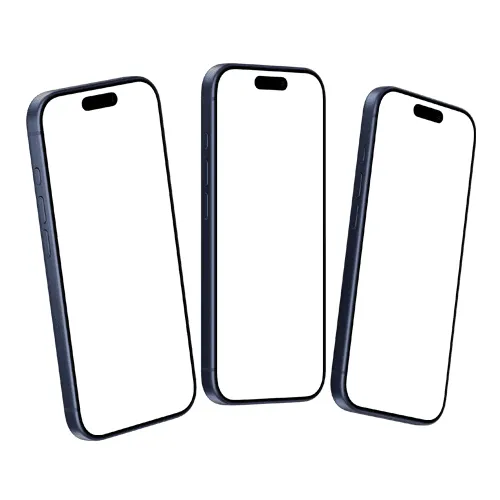
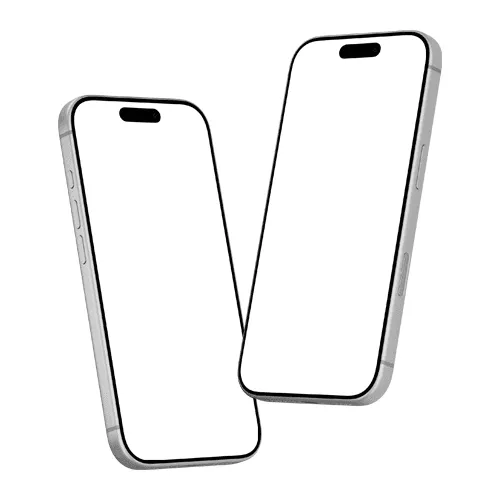
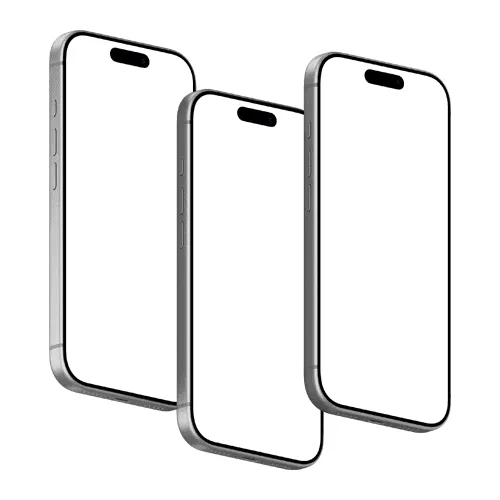
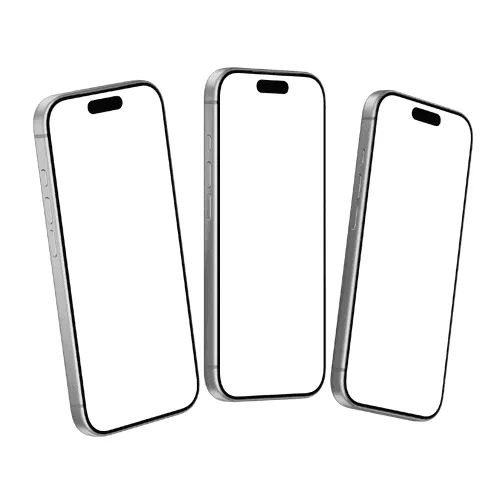
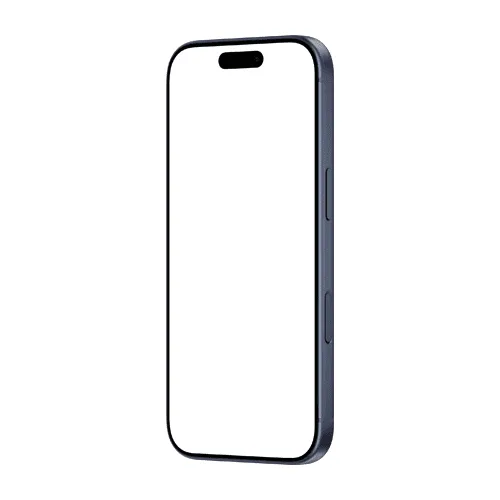
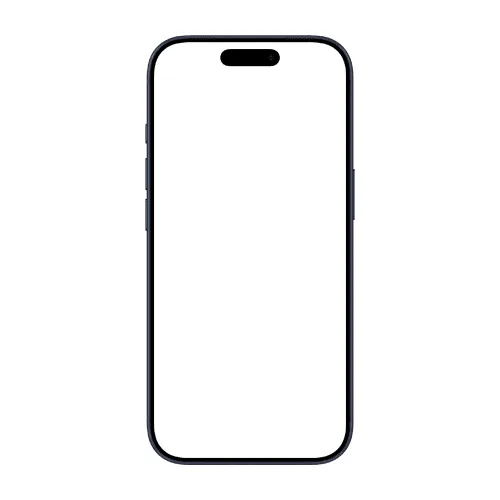
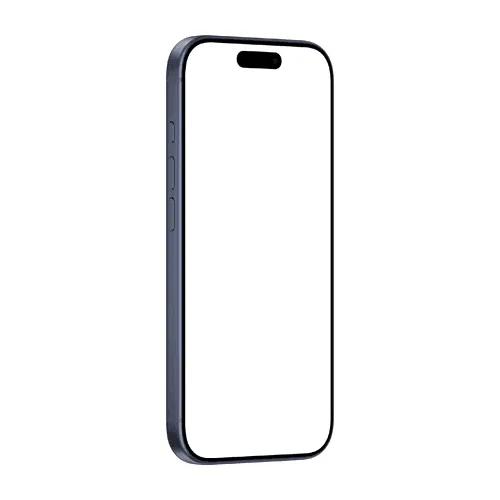
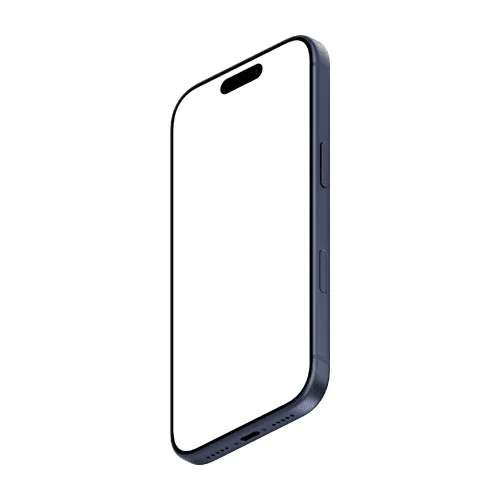
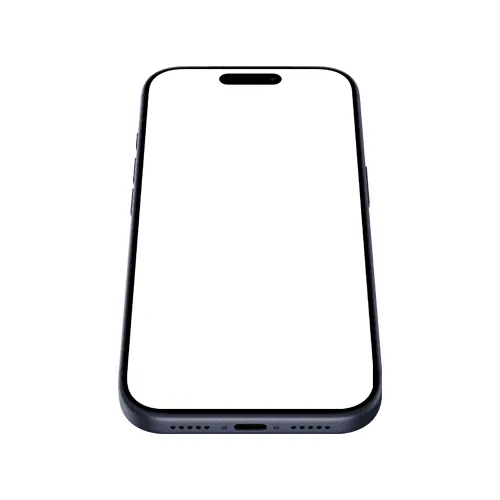
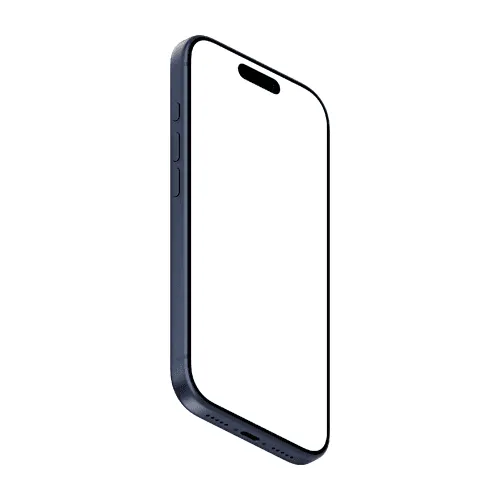
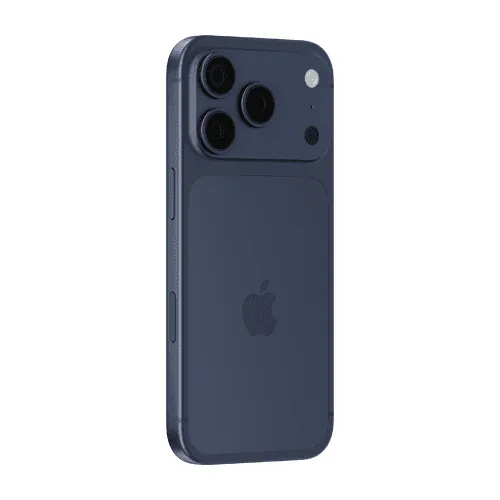
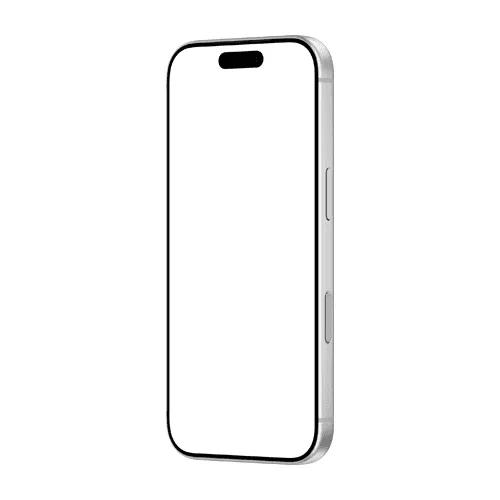
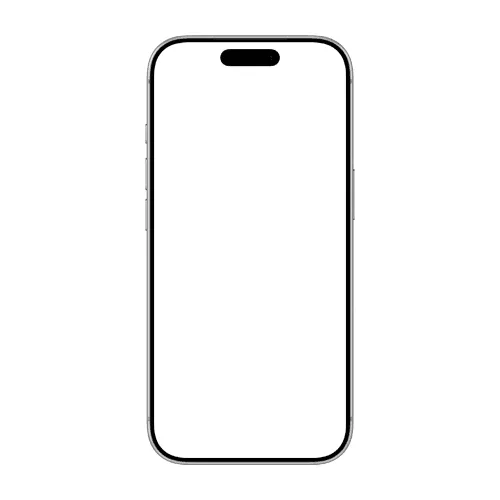
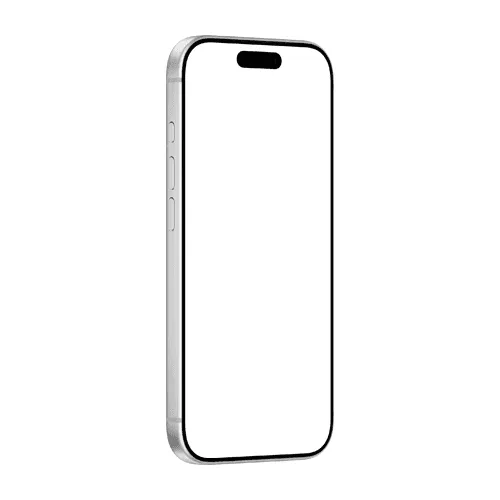
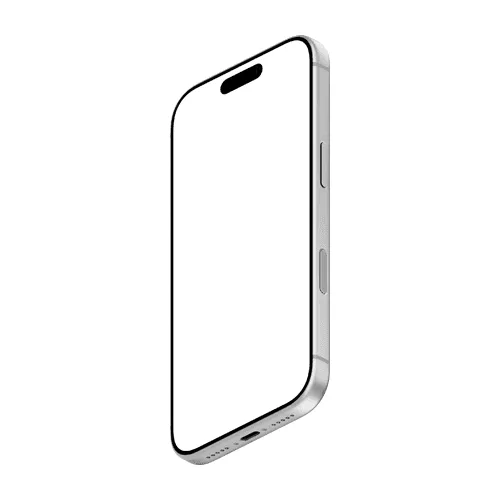
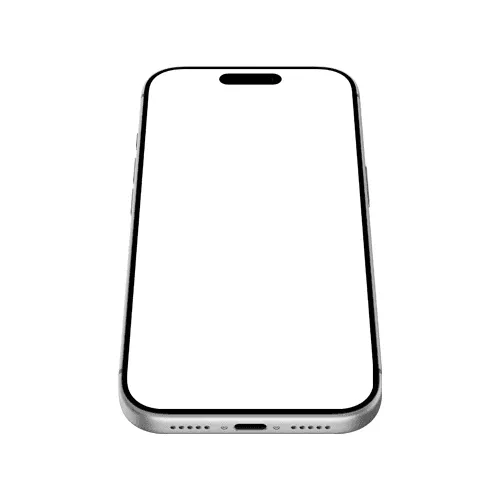
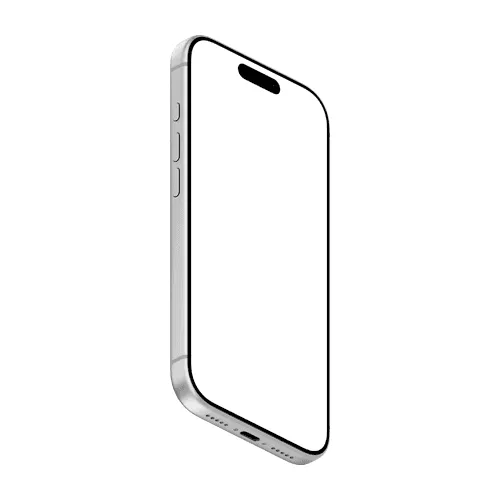
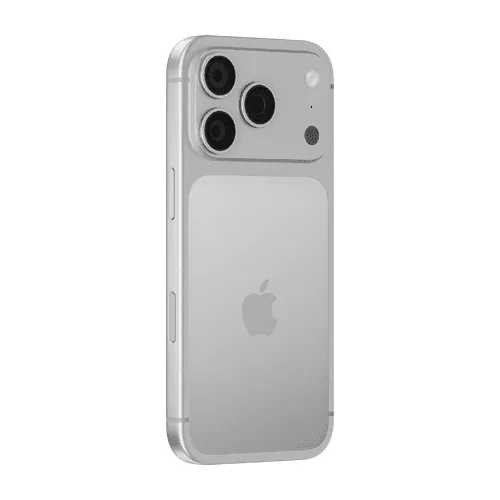
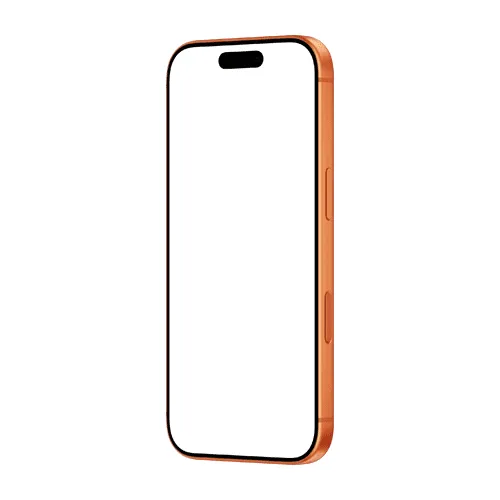

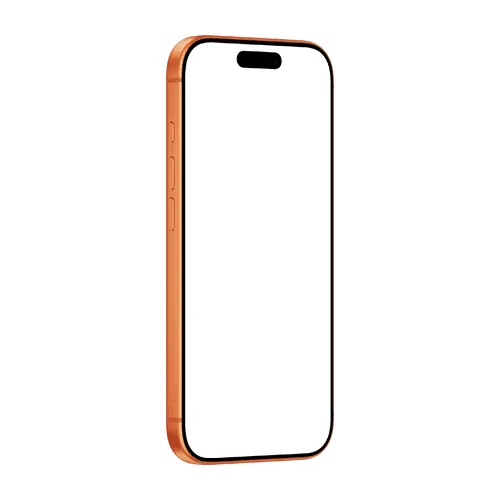
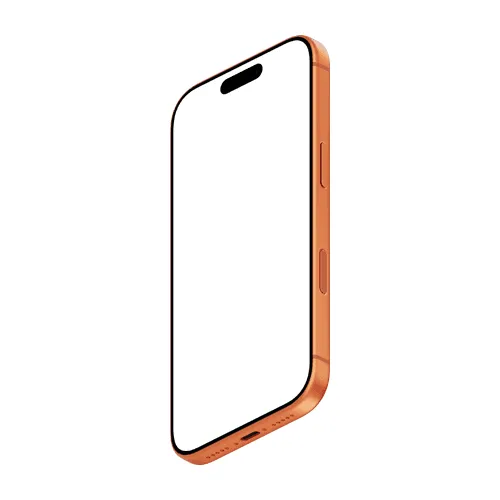
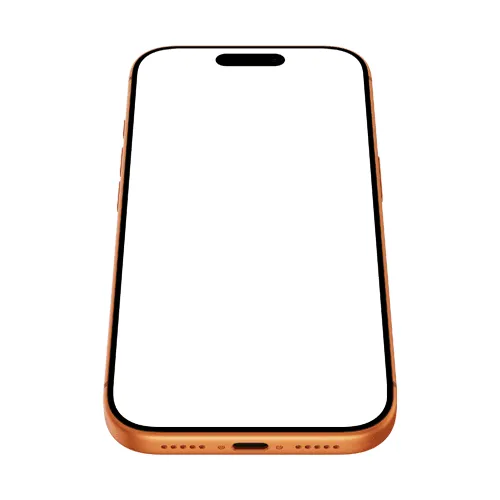
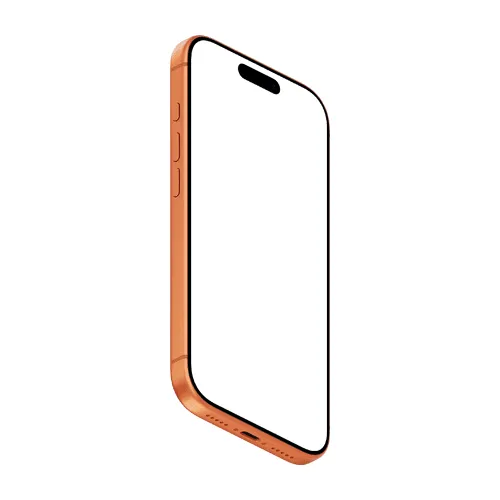
What are the most popular iPhone 17 mockup styles?
The most-used styles are front, hand-holding, floating, and duo or trio sets, across silver, deep blue, and cosmic orange - all editable online or in Figma.
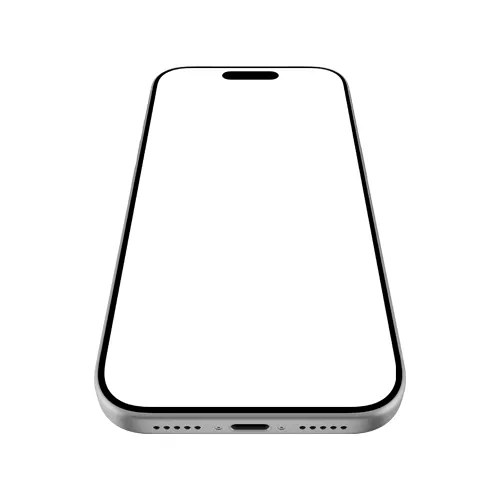
Front and angled
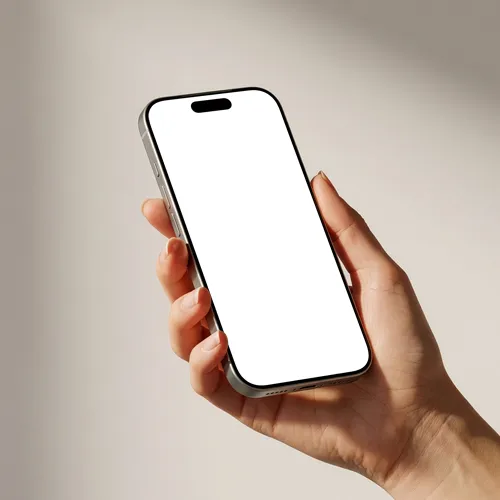
Hand holding
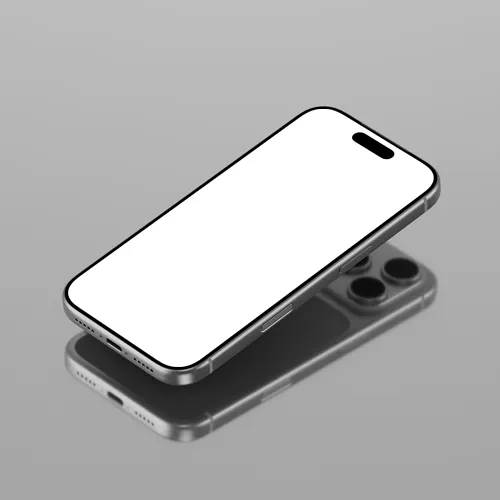
Floating
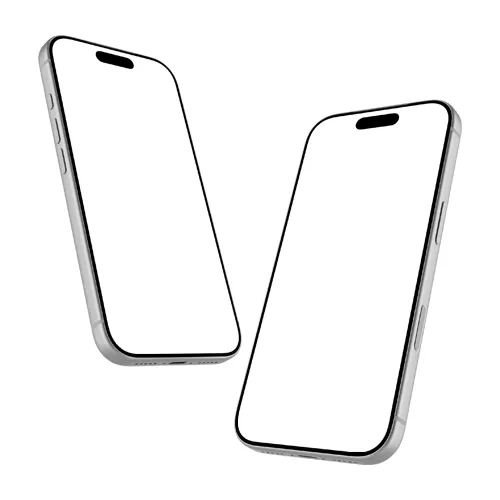
Duo and trio sets
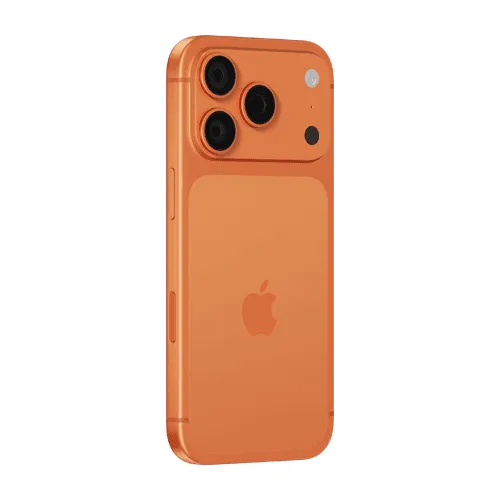
Color variants
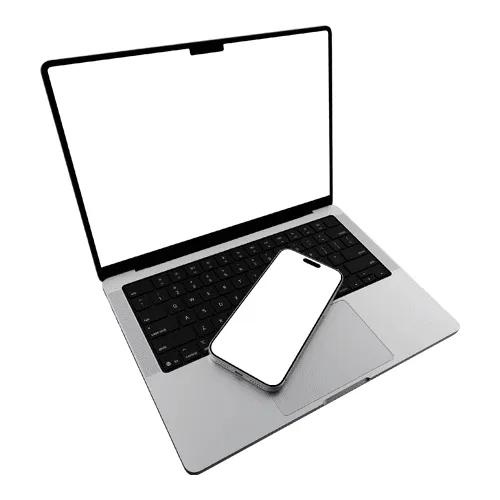
Device combos
What do designers use iPhone 17 mockups for?
Most use them for app and UI portfolios, App Store screenshots, client presentations, and social launch content.
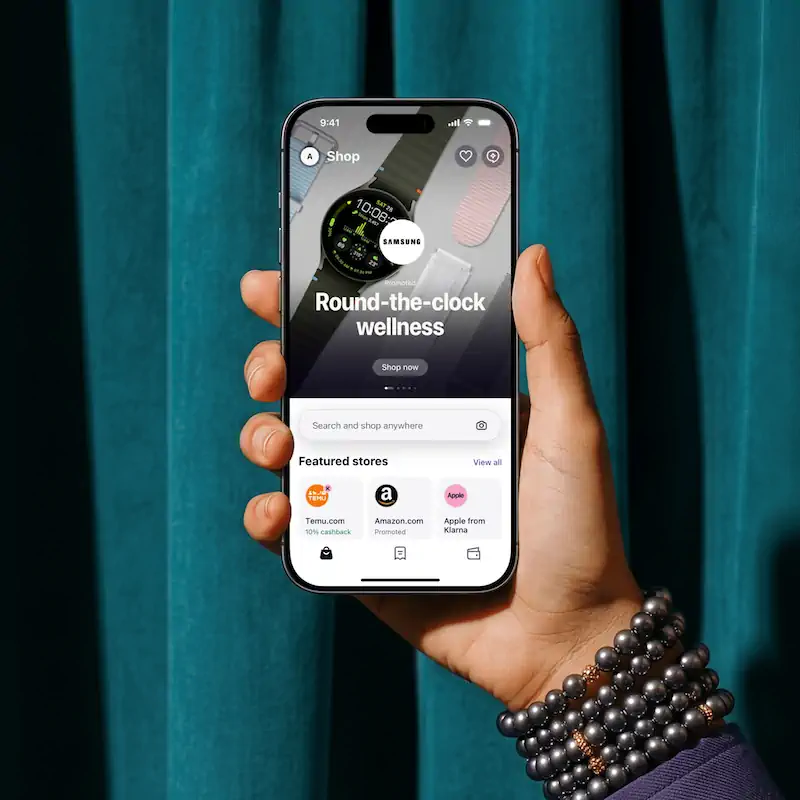
App and UI portfolios
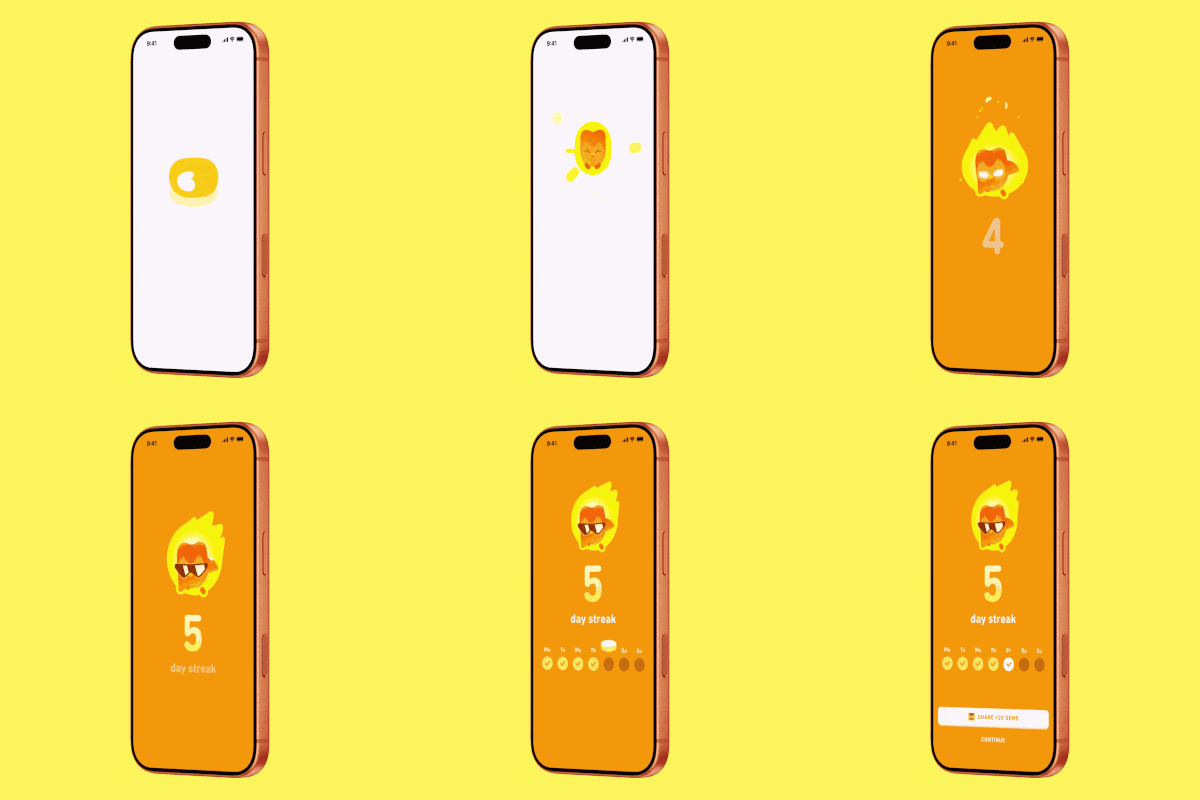
App Store screenshots
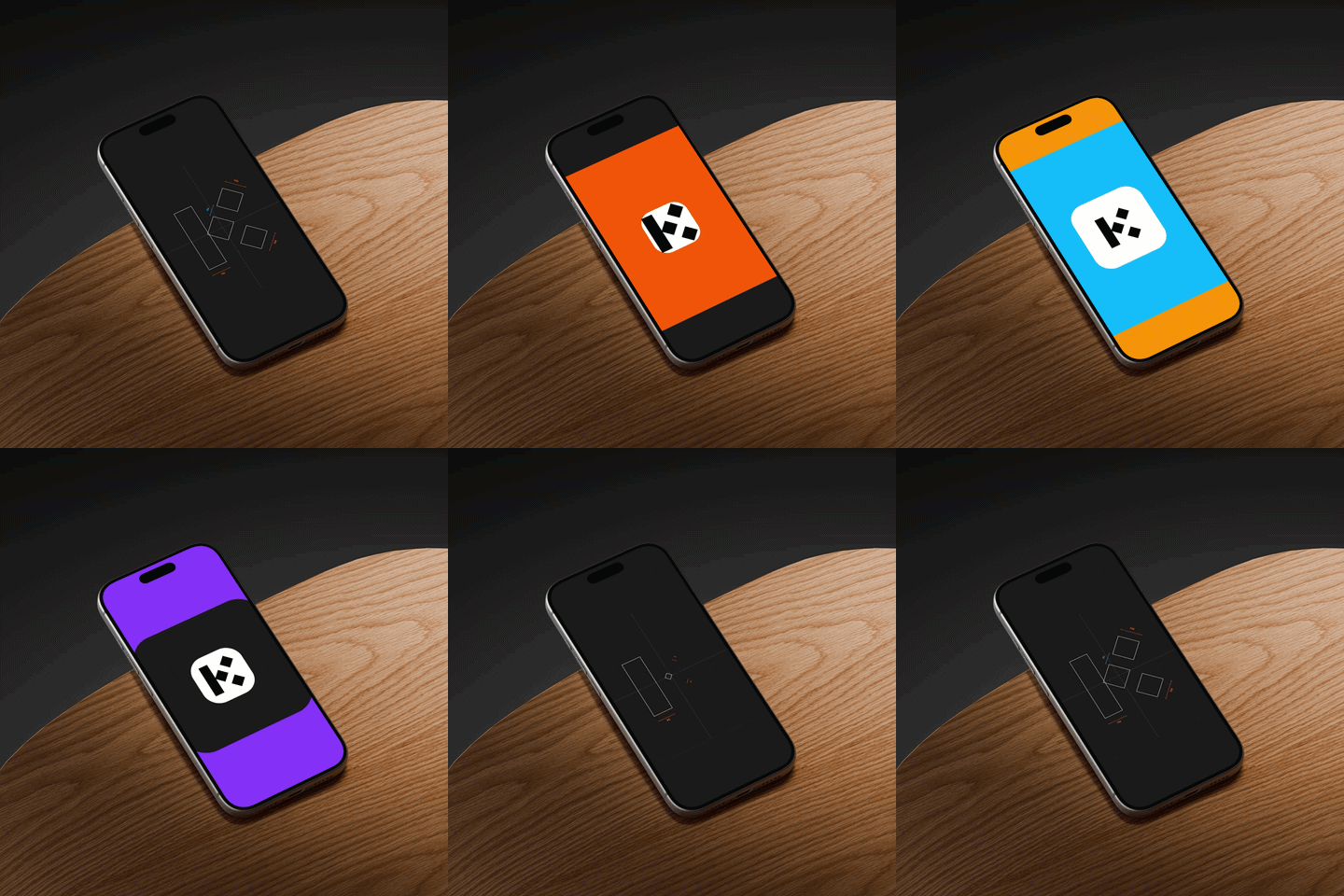
Launch and social content
How do I make an iPhone 17 mockup?
Select an iPhone 17 mockup
Browse the collection, filter by view or color, then open the one that fits your project.Add your screen design
Upload your app screenshot or UI video; it maps onto the iPhone 17 screen instantly, pixel-accurate.Customize and export
Set any background or scene, then export PNG, JPEG, WEBP, MP4, or WEBM.
Online editor or Figma plugin: which to use?
Use the online editor for quick one-off mockups with no software; use the Figma plugin when your project already lives in Figma.
Online editor
Apply your design in the browser and export in seconds. Best for fast, one-off mockups.
Figma plugin
Render mockups without leaving Figma. Best when your design already lives there. Install Figma plugin now.
What iPhone 17 sizes and export formats are supported?
iPhone 17 mockups are built to native screen resolution, so your UI stays crisp. Each mockup shows the recommended dimensions in the editor.
How is Artboard Studio different from other iPhone 17 mockup tools?
Most iPhone 17 mockup tools only give you a static screen. With Artboard Studio you can place a UI video on the screen and export video, work on a transparent isolated background you can fully customize, and generate scenes with AI. You also get official Figma and Adobe Express plugins - including video mockups inside Figma.
iPhone 17 mockup FAQs
What is an iPhone 17 mockup?
An iPhone 17 mockup is a pre-made template that places your app screenshot or UI design onto a realistic iPhone 17 screen without any complex editing. It is the fastest way to present your work in a polished, professional context for portfolios, client decks, and App Store listings.
How is the iPhone 17 mockup different from older iPhone mockups?
The iPhone 17 has an updated design with refined dimensions and a new camera layout. Using an iPhone 17 mockup keeps your presentation current and relevant, which matters when pitching to clients or submitting to the App Store.
Can I put a video on the iPhone 17 screen?
Yes. You can place a UI or app video on the iPhone 17 screen and export it as MP4 or WEBM, so you can present interactions and motion, not just static screens. You can do this in the browser or inside Figma with the Artboard Studio plugin.
Do I need Photoshop or Figma to use iPhone 17 mockups?
No. The online editor lets you apply your design directly in the browser, with no software required. You can also use the Artboard Studio Figma plugin or Adobe Express plugin to work without switching tools.
What screen resolution should my design be for an iPhone 17 mockup?
iPhone 17 mockups are optimized for the native screen resolution of 1179 by 2556 pixels at 460 ppi. Each mockup shows the recommended dimensions so your design fits perfectly every time.
Can I use iPhone 17 mockups for commercial projects?
Yes. Every mockup includes a commercial license, cleared for client presentations, portfolio pages, App Store listings, and design marketplace assets.
Still have questions?
We are always here to help. Use the chat in the bottom right corner.