


Device Mockups




Packaging Mockups













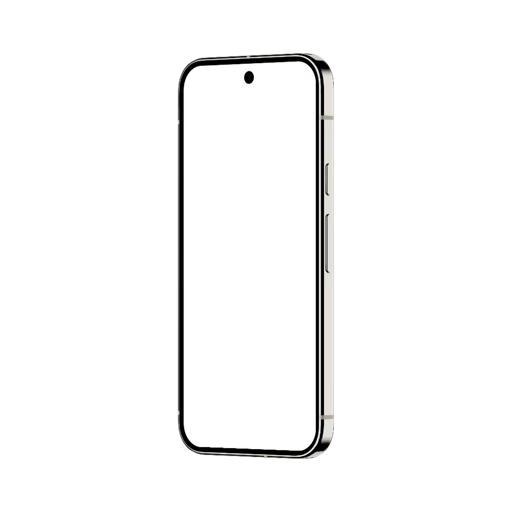
iPhone 15 Mockup
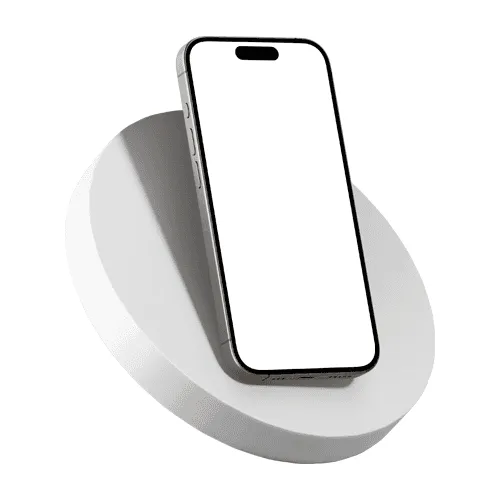
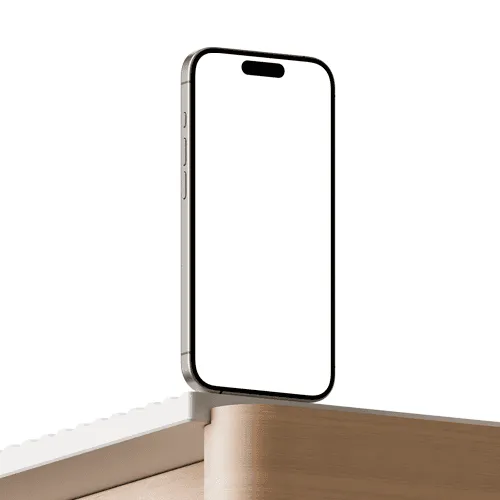
Place your app screenshot or UI video onto an iPhone 15 mockup instantly with the online editor — no design software needed. Upload your image or video, apply it to the screen, and export a high-resolution PNG or video file ready for portfolios, App Store listings, and client presentations. The library covers iPhone 15, iPhone 15 Pro, and iPhone 15 Pro Max mockups across all colorways and angles — including the titanium finish introduced with the Pro lineup. Prefer Figma? The Artboard Studio plugin lets you render your designs directly onto any iPhone 15 frame without leaving your canvas. High quality, high resolution, and built to be fast.
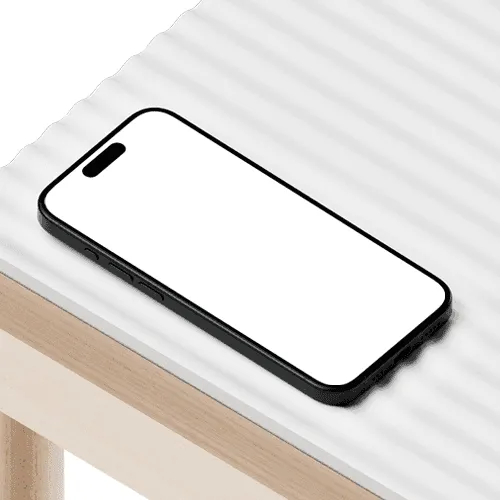
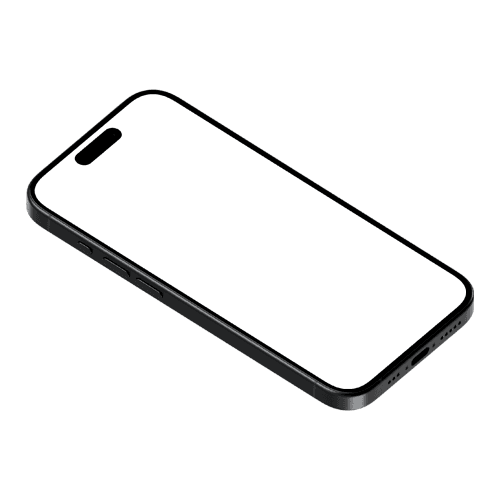
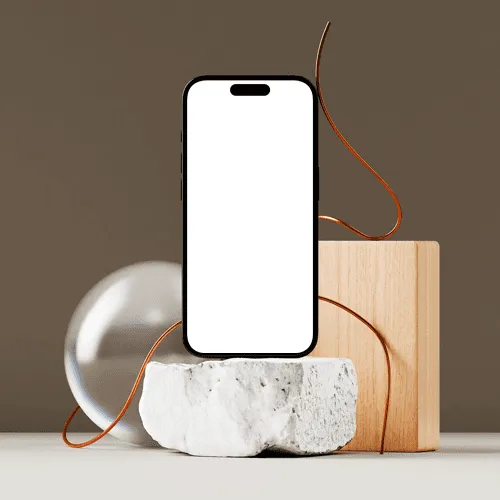
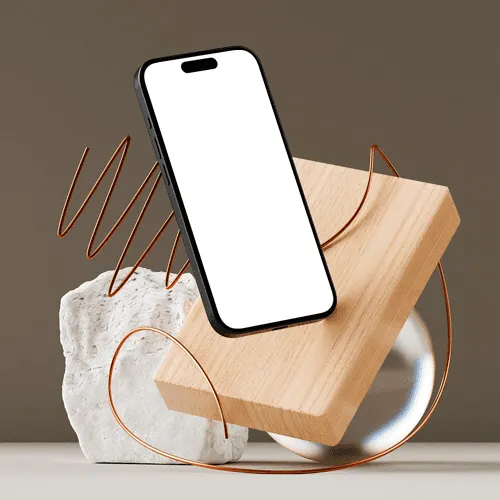
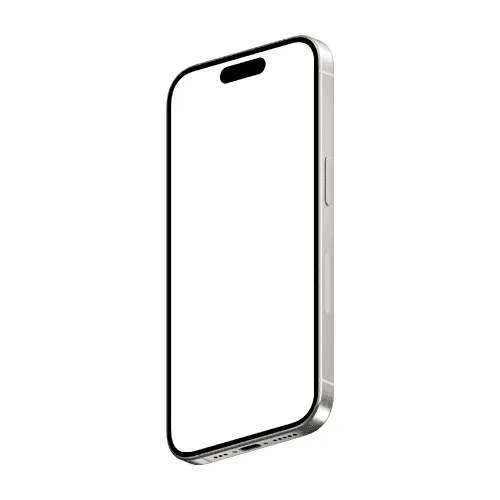
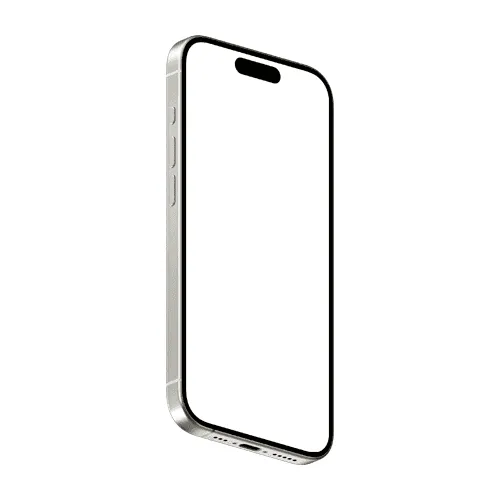
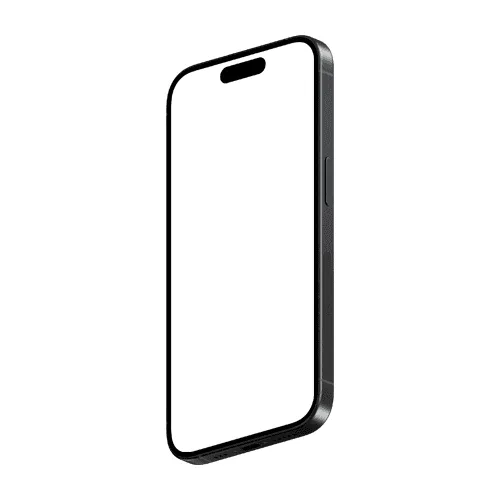
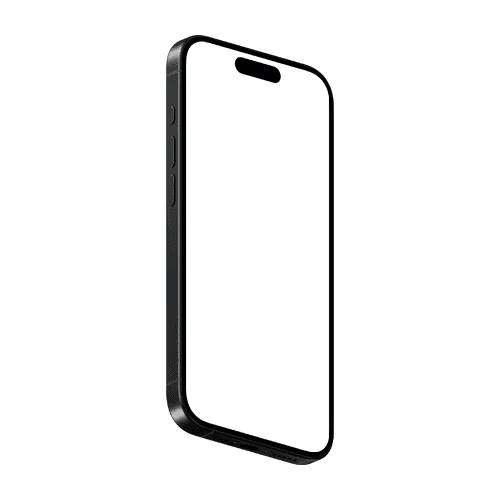
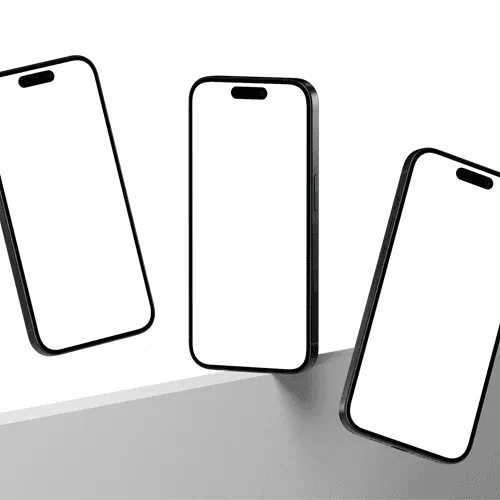
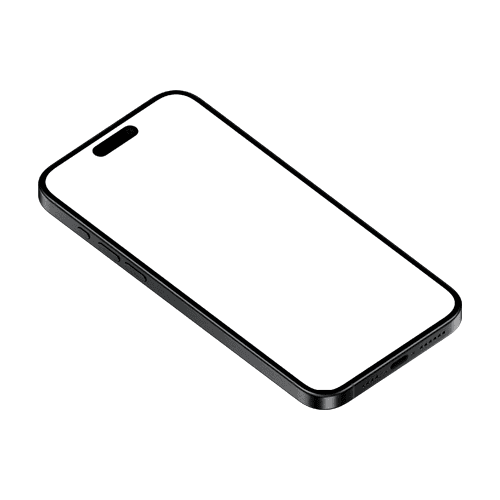
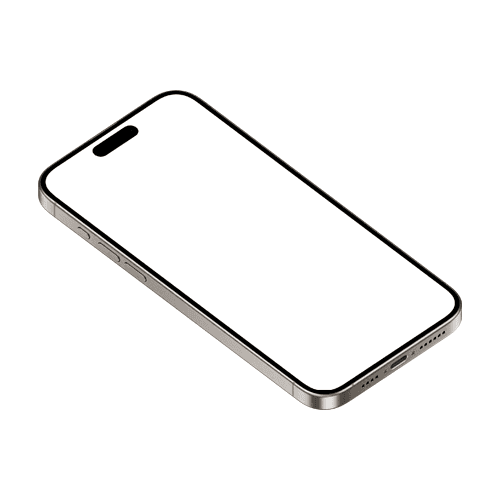
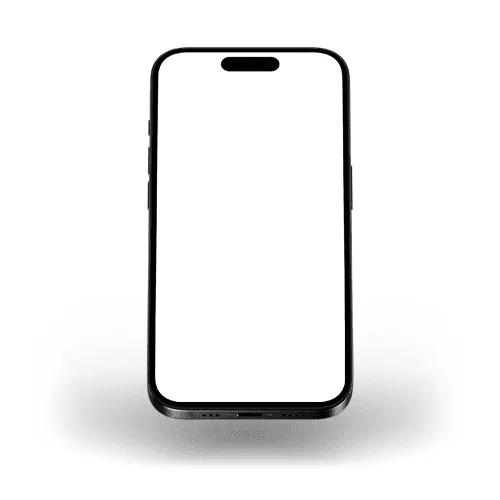
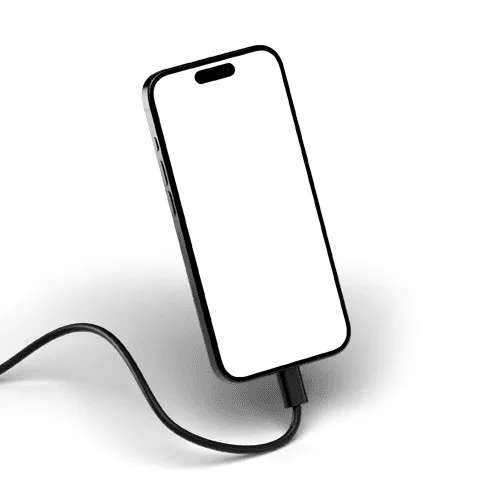
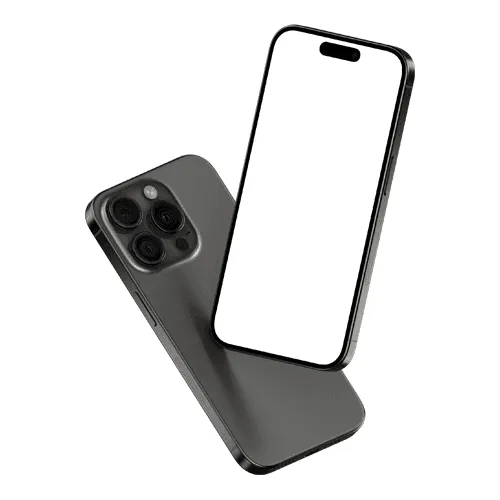
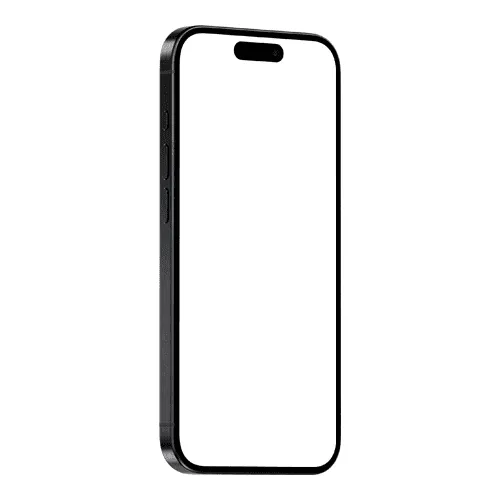
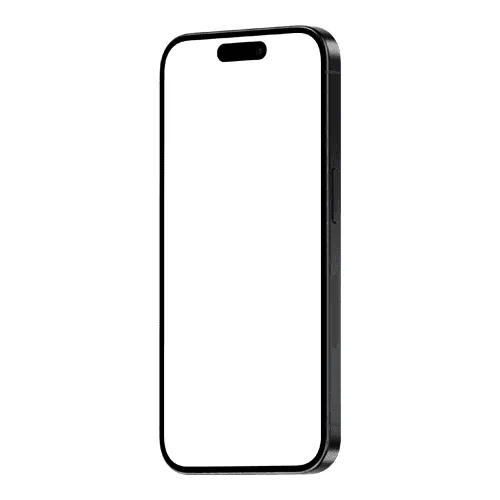
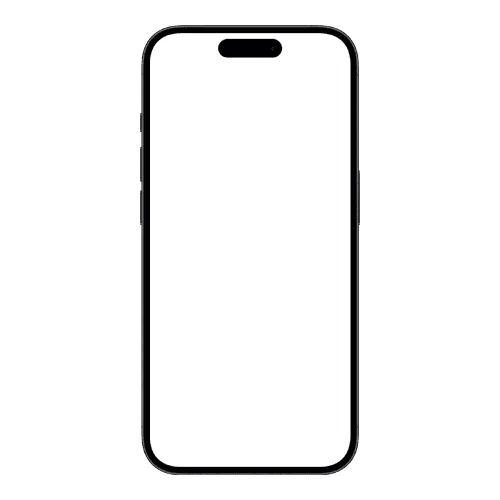
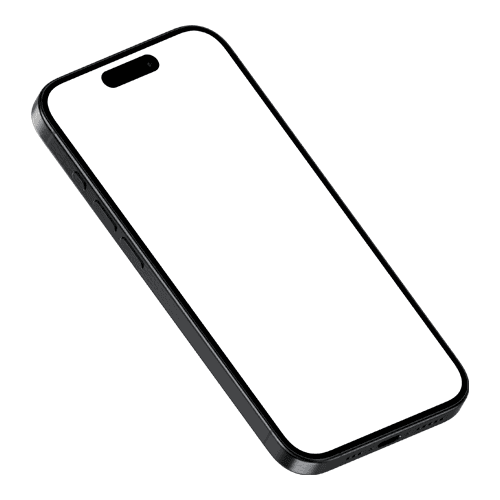
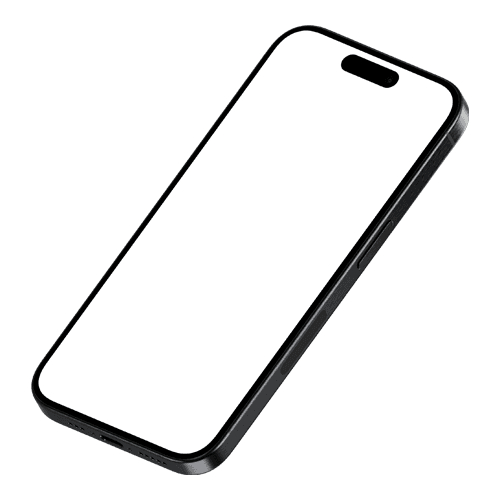
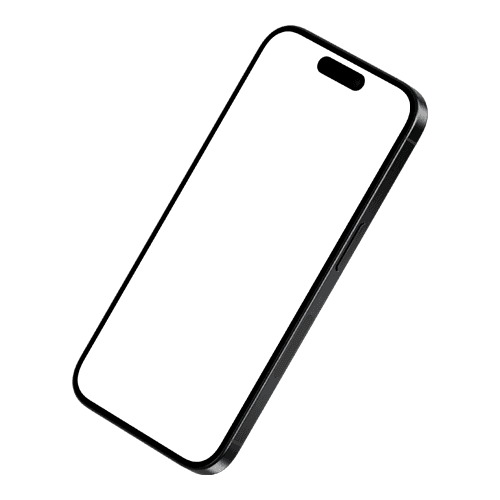
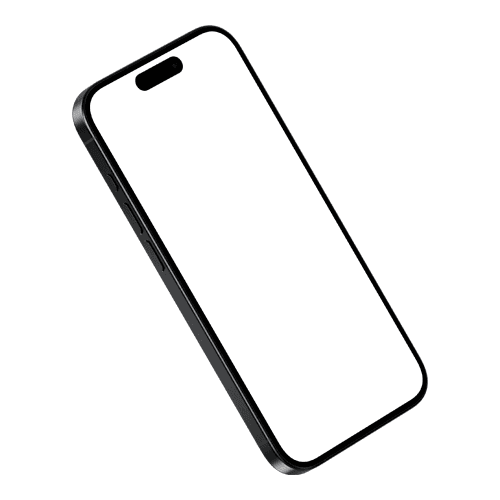
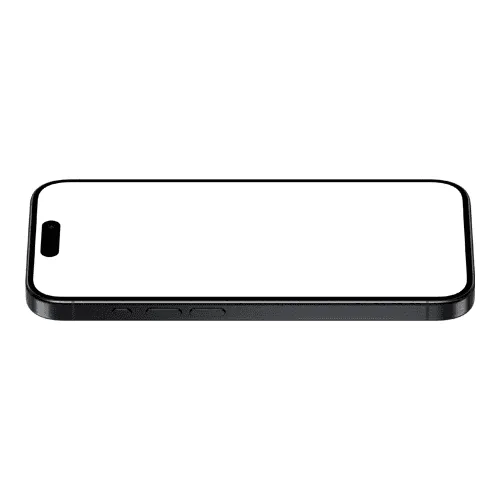
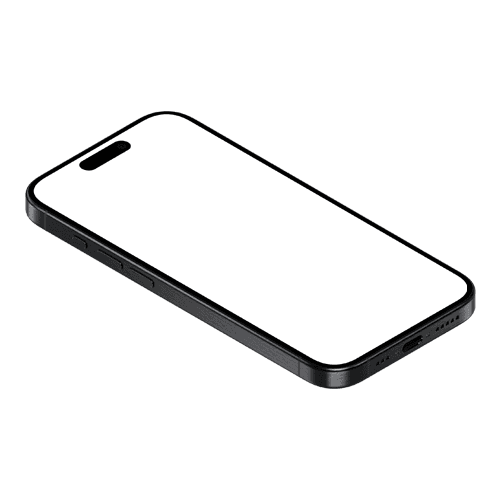
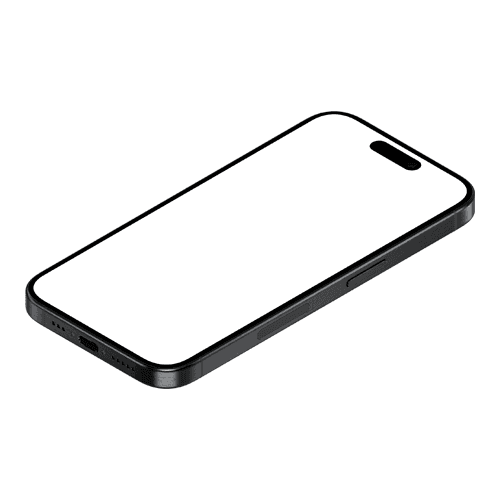
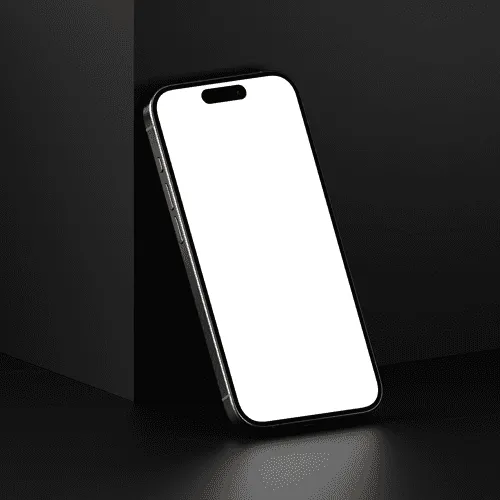
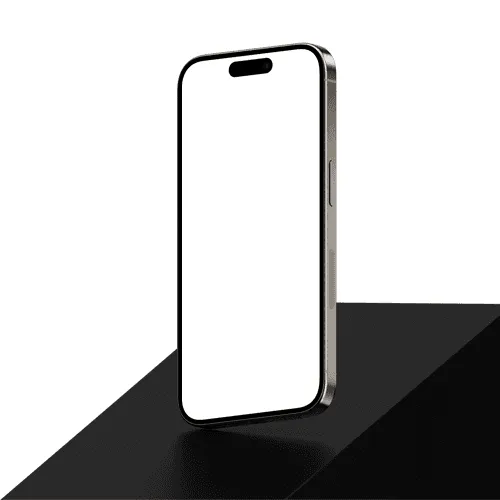
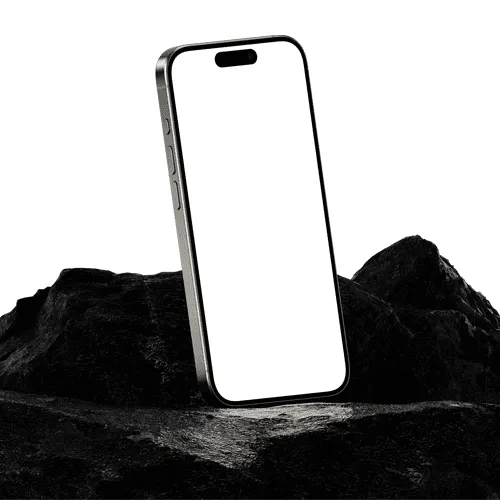
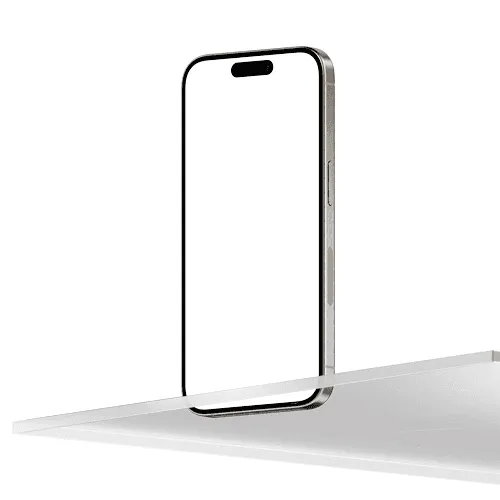
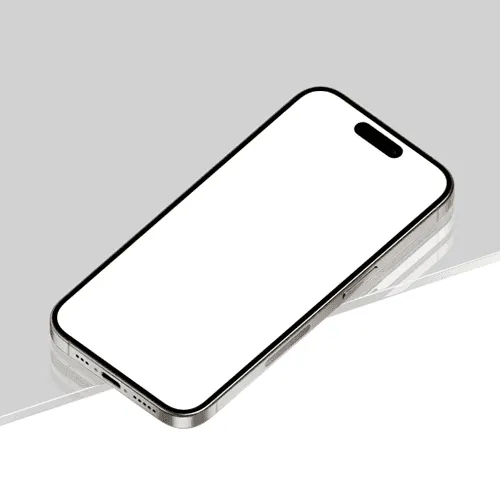
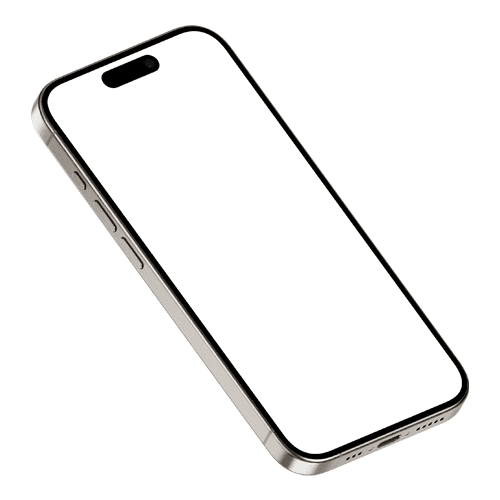
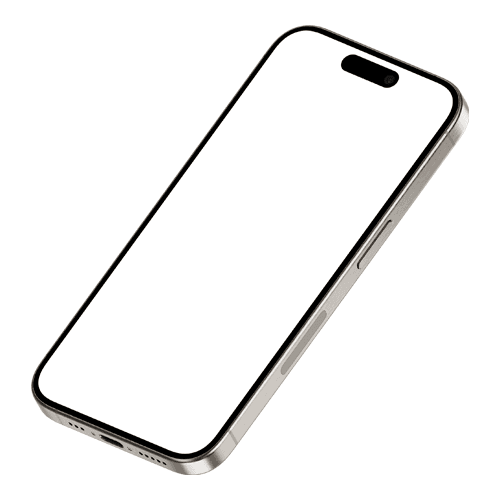
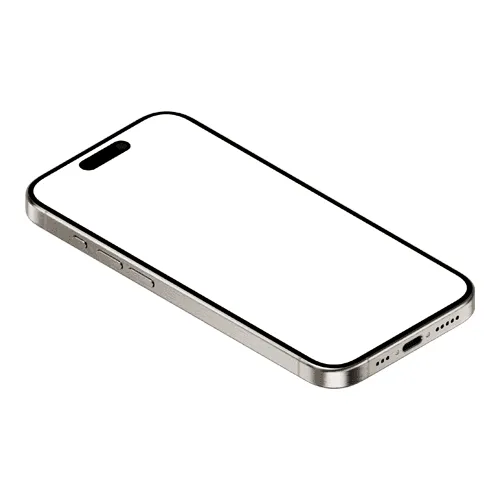
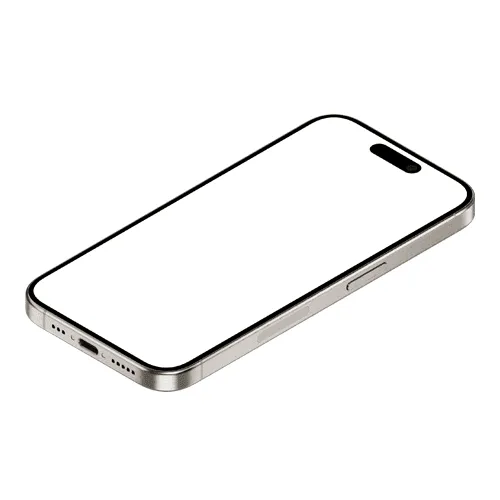
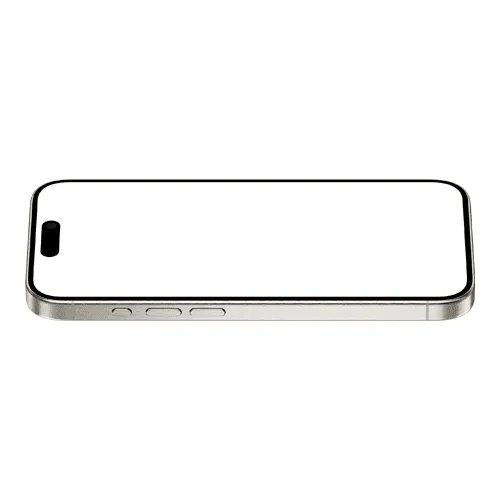
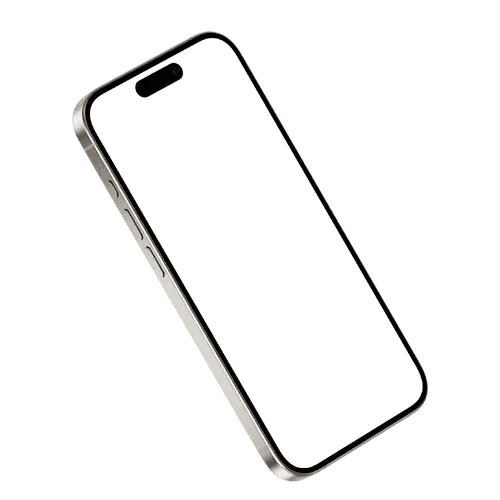
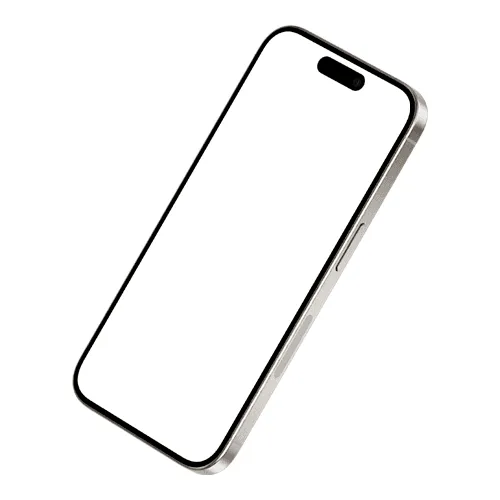
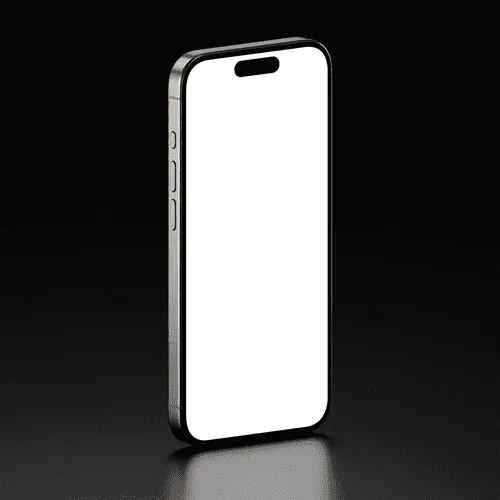
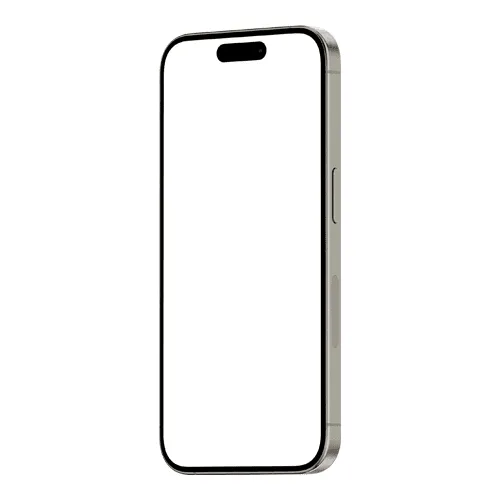
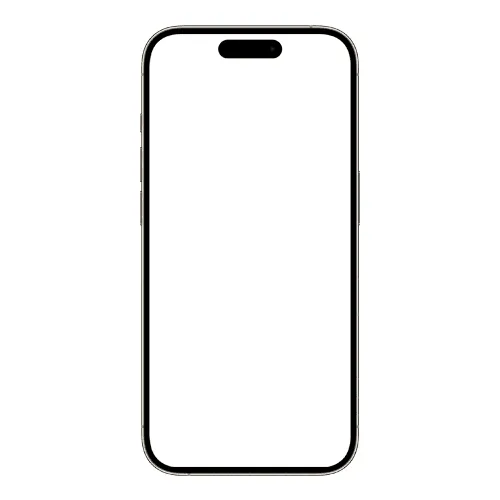
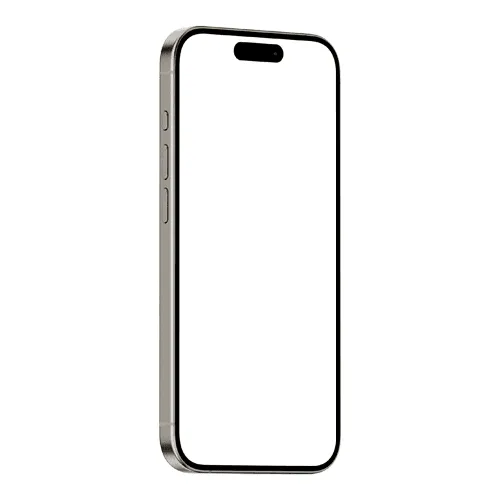
The most talented designers and agencies across the globe use iPhone 15 mockups to present their app and UI work — from portfolio pages and client decks to award-winning case studies.
How to use iPhone 15 mockup generator?
Select the iPhone 15 mockup and open editor
Browse the full collection, pick the mockup that fits your project, and jump straight into the editor.
Add your design to the iPhone 15 screen
Upload your image or video and watch it appear on the iPhone screen instantly — perfectly placed and ready to go.
Customize and export
Once you've applied your image or video, export it in high resolution — PNG, JPEG, or WEBP for images, MP4 or WEBM for video.
FAQs
What is an iPhone 15 mockup?
An iPhone 15 mockup is a pre-made design template that lets you place your app screenshots or UI designs onto a realistic iPhone 15 screen. It's the fastest way to present your work in a polished, professional context without any complex editing.
Is the iPhone 15 mockup still relevant for presentations?
Absolutely. The iPhone 15 remains one of the most widely used iPhones in the world, making it a reliable and recognizable device for app showcases, client presentations, and portfolio projects.
Do I need Photoshop or Figma to use iPhone 15 mockups?
No. The online editor lets you apply your design directly in the browser — no software needed. You can also use the Artboard Studio Figma plugin or Adobe Express plugin to work without switching tools.
What file formats are available for iPhone 15 mockups?
You can export your finished mockup from the online editor as a high-resolution PNG, JPEG, WEBP, MP4, or WEBM — ready for App Store listings, client presentations, and portfolio case studies.
Can I use iPhone 15 mockups for commercial projects?
Yes. All mockups on Artboard Studio come with a commercial license, making them suitable for client presentations, portfolio pages, and design marketplace listings.
What screen resolution should my design be for an iPhone 15 mockup?
iPhone 15 mockups are optimized for the native screen resolution of 1179×2556 pixels at 460 ppi. Each mockup on Artboard Studio displays the recommended dimensions so your design fits perfectly every time.
Still have questions?
We are always here to help. Use the chat in the bottom right corner.