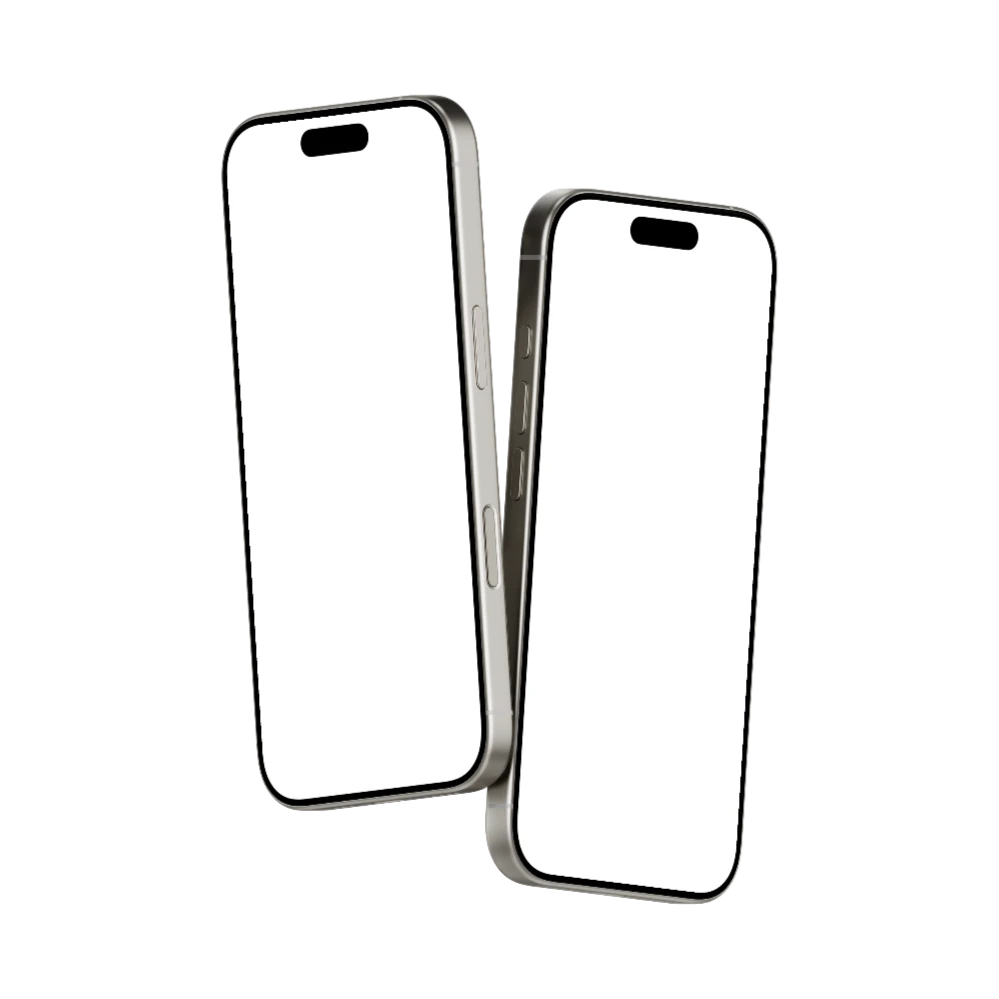







Online iPhone 16 Pro mockup generator to showcase your designs at their best
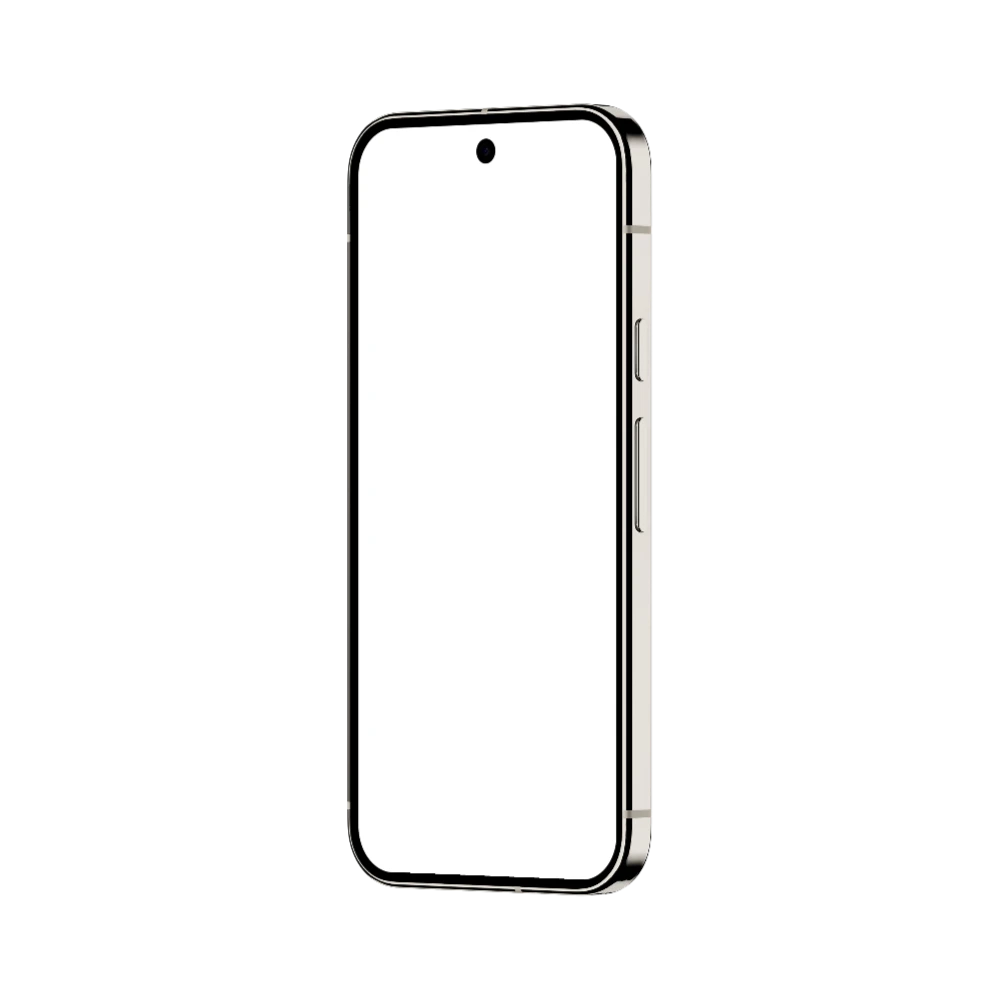
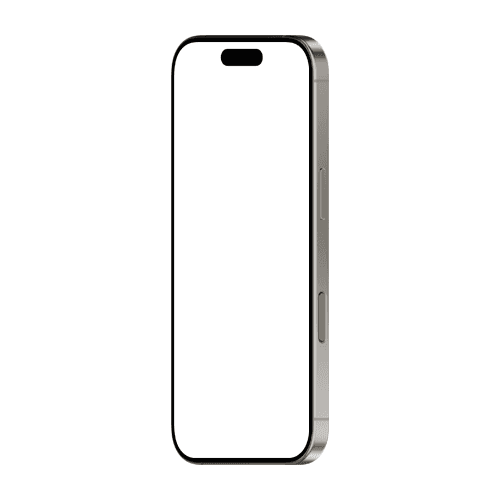
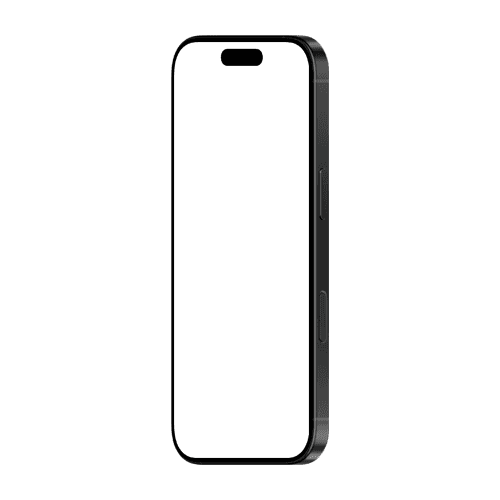
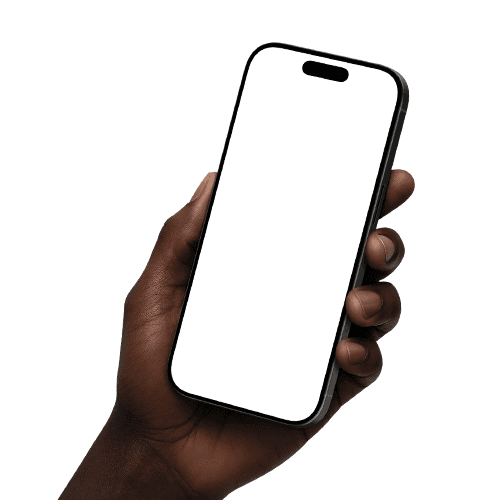
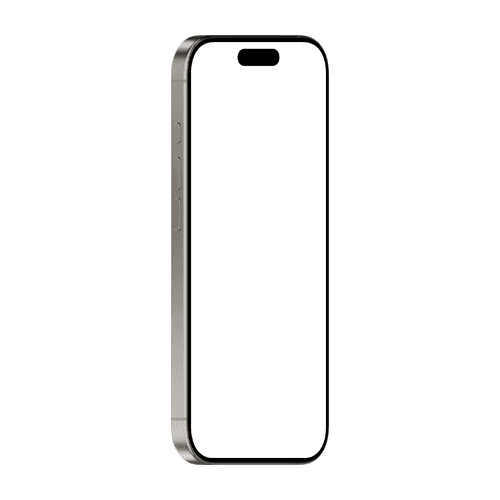
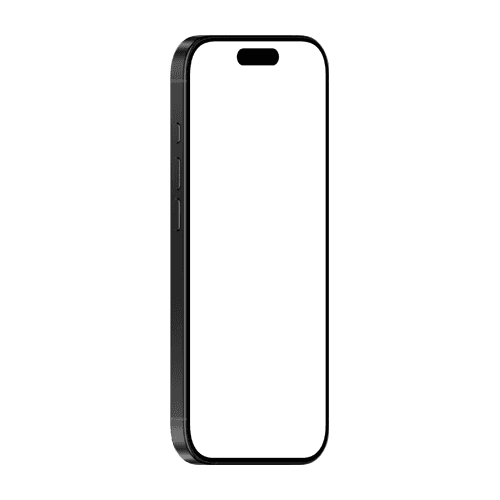
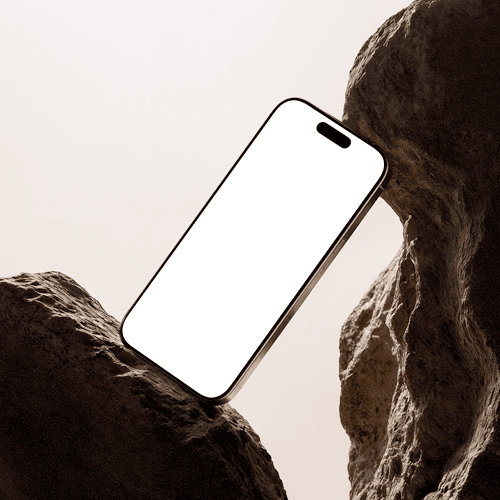
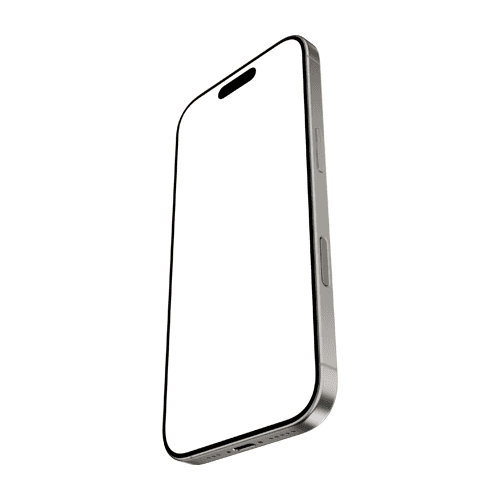
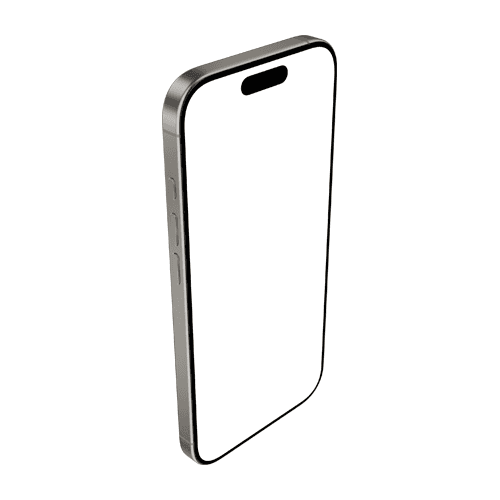
Present your work with iPhone 16 Pro mockups designed to feel premium and precise. Drop in your screens and let the detail shine through polished finishes and balanced compositions. Fine-tune angles, switch up colors, and build scenes that match your brand’s tone without extra effort. From quick iterations to final assets, create visuals that look sharp, confident, and ready to ship.








How to create an iPhone 16 Pro mockup
Pick a mockup and open the editor
Choose any iPhone 16 Pro mockup from this page to open it in the editor.Add your design
Drop your screenshot or UI design onto the canvas. It maps to the iPhone 16 Pro screen instantly and you can see the result in real time.Export Choose your format, PNG, JPEG, or WEBP, and download. If you need the mockup as part of a larger composition, set that up before exporting.
FAQs
What is an iPhone 16 Pro mockup?
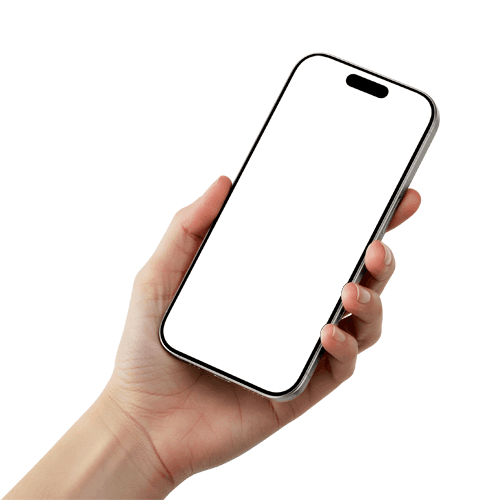
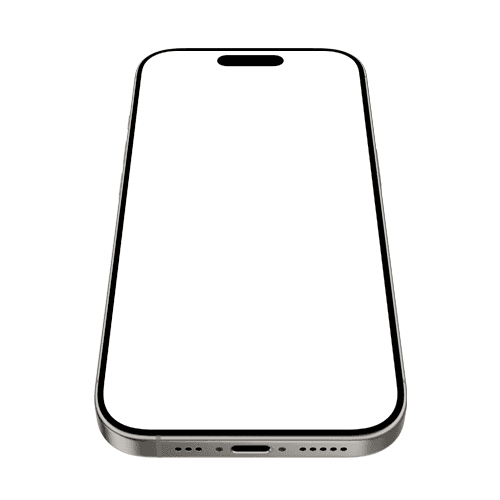
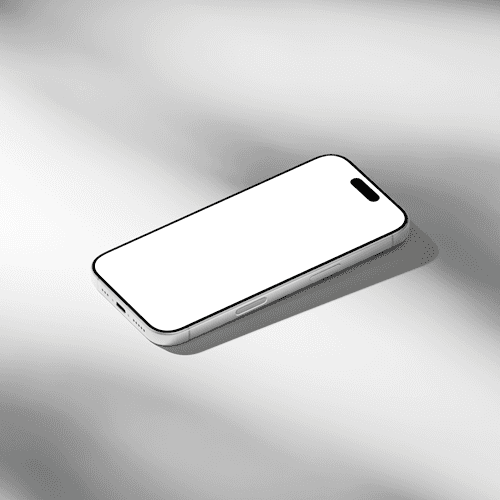
An iPhone 16 Pro mockup is a pre-made image of the iPhone 16 Pro that you can drop your app screenshot or UI design into. It lets you present your work on the actual current device without needing a physical phone or a photo shoot.
Are these mockups free?
Artboard Studio offers both free and premium mockups. Free mockups are available without a subscription. Premium mockups with additional scenes and angles are available on paid plans.
Can I use these for App Store screenshots?
Yes. Export your finished mockup at the required resolution and use it directly in your App Store Connect submission. The screen area matches the iPhone 16 Pro's display dimensions.
Do I need Photoshop to use these mockups?
No. Everything works in the Artboard Studio browser editor. Open the mockup, drop in your design, and export as PNG, JPEG, or WEBP. No software installs needed.
Can I use these for commercial projects?
Yes. All mockups are licensed for commercial use including client work, paid advertising, and app store submissions.