

Device Mockups
Apparel Mockups






Packaging Mockups
















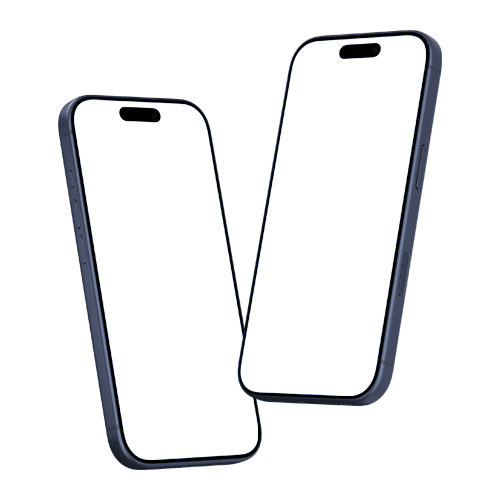
iPhone Mockup Free
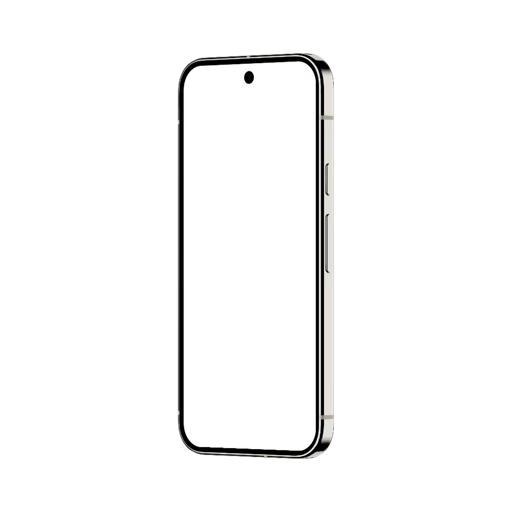
A small selection of free iPhone mockups, handpicked to give you the full Artboard Studio experience. Try the online editor and render your design on a real iPhone screen, or use the Figma and Adobe Express plugins. The quality speaks for itself.
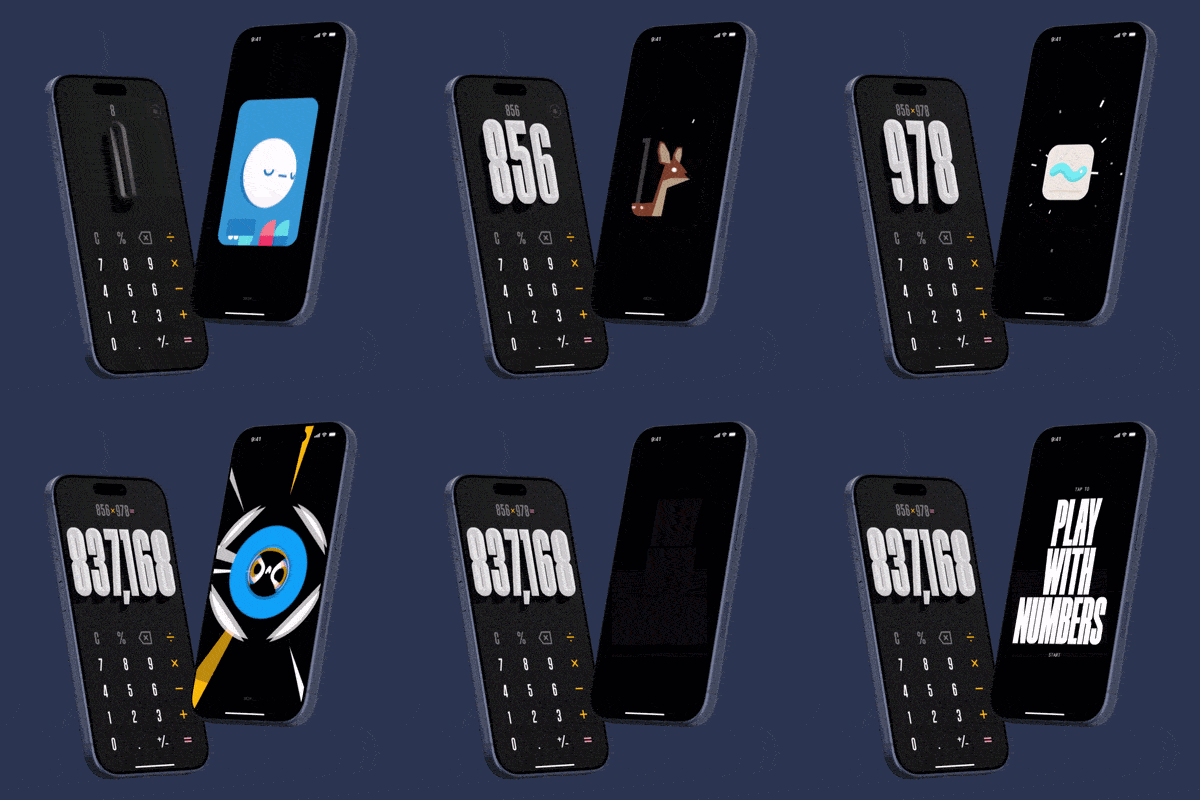
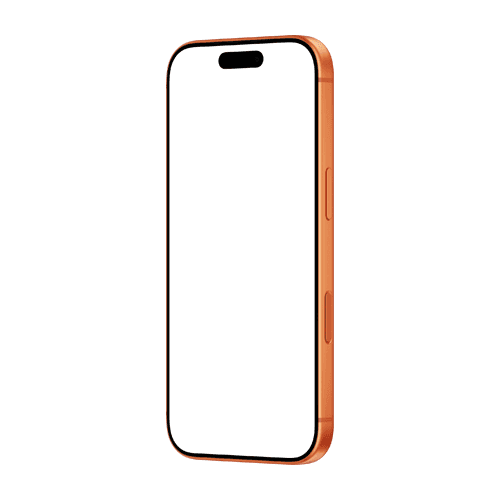
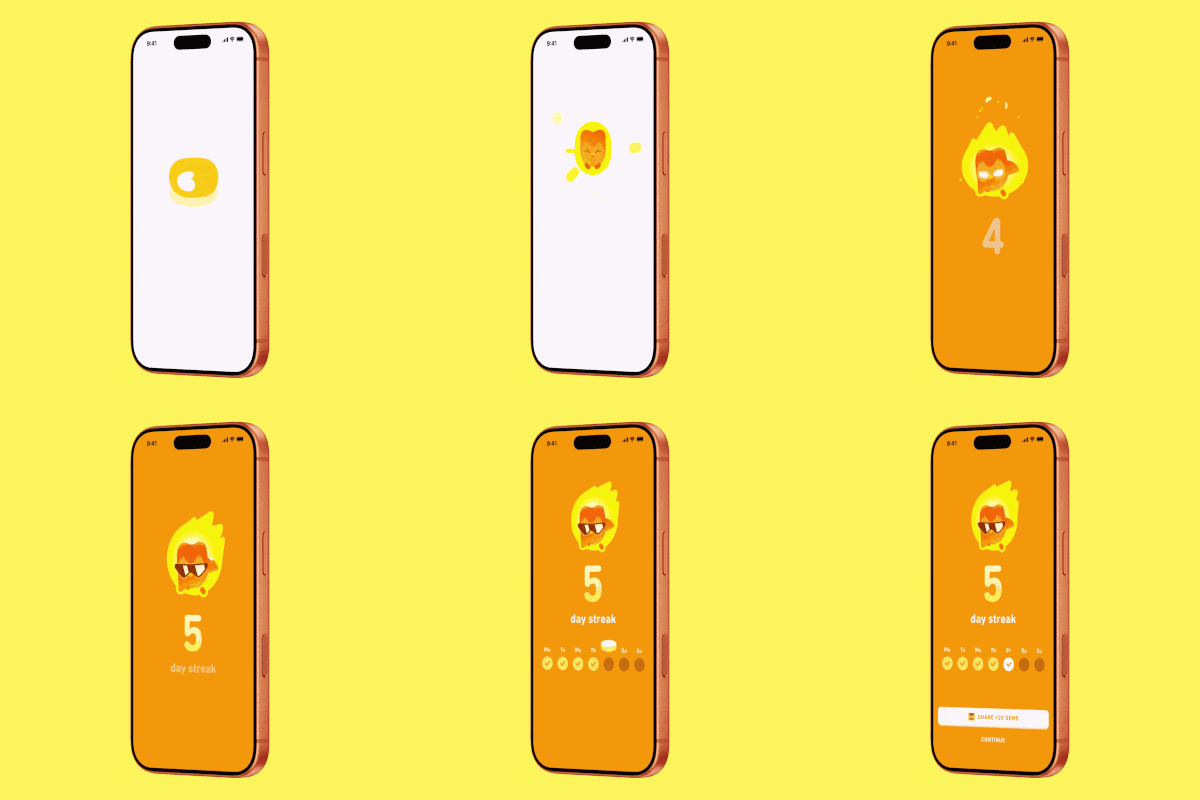
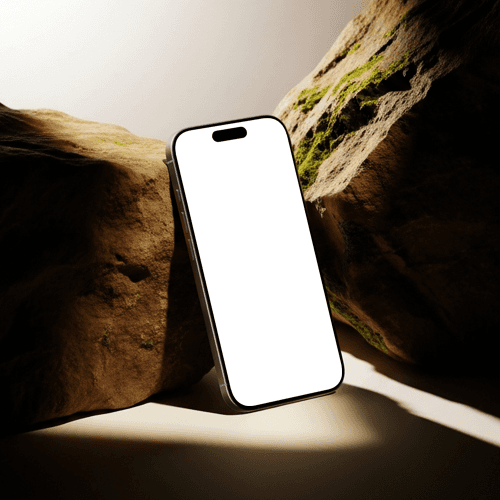
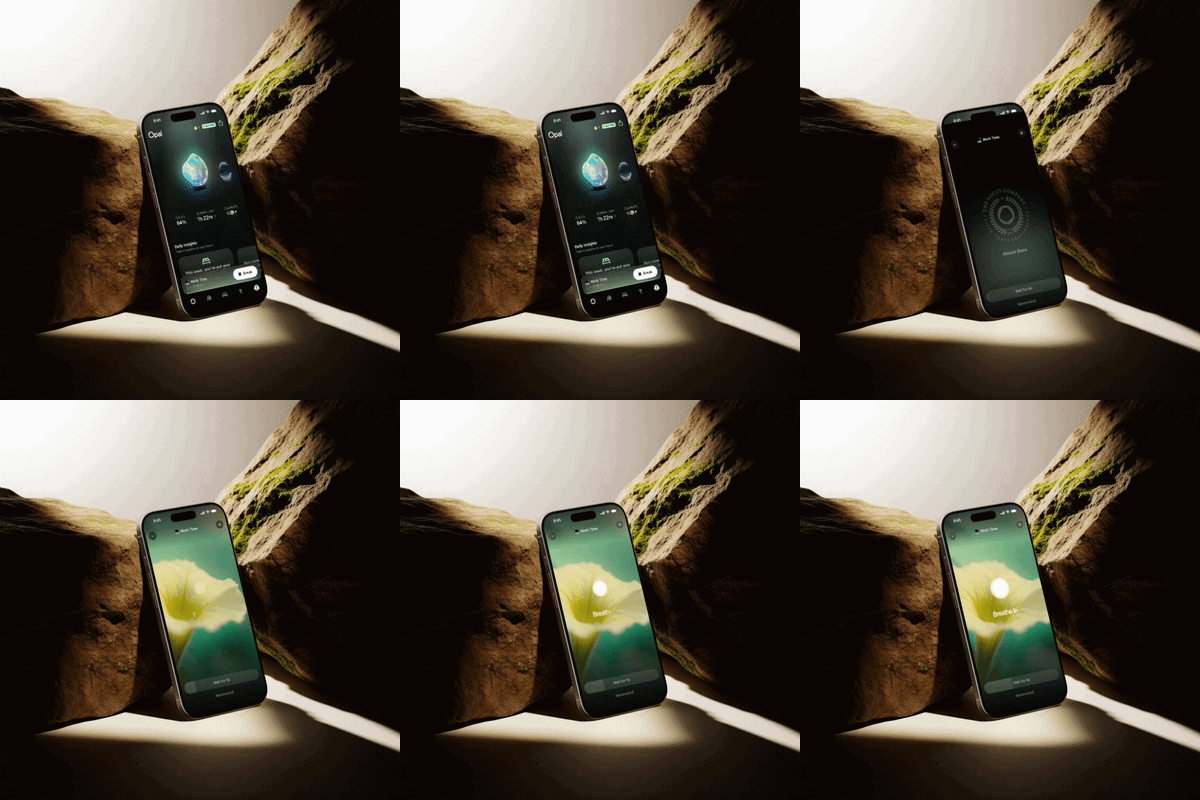
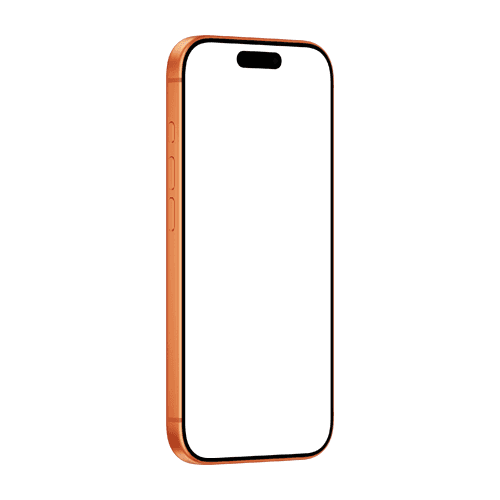

Try theese free iPhone 17 Pro mockup and experience Artboard Studio firsthand. Open in the online editor, drop in your design, and see it render on the screen instantly. Prefer Figma? Install the Artboard Mockups plugin, switch to the Phone category, and this mockup will be the first thing you see.
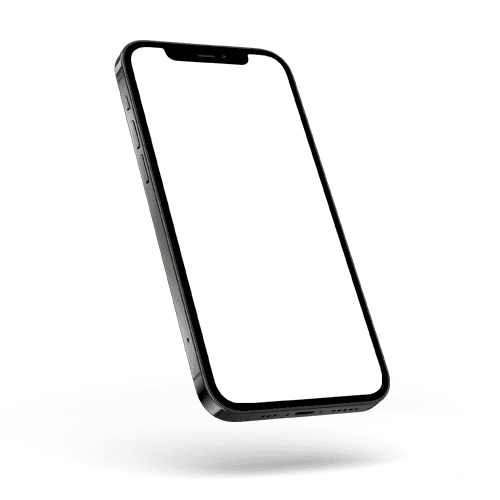
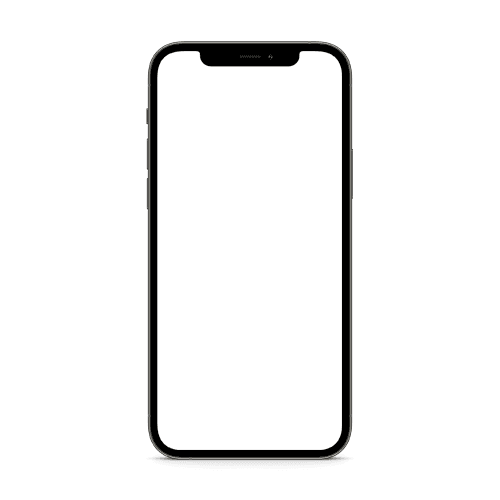
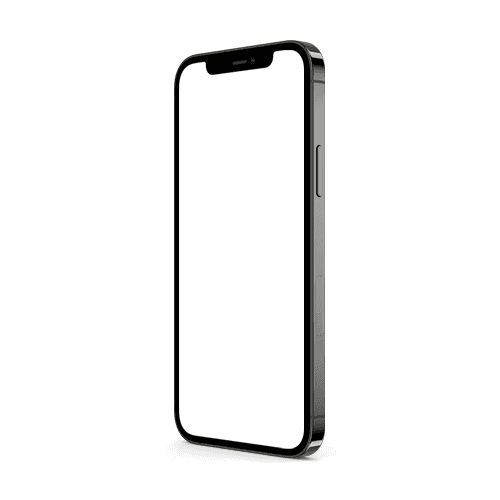
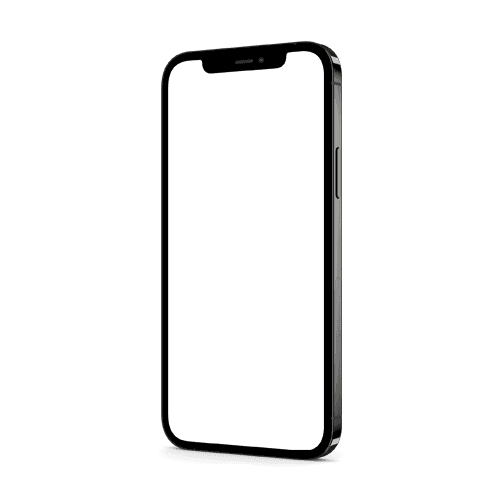
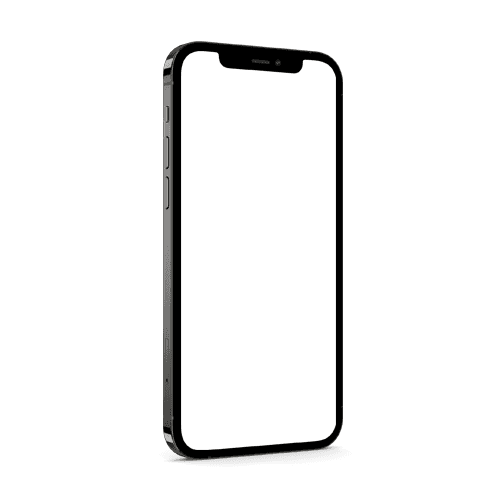
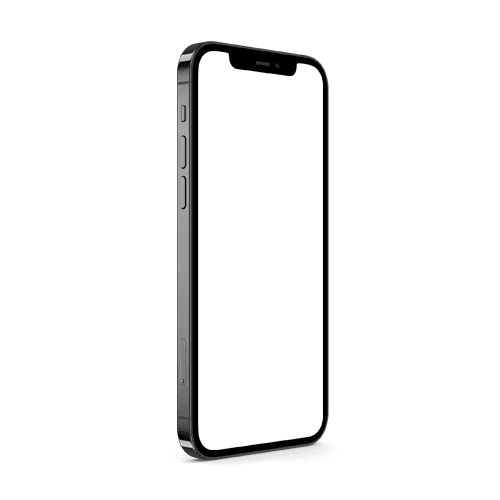
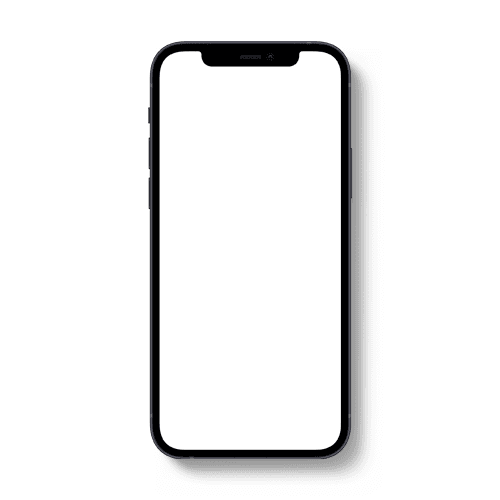
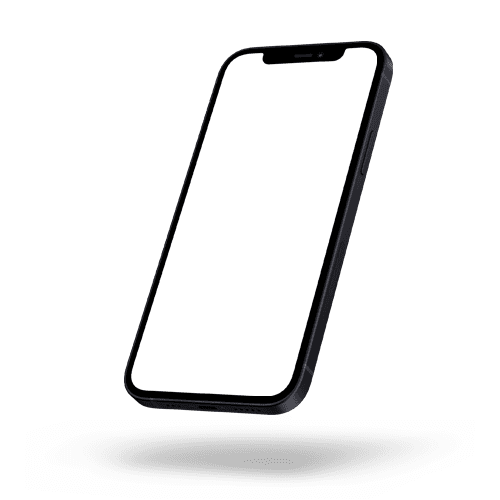
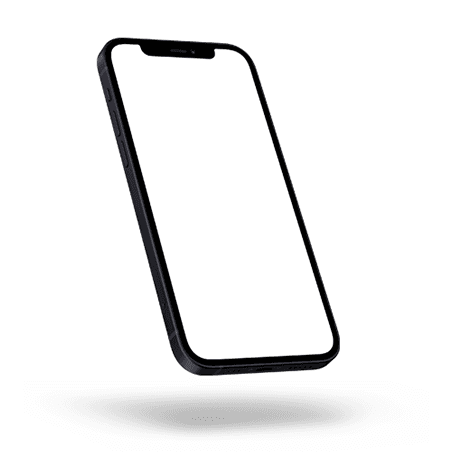
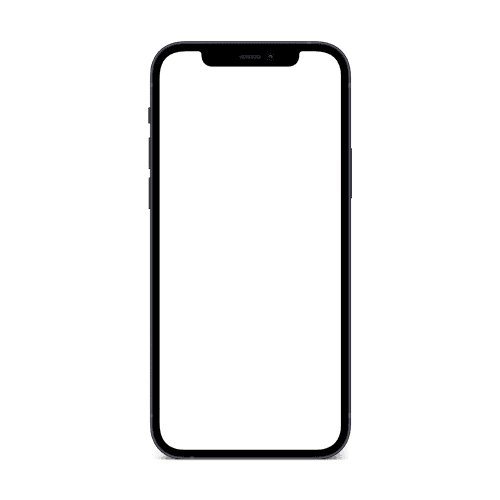
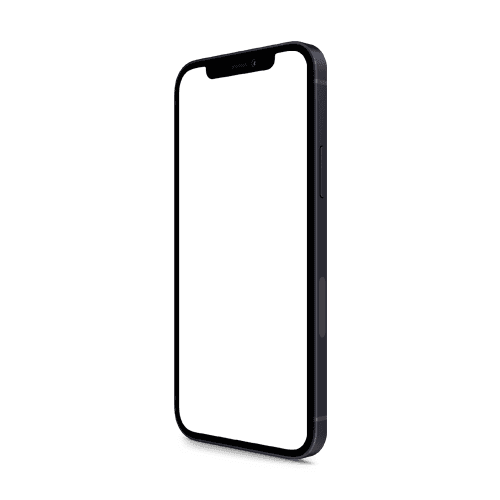
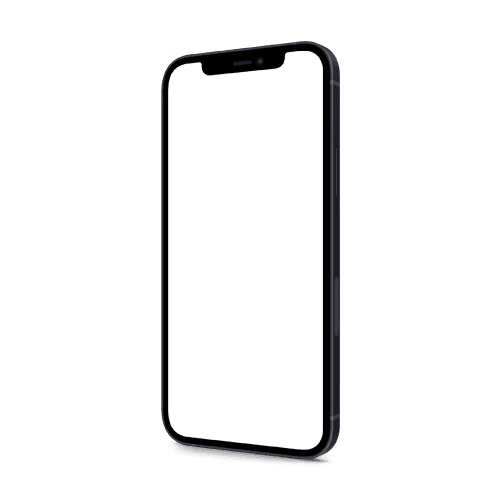
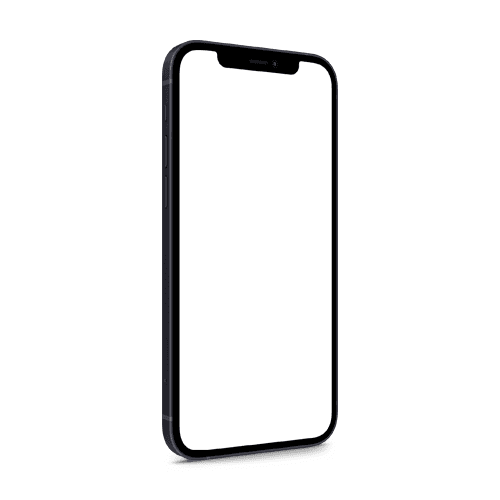
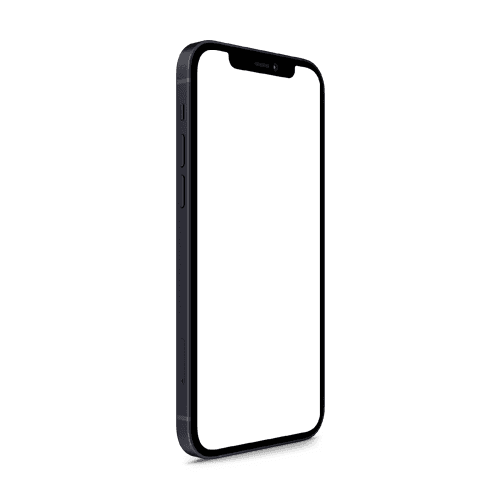
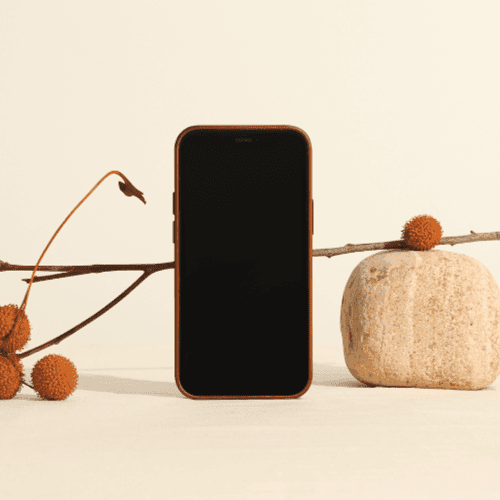

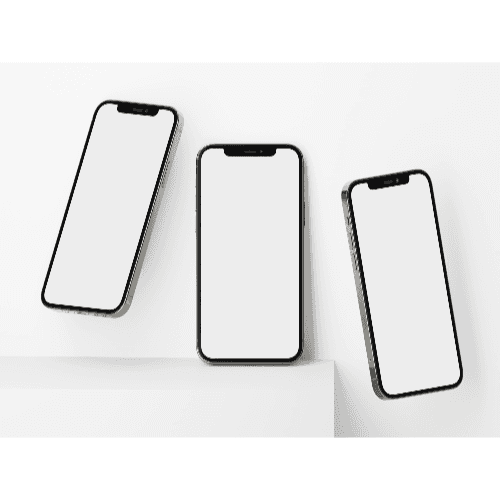

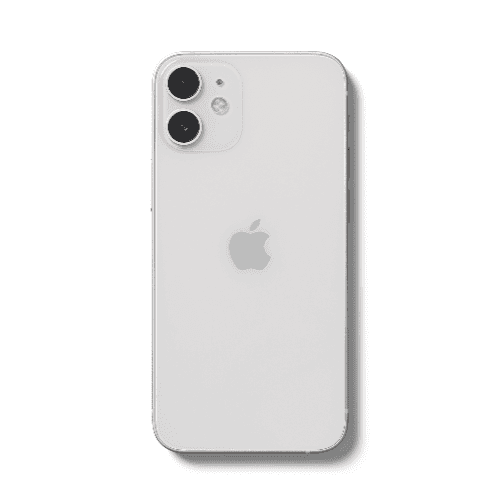
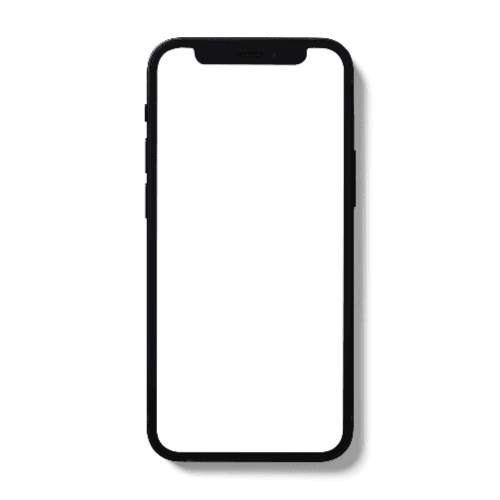
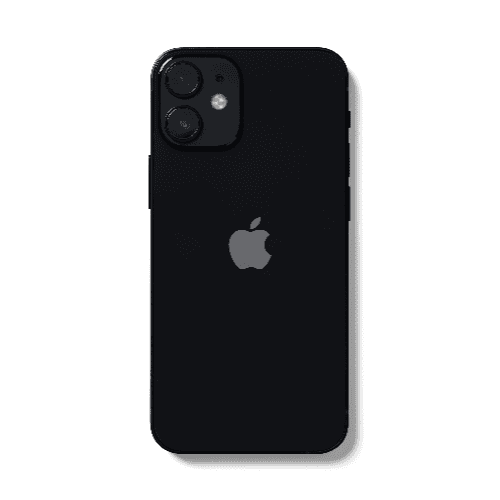

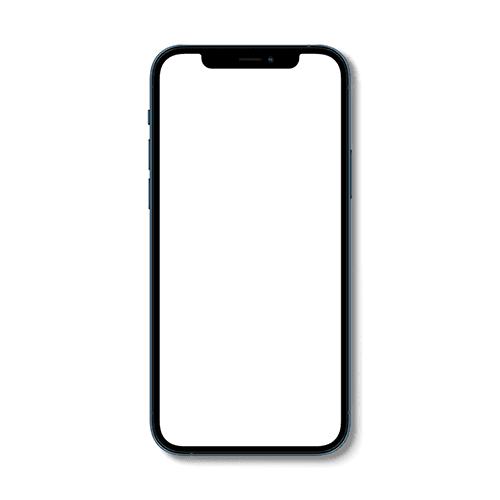
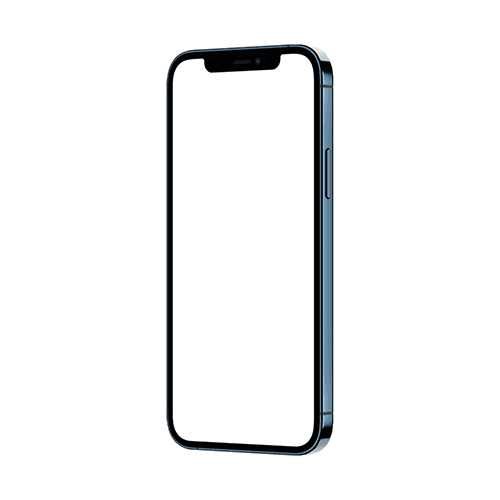
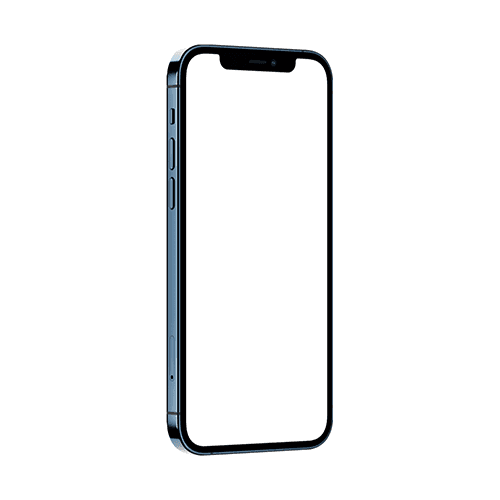
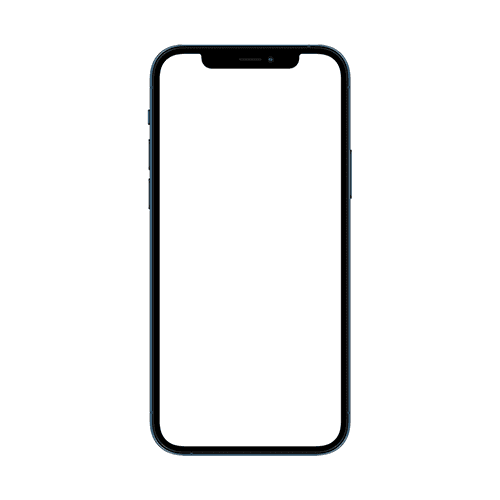
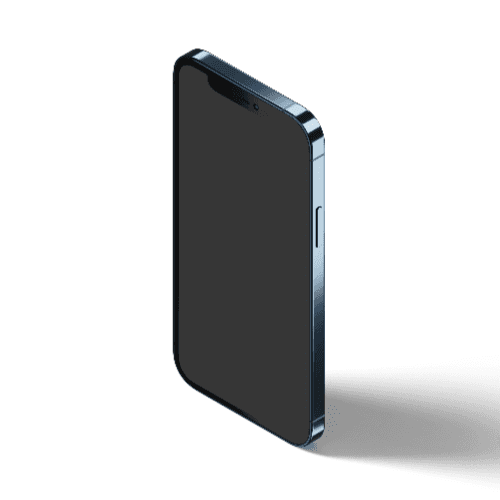
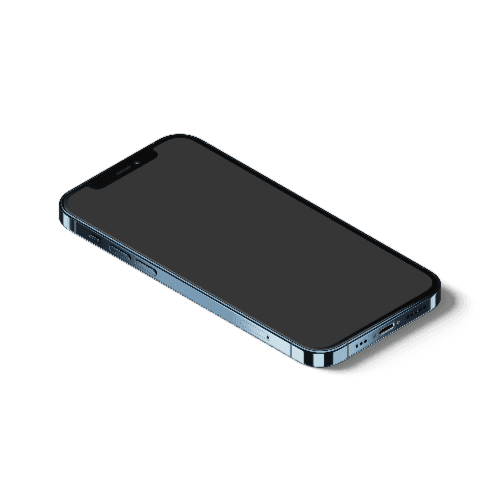
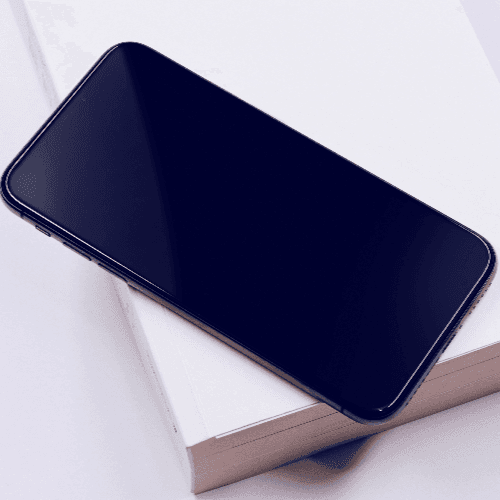


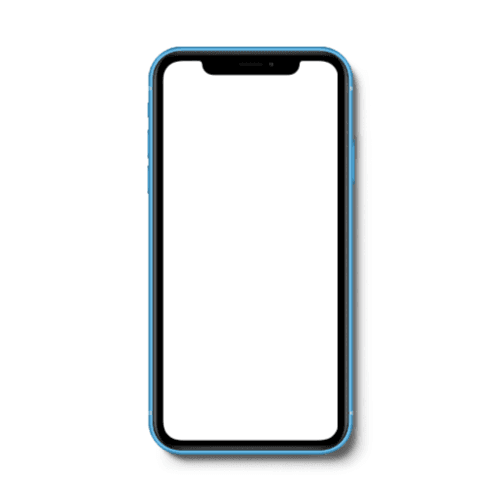
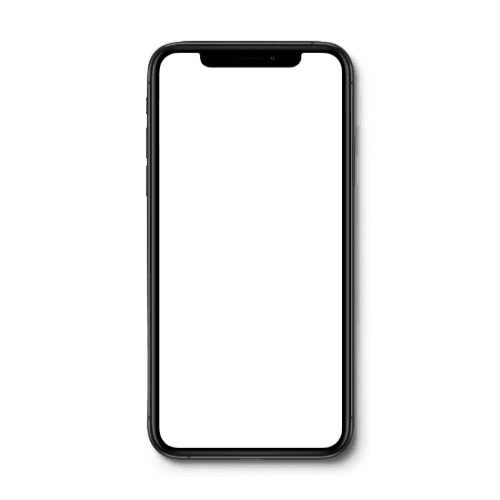
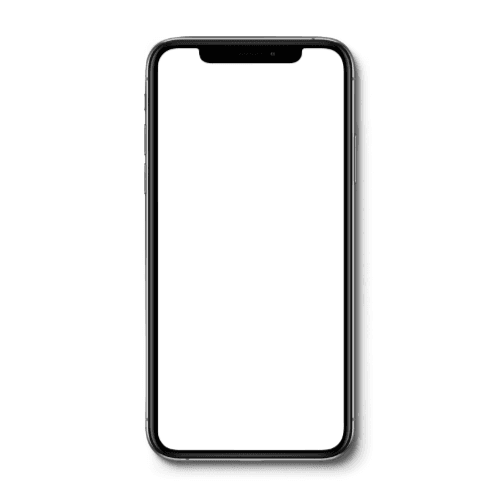
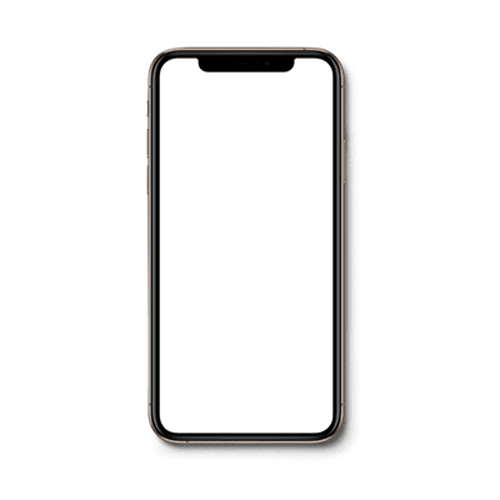
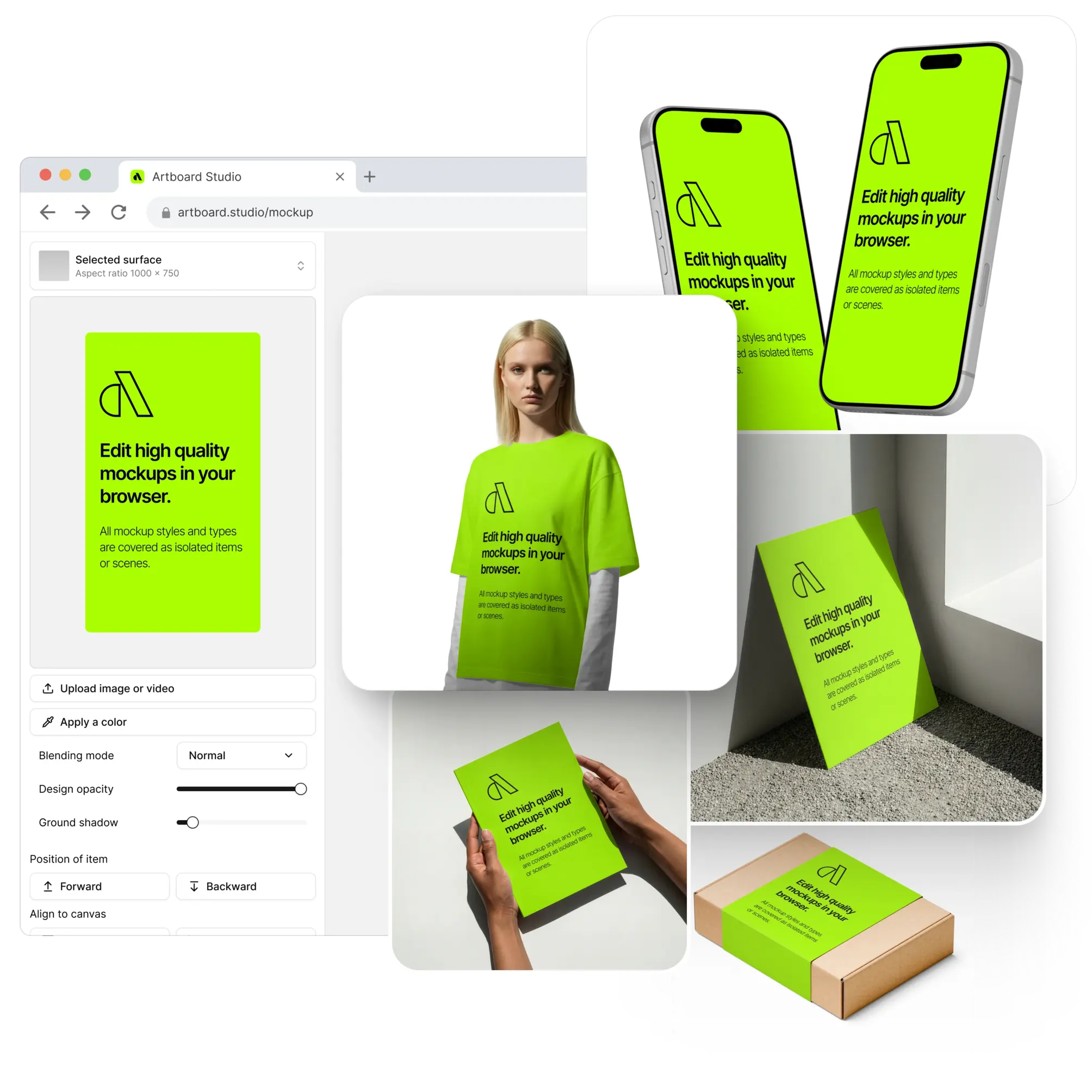
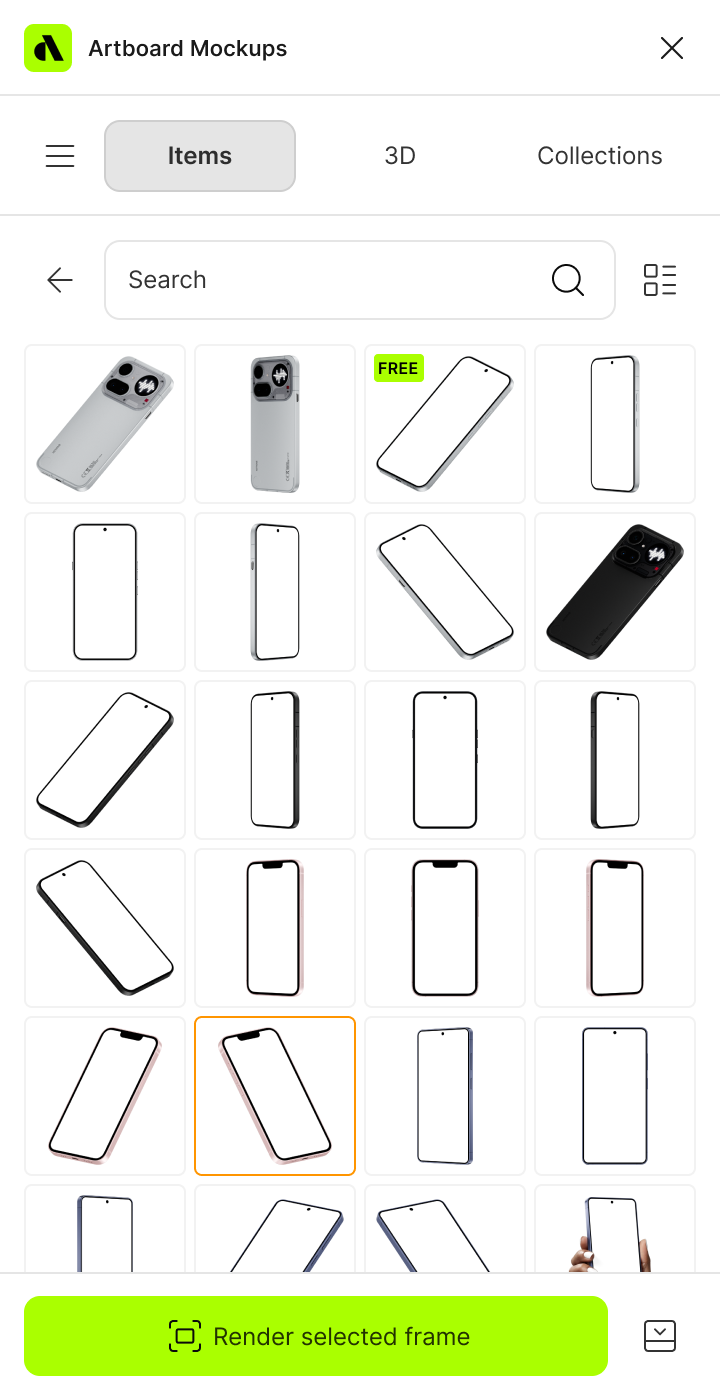
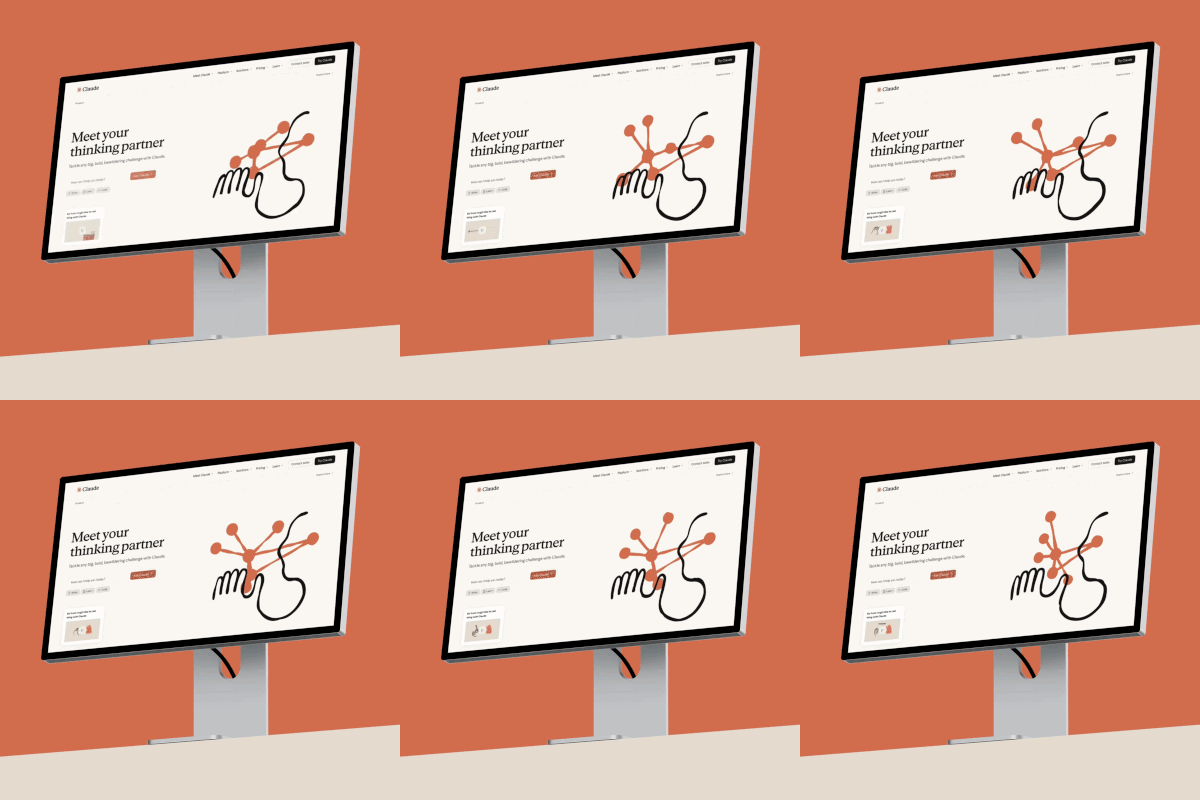

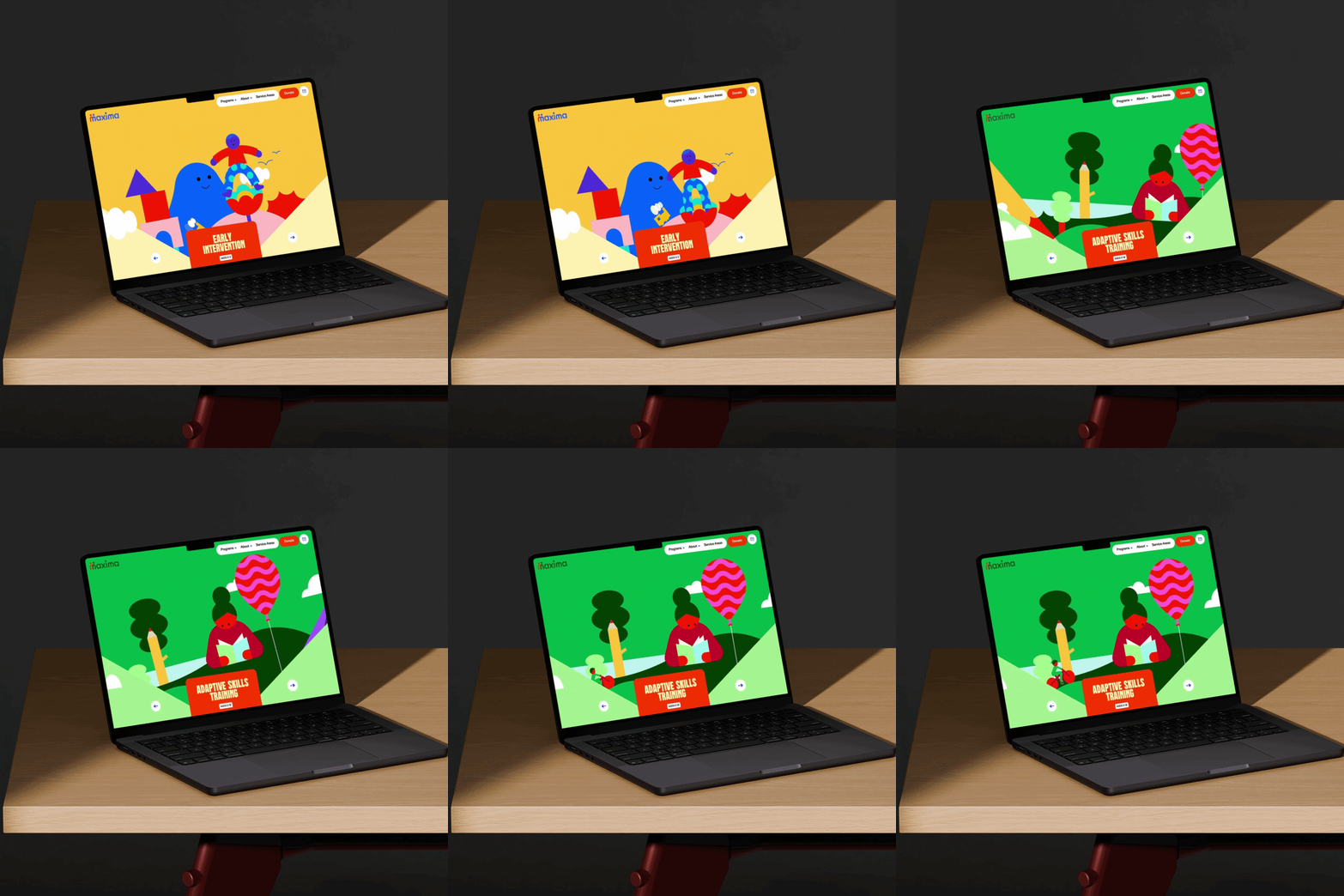

Most designers who try a free iPhone mockup from Artboard Studio don't stop there. One render in the online editor, one import inside Figma — and it becomes clear why thousands of designers and agencies across the globe trust Artboard Studio for their most important presentations.
How to use iPhone mockup generator for free?
Select the free iPhone mockup and open editor
Browse the full collection, pick the free mockup that fits your project, and jump straight into the editor.
Add your design to the free iPhone mockup screen
Upload your image or video and watch it appear on the iPhone screen instantly — perfectly placed and ready to go.
Customize and export
Once you've applied your image or video, export it in high resolution — PNG, JPEG, or WEBP for images, MP4 or WEBM for video.
FAQs
Are these iPhone mockups really free?
Yes. A handpicked selection of iPhone mockups is completely free to use — no credit card, no trial period, no hidden steps. They are specifically chosen to give you a genuine experience of the online editor and Figma plugin before you decide to explore the full library.
How many free iPhone mockups are available?
We offer a small, curated selection of free iPhone mockups. The goal is to give you enough to experience the editor quality and see how the Figma and Adobe Express plugins work firsthand.
What can I do with the free iPhone mockups?
You can use the online editor to apply your design and export a high-resolution result, or import the mockup inside Figma using the Artboard Mockups plugin — all completely free.
Do I need an account to access free iPhone mockups?
You will need a free Artboard Studio account to access and download the free mockups. Creating an account takes less than a minute and gives you immediate access to the free selection across the online editor and Figma plugin.
Can I use free iPhone mockups for commercial projects?
Free iPhone mockups on Artboard Studio are intended for personal use and evaluation purposes only. If you need to use mockups in client presentations, portfolio pages, or design marketplace listings, upgrading to a paid plan unlocks the full library with a commercial license included.
What happens after I try the free mockups?
If you like what you see — and we think you will — you can upgrade to a paid plan and unlock the full library of thousands of iPhone mockups across every model, angle, scene, and style. No pressure, but the difference is hard to ignore once you've experienced the quality.
Still have questions?
We are always here to help. Use the chat in the bottom right corner.