


Device Mockups




Packaging Mockups












iPhone Duo Mockup Generator
Bring your app designs to life on iPhone Duo with realistic foldable mockups. Add a screenshot or UI video to the inner or outer display, adjust the device position, and create polished visuals for presentations, portfolios, and product showcases — all without Photoshop.
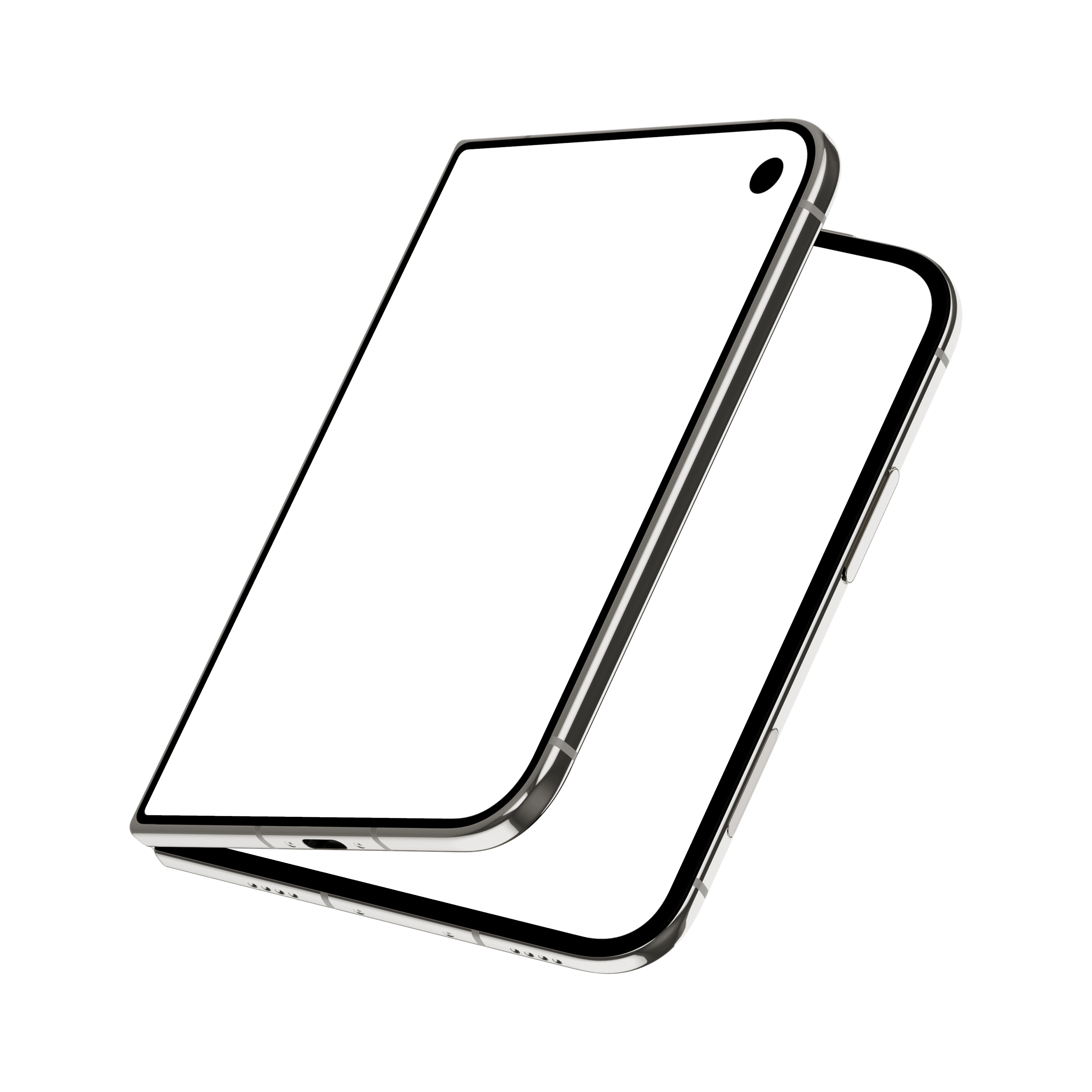
Showcase your app on iPhone Duo with mockups designed for its unique foldable form. Drop in a screenshot or UI video and present your design across the outer or inner display, from compact folded views to the expansive 7.6-inch screen. Create polished product visuals directly in your browser, use transparent mockups to build custom scenes, or add motion with UI videos. You can also bring your designs into Figma or Adobe Express through the Artboard Studio plugins. Perfect for product designers, app teams, and creative agencies looking to present modern mobile experiences in a way that feels as innovative as the device itself.

Trusted by 925K+ designers worldwide. Free plan available; commercial license included. Updated June 2026.
iPhone Duo mockups at a glance
What it is: realistic iPhone Duo mockup templates that let you showcase your app screens or UI videos across the inner and outer displays.
Background: many iPhone Duo mockups come with transparent, isolated devices, giving you the freedom to create your own surface, color, or scene.
Models: iPhone Duo in Night Sky and Star White, with open, folded, and hands-free views for showcasing designs across its dual displays.
Views: front, angled, floating, and hand-held compositions, plus duo and trio setups with MacBook and iPad combinations for richer device presentations.
Export and price: download your iPhone Duo mockups as PNG, JPEG, WEBP, MP4, or WEBM. Start with the free plan, or unlock more features with plans starting at $9/month.
Browse iPhone Duo mockups
Lots of ready-to-edit iPhone Duo mockups. Click any one to open it in the editor.
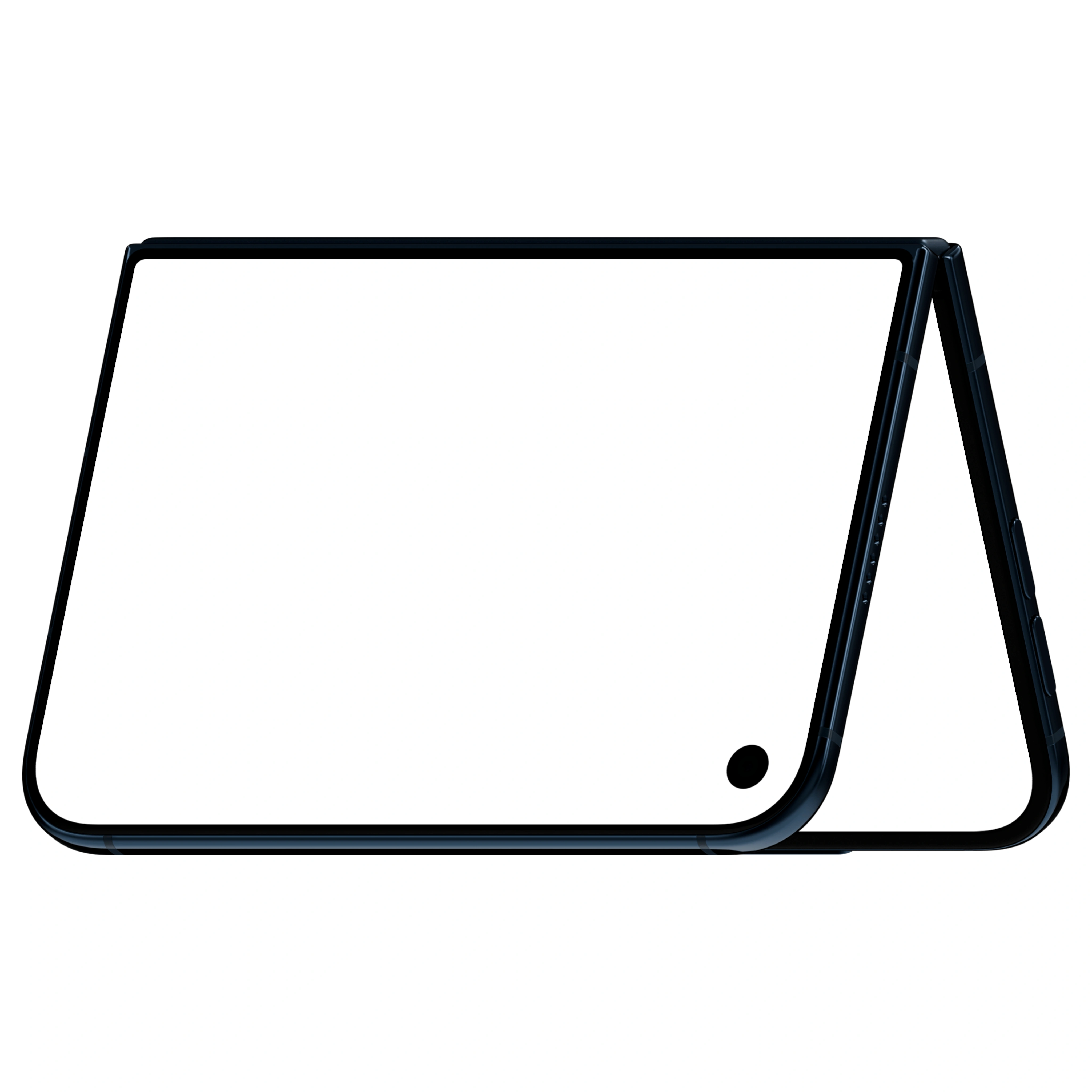
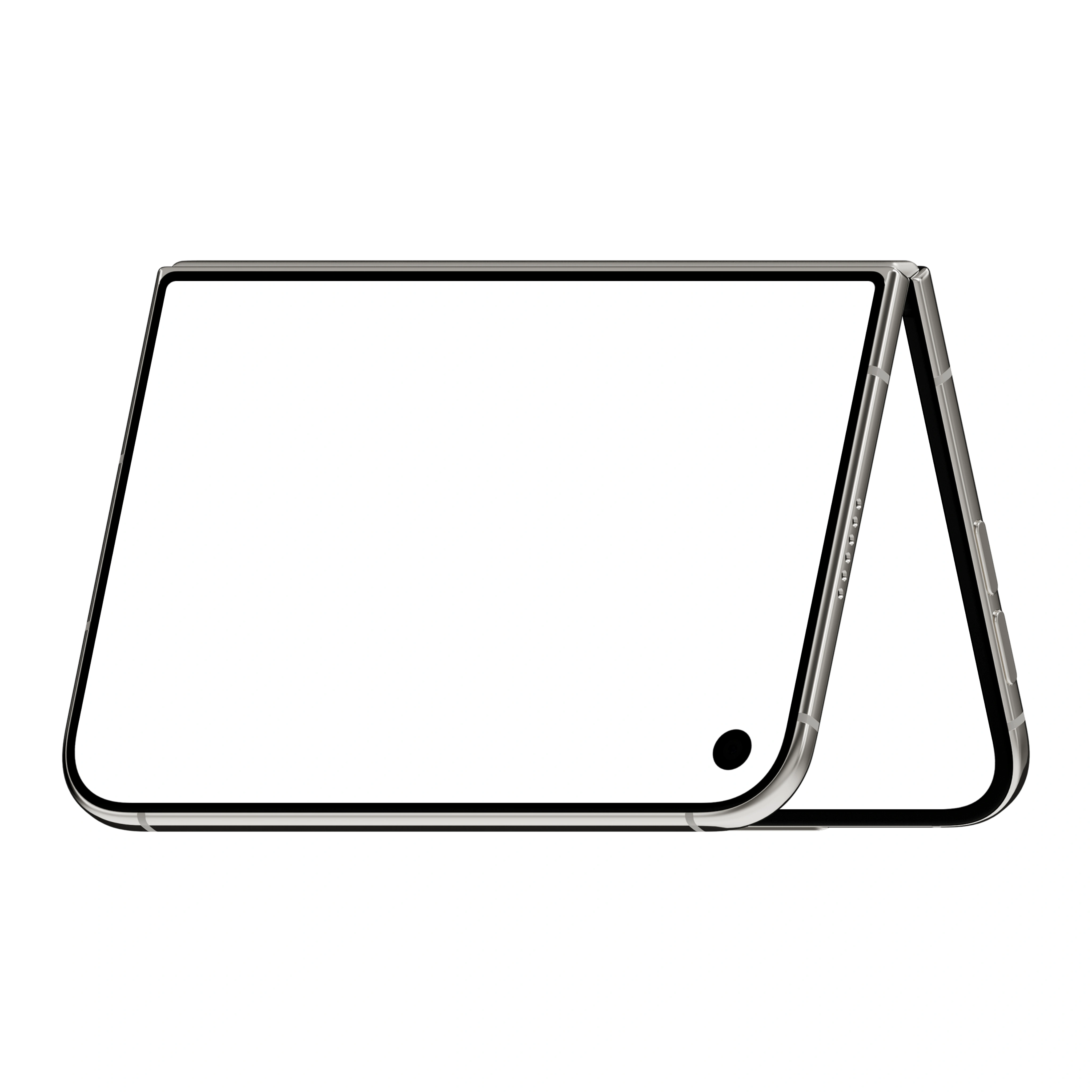
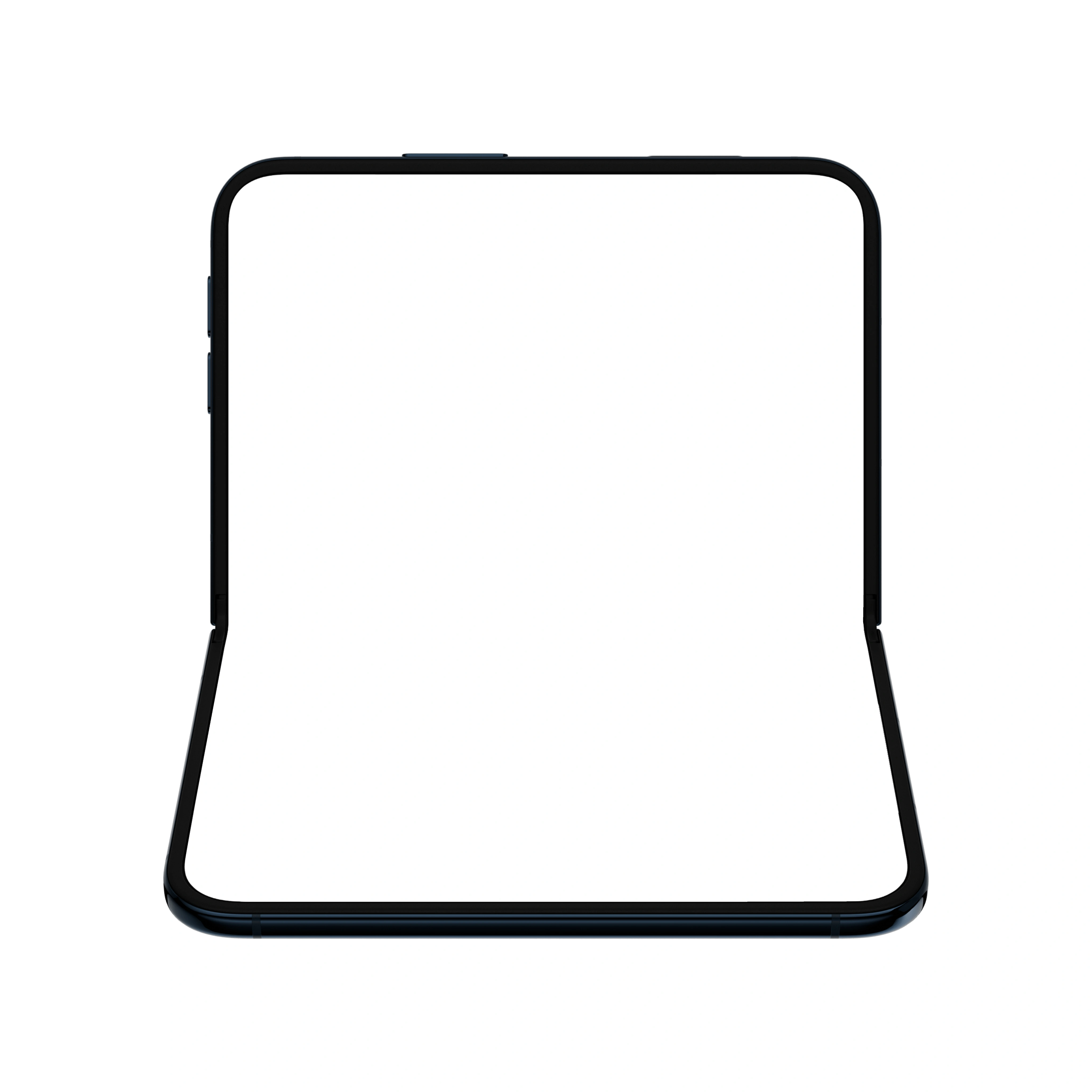
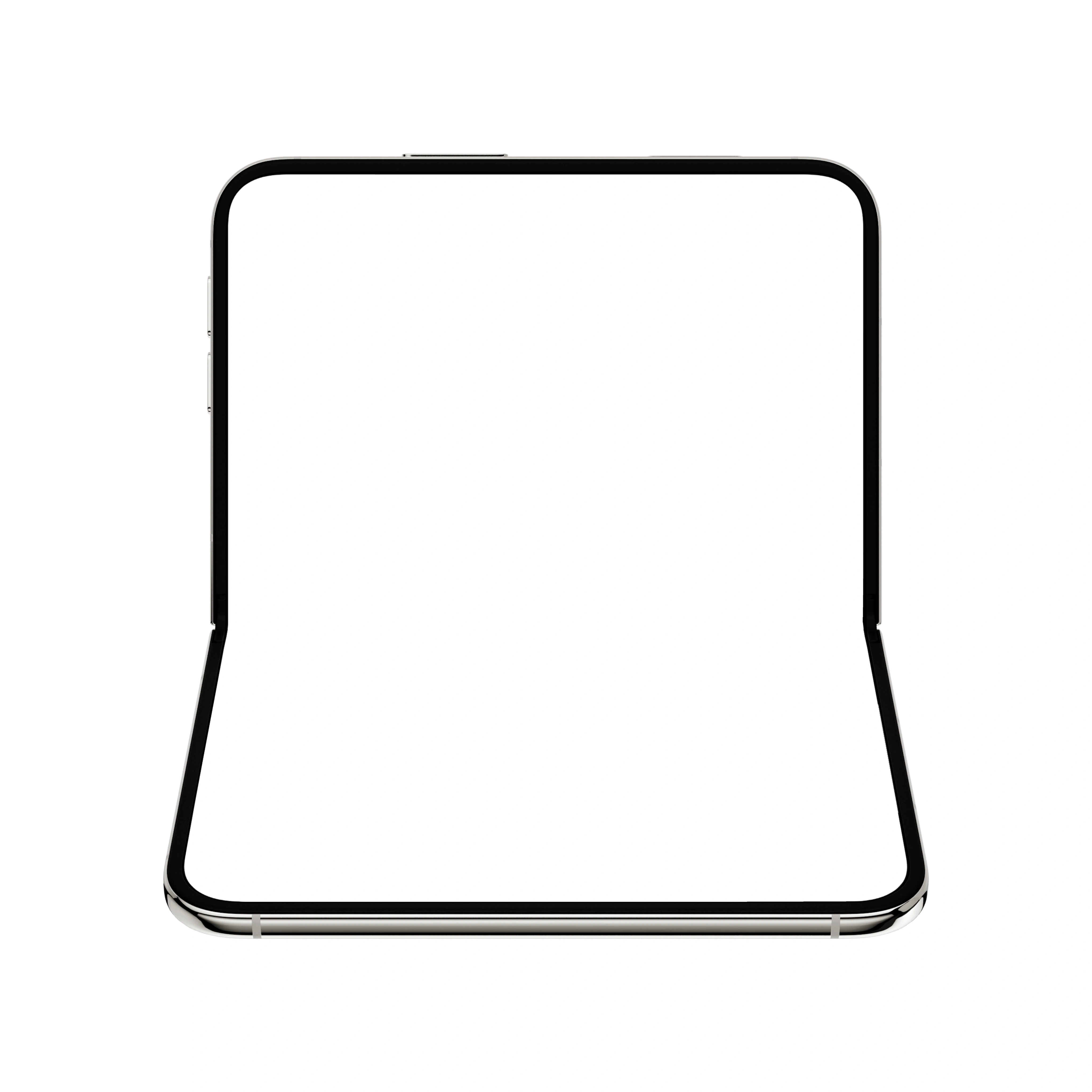
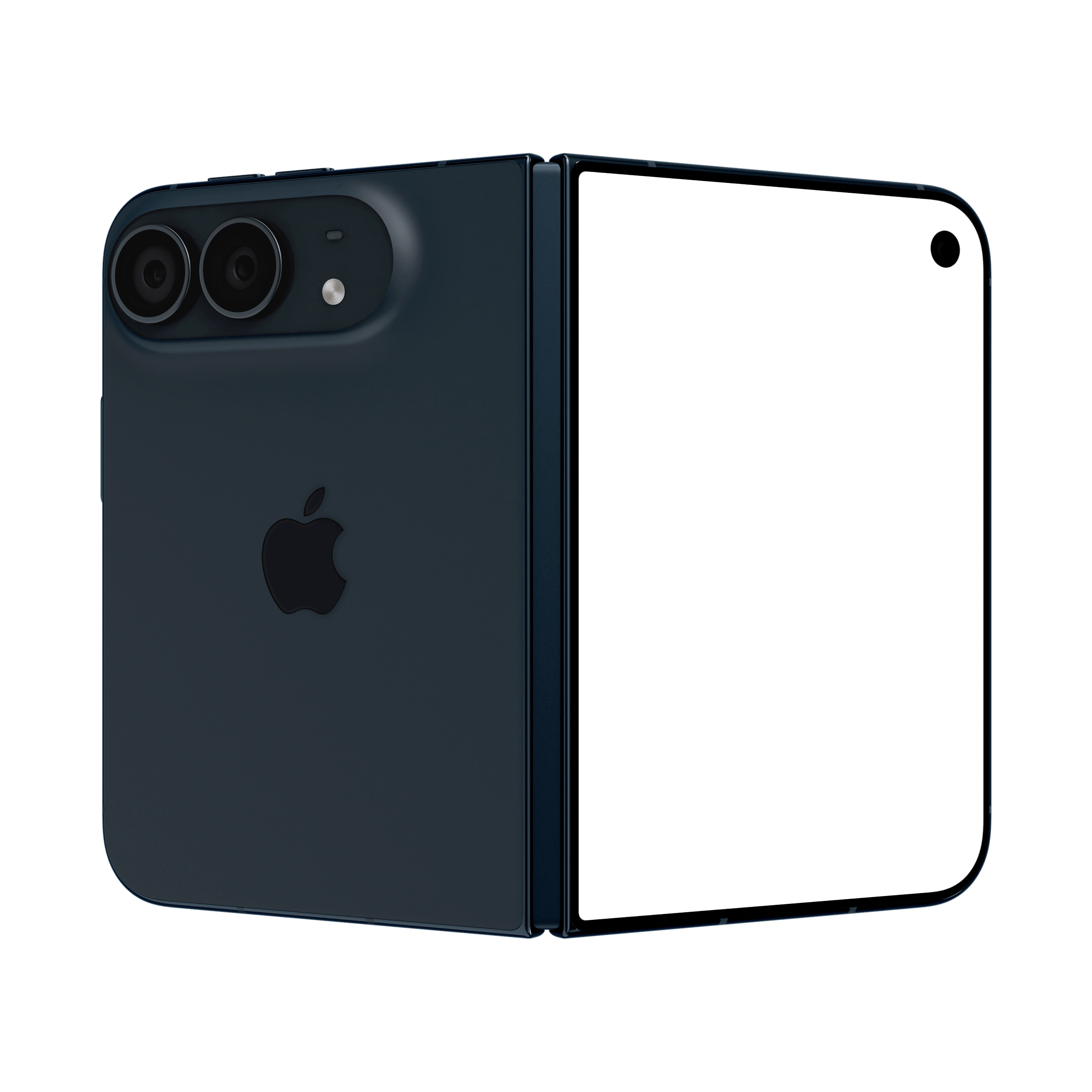
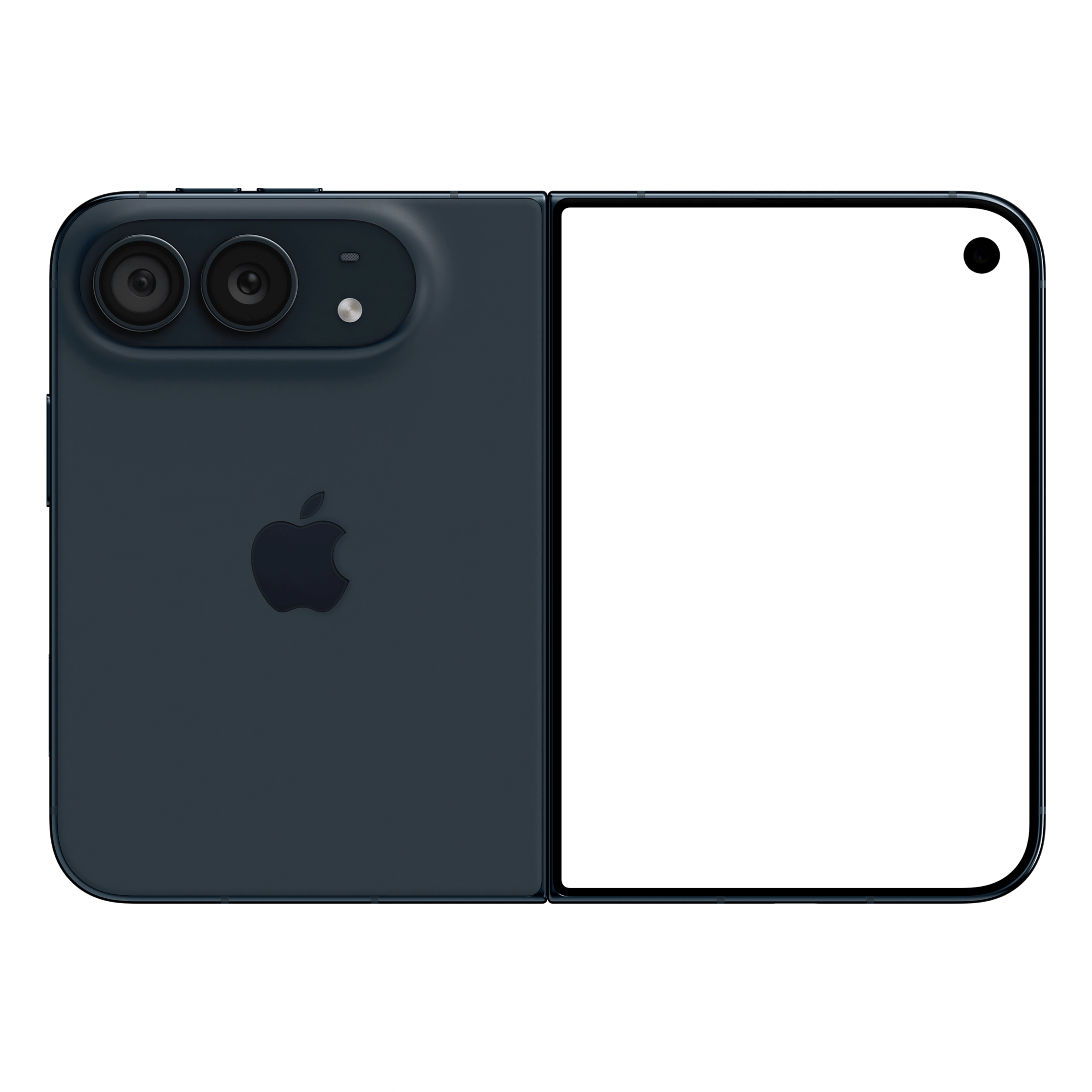
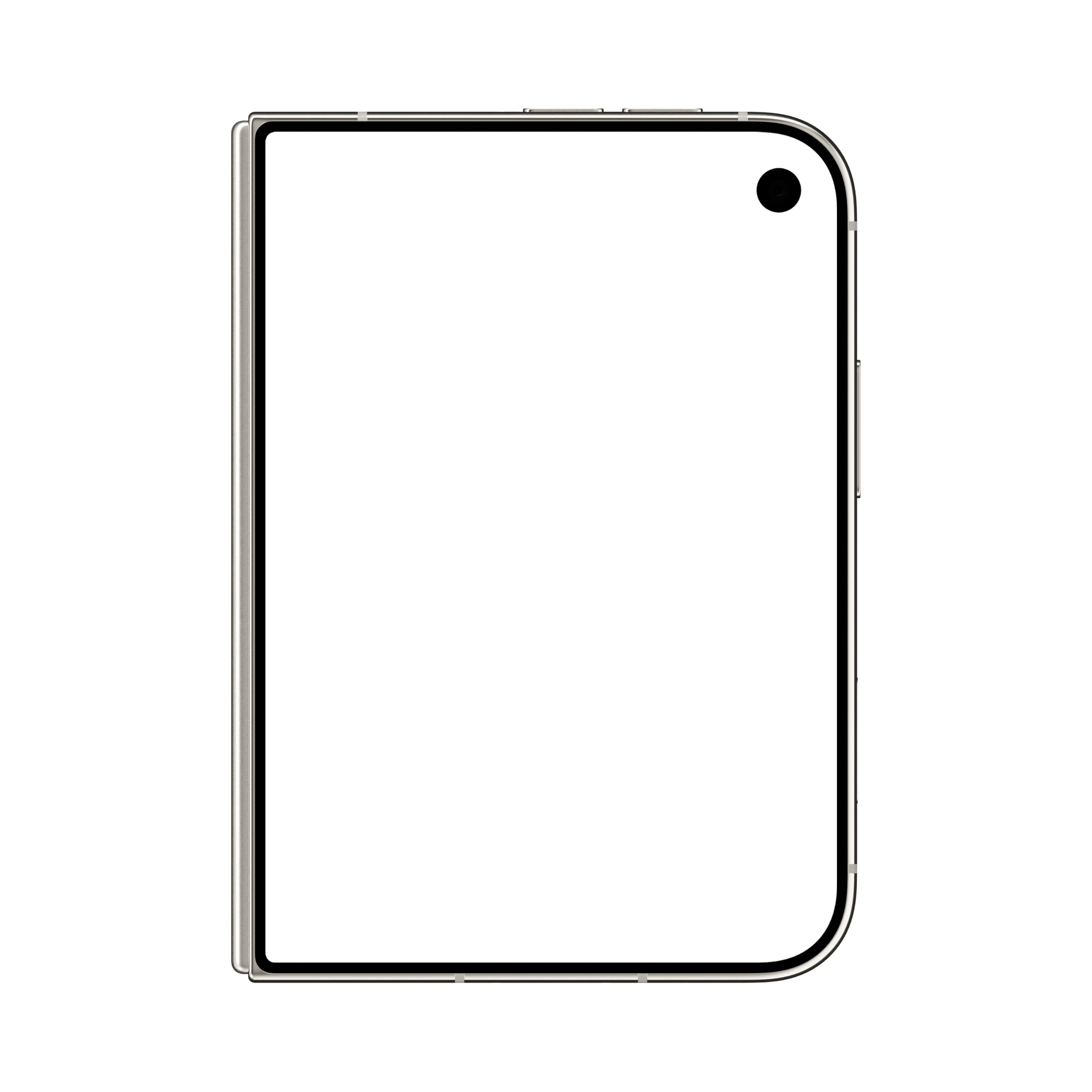
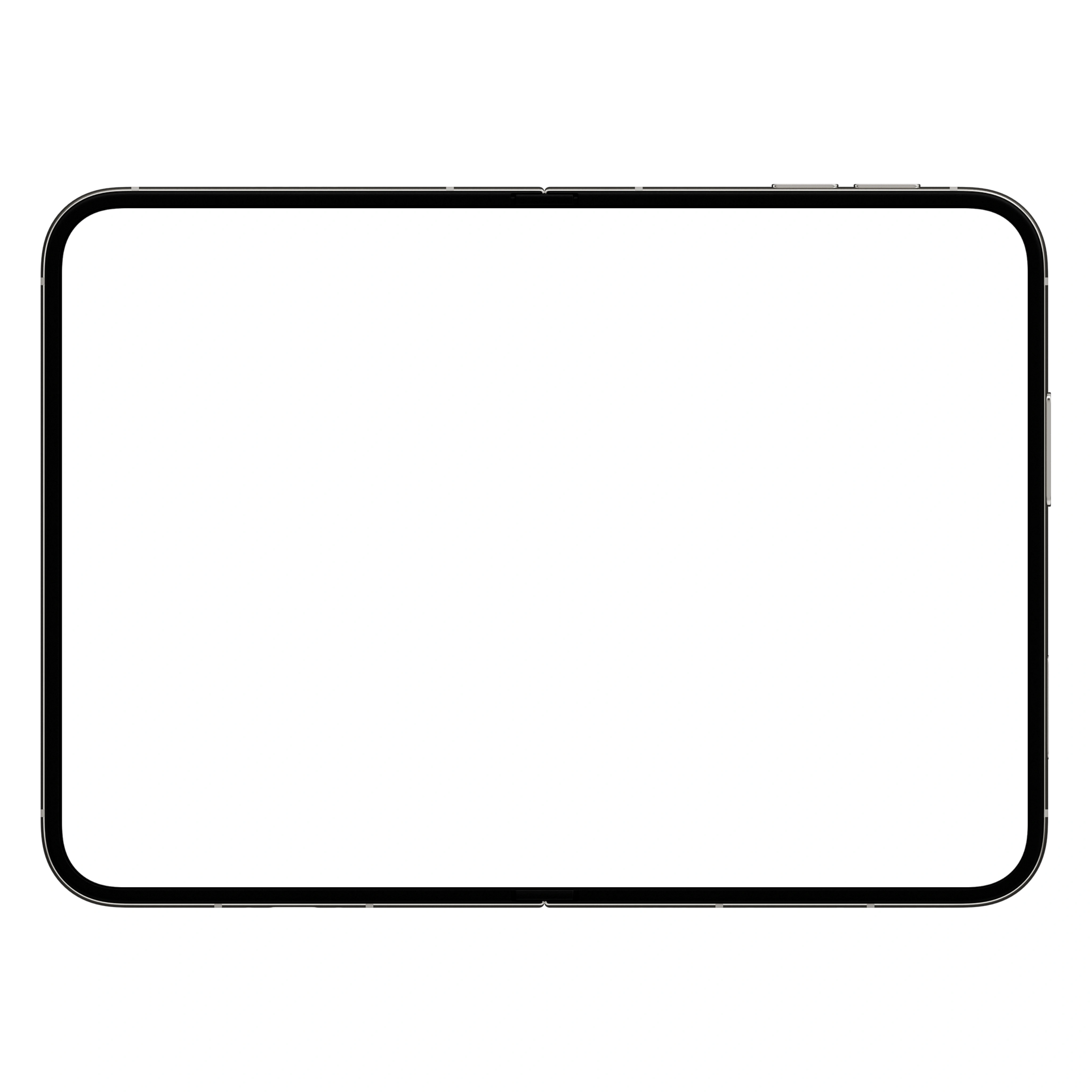
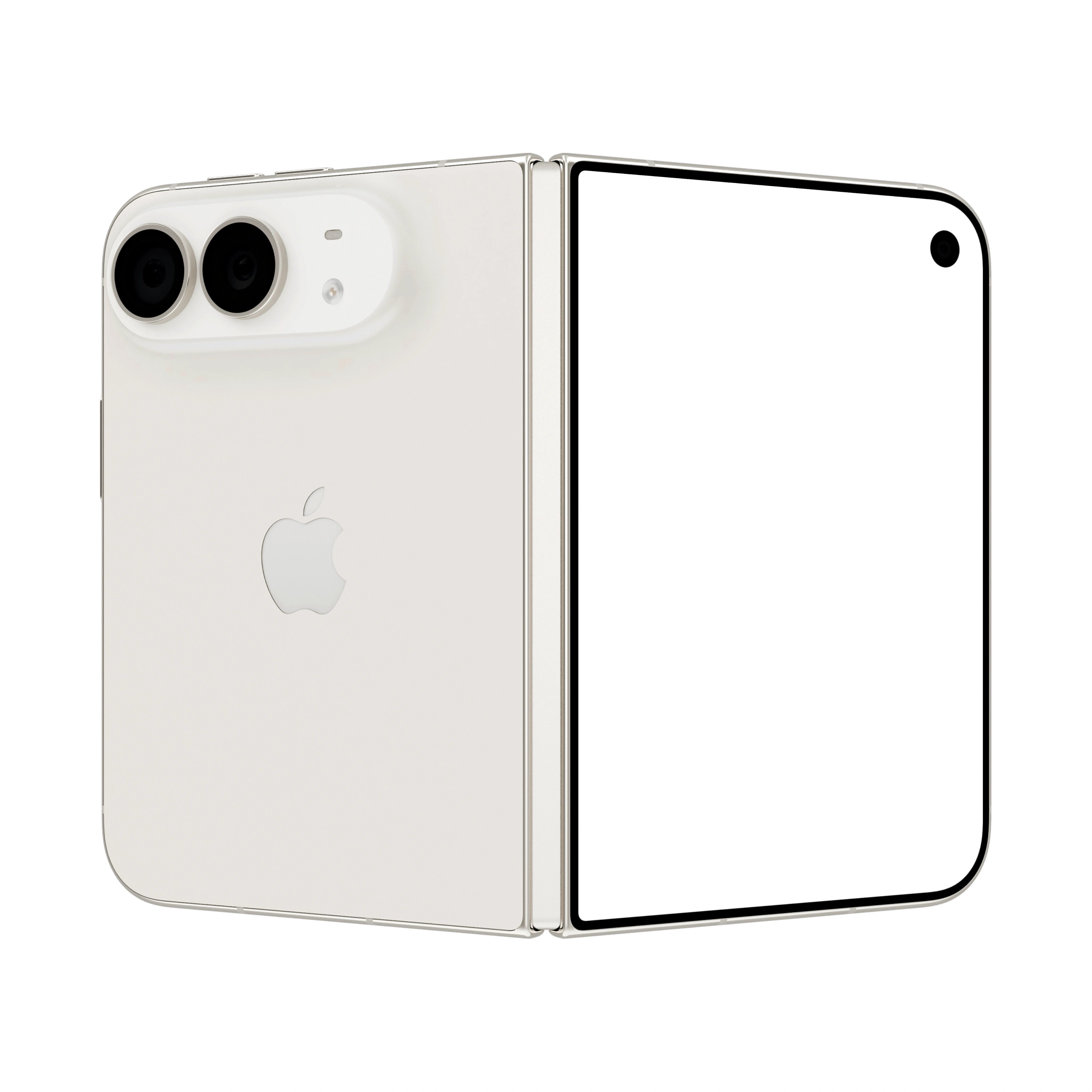
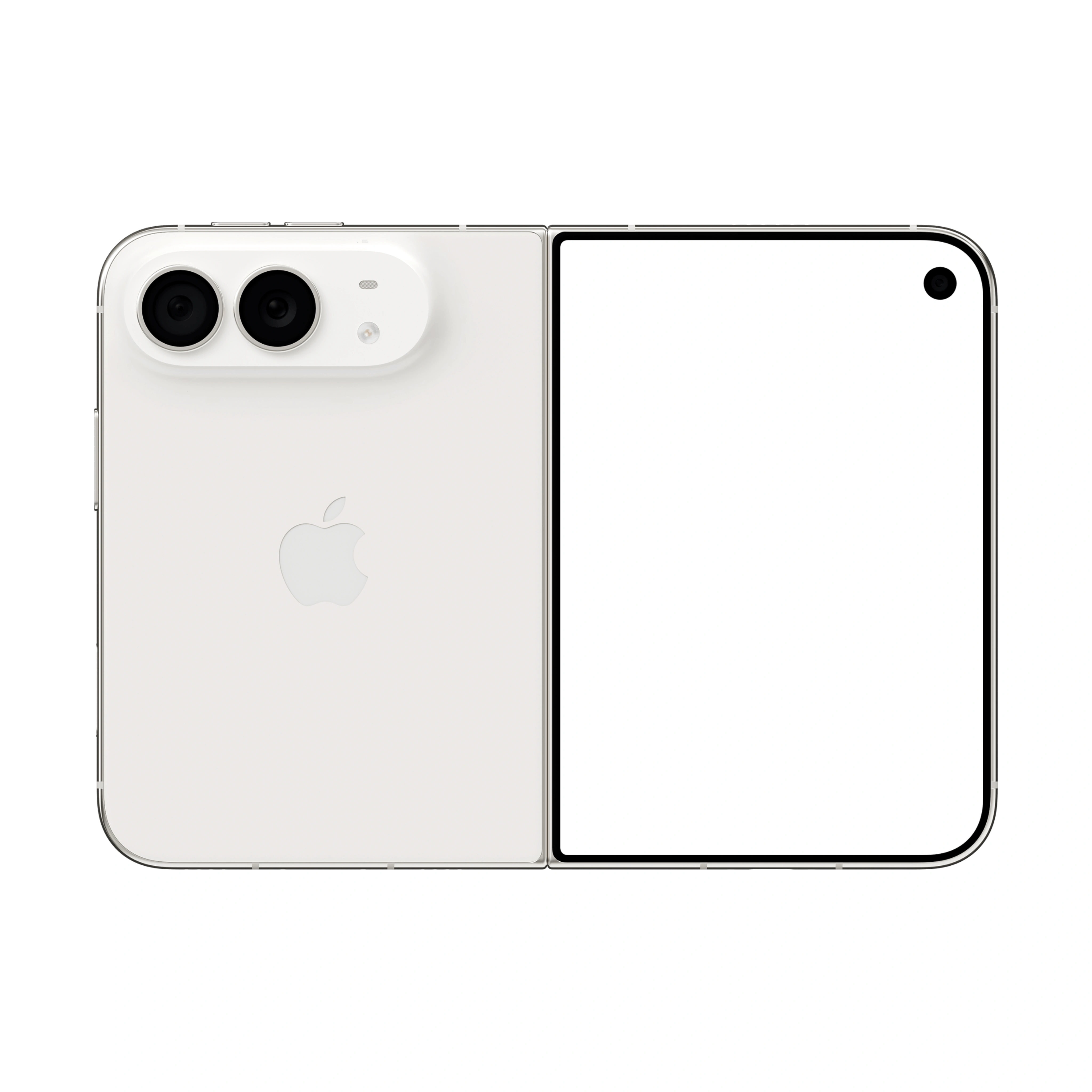

What are the most popular iPhone Duo mockup styles?
The most-used styles are front, hand-holding, floating, and duo or trio sets, across silver, deep blue, and cosmic orange - all editable online or in Figma.
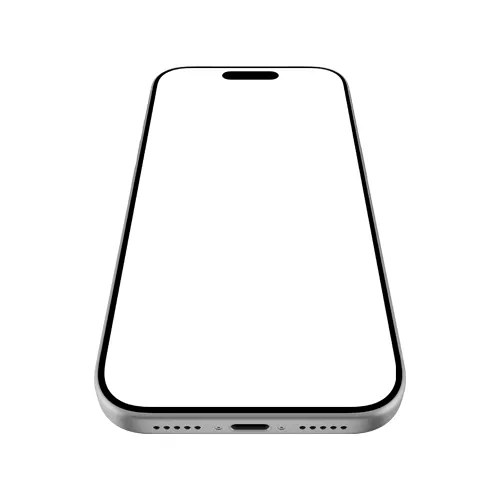
Front and angled
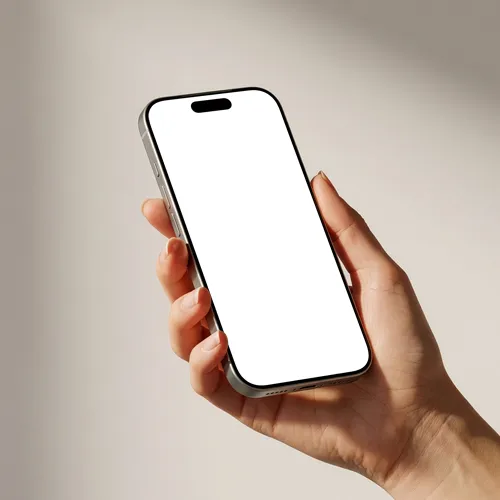
Hand holding
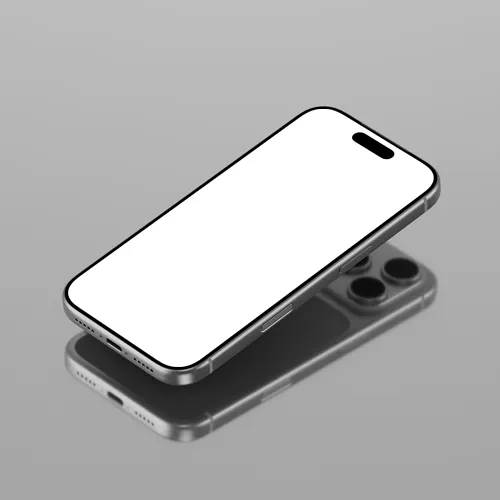
Floating
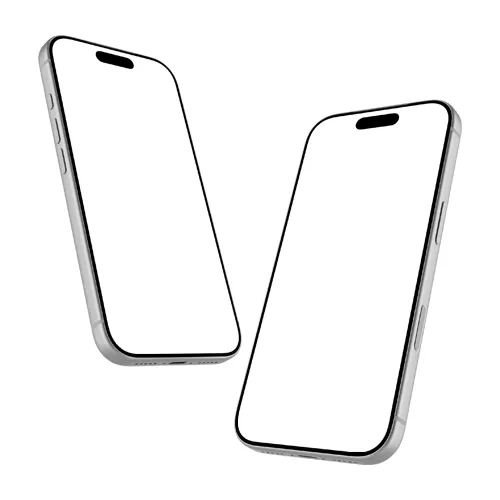
Duo and trio sets
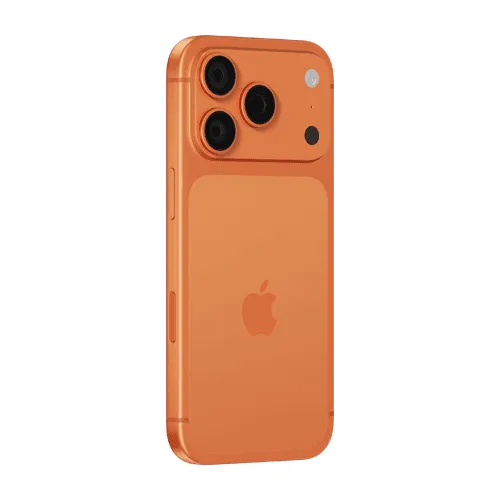
Color variants
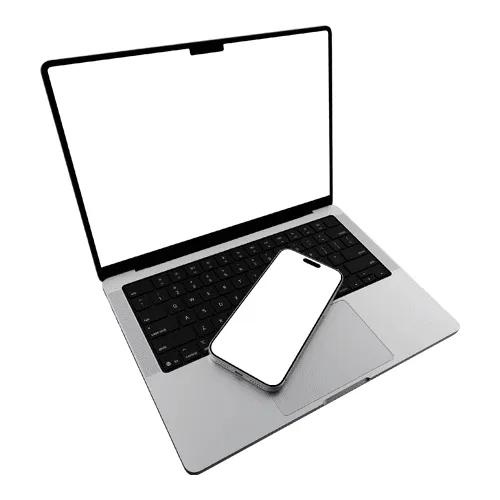
Device combos
What do designers use iPhone Duo mockups for?
Most use them for app and UI portfolios, App Store screenshots, client presentations, and social launch content.
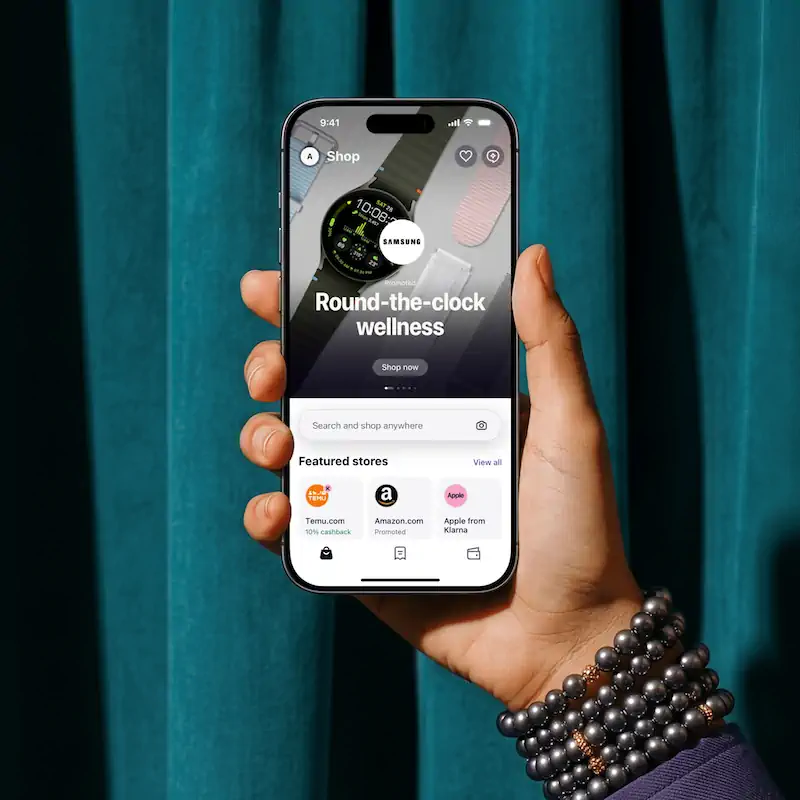
App and UI portfolios
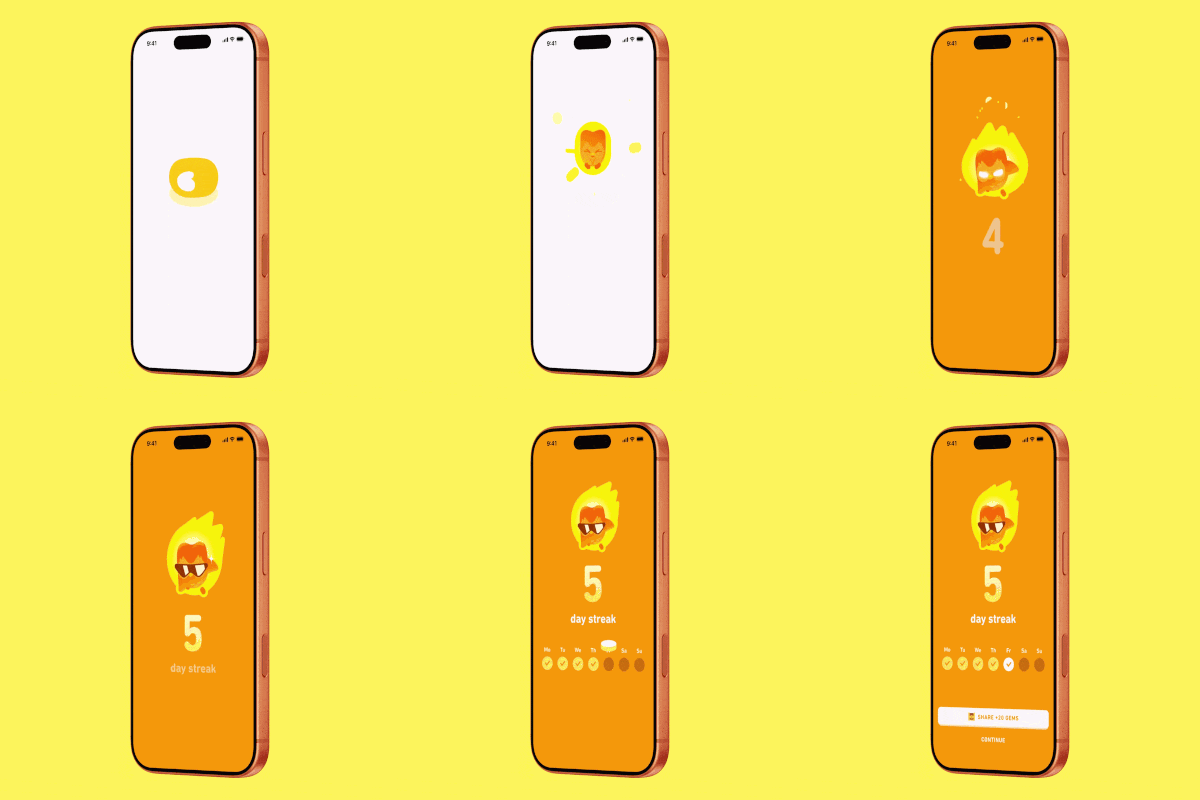
App Store screenshots
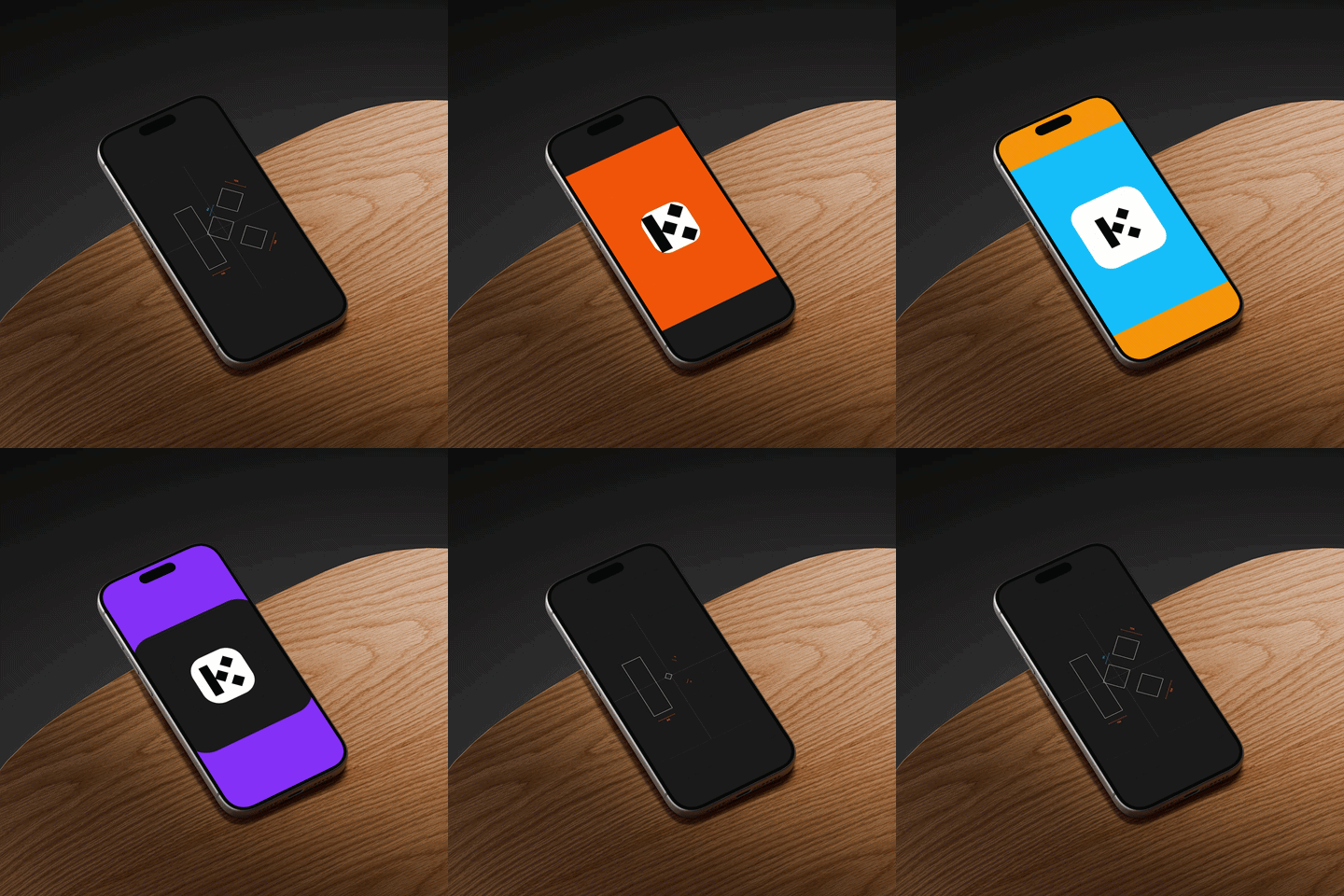
Launch and social content
How do I make an iPhone Duo mockup?
Select an iPhone Duo mockup
Browse the collection, filter by view or color, then open the one that fits your project.Add your screen design
Upload your app screenshot or UI video; it maps onto the iPhone Duo screens instantly, pixel-accurate.Customize and export
Set any background or scene, then export PNG, JPEG, WEBP, MP4, or WEBM.
Online editor or Figma plugin: which to use?
Use the online editor for quick one-off mockups with no software; use the Figma plugin when your project already lives in Figma.
Online editor
Apply your design in the browser and export in seconds. Best for fast, one-off mockups.
Figma plugin
Render mockups without leaving Figma. Best when your design already lives there. Install Figma plugin now.
What iPhone Duo sizes and export formats are supported?
iPhone Duo mockups are designed around the device’s native display dimensions to keep your UI sharp and accurately scaled. The editor also provides the recommended dimensions for each display, so you can prepare your designs with confidence.
How is Artboard Studio different from other iPhone Duo mockup tools?
Many iPhone Duo mockup tools are limited to static screens. With Artboard Studio, you can showcase UI videos across both displays and export them as video, create fully customizable scenes with transparent isolated devices, and use AI to generate unique environments. You can also work directly in Figma and Adobe Express with official plugins, including video mockups in Figma.
iPhone Duo mockup FAQs
What is an iPhone Duo mockup?
An iPhone Duo mockup brings your app screenshot or UI design onto a realistic foldable device, giving you a polished way to showcase your work across its inner and outer displays. Use it for portfolios, client presentations, product showcases, and App Store visuals without complicated editing.
How are iPhone Duo mockups different from traditional iPhone mockups?
The main difference is that iPhone Duo mockups are designed around a **foldable, dual-screen device**, rather than a traditional single-screen iPhone. They can showcase your design on both the **outer display and the larger inner display**, with open, folded, and other device positions. This makes them especially useful for demonstrating responsive layouts, multi-screen experiences, and interactive app concepts.
Can I put videos on the iPhone Duo screen?
Yes. You can place UI designs or app videos on either iPhone Duo display and export them as MP4 or WEBM, making it easy to showcase interactions and motion alongside static screens. Create your mockups directly in the browser or work seamlessly in Figma with the Artboard Studio plugin.
Do I need Photoshop or Figma to use iPhone Duo mockups?
No software is required. Apply your designs to iPhone Duo directly in your browser, or use the Artboard Studio plugins for Figma and Adobe Express to create mockups without leaving your preferred design tools.
What screen resolution should my design be for an iPhone Duo mockup?
iPhone Duo has two displays with different native resolutions. The 7.6-inch folding inner display uses a 1878 × 2670 pixel resolution at 430 ppi, while the 5.4-inch outer display uses 1398 × 2034 pixels at 460 ppi. Our iPhone Duo mockups are designed around these display dimensions so your designs fit accurately on either screen.
Can I use iPhone Duo mockups for commercial projects?
Yes. Every mockup includes a commercial license, cleared for client presentations, portfolio pages, App Store listings, and design marketplace assets.
Still have questions?
We are always here to help. Use the chat in the bottom right corner.