

Device Mockups
Apparel Mockups






Packaging Mockups

















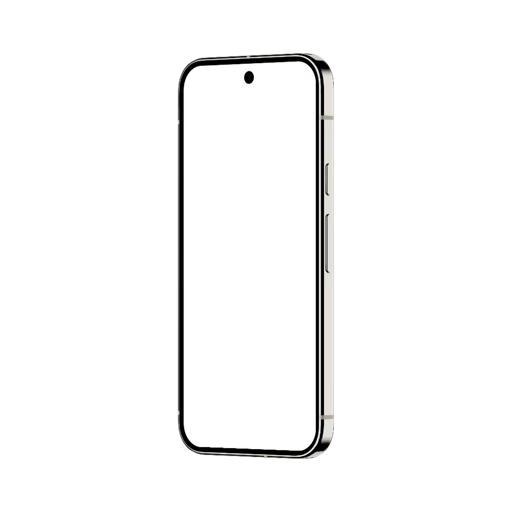
Figma iPhone Mockup
Stay in Figma and never break your flow. Access thousands of iPhone mockups directly inside Figma with the Artboard Mockups plugin — apply your designs to any mockup surface, customize backgrounds, and export without ever leaving your design tool. Built for designers who value speed, quality, and a workflow that just works.

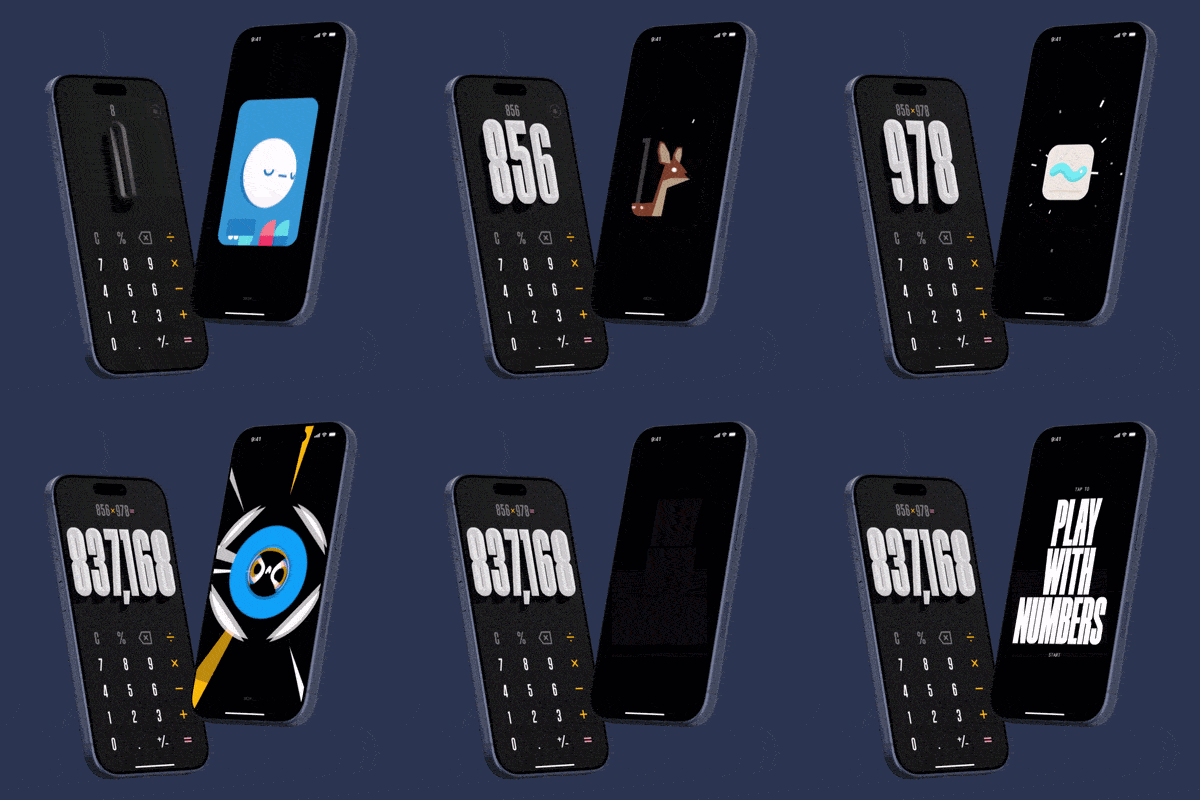
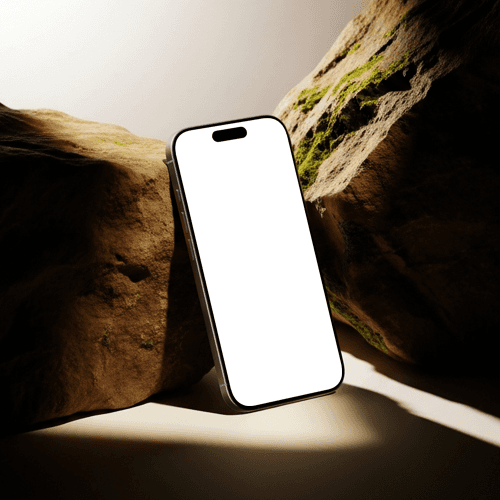

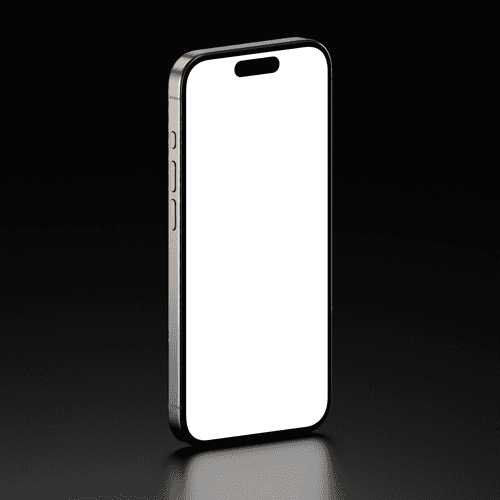
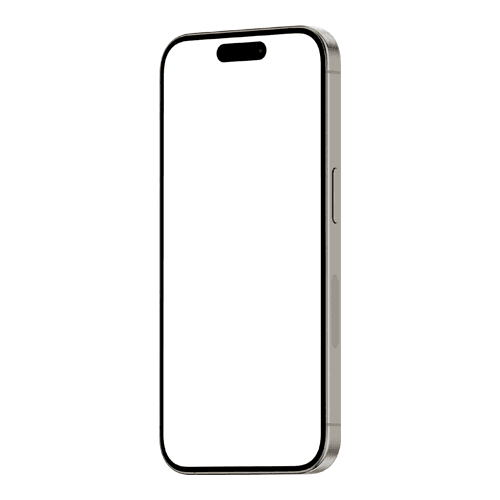
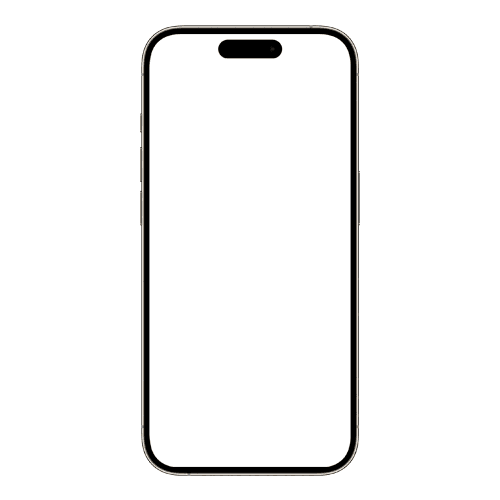
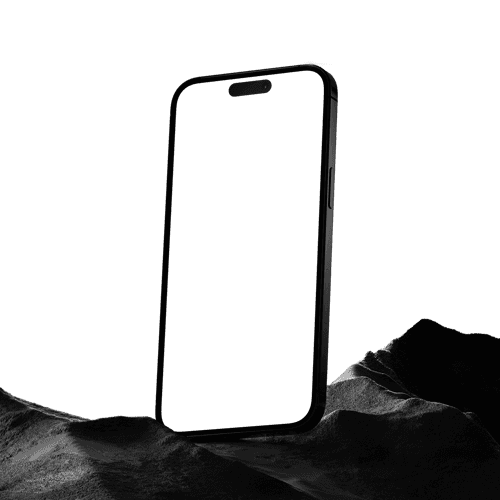
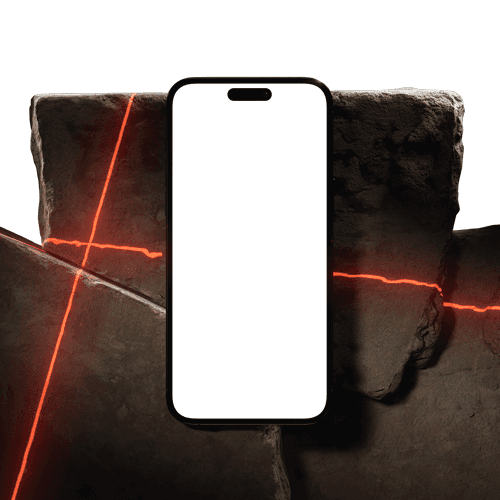
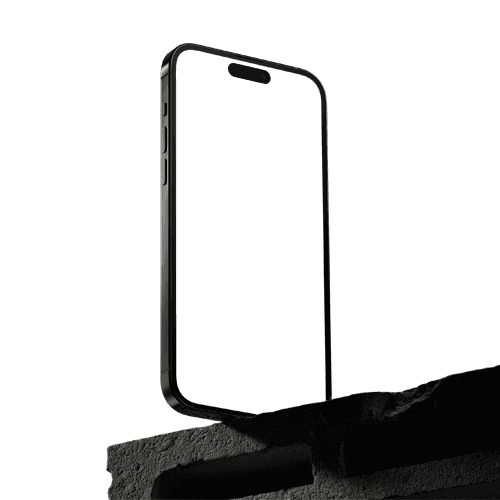
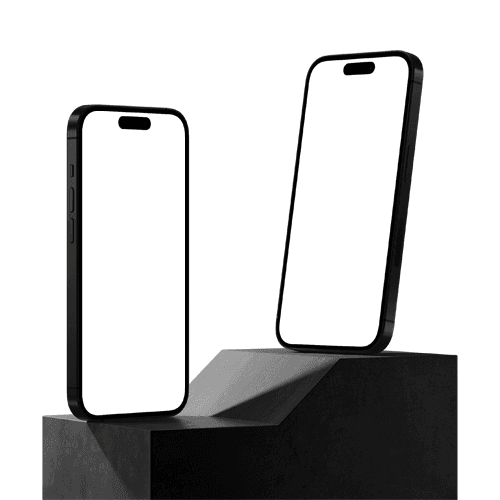
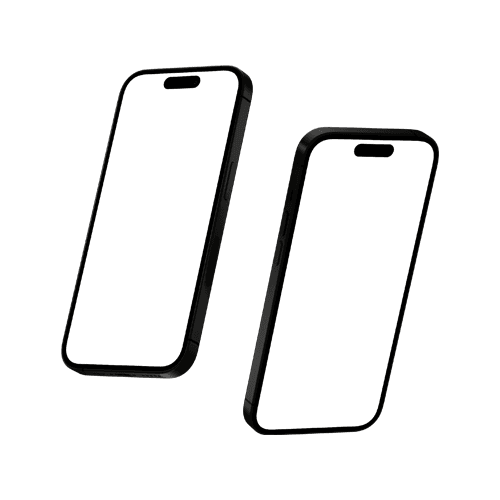
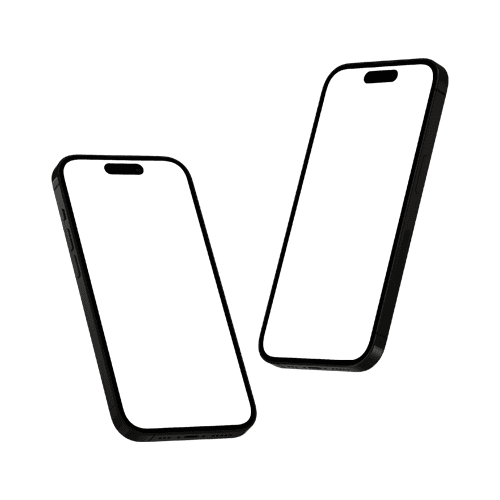
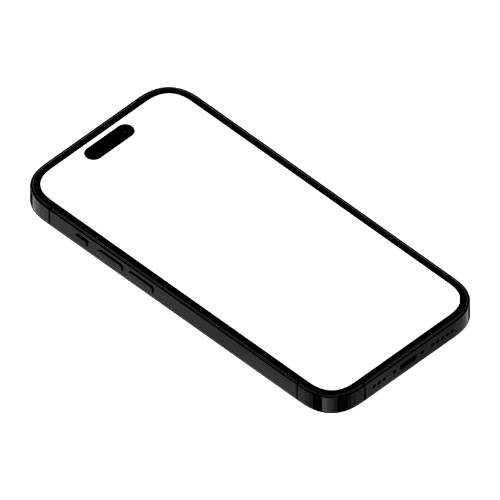
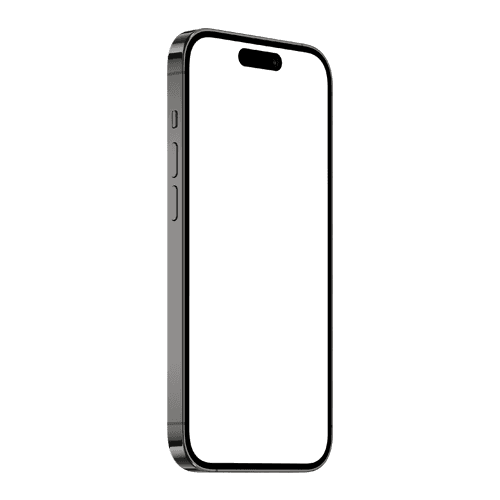
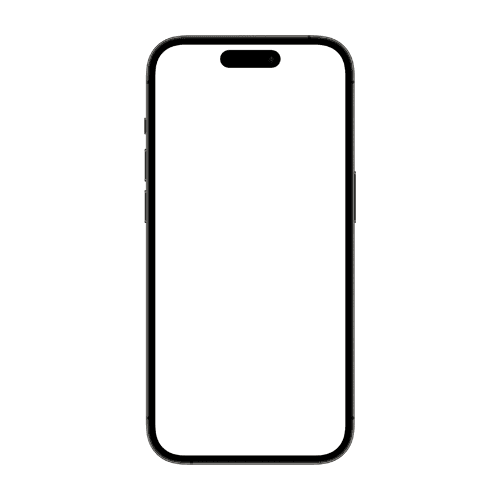
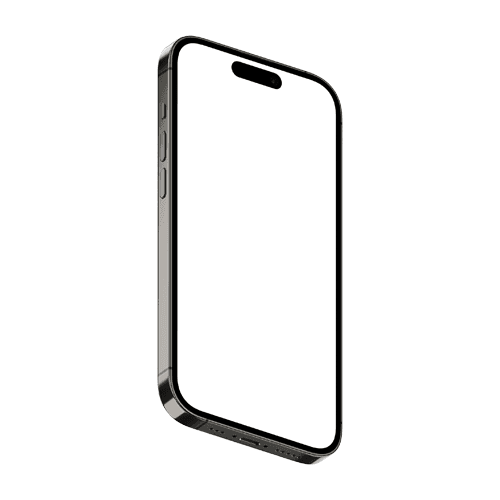
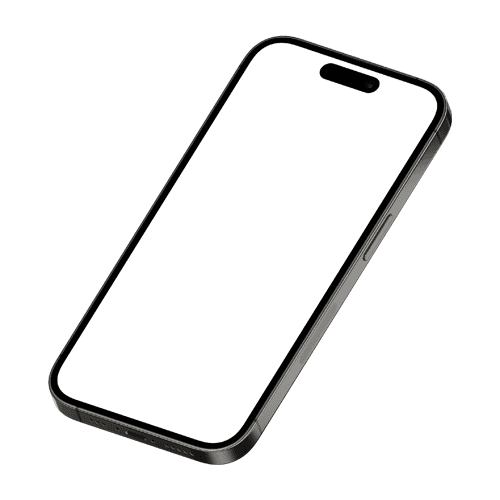
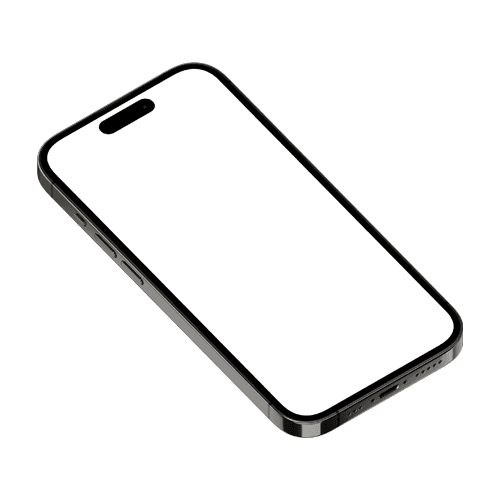
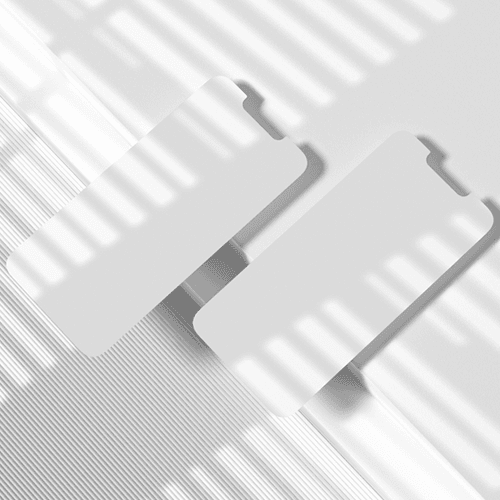
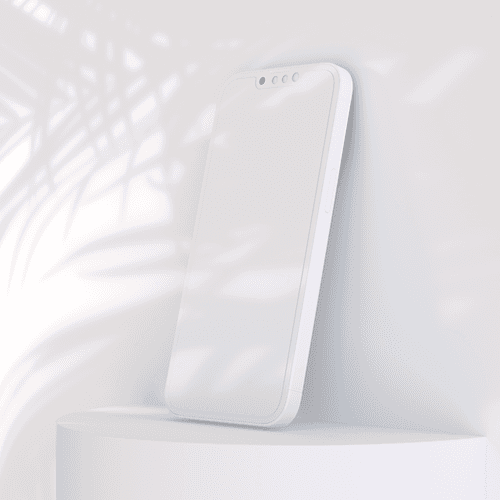
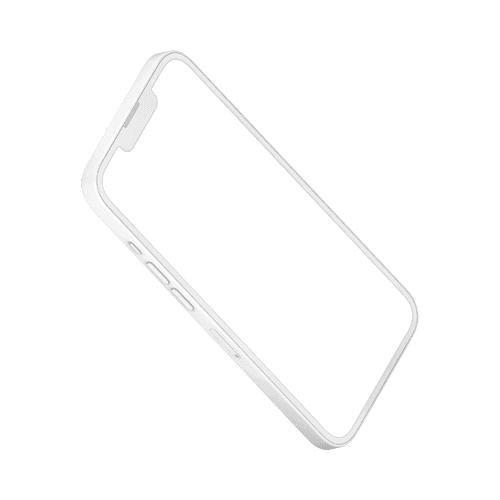
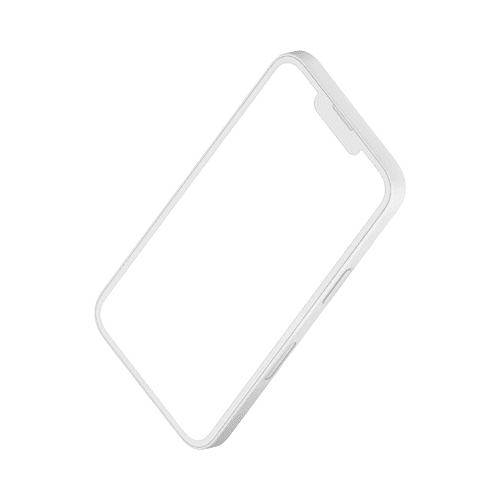
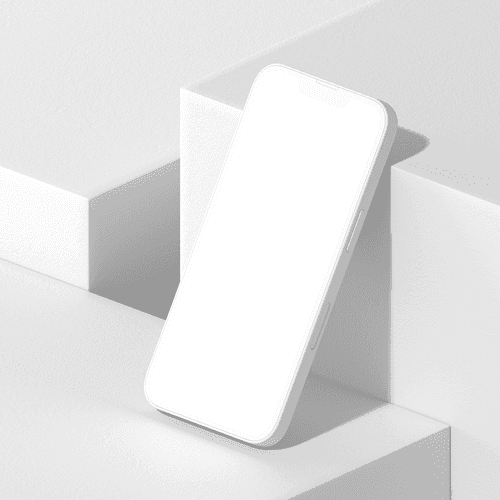
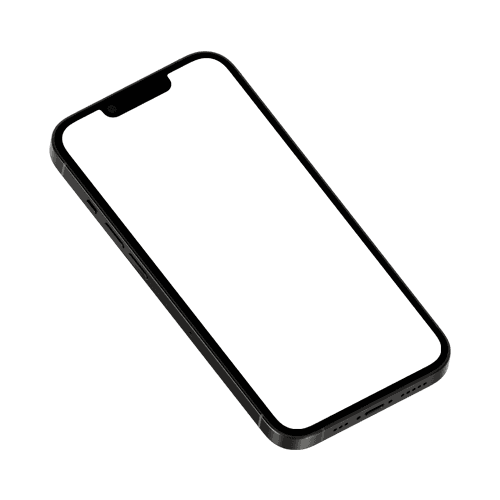
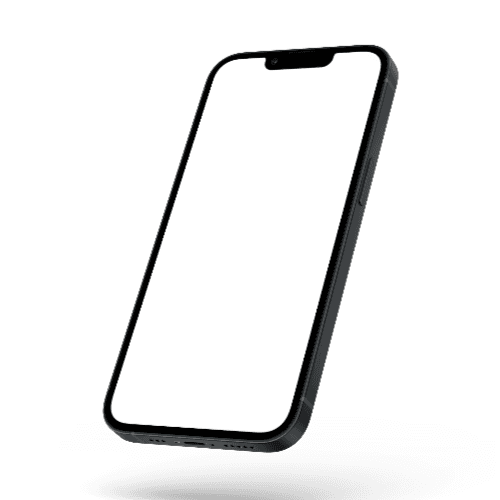
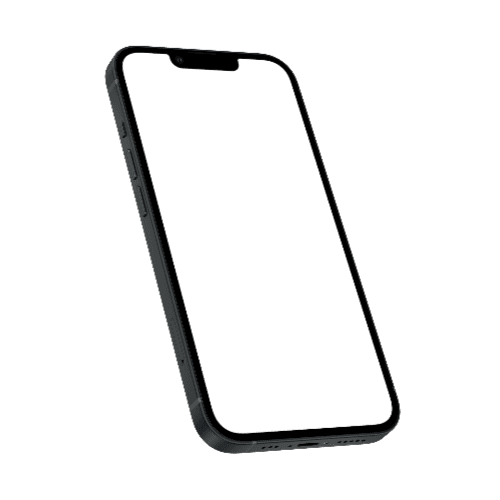
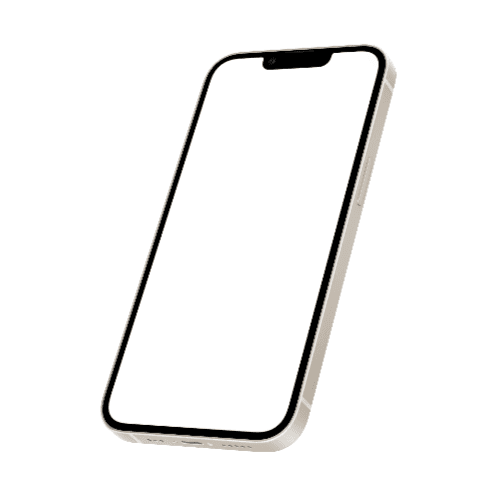
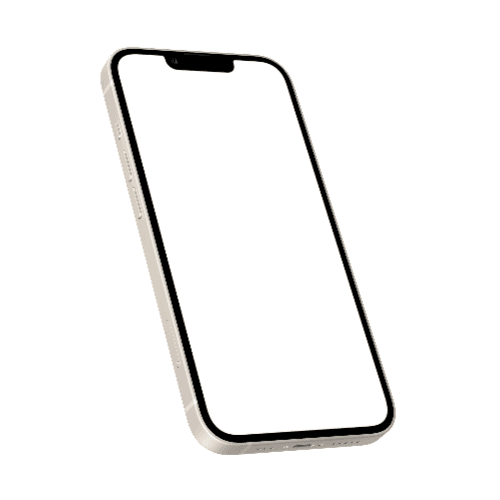
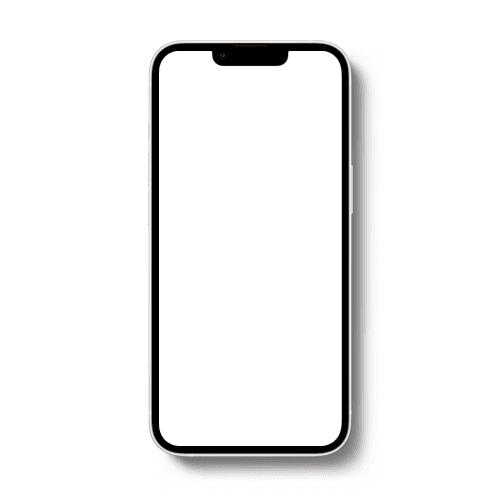
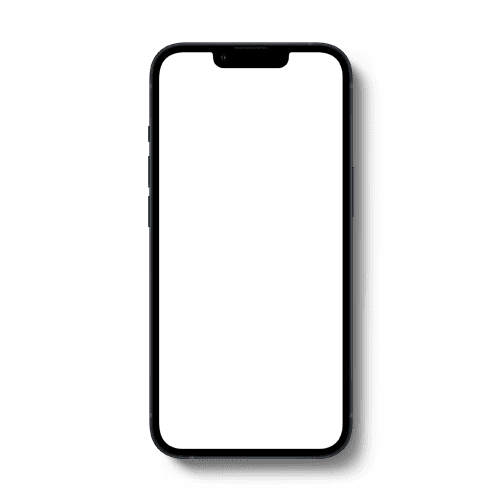
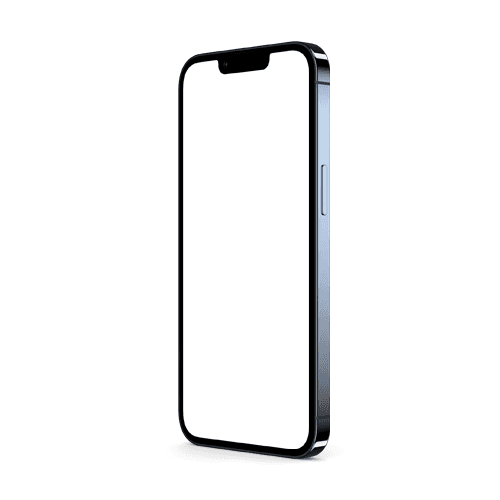
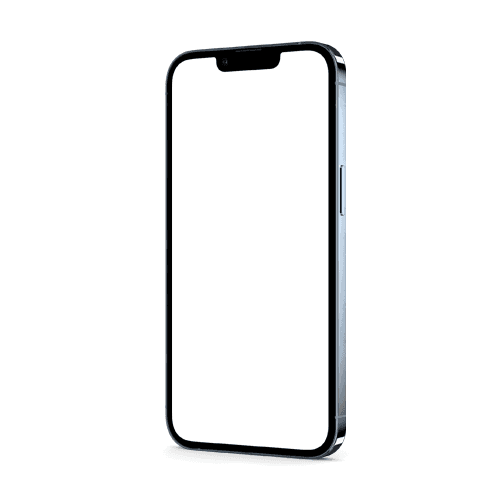
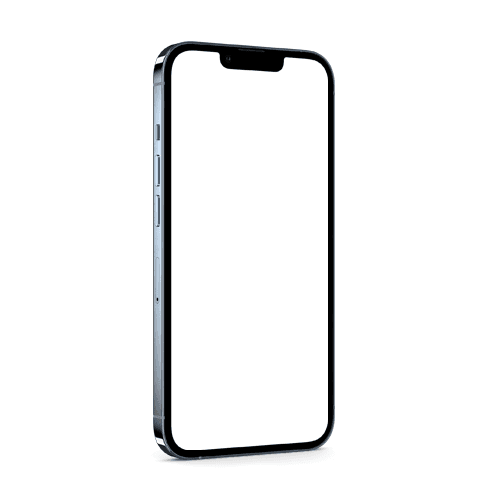
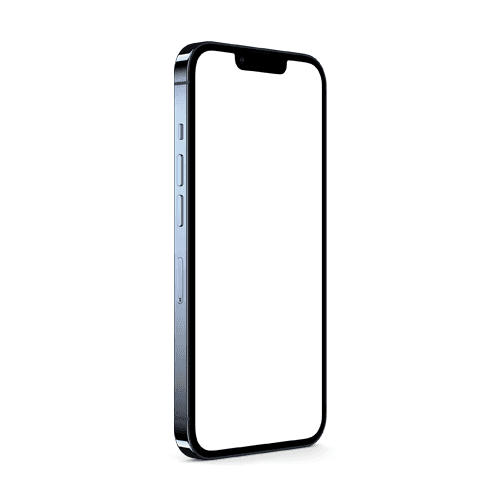
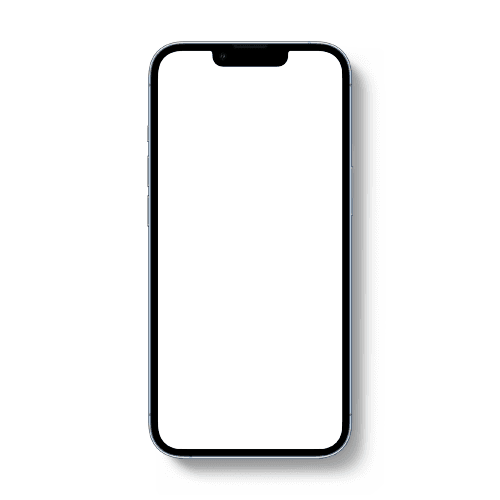
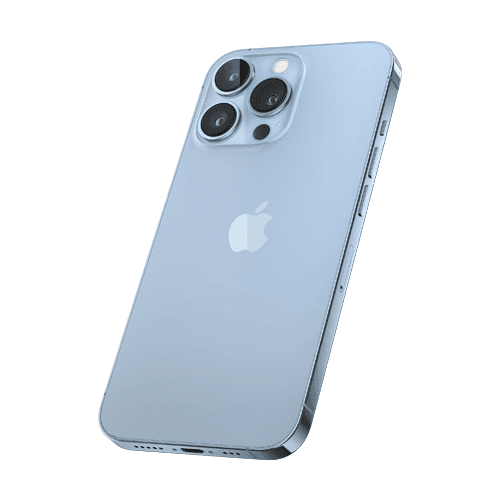
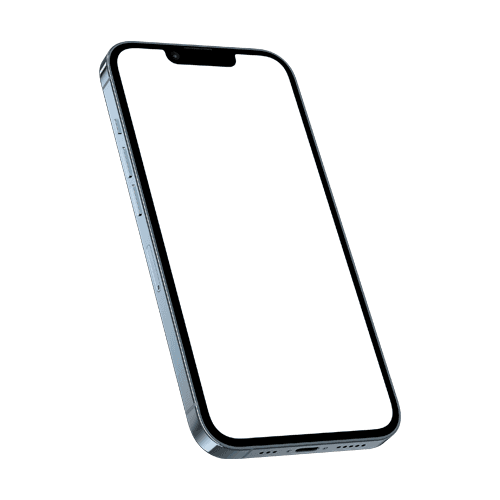
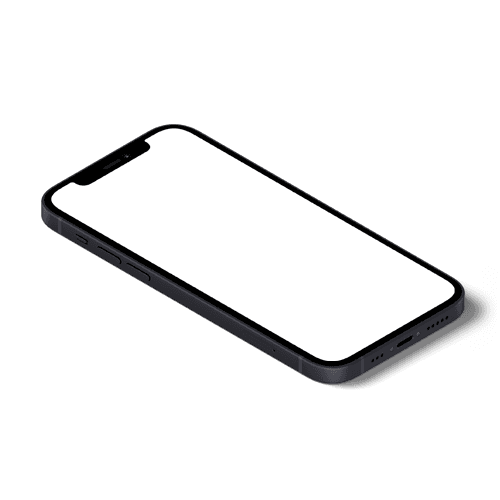
World-class case studies, portfolios, and client presentations crafted by the most talented designers and agencies across the globe — all using Figma iPhone mockups to showcase their app and UI designs without ever leaving their design tool.
How to create iPhone mockups inside Figma?
Install Artboard Mockups plugin for Figma
Go to your Figma project, search for the Artboard Mockups plugin, and install it. Log in or register to import and render your designs on iPhone mockups.
Import iPhone mockups to Figma canvas
Select any iPhone mockup from the plugin window and import it onto your Figma canvas. The mockup will import along with an empty frame — place your design inside this frame, hit the "Render selected frame" button, and your design will instantly appear on the iPhone mockup.
Export or use within your project
Once your design is rendered, you can place the mockup frame inside any other frame or export it directly using Figma's export options.
FAQs
What are Figma iPhone mockups?
Figma iPhone mockups are ready-to-use design templates accessible directly inside Figma through the Artboard Mockups plugin. They let you place your app screenshots or UI designs onto realistic iPhone screens without ever leaving your design tool.
How do I access iPhone mockups inside Figma?
Install the Artboard Mockups plugin from the Figma Community, open it inside your Figma file, browse the iPhone mockup library, and apply your design directly onto the mockup surface — all without switching apps or exporting files.
Do I need a separate account to use the Artboard Studio Figma plugin?
You will need an Artboard Studio account to access the full mockup library. Once connected, the entire library is available directly inside Figma with no additional steps.
Can I use Figma iPhone mockups for commercial projects?
Yes. All iPhone mockups accessed through the Artboard Studio Figma plugin come with a commercial license, making them suitable for client presentations, portfolio pages, and design marketplace listings.
Is the Artboard Studio Figma plugin free?
The plugin is free to install. Access to the full iPhone mockup library depends on your Artboard Studio plan. Free plan users can access a selection of mockups, while premium plans unlock the full library.
What is the difference between using the Figma plugin and the online editor?
The Figma plugin lets you apply iPhone mockups directly inside your existing Figma workflow — ideal if your project is already in Figma. The online editor is a standalone browser-based tool that requires no software at all, making it the fastest option for one-off mockups and quick exports.
Still have questions?
We are always here to help. Use the chat in the bottom right corner.