

Device Mockups
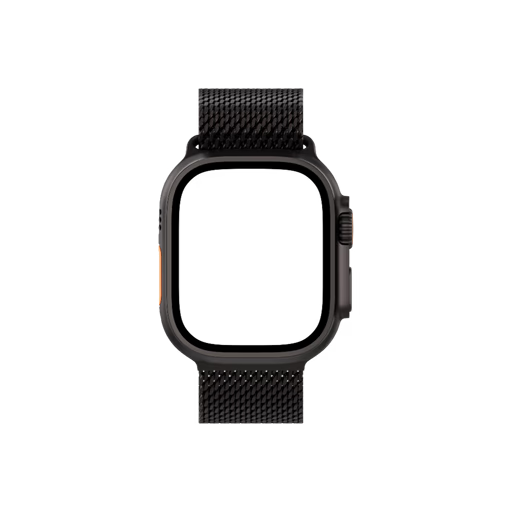
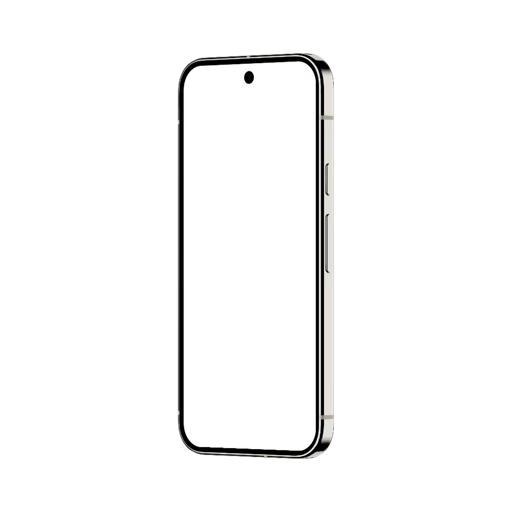
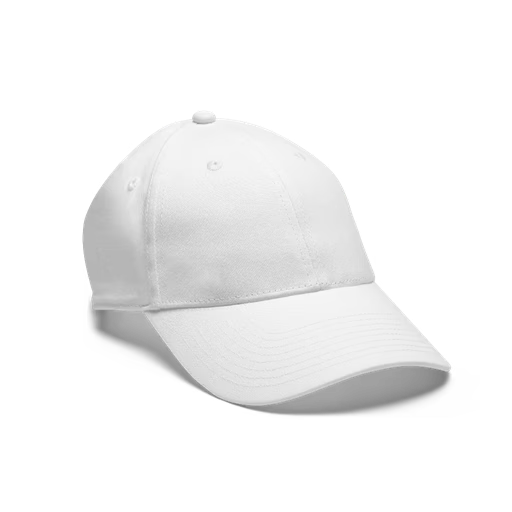
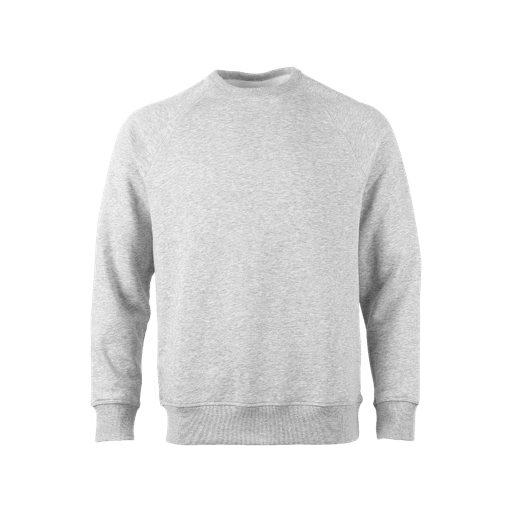
Apparel Mockups

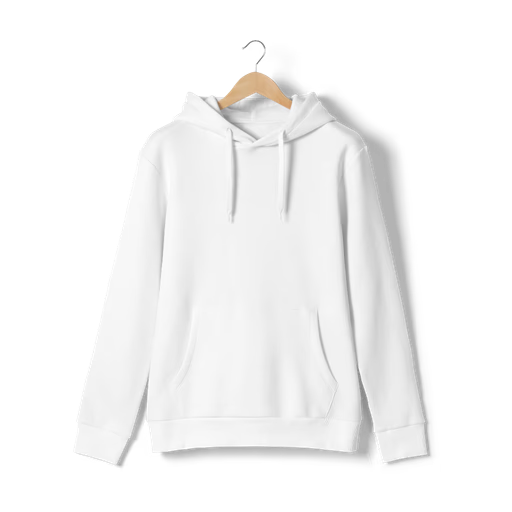
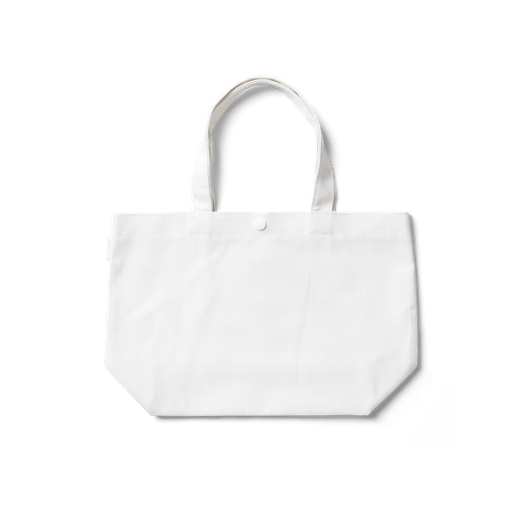
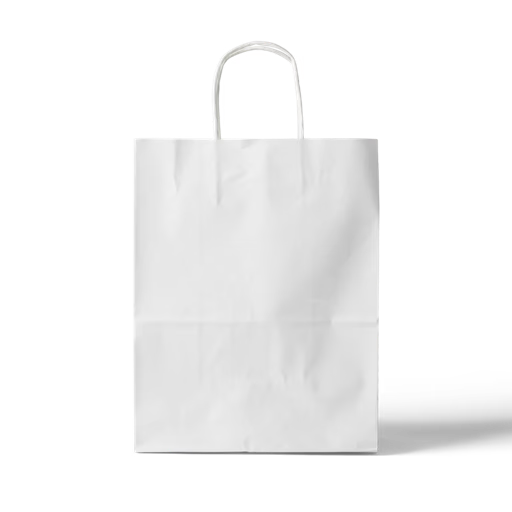
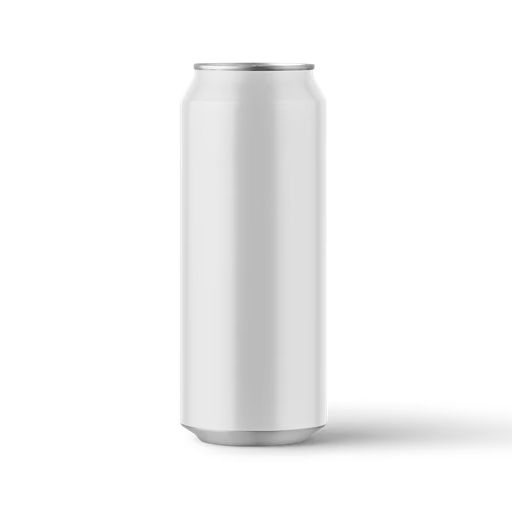
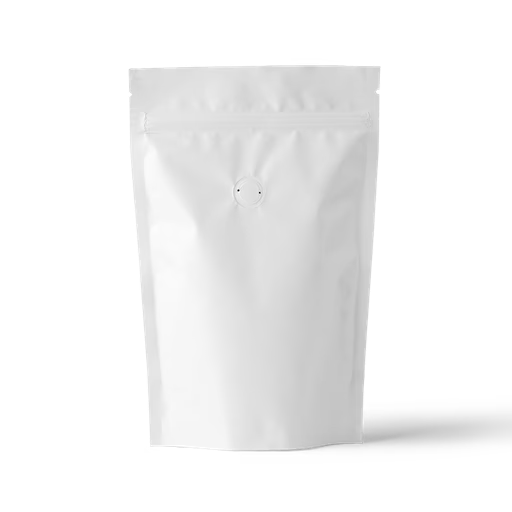
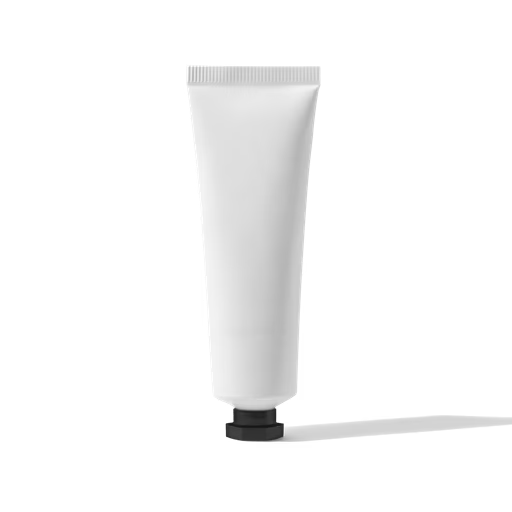
Packaging Mockups





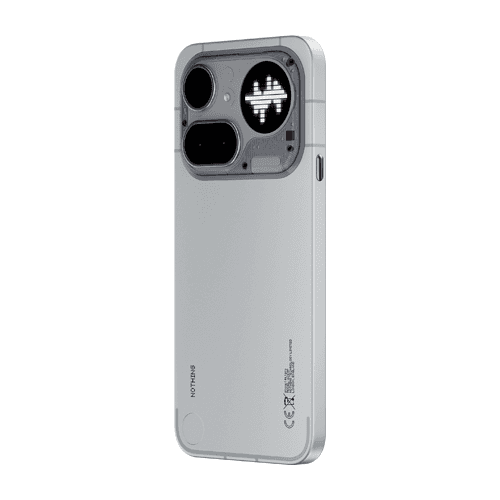
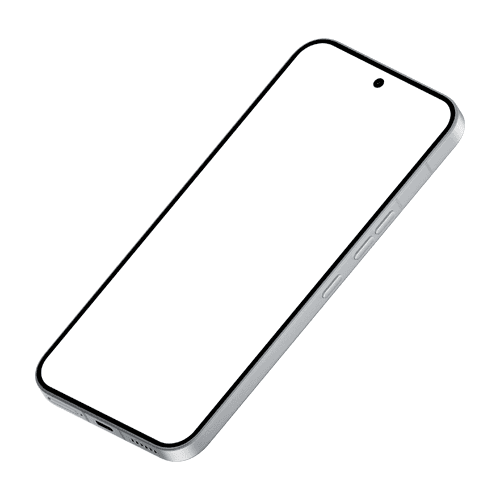
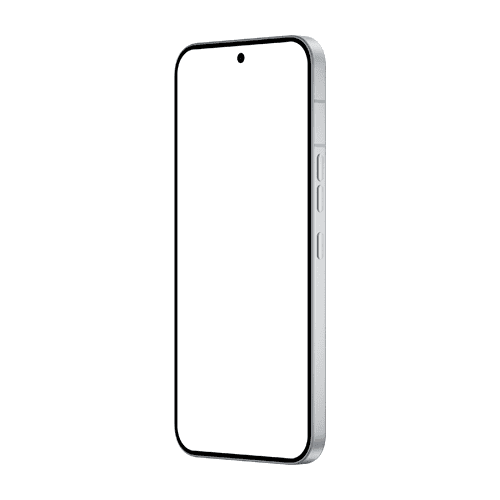
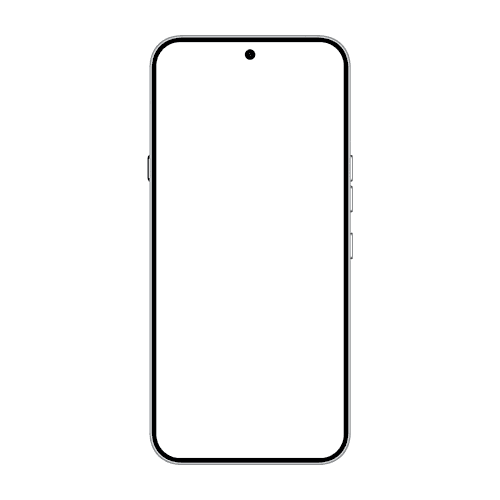
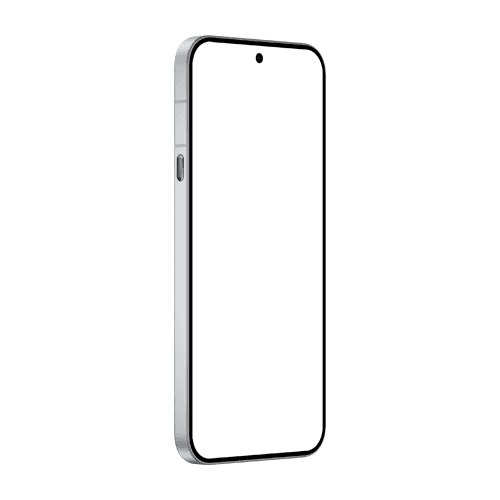
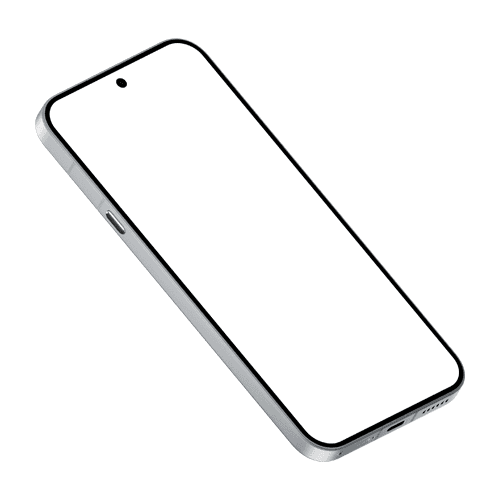
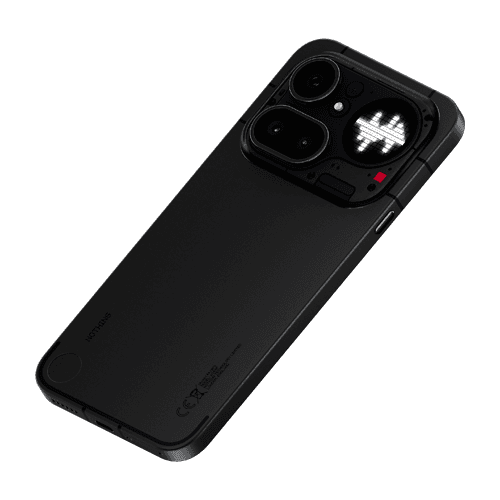
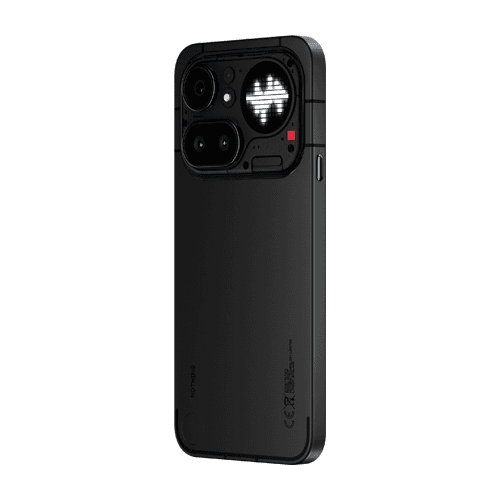
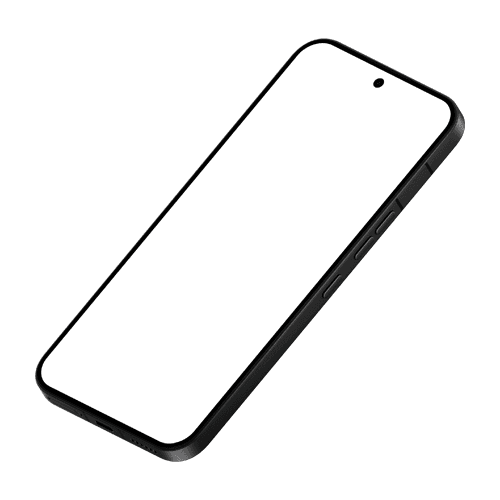
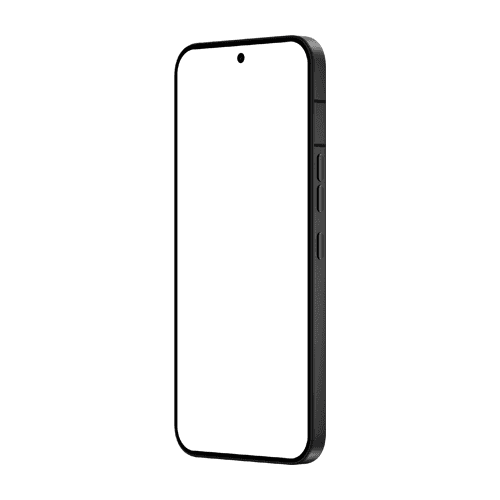
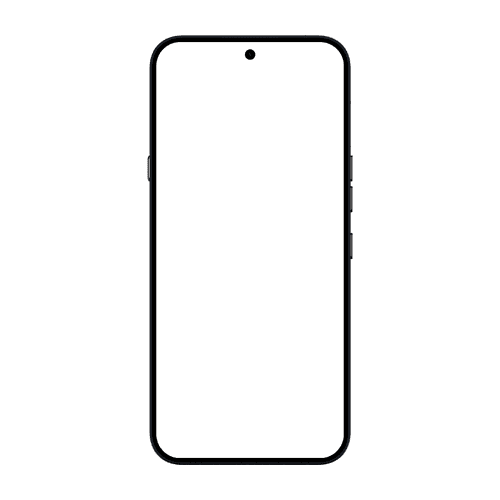
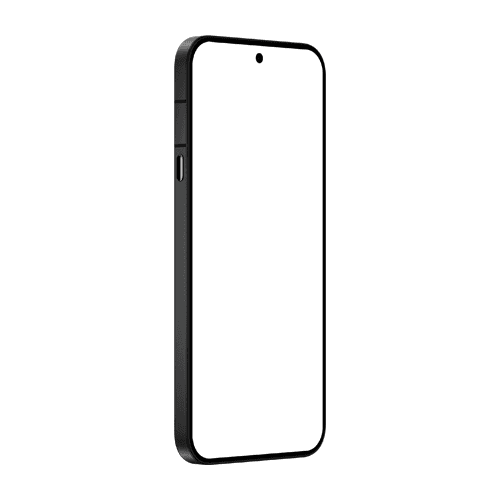
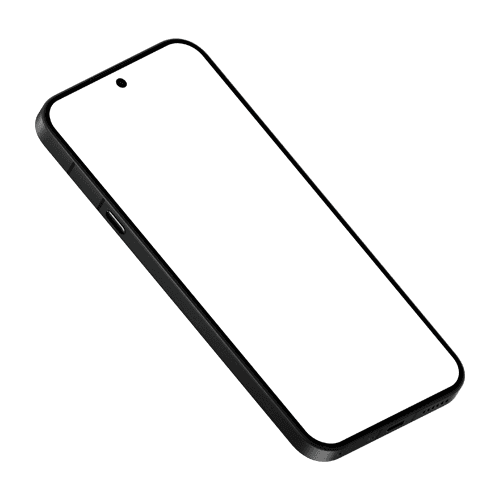
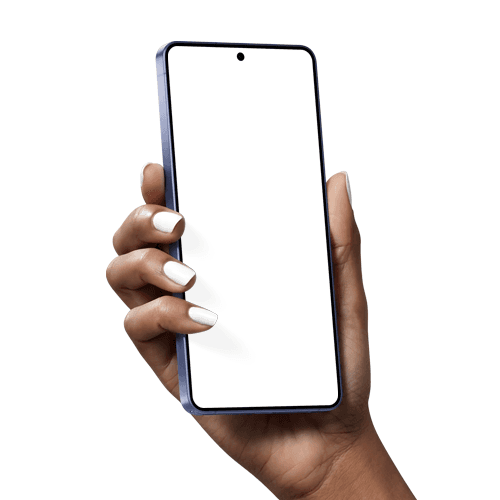
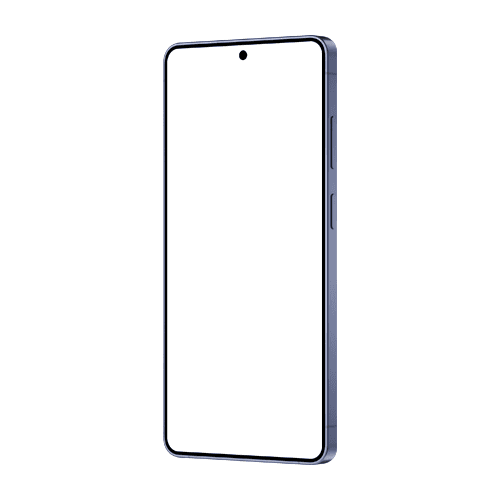
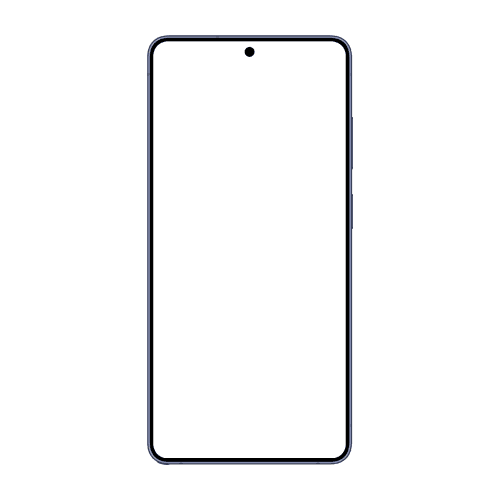
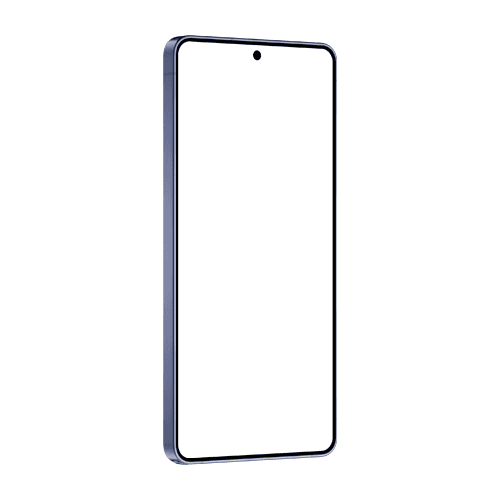
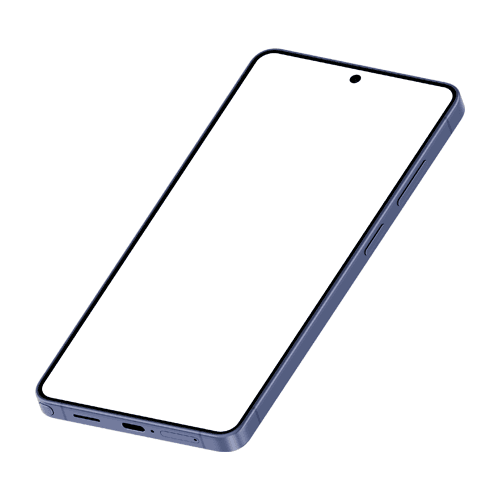
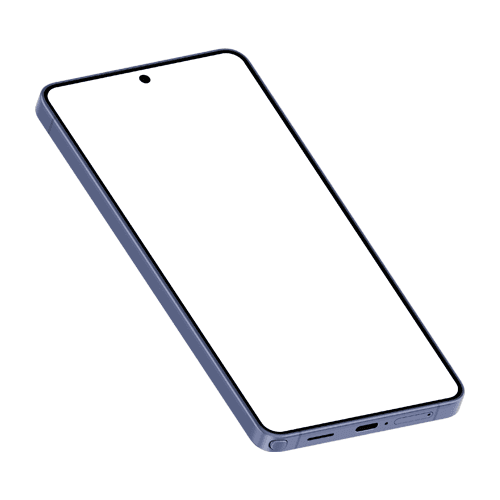
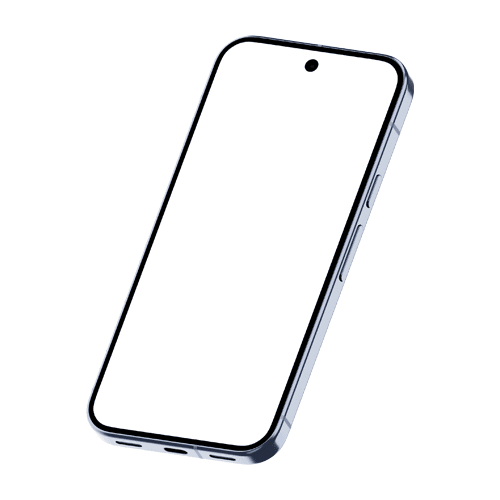
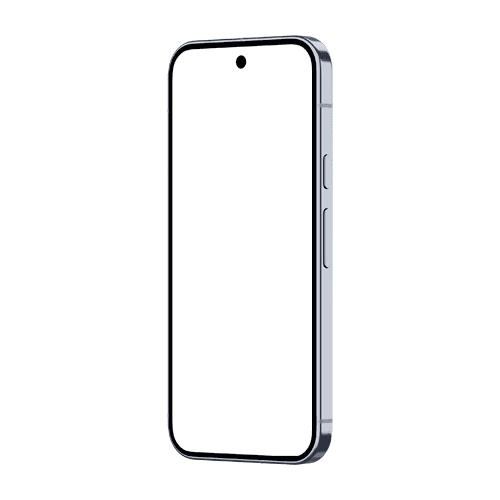
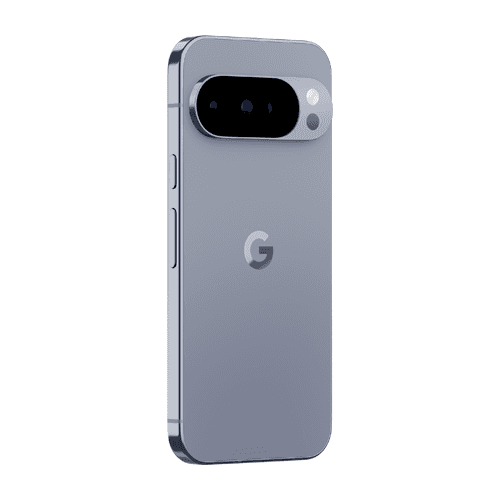
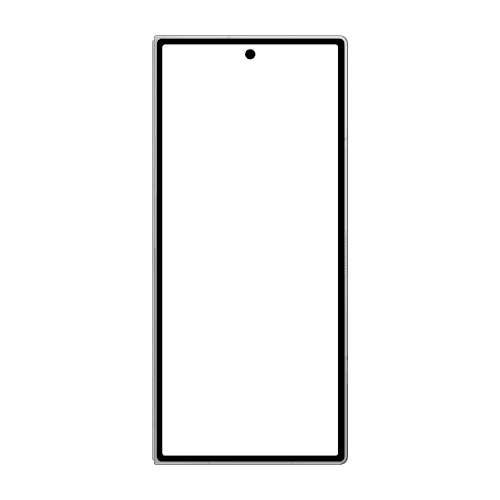
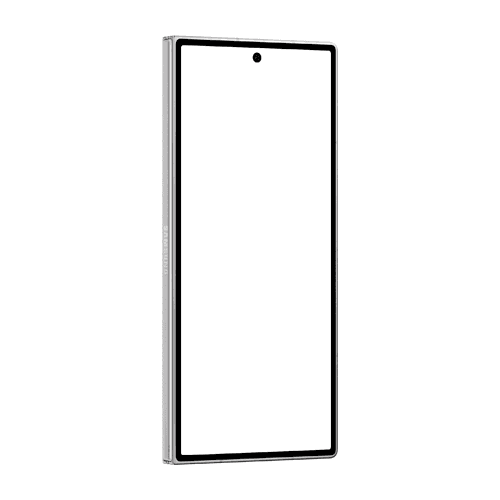
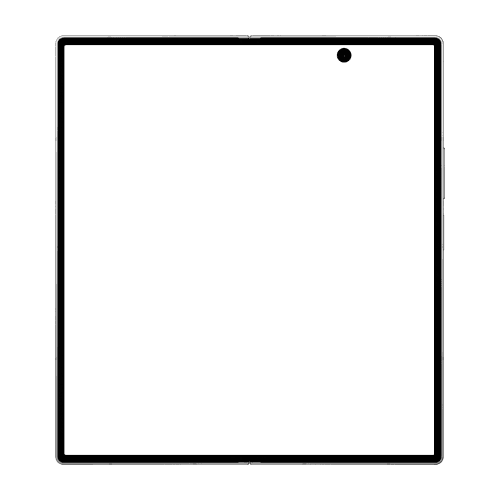
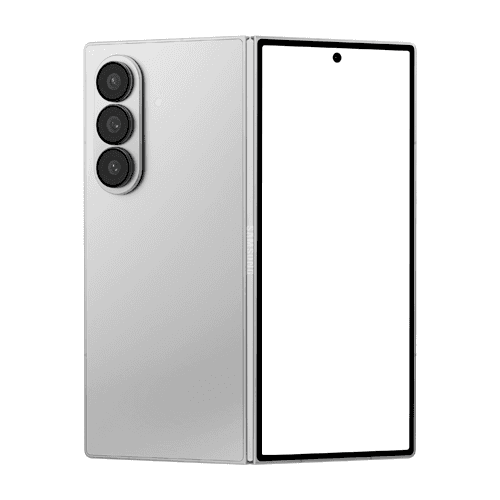
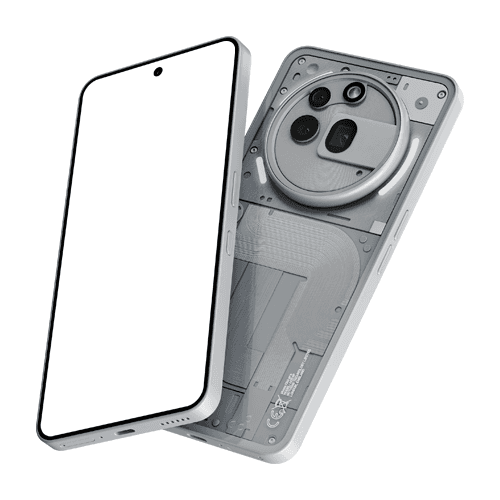
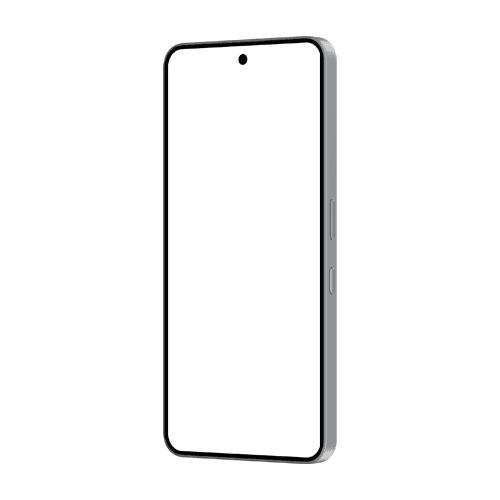
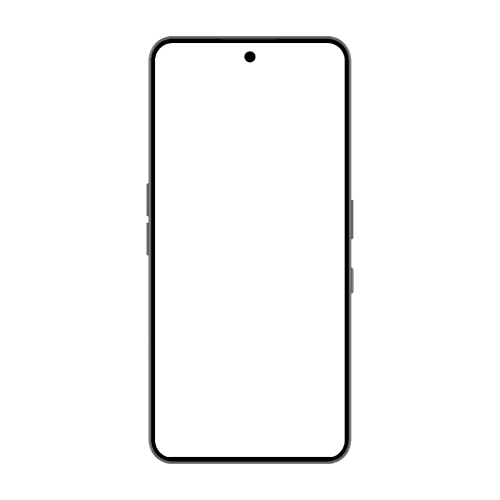
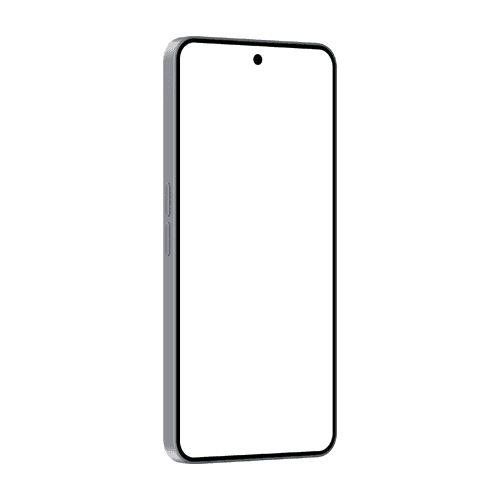
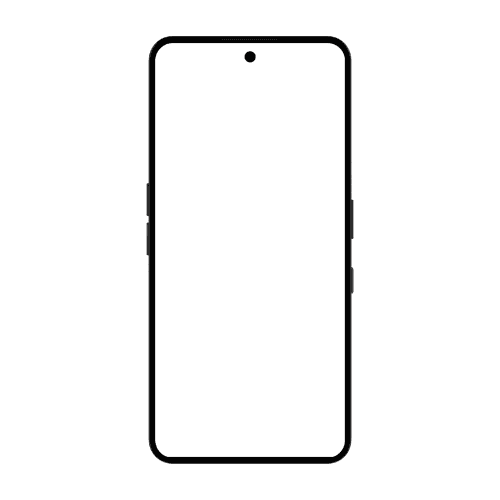
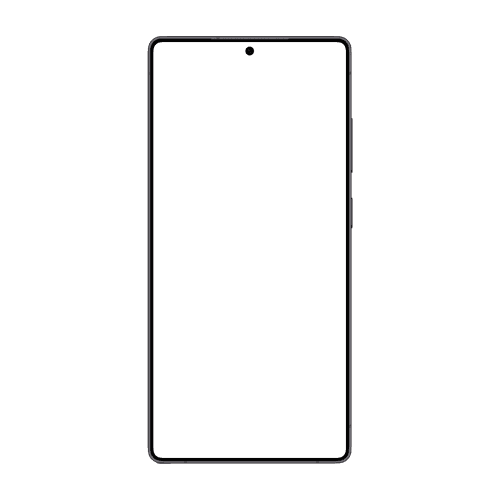
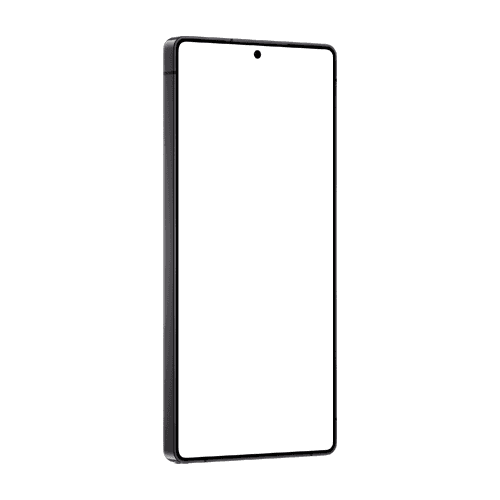
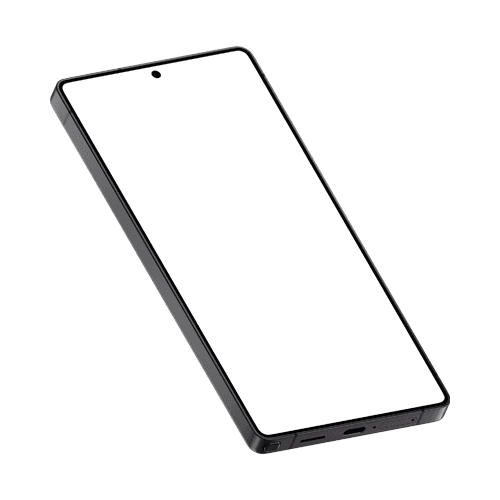
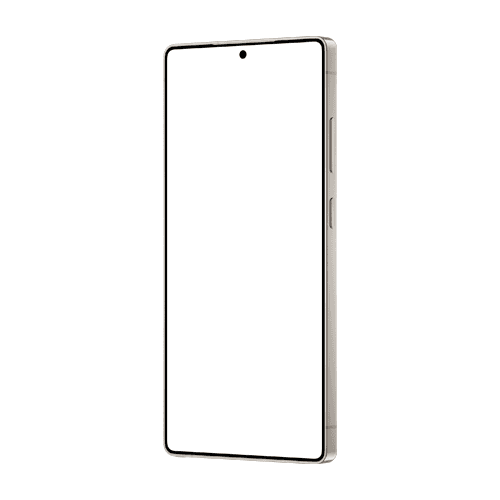
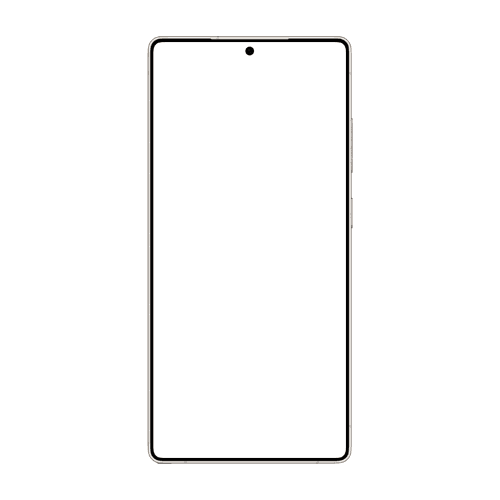
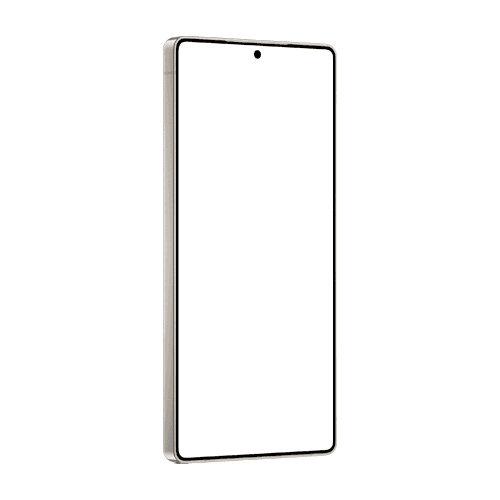
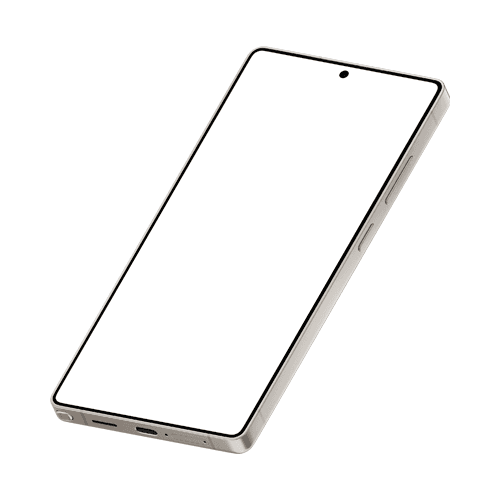
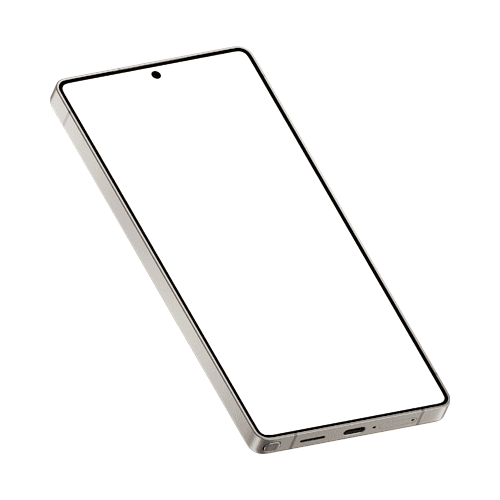
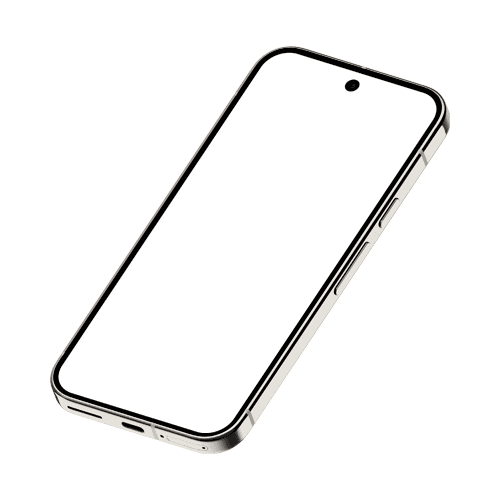
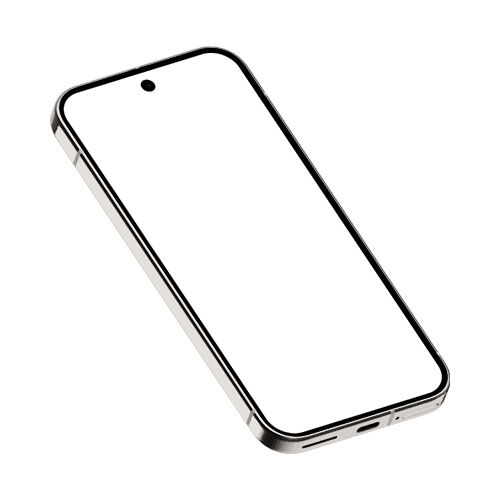
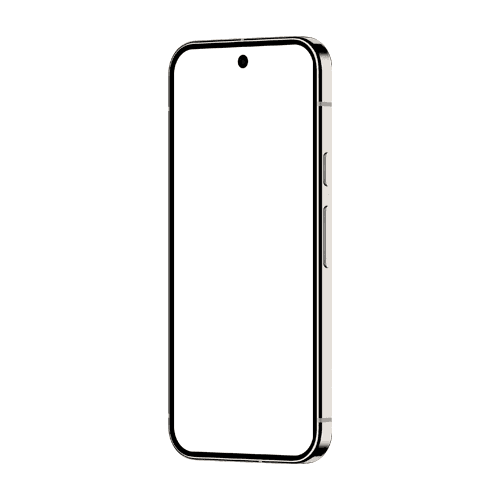
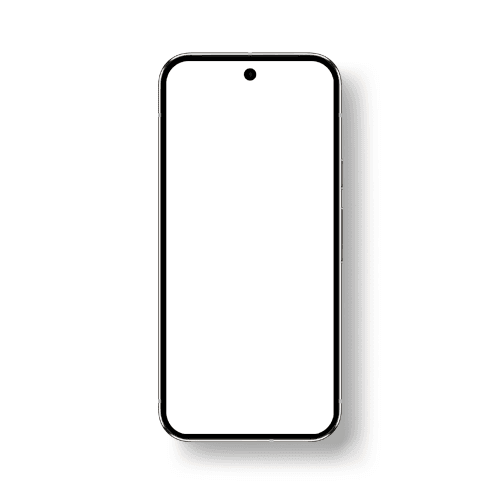
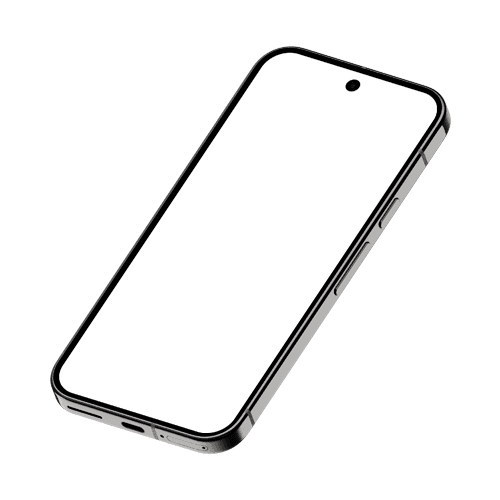
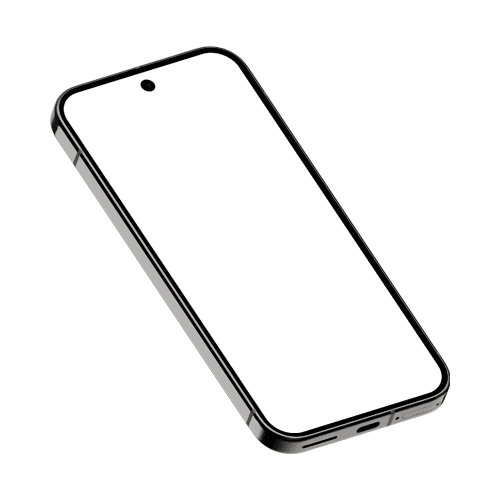
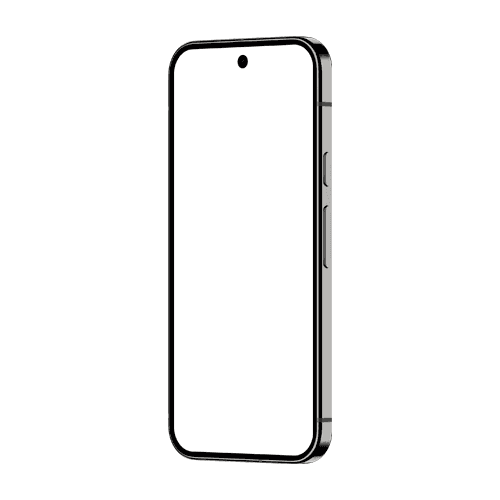
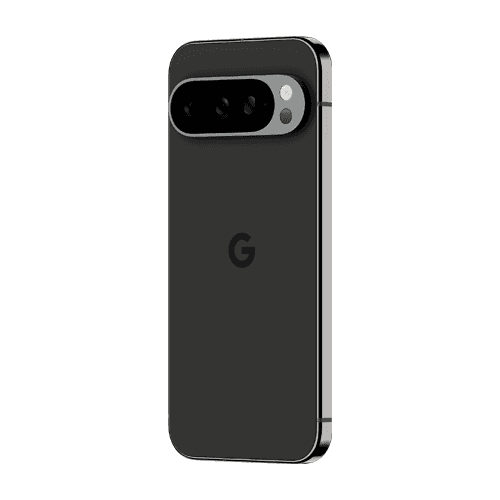
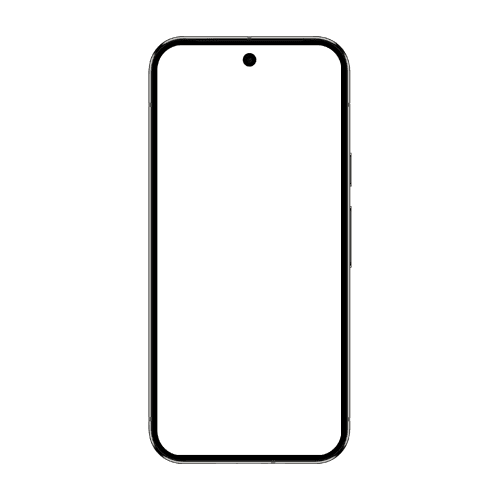
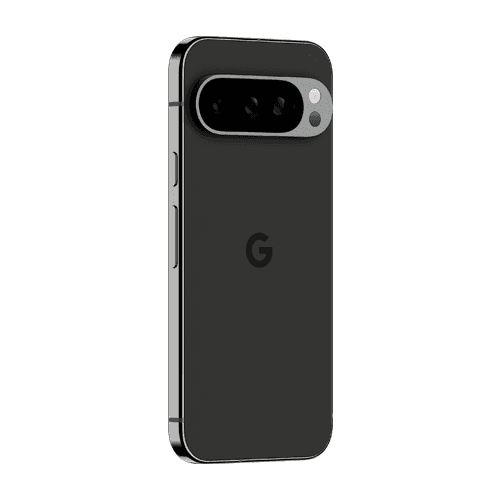
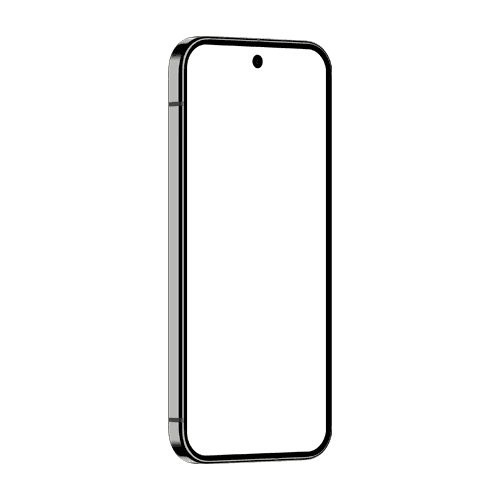
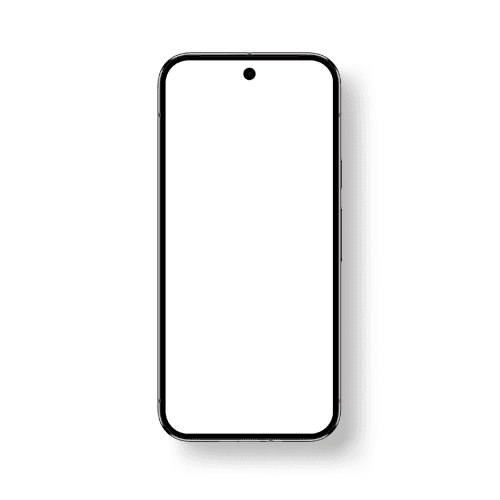
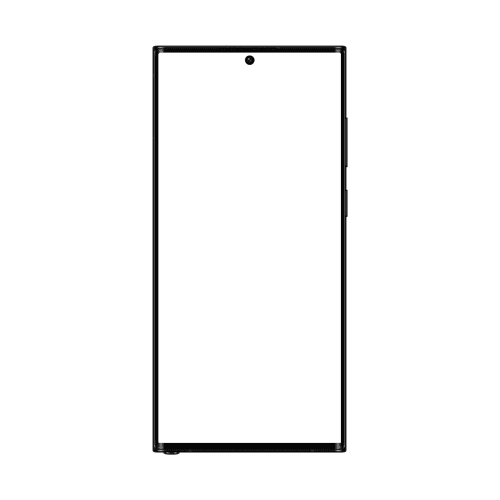
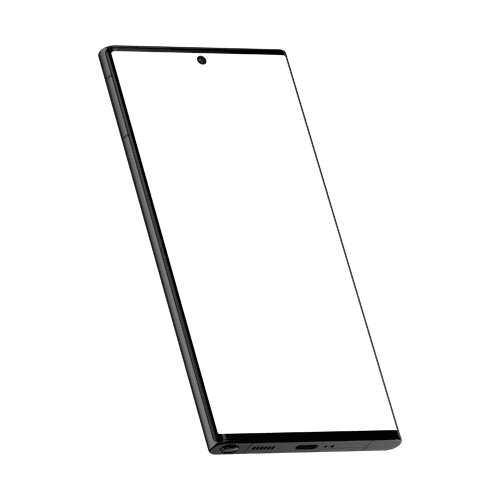
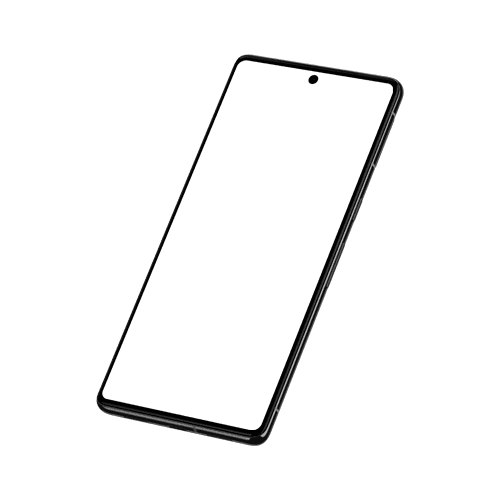
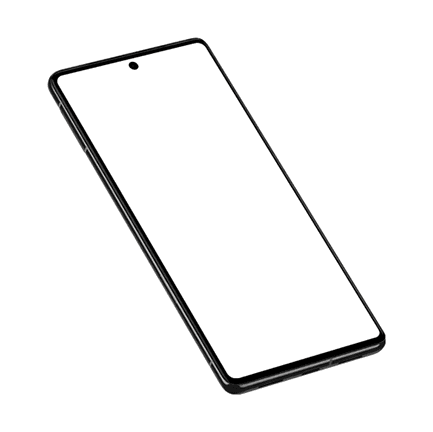
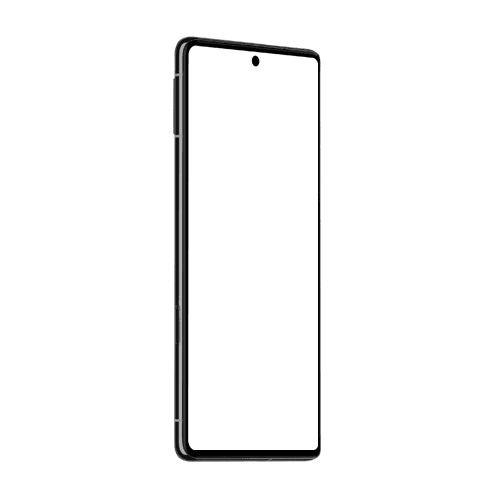
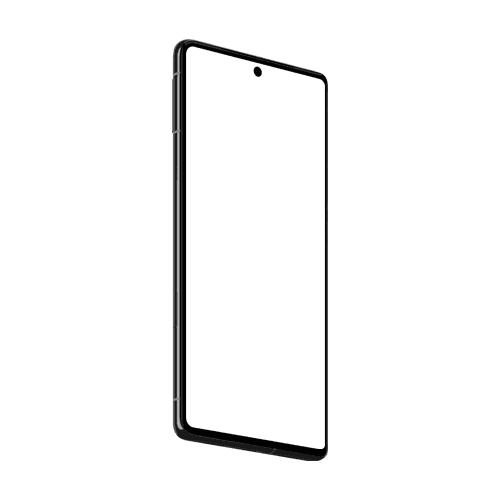
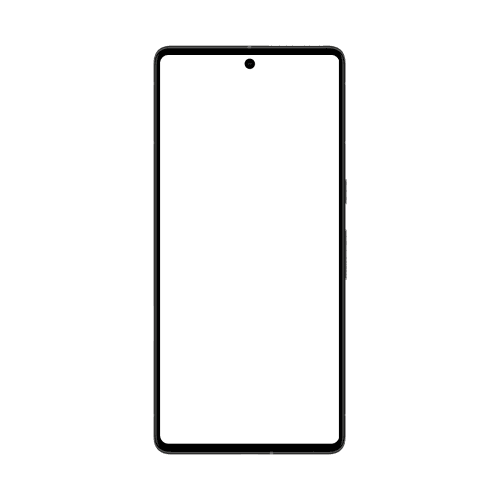
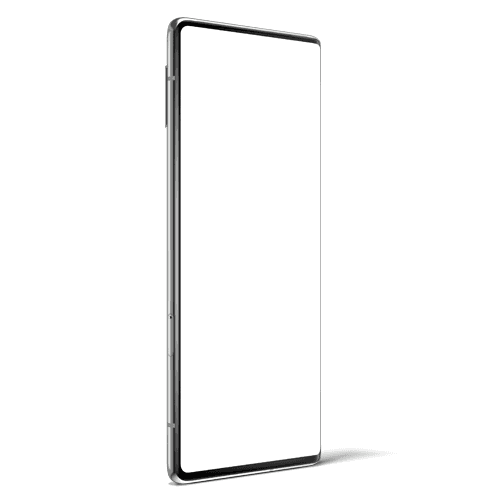
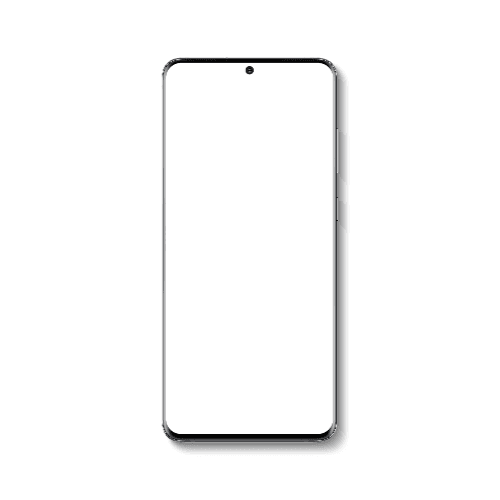
Pixel 8 Pro Mockup Obsidian
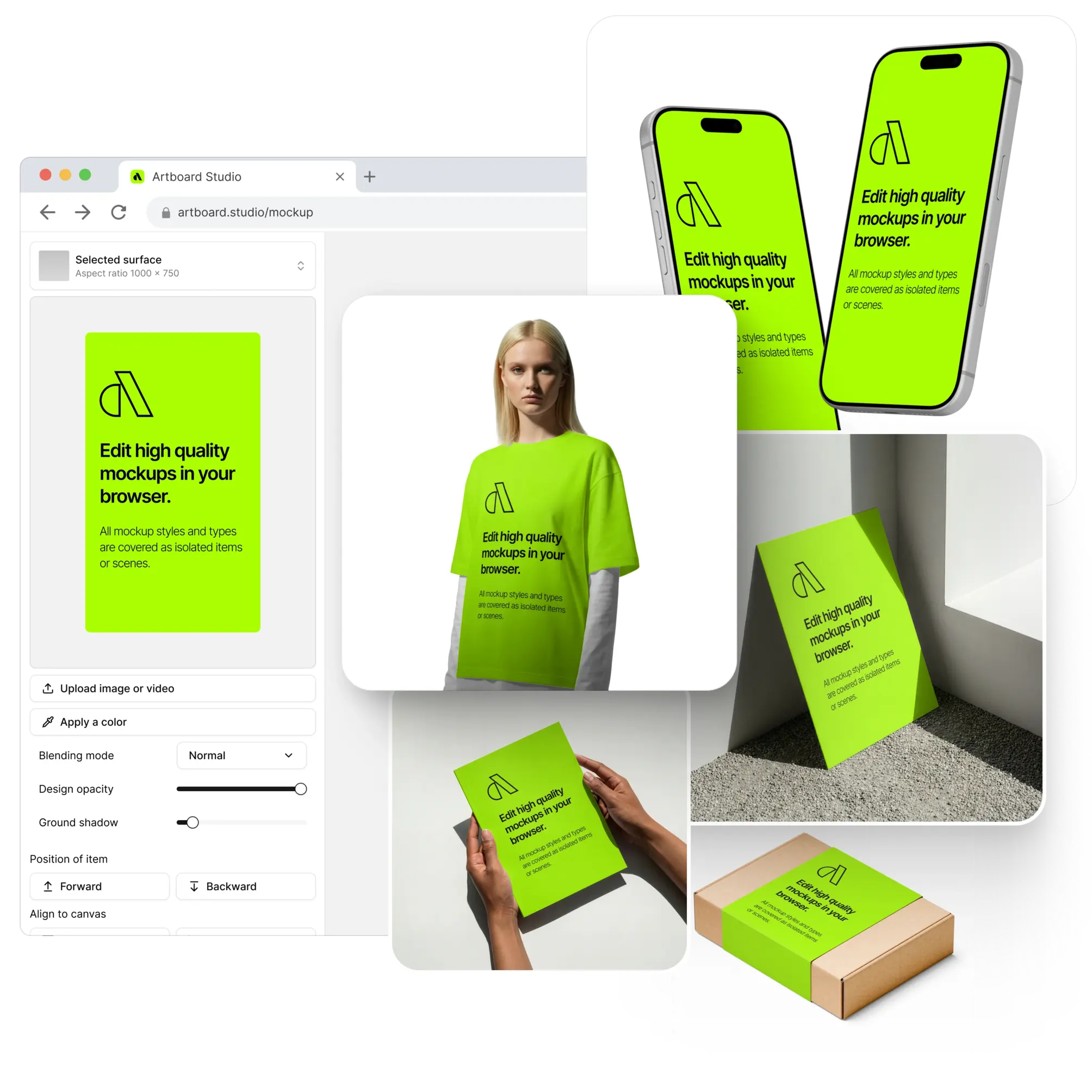
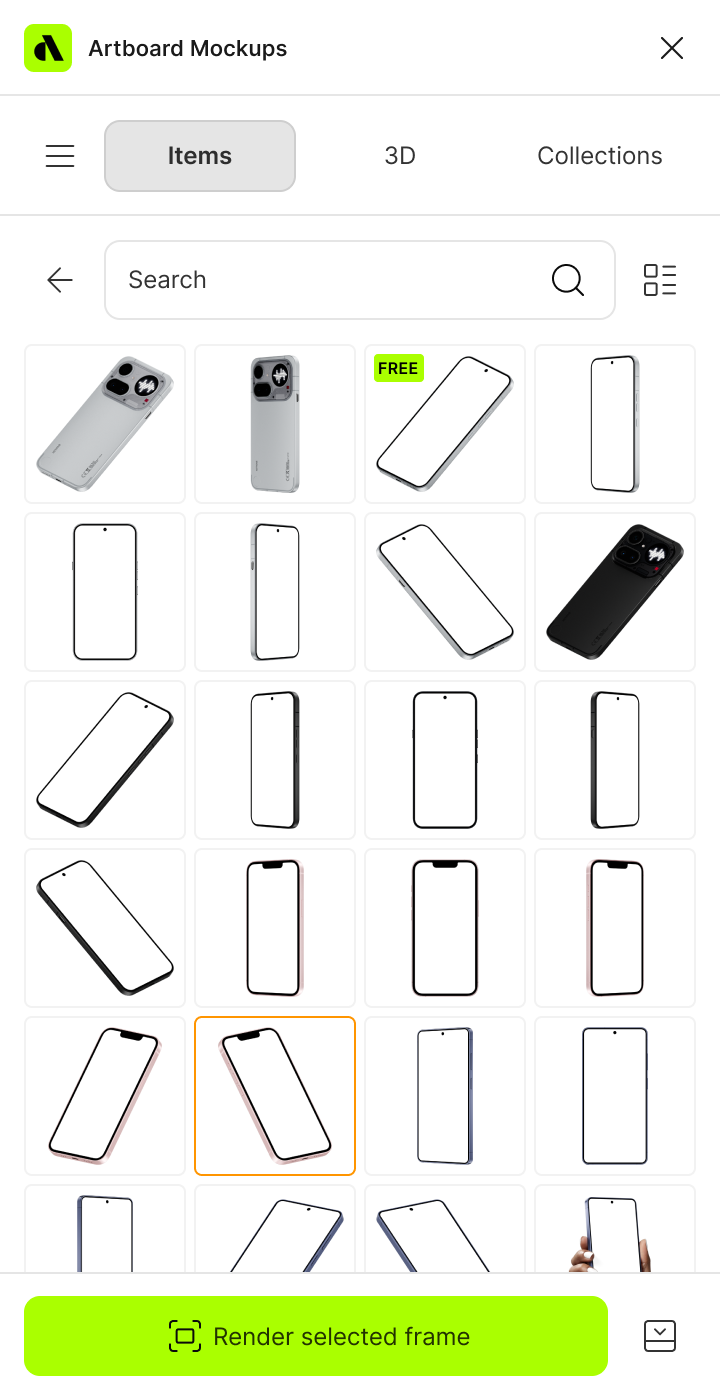
Thousands of professional mockups across every category: devices, apparel, packaging, print, and branding, all in one place. Apply your designs instantly in the browser, or stay in your workflow with the Figma and Adobe Express plugins. Use AI to enhance your visuals, generate new scenes, and present your work like never before.
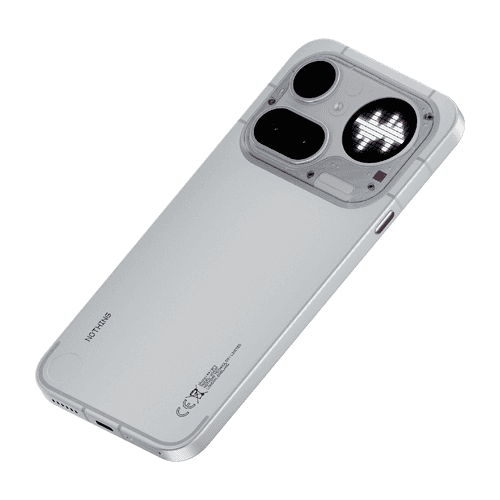







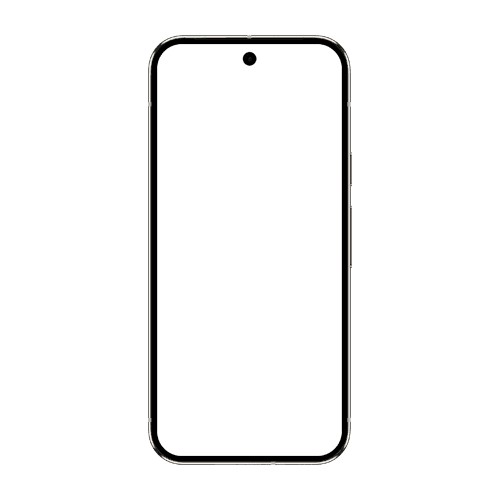
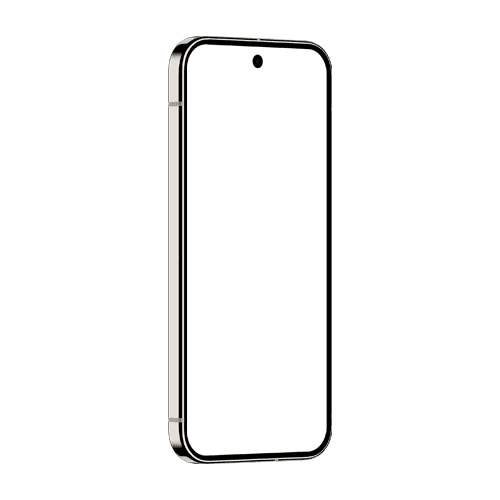
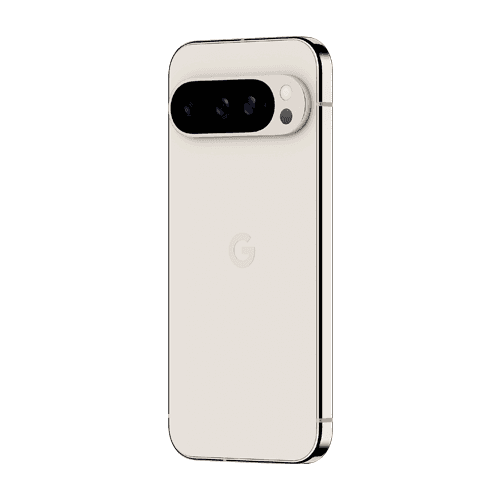
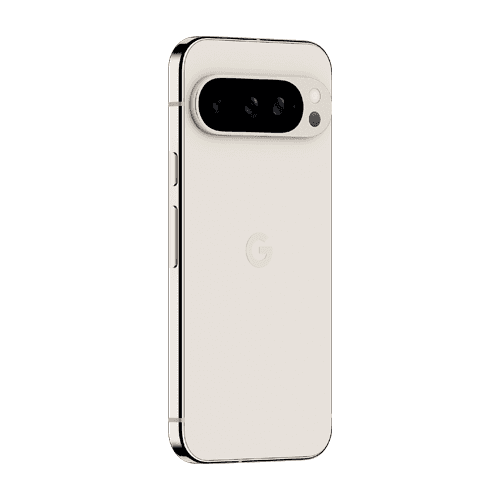









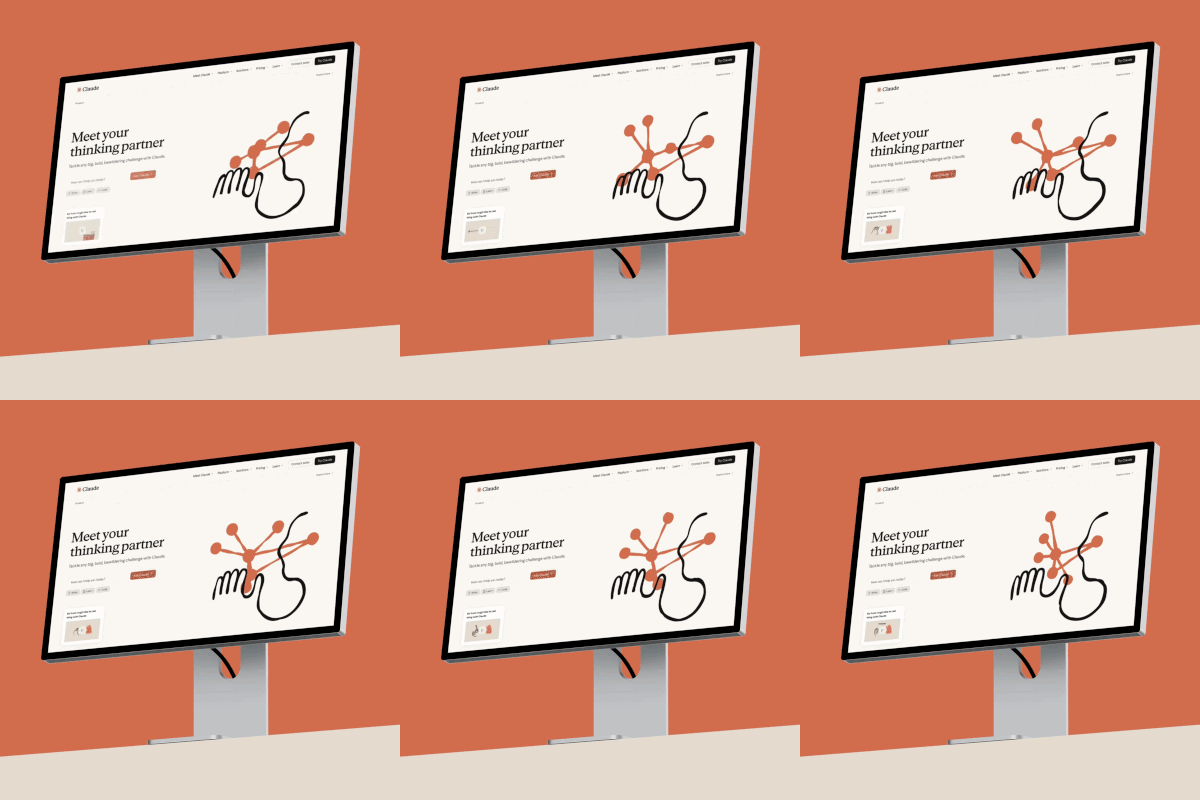
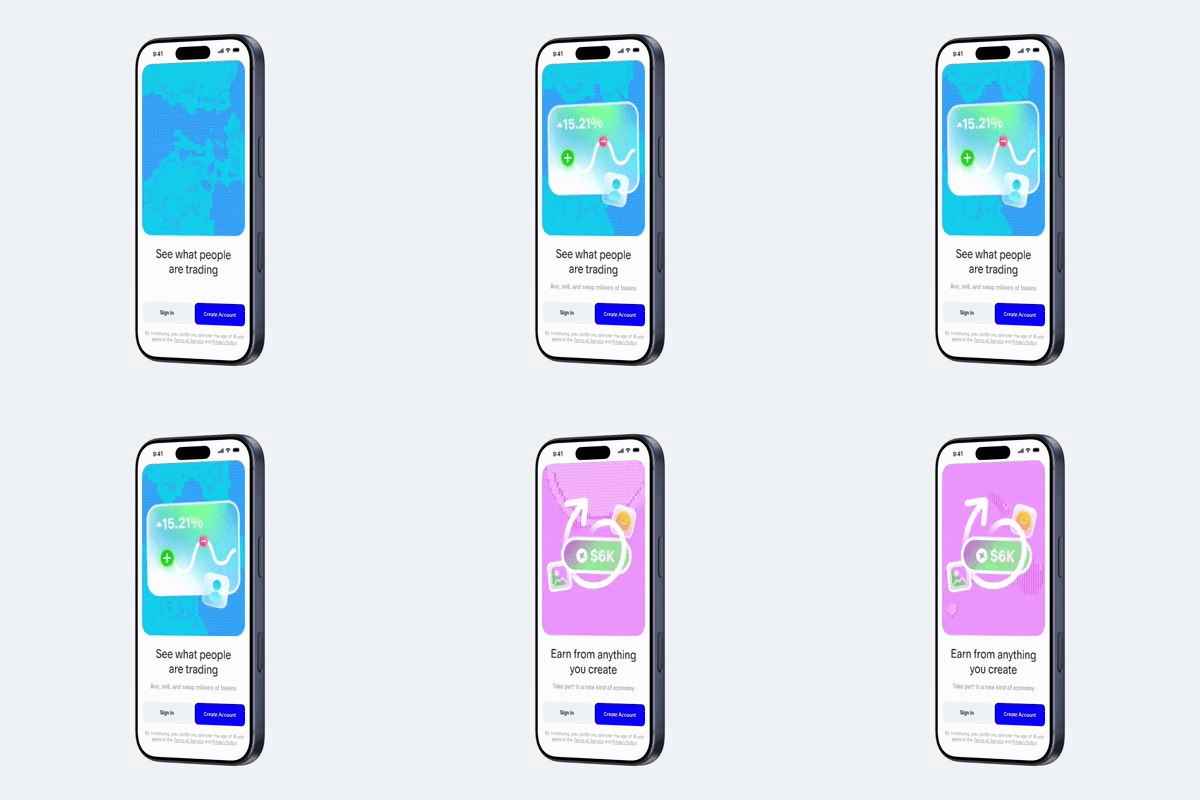
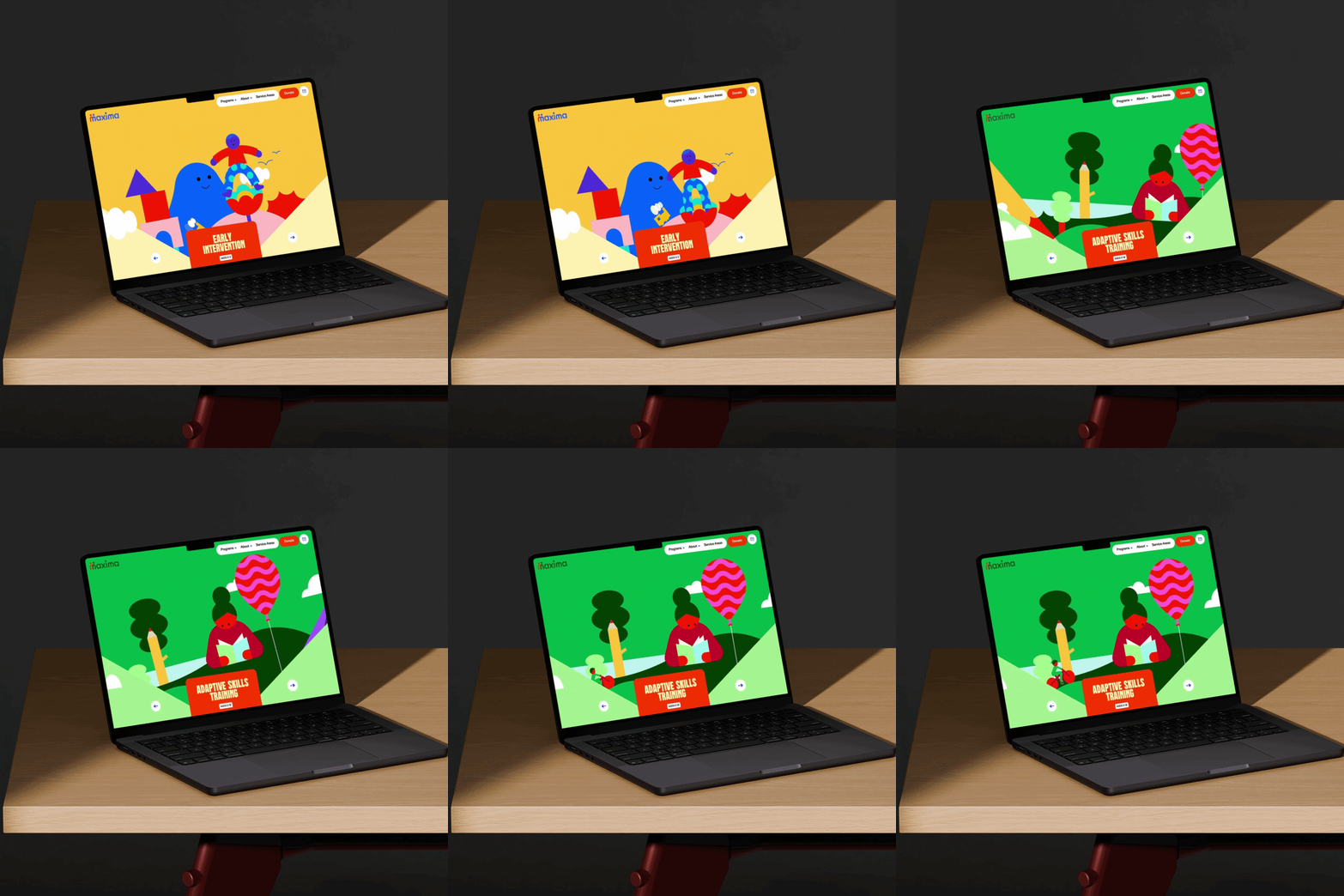

Trusted by designers, agencies, and teams worldwide to build case studies, portfolios, and client presentations.
How to use Artboard Studio mockup tool?
Select a mockup and open the editor
Choose any mockup item from the page and jump straight into the editor to begin.
Add your design
Upload your image or video file. It will instantly appear on the mockup surface you choose.
Export
Once you've applied your image or video, export it in high resolution — PNG, JPEG, or WEBP for images, MP4 or WEBM for video.
FAQs
What is a mockup?
A mockup is a pre-made template that lets you place your design onto a realistic image of a product, device, or scene — without needing a photo shoot or Photoshop skills. Upload your artwork and it appears on the surface instantly.
Are the mockups free to use?
Artboard Studio offers both free and premium mockups. Free items are available without a subscription. Premium mockups with additional styles, angles, and scene options are available on paid plans.
What file formats can I download?
You can download your finished mockup as a PNG, JPEG, or WEBP for images, and MP4 or WEBM for video mockups.
Do I need to install any software?
No. Everything works directly in your browser. If you prefer to stay in your existing tool, you can also access the full mockup library through our Figma and Adobe Express plugins.
Can I use these mockups for commercial projects?
Yes. Mockups created with Artboard Studio can be used for client work, commercial campaigns, portfolios, and presentations.
How often are new mockups added?
New mockups are added to the library every week, covering the latest devices, packaging trends, apparel styles, and branding formats.
Still have questions?
We are always here to help. Use the chat in the bottom right corner.