


Device Mockups
Packaging Mockups




Black Hoodie Mockup
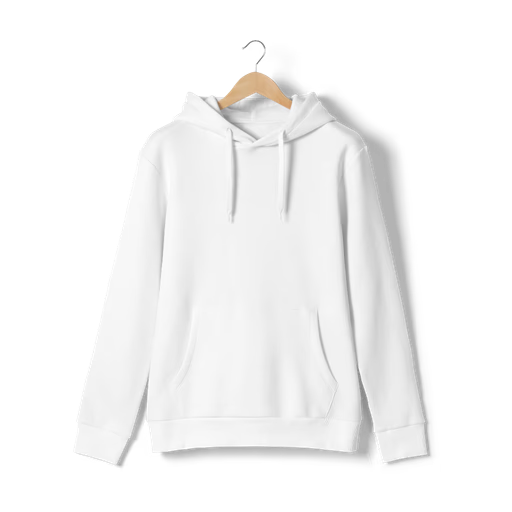
Place your design onto a black hoodie mockup instantly with the online editor — no Photoshop, no setup. Upload your artwork, apply it to the hoodie, and export a high-resolution PNG ready for print-on-demand listings, merchandise stores, and client presentations. Black hoodies are the most versatile canvas in any apparel collection — a clean, high-contrast base that makes logos, graphics, and typography stand out exactly as they will in print. The library covers black hoodie mockups across multiple styles, fits, and angles — from flat lay to model shots. Prefer Figma? The Artboard Studio plugin lets you render your designs directly onto any hoodie frame without leaving your canvas. High quality, high resolution, and built to be fast.
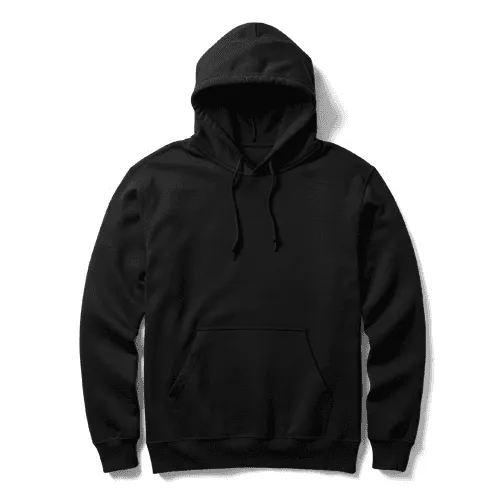
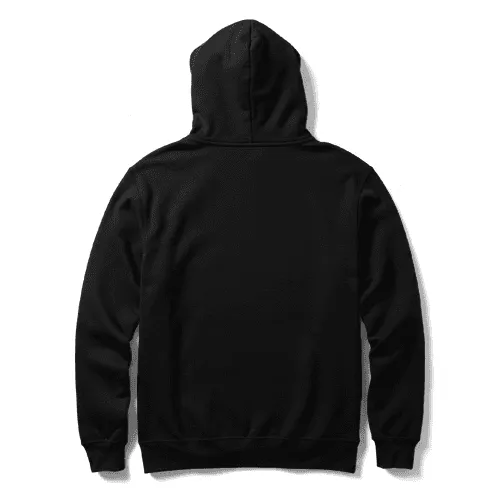
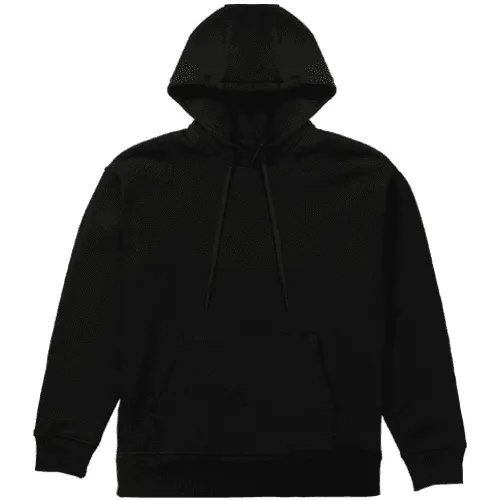
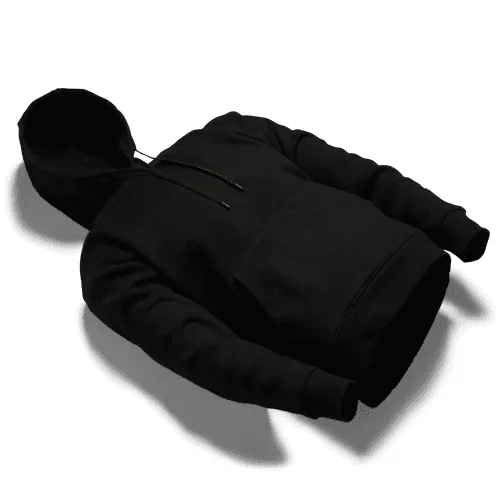
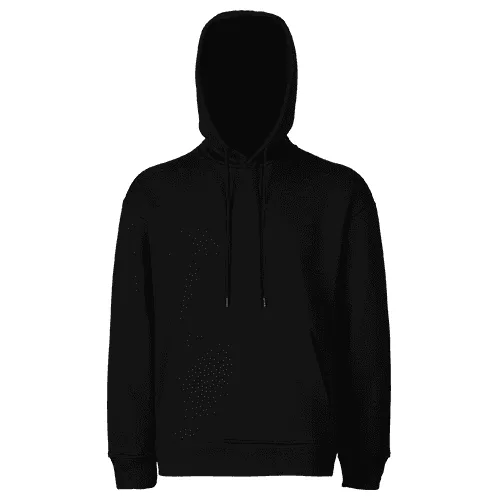
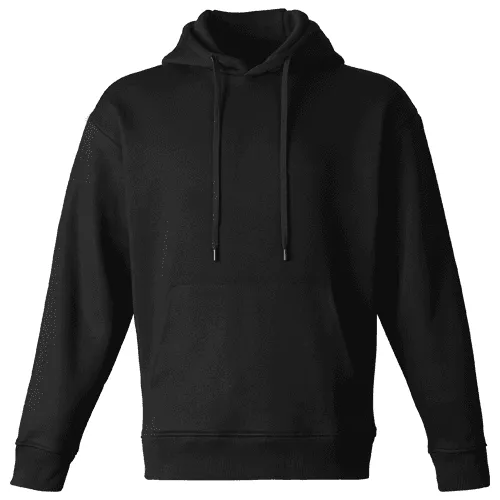
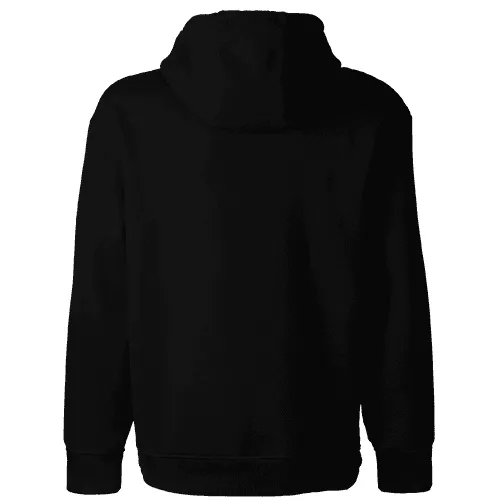
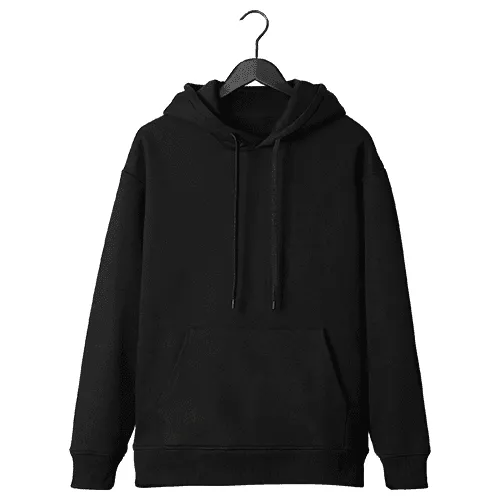
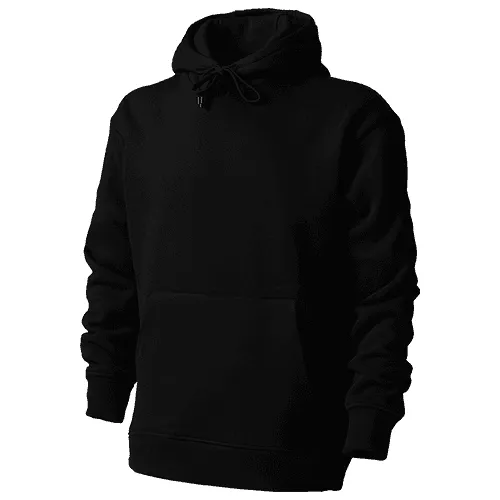
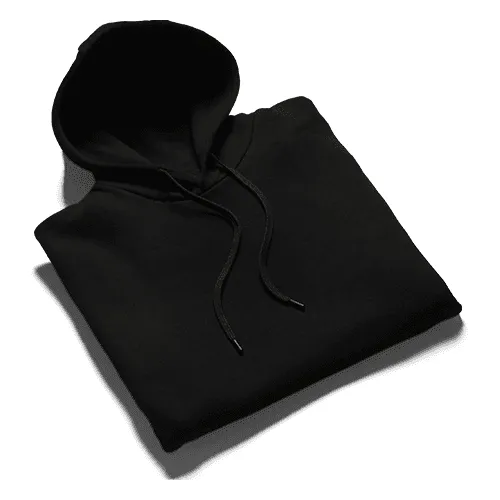
Every great merch drop starts with a mockup that makes the concept impossible to say no to. Black hoodie mockups give your artwork the dark, high-contrast canvas it needs — whether you're pitching a streetwear collection, launching a band tee, or delivering a branded merch deck to a client who expects perfection.
How to use the black hoodie mockup generator?
Choose your black hoodie mockup and open the editor
Browse the full collection, filter by style, angle, or colorway, pick the mockup that matches your concept, and jump straight into the editor.
Place your design on the black hoodie
Upload your graphic, logo, or artwork and watch it land on the hoodie surface instantly — scaled, positioned, and ready for review.
Customize and export
Adjust the background color or scene, fine-tune placement, and export in high resolution — PNG, JPEG, or WEBP for product pages and lookbooks, MP4 or WEBM for video content.
FAQs
What is a black hoodie mockup?
A black hoodie mockup is a pre-made template that lets you place your artwork, logo, or graphic onto a realistic black hoodie and export it as a high-resolution image — without owning a physical garment or hiring a photographer. It's the fastest way to present apparel designs in a polished, print-ready context.
Do I need Photoshop to use a black hoodie mockup?
No. The online editor lets you upload your design and apply it to any black hoodie frame directly in the browser — no Photoshop, no Illustrator, no plugins required.
What file format should I upload for a black hoodie mockup?
For best results, upload your artwork as a high-resolution PNG with a transparent background. This ensures your design sits cleanly on the hoodie without any unwanted white box or background bleed.
Can I use black hoodie mockups for print-on-demand listings?
Yes. Black hoodie mockups are widely used for Printful, Printify, Merch by Amazon, and other print-on-demand platforms — export your finished mockup as a high-resolution PNG and drop it straight into your product listing.
hat styles of black hoodie mockups are available?
The library covers a wide range of black hoodie mockup styles — including pullover, zip-up, oversized, and fitted cuts — across flat lay, ghost mannequin, and model shots at multiple angles.
Are there free black hoodie mockups?
Yes, several black hoodie mockups in the library are free to use with no account required. Premium mockups unlock a wider range of styles, fits, and angles with higher resolution export options.
Still have questions?
We are always here to help. Use the chat in the bottom right corner.