Learn Artboard Studio
Learn Artboard Studio
Explore our tutorials to master the essentials of Artboard Studio, including mockups, animations, and batch design using data tables.
What is Artboard Studio?
Create graphic and motion design, edit videos, automate repetitive design tasks. Artboard Studio is an online all-in-one creative platform with creative AI and automation features.
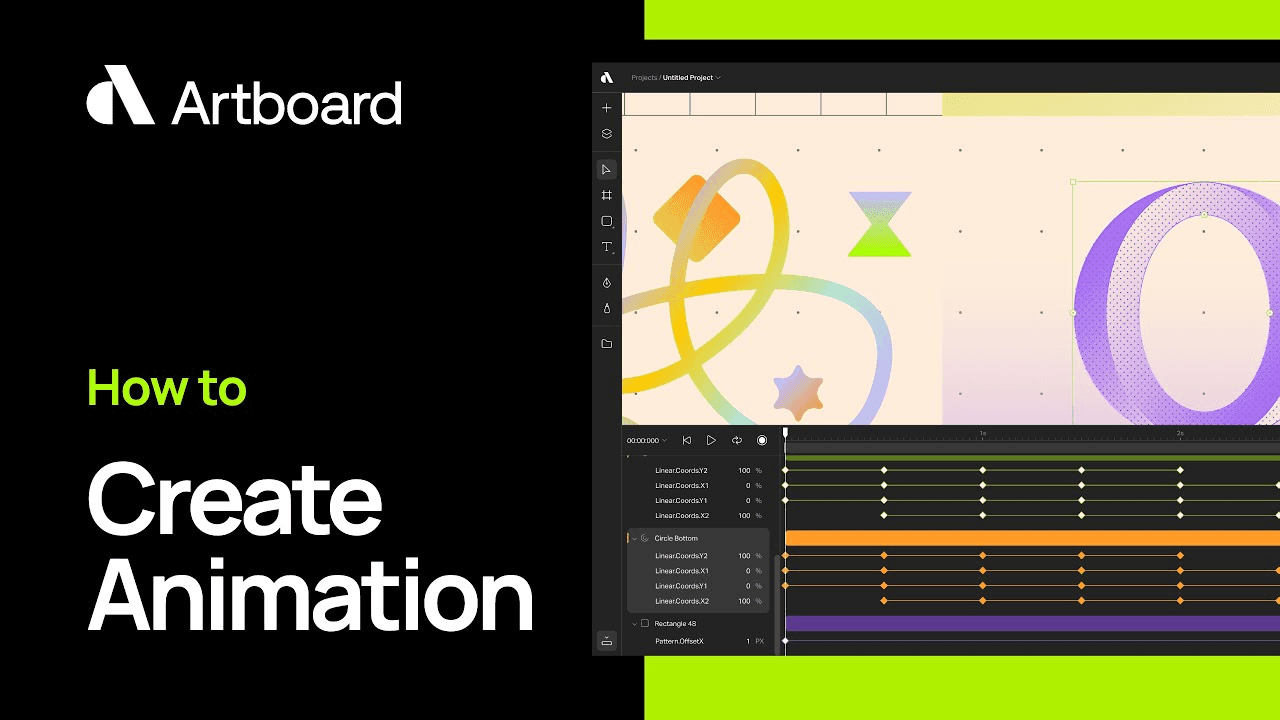
How to create animations?
Learn how animation works in Artboard Studio. Create keyframes and use timeline editor to make amazing motion graphics easily.
How to create mockups in Figma?
Learn how to activate and use Artboard Mockups plugin for Figma. Create amazing mockups for your designs right inside Figma canvas.
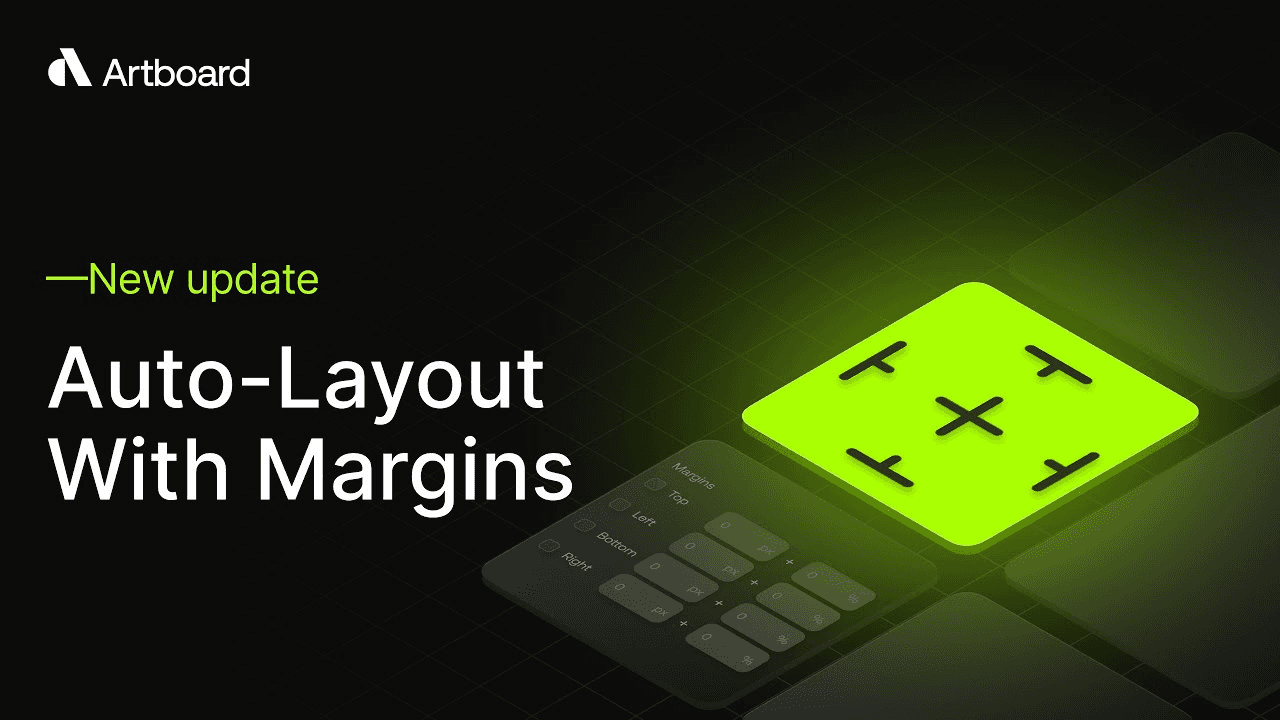
How to create auto layouts?
Create auto layouts to easily resize your designs or videos. Use margins and pin to edge functions to design, and easily repurpose your content for any platform and any size.
Artboard Studio Interface Walkthrough
This quick interface walkthrough will have you navigating the platform like a pro in no time. Learn all user interface elements and experience the creative process.

How to create bulk design with data feed tables?
Use data tables, Google Sheet or Shopify URLs to batch create marketing campaigns or social media content. Design a master template and scale from there with data automatically.
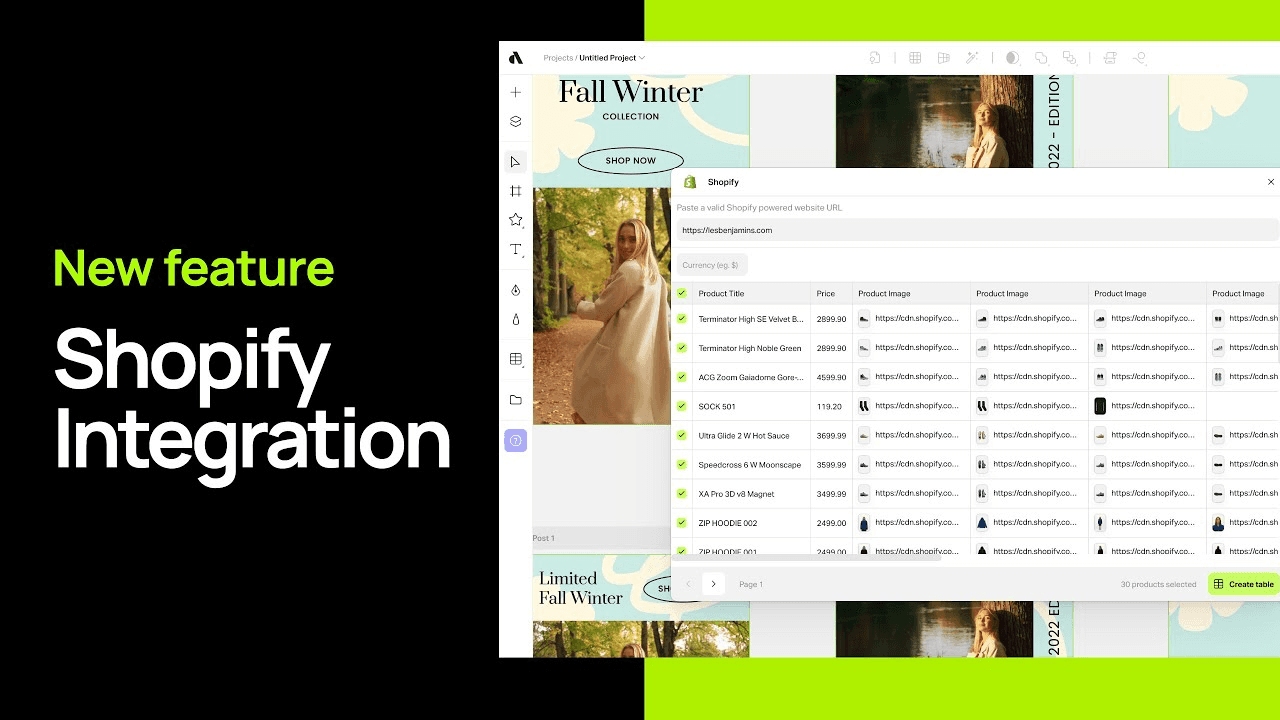
How to integrate Shopify for batch content creation?
Paste your Shopify store URL and easily import all your product data to create ads or social media content. Create a master template and generate hundreds of variations for different products.
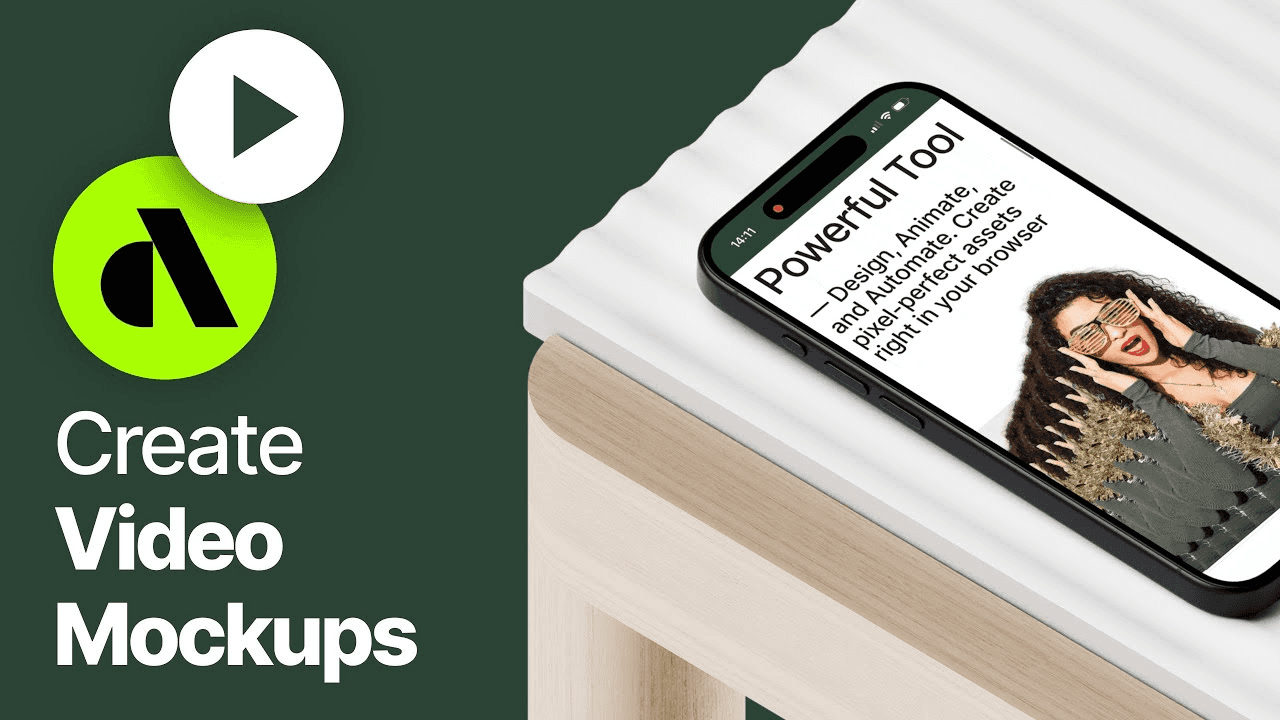
How to create video mockups?
Place your videos on any mockup item. Learn how to import your videos to Artboard Studio to render them on any mockup item by using masking feature.
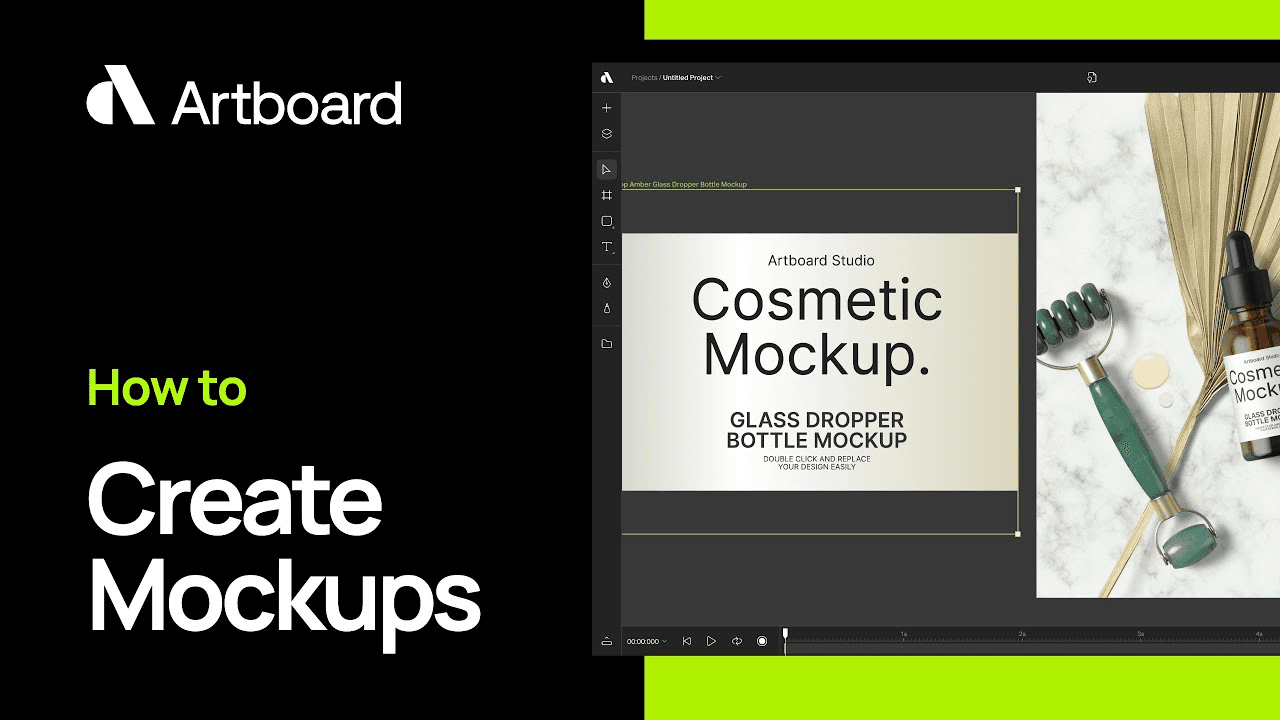
How to edit or create mockups?
Learn how to customize mockup items from our library. Also how to create a fully customizable mockup out of your images with warping, smart objects and more.
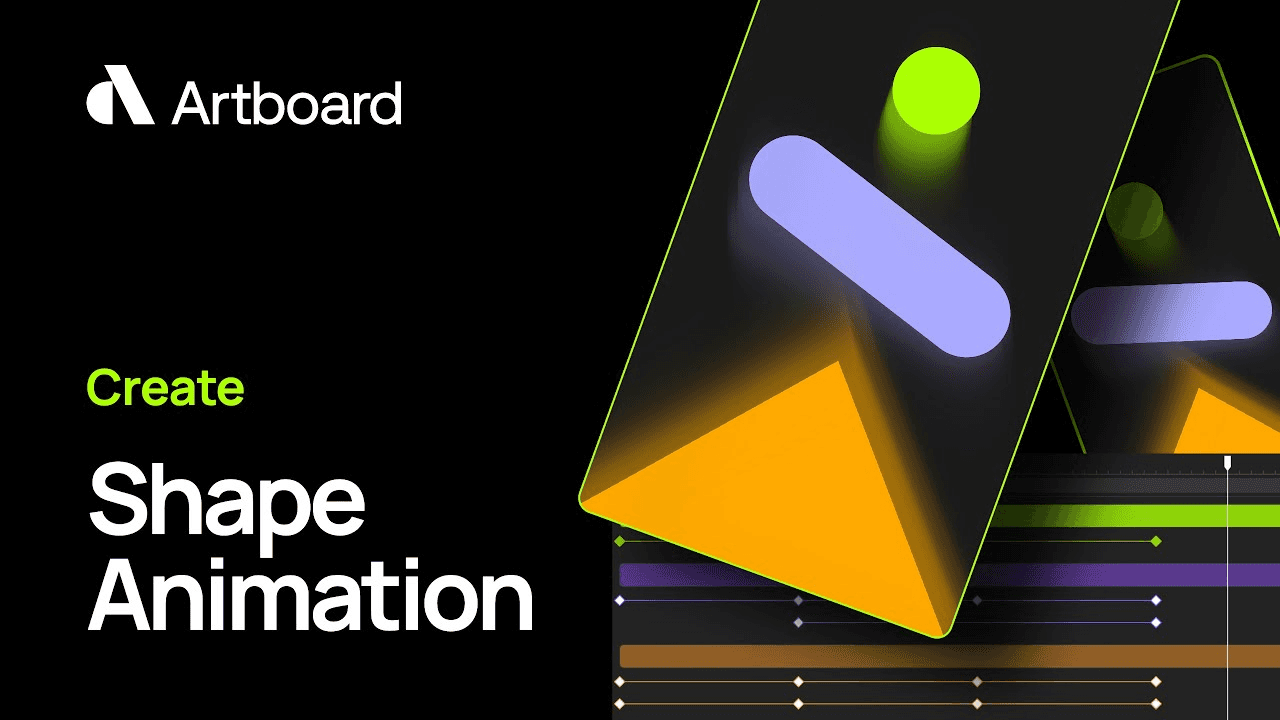
How to create shape animations?
Learn how to create vector shape animations with keyframes, vector shape properties and easing options.
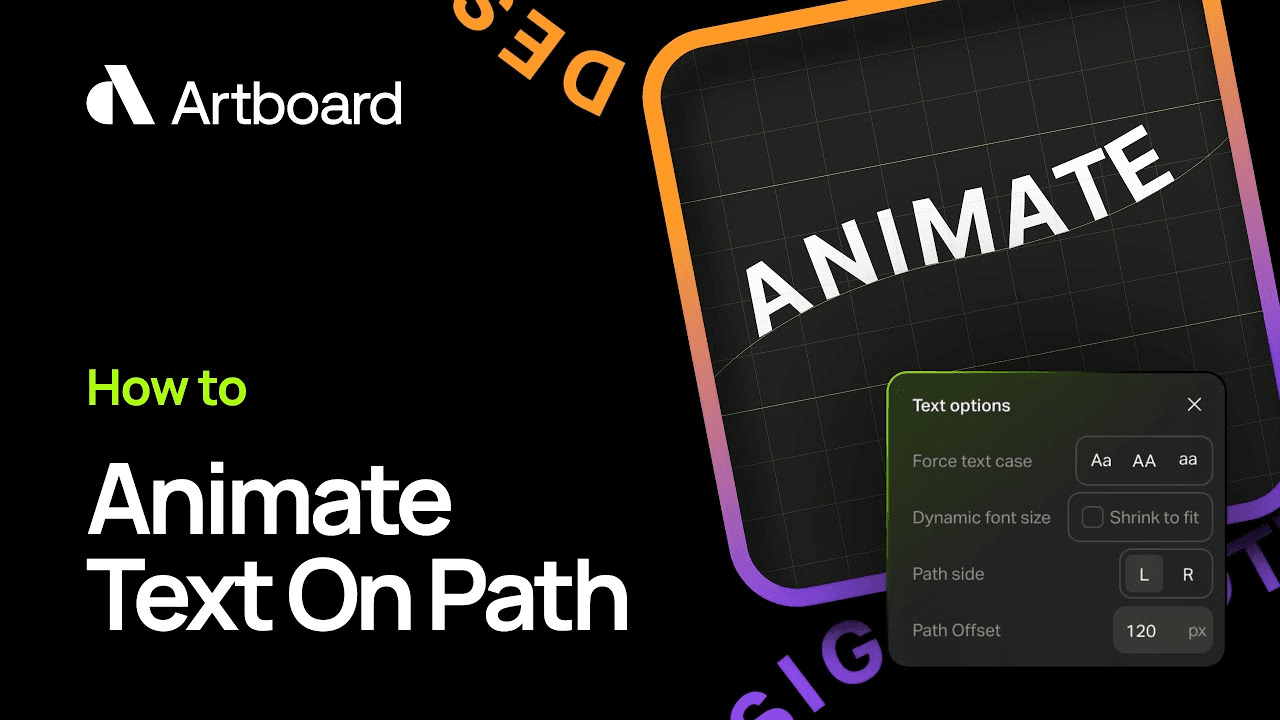
How to animate text on a vector path?
Learn how to create amazing text animations on vector paths. Draw any vector shape, fit any text on it and animate properties to get eye-catching text animations for your designs.
What is Artboard Studio?
Create graphic and motion design, edit videos, automate repetitive design tasks. Artboard Studio is an online all-in-one creative platform with creative AI and automation features.
How to edit or create mockups?
Learn how to customize mockup items from our library. Also how to create a fully customizable mockup out of your images with warping, smart objects and more.
How to create bulk design with data feed tables?
Use data tables, Google Sheet or Shopify URLs to batch create marketing campaigns or social media content. Design a master template and scale from there with data automatically.
How to create mockups in Figma?
Learn how to activate and use Artboard Mockups plugin for Figma. Create amazing mockups for your designs right inside Figma canvas.
How to animate text on a vector path?
Learn how to create amazing text animations on vector paths. Draw any vector shape, fit any text on it and animate properties to get eye-catching text animations for your designs.
How to create video mockups?
Place your videos on any mockup item. Learn how to import your videos to Artboard Studio to render them on any mockup item by using masking feature.
Artboard Studio Interface Walkthrough
This quick interface walkthrough will have you navigating the platform like a pro in no time. Learn all user interface elements and experience the creative process.
How to create animations?
Learn how animation works in Artboard Studio. Create keyframes and use timeline editor to make amazing motion graphics easily.
How to create shape animations?
Learn how to create vector shape animations with keyframes, vector shape properties and easing options.
How to integrate Shopify for batch content creation?
Paste your Shopify store URL and easily import all your product data to create ads or social media content. Create a master template and generate hundreds of variations for different products.
How to create auto layouts?
Create auto layouts to easily resize your designs or videos. Use margins and pin to edge functions to design, and easily repurpose your content for any platform and any size.
What is Artboard Studio?
Create graphic and motion design, edit videos, automate repetitive design tasks. Artboard Studio is an online all-in-one creative platform with creative AI and automation features.
Artboard Studio Interface Walkthrough
This quick interface walkthrough will have you navigating the platform like a pro in no time. Learn all user interface elements and experience the creative process.
How to edit or create mockups?
Learn how to customize mockup items from our library. Also how to create a fully customizable mockup out of your images with warping, smart objects and more.
How to create animations?
Learn how animation works in Artboard Studio. Create keyframes and use timeline editor to make amazing motion graphics easily.
How to create bulk design with data feed tables?
Use data tables, Google Sheet or Shopify URLs to batch create marketing campaigns or social media content. Design a master template and scale from there with data automatically.
How to create shape animations?
Learn how to create vector shape animations with keyframes, vector shape properties and easing options.
How to create mockups in Figma?
Learn how to activate and use Artboard Mockups plugin for Figma. Create amazing mockups for your designs right inside Figma canvas.
How to integrate Shopify for batch content creation?
Paste your Shopify store URL and easily import all your product data to create ads or social media content. Create a master template and generate hundreds of variations for different products.
How to animate text on a vector path?
Learn how to create amazing text animations on vector paths. Draw any vector shape, fit any text on it and animate properties to get eye-catching text animations for your designs.
How to create auto layouts?
Create auto layouts to easily resize your designs or videos. Use margins and pin to edge functions to design, and easily repurpose your content for any platform and any size.
How to create video mockups?
Place your videos on any mockup item. Learn how to import your videos to Artboard Studio to render them on any mockup item by using masking feature.