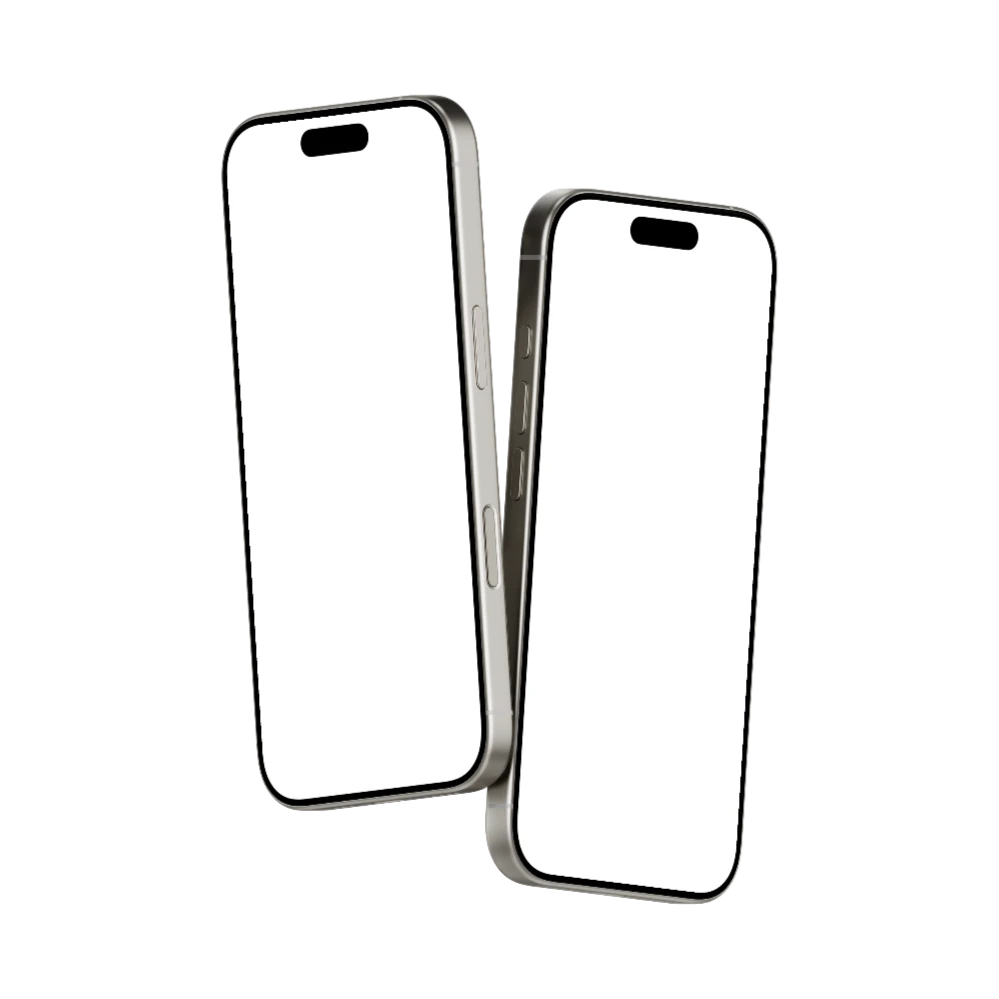









Online iPhone mockup generator to showcase your designs at their best
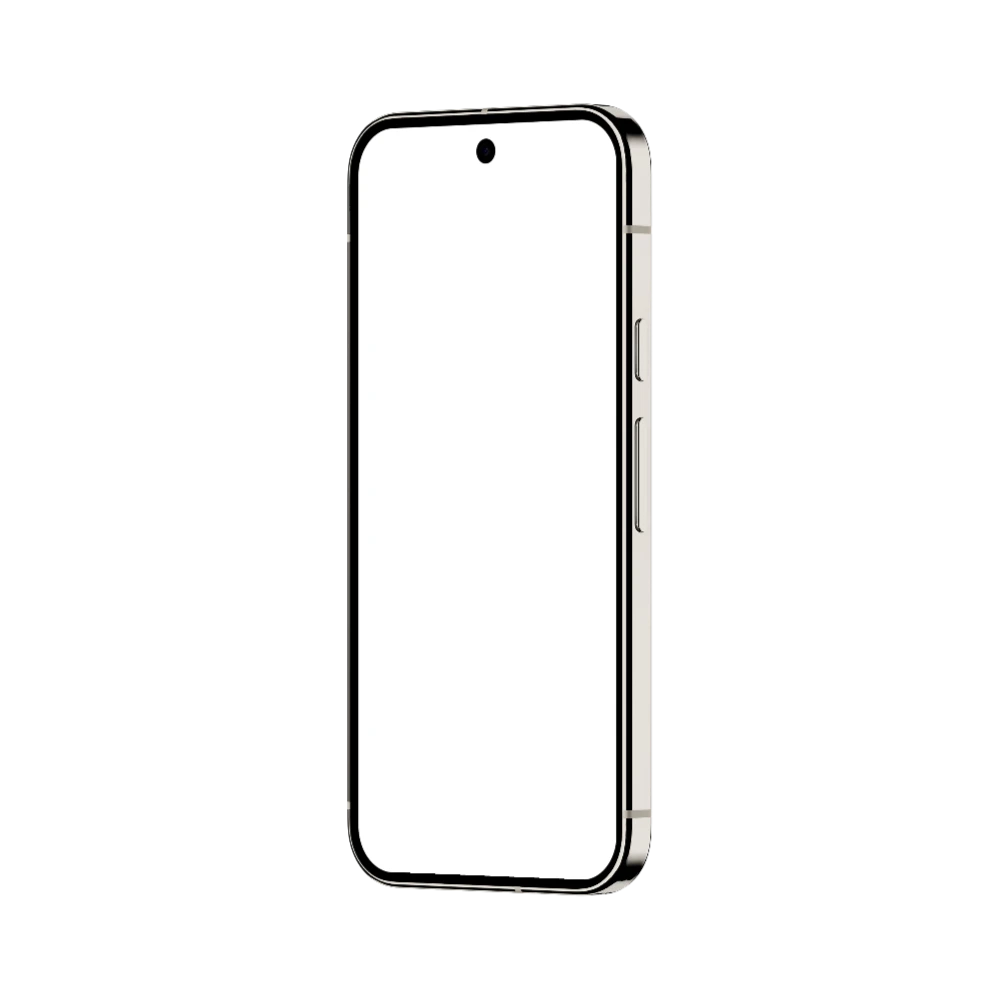
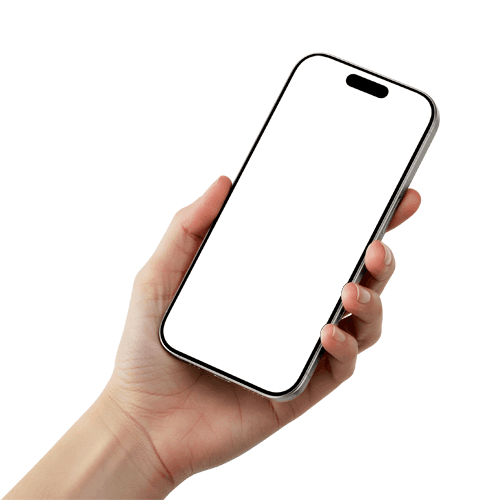
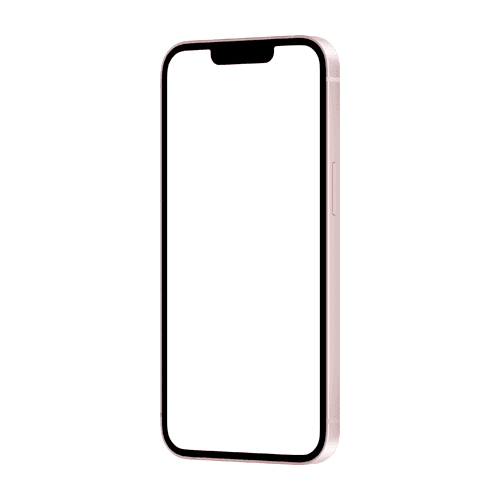
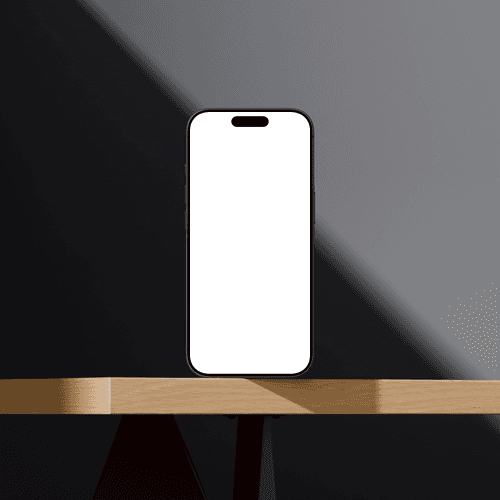
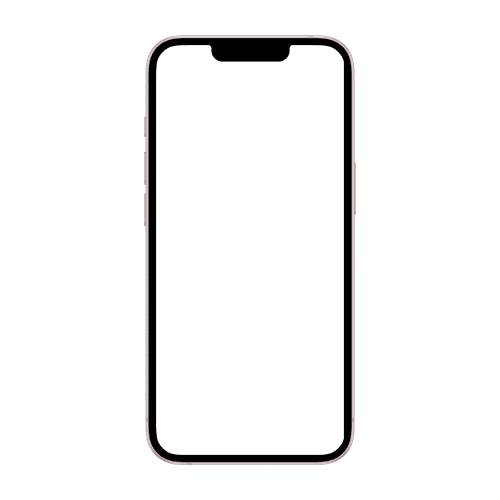
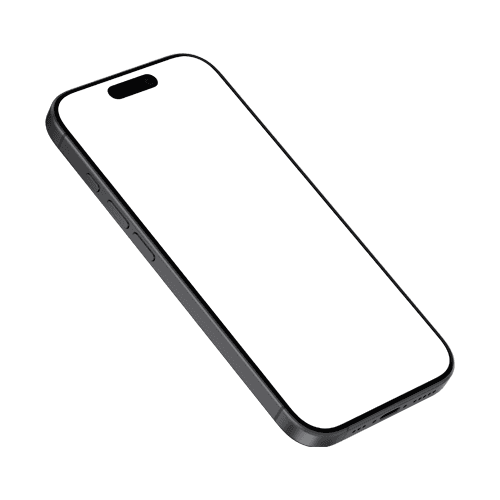
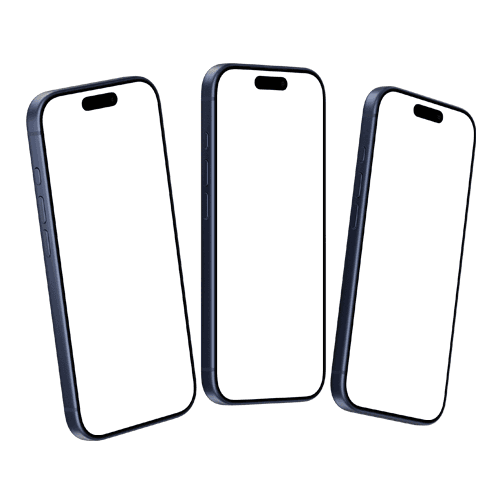
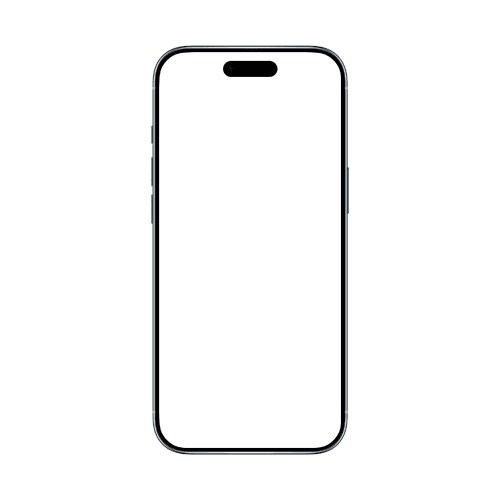
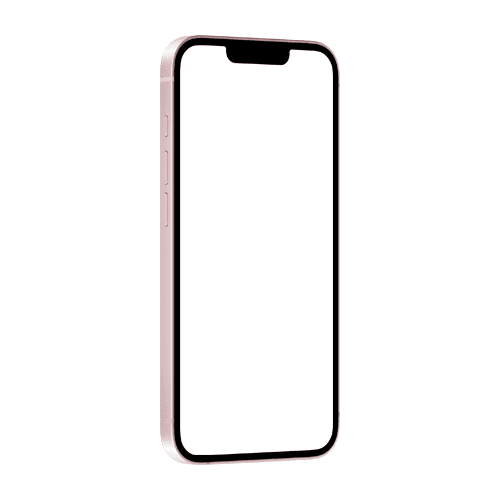
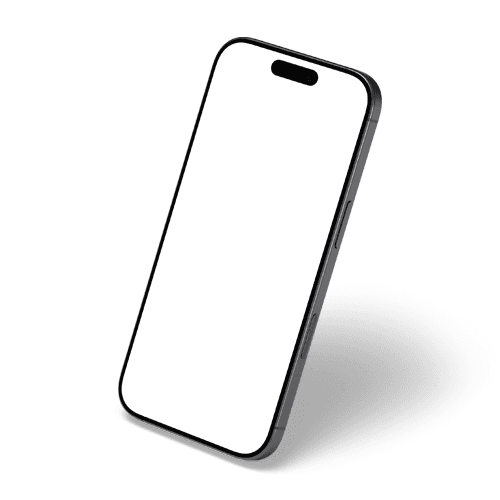
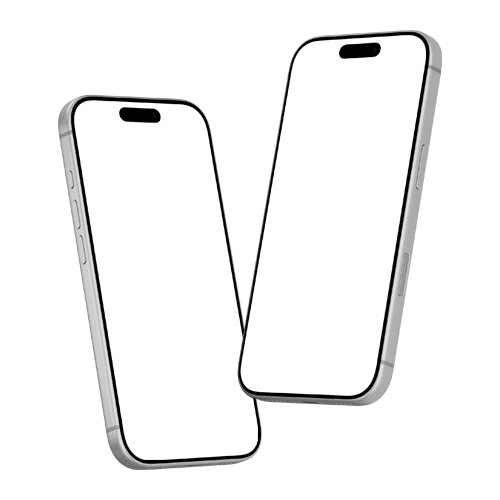
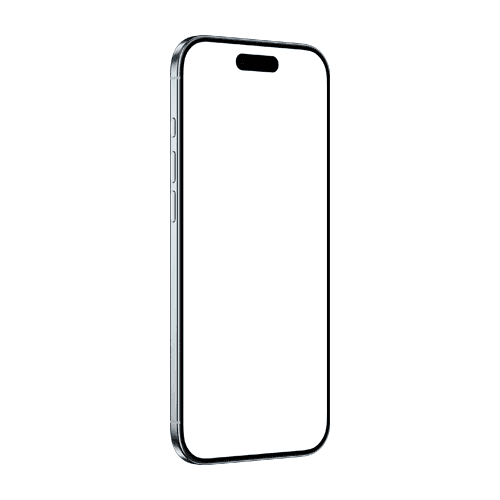
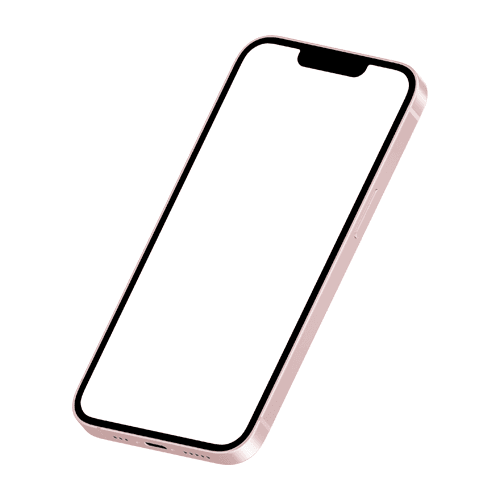
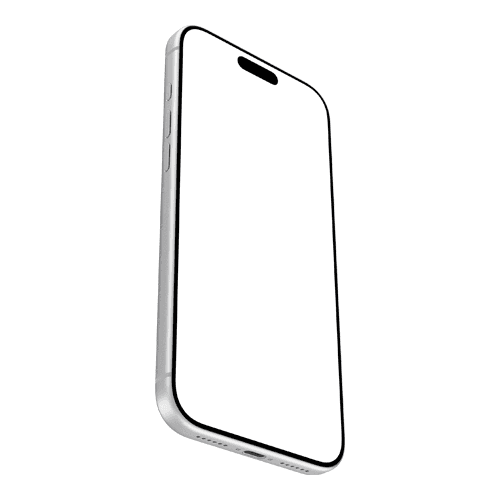
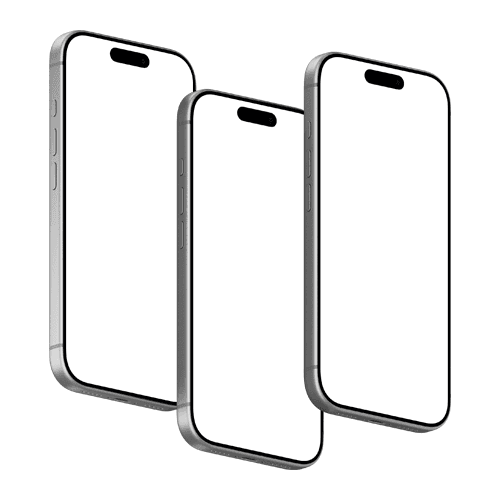
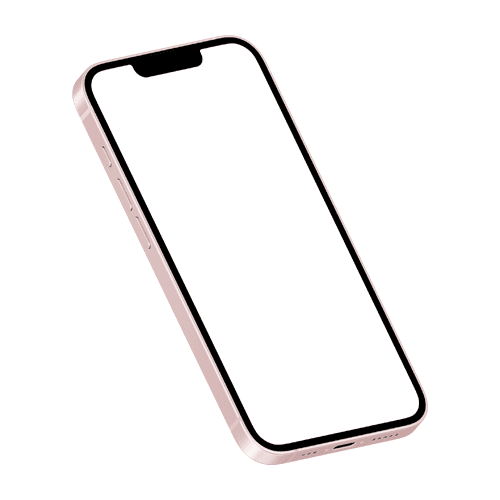
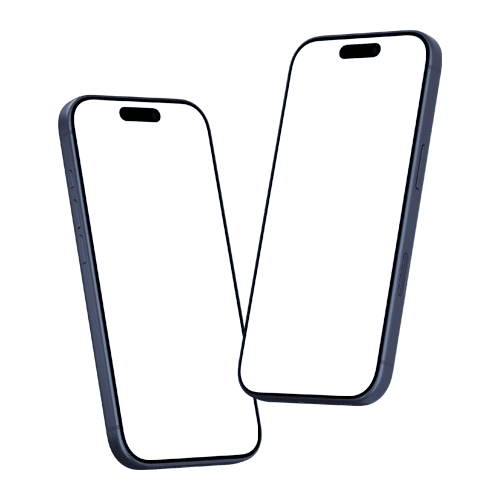
iPhone mockup lets you place a screenshot, app UI, or website design onto a realistic iPhone image, without needing a physical device or a photography setup. Designers and developers use them to create App Store screenshots, present UI concepts to clients, and build marketing visuals for social media, pitch decks, and landing pages. With Artboard Studio you can design high quality iPhone mockups online without Photoshop. Our ever growing library contains latest iPhone models with or without backgrounds.





How to use iPhone mockup generator?
Creating iPhone mockups with Artboard Studio is quick and straightforward:
Select a mockup and open the editor
Choose any iPhone mockup from the page and jump straight into the editor to begin.Add your design
Drop your artwork into the customization artboard next to the mockup. Your design will instantly appear on the device screen in real time, ready for preview and adjustments.Customize and export
Fine-tune your layout or place the mockup into a larger composition if needed. Then head to the export section in the right sidebar, choose your format and resolution, and download your mockup as a high-quality PNG, JPEG, or WEBP.
FAQs
What is an iPhone mockup?
An iPhone mockup is a pre-made image of an iPhone that you can drop your app screenshot or UI design into. It lets you show how your product looks on a real device without needing physical hardware or a photo shoot.
Are these iPhone mockups free?
Artboard Studio offers both free and premium iPhone mockup templates. Free templates are available without a subscription. Premium templates with additional styles, angles, and scene options are available on paid plans.
Can I use these mockups for App Store screenshots?
Yes. These mockups are designed to work with standard iOS screenshot dimensions and are suitable for App Store listings. Export your finished mockup at the required resolution and use it directly in your App Store Connect submission.
Do I need Photoshop to use these mockups?
No. All mockups in this collection work entirely inside the Artboard Studio browser editor. There are no PSD files to download or software to install — just open the template, add your design, and export.
Can I use these mockups for commercial projects?
Yes. All mockups in this collection are licensed for commercial use, including client presentations, paid advertising, and app store submissions. You get commercial license for all mockups once you subscribe to any plan.